













Why You Need a VPN Across Your Devices

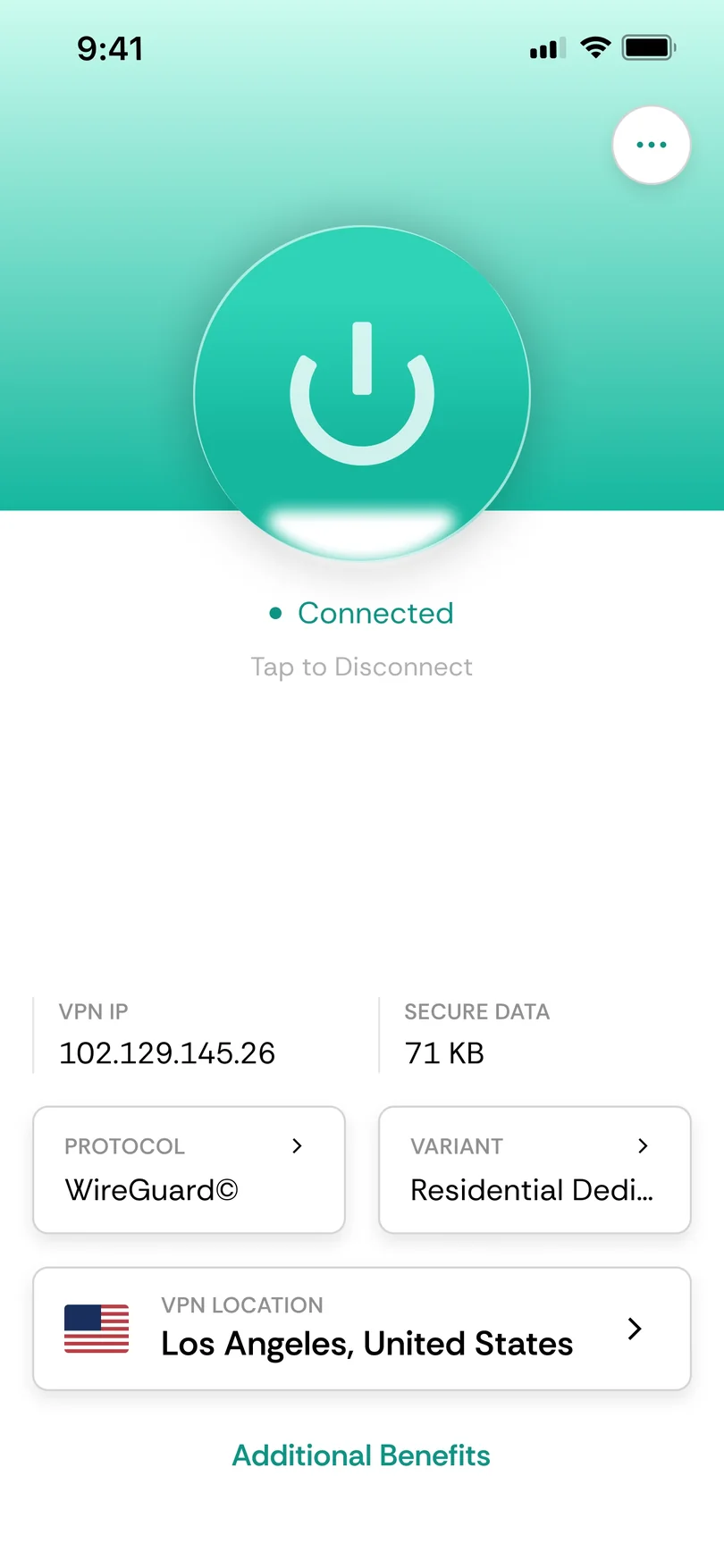
Native App Support
Phones, laptops and most desktop computers can run a VPN app directly, making them the simplest devices to protect. Install CometVPN like any other application, sign in and connect to cover that device's internet traffic.
No Native App
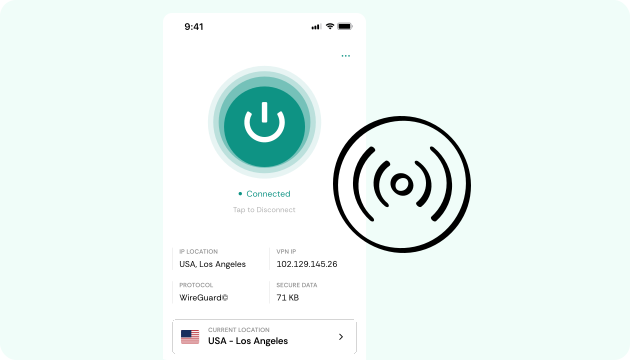
Some smart TVs, older streaming devices and consoles cannot install a VPN application at all. Searching for another client will not change that limitation. In those cases, protecting the connection at router level can cover the device upstream instead.

Multiple Devices
A typical household does not rely on just one screen. Phones, laptops, tablets and televisions may all need VPN coverage, sometimes at the same time. Using one subscription across your setup keeps protection consistent instead of managing separate services for each device.

Technical Setups
Servers, NAS systems and other self-hosted environments do not always need or support a graphical VPN app. They can instead use configuration files with their existing networking tools, giving more technical users another way to establish the VPN connection.

Different Setup Types
The right instructions depend on what your device actually supports. Some install an app, others need router-level coverage, while technical systems may use configuration files. Identifying that category first helps you avoid following a setup guide that does not apply.
CometVPN Features Across Devices
Native VPN Apps
For devices that support a standard application, CometVPN provides a straightforward native-app experience. Install the appropriate client, sign in and manage your VPN connection directly from the device.
Router Support
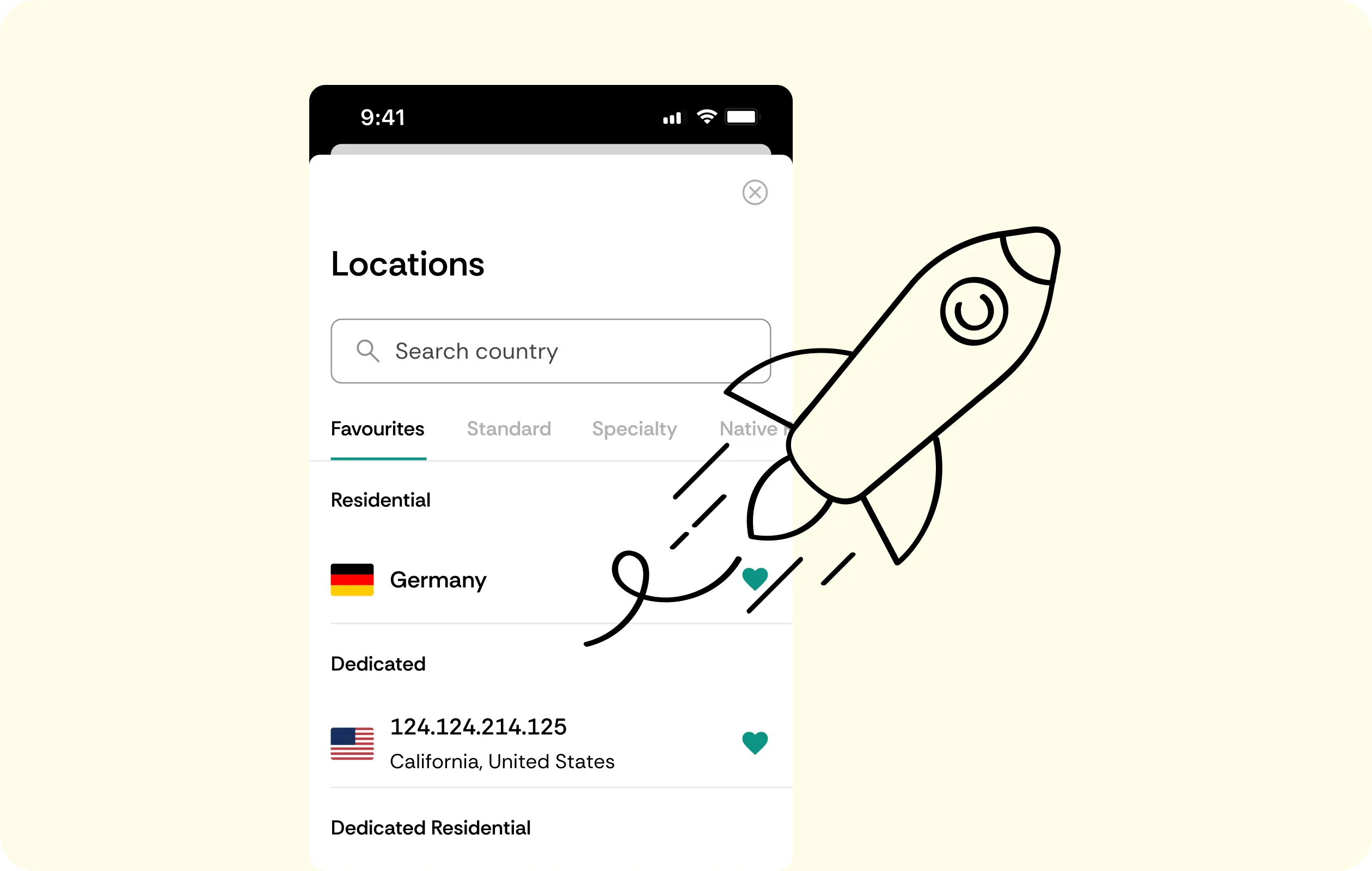
Devices without native VPN support can still sit behind a protected network connection. Configuring VPN coverage at the router means compatible devices behind that router use the protected connection without needing their own VPN app.
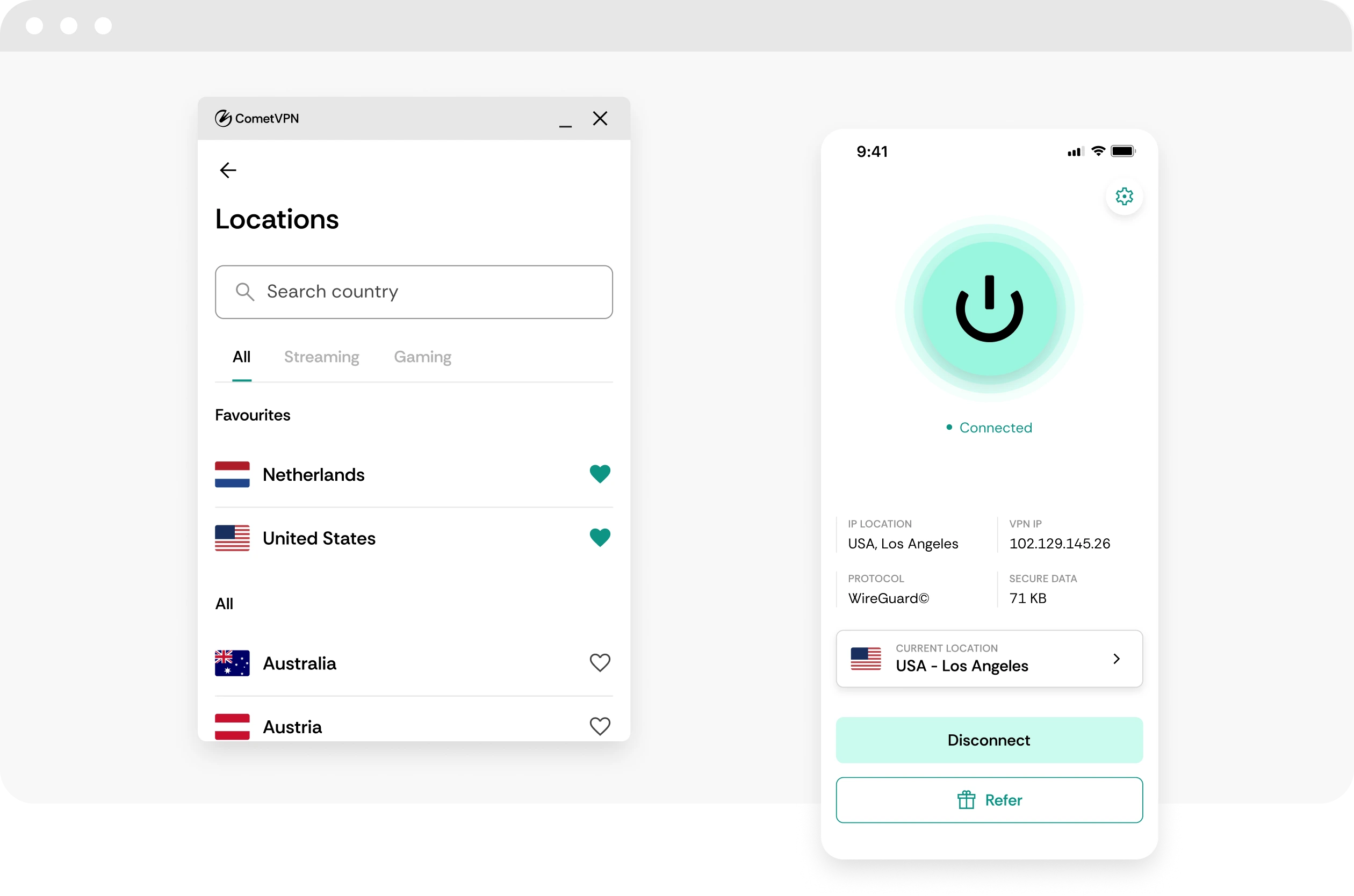
Multi-Device Coverage
A household can include several different device types in daily use. CometVPN is designed to cover multiple devices under one subscription, so you do not need a separate VPN plan for every screen.
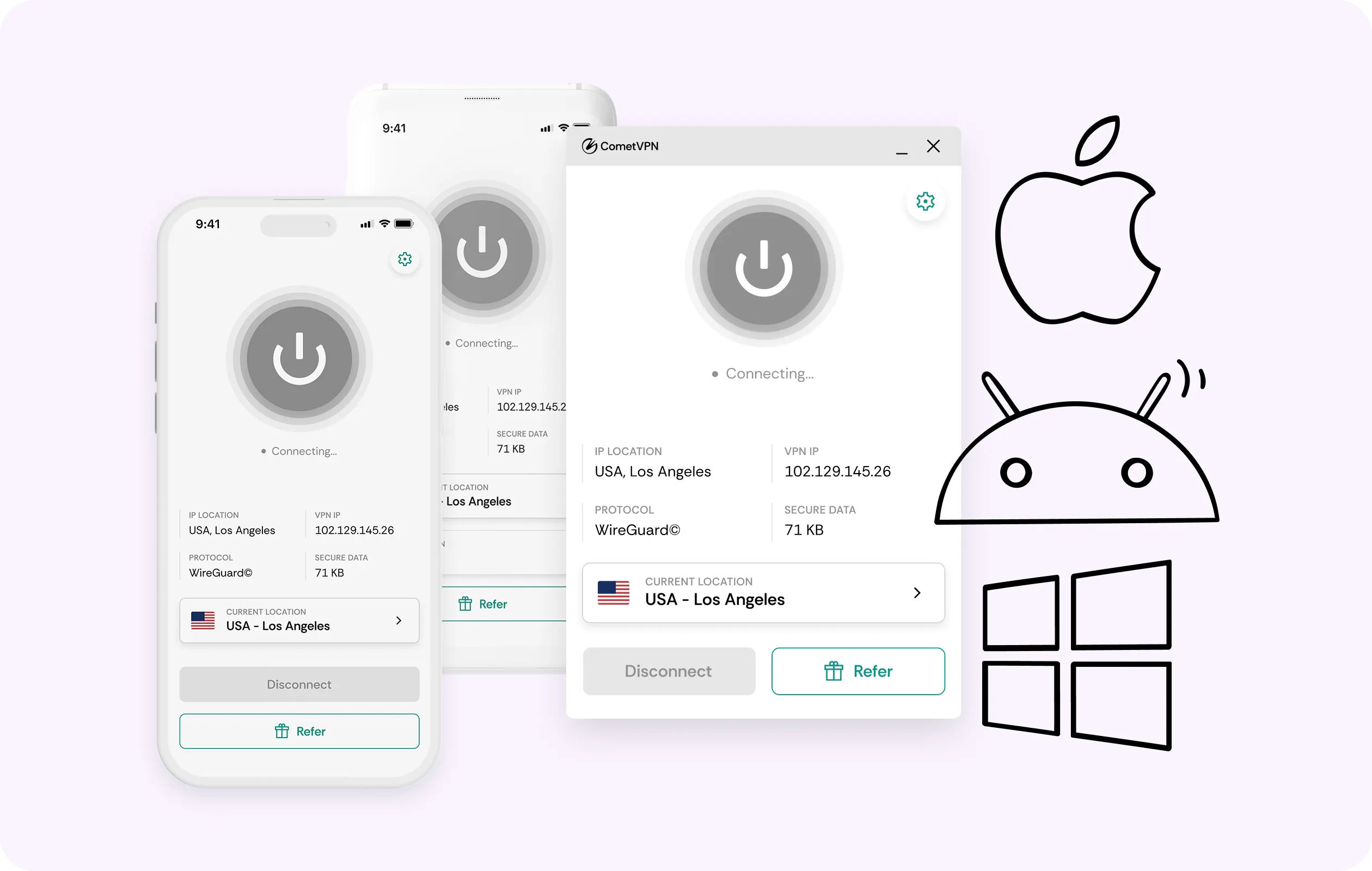
Configuration Files
Servers and technical environments often work better without a graphical client. CometVPN configuration files let you set up supported systems through their own networking tools instead of installing a conventional desktop application.
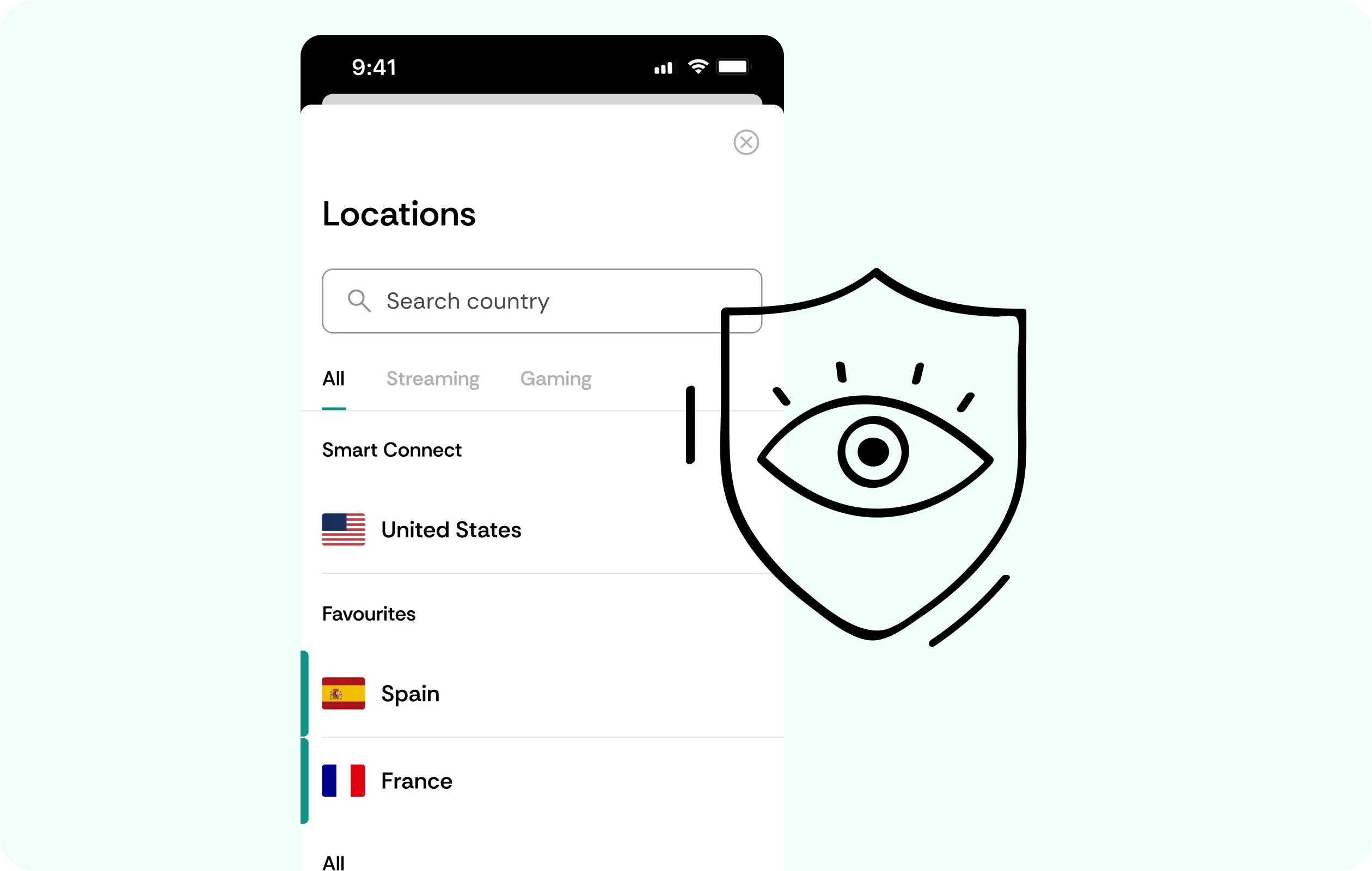
Kill Switch
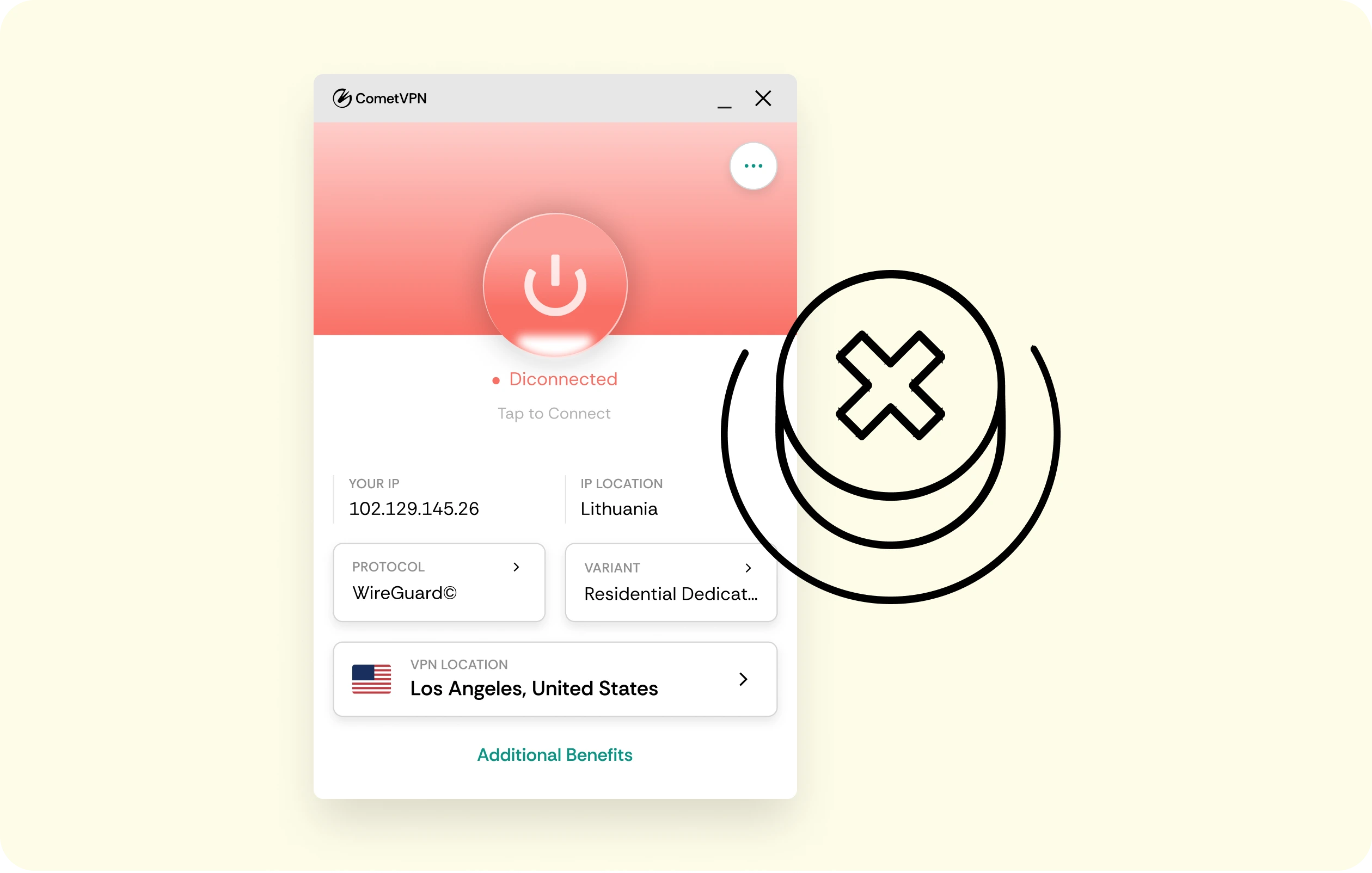
On devices where CometVPN is running directly, a dropped tunnel should not quietly expose regular traffic. The kill switch holds the connection rather than falling back to an unprotected route.
Why Multi-Device Households Trust CometVPN
-
 Lauren Bennett
 Good VPN for bypassing social media censorship in Turkey.
-
 Amelia Cross
 I have been travelling a lot for the past few years, and as a rule - CometVPN is always on. It helps me to stay engaged with the news from my home country and I feel much safer knowing that my internet traffic is hidden.
-
 Marcus Holloway
 I just wanted privacy, so this was the perfect choice for me - I wasn’t forced to buy overpriced features, simple for everyday use. The only drawback is that sometimes the interface is not very intuitive, but their consultants have been very helpful for this.
-
 Samuel Whitaker
 CometVPN, although a bit limited in features, worked reliably. Truly a solid choice as I couldn’t find anything more affordable that also works for what VPN is supposed to do.
-
 Ethan Caldwell
 As a Canadian, I was frustrated by not being able to watch U.S. Netflix content, until I found CometVPN. I realized that with their servers, I could bypass restrictions easily and enjoy unlimited streaming.
How to Use CometVPN Across Your Devices
Get CometVPN subscription
Join our VPN service by choosing any of the plans available on our pricing page
Download our VPN software
Get our CometVPN app for Apple, Android, or Windows and install it on your device
Enable VPN protection
Find your device's setup guide, then follow the instructions for that device.
Frequently Asked Questions
How Do I Know If My Device Supports a VPN App?
Phones, laptops and most computers usually support a VPN app directly, while some TVs and streaming devices do not. Check the relevant device guide before starting your setup.
What If My Device Has No VPN App?
Use router-level VPN coverage when a device cannot install an app itself. The router connection can protect compatible devices connected behind it without individual VPN clients.
How Many Devices Can I Use With One Subscription?
CometVPN supports multi-device use, but the exact current limit should be checked before purchase. Consider how many phones, computers and other devices your household uses simultaneously.
Can I Use a VPN on a Server or NAS?
Yes, supported technical setups can generally use VPN configuration files instead of a graphical app. Follow the relevant technical guide for the exact configuration required.
Why Not Use a Free VPN Across Multiple Devices?
Free VPN plans often place tighter restrictions on simultaneous or supported devices. That becomes inconvenient quickly when one household needs VPN coverage across several different screens.