





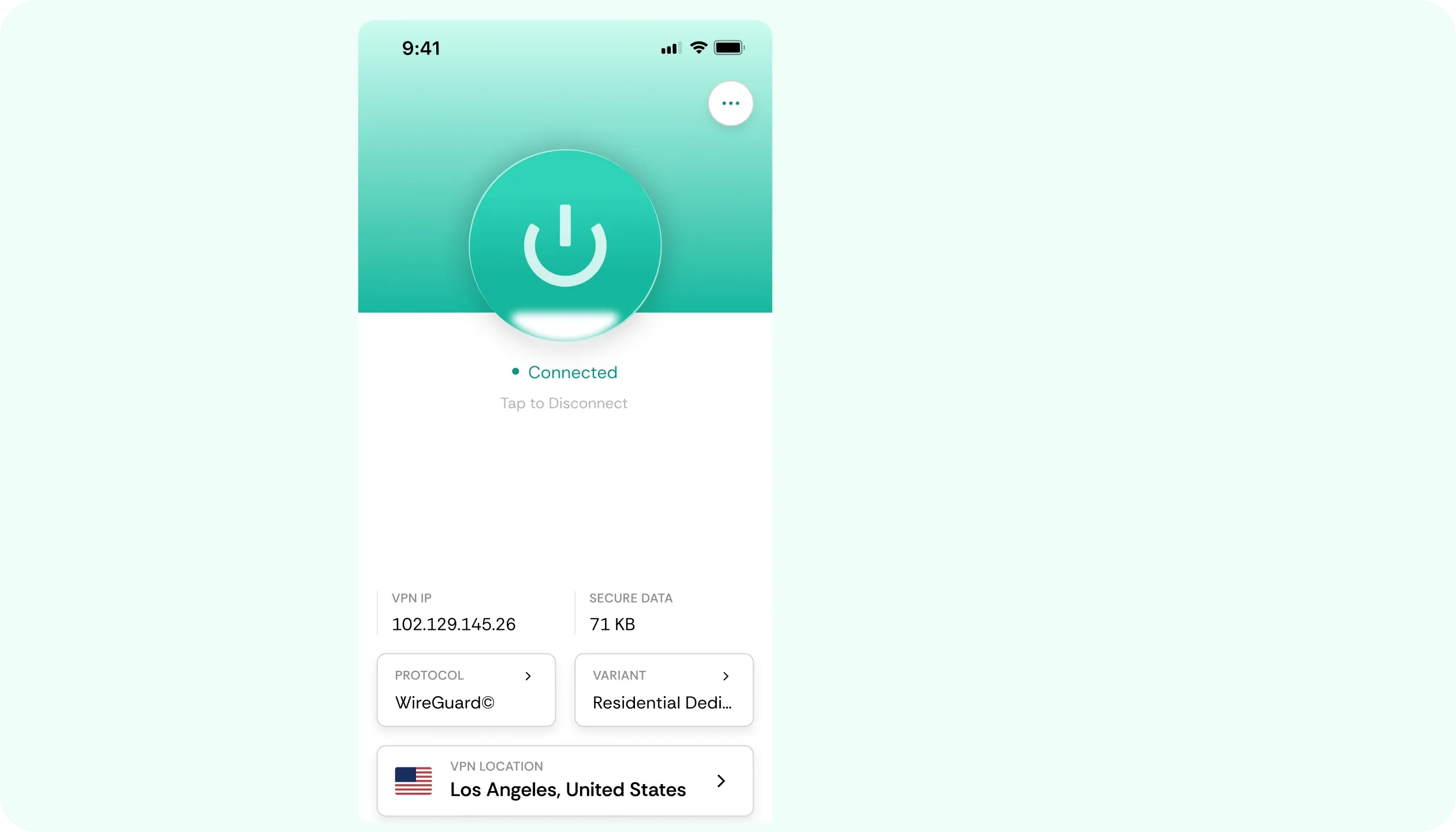

Why You Need a VPN for Deco Mesh

Single Setup
Installing a VPN on every device you own is tedious, and the risk of missing a single device is always there. On a supported mesh setup, a single CometVPN installation on the main unit can cover every node and every device that connects.

Router Mode First
Our VPN for Deco Mesh client on these systems is only operational when the mesh runs in full router mode, not as an extension of another router. This is why you should check that mode first. It is the deciding factor in whether router-level protection activates.

Passthrough Fallback
Older or cheaper units without a built-in VPN client still pass through each device’s own VPN connection. Run the Deco Mesh VPN app on the devices you care about, and check your model’s category to see which route applies. Either one keeps your traffic encrypted.

Home Login Security
Whether it’s someone on their laptop checking email or paying a bill over the phone, data travels through the same home Wi-Fi. Encryption at the network level is a must-have in the best VPN for Deco Mesh. It covers traffic for every device at once.
CometVPN Features for Deco Mesh Users
Router-Level Setup
A VPN for TP-Link Deco systems starts with the main unit. In router mode on a supported device, only a single client setup is needed. If that’s taken care of, every device and node behind follows suit.
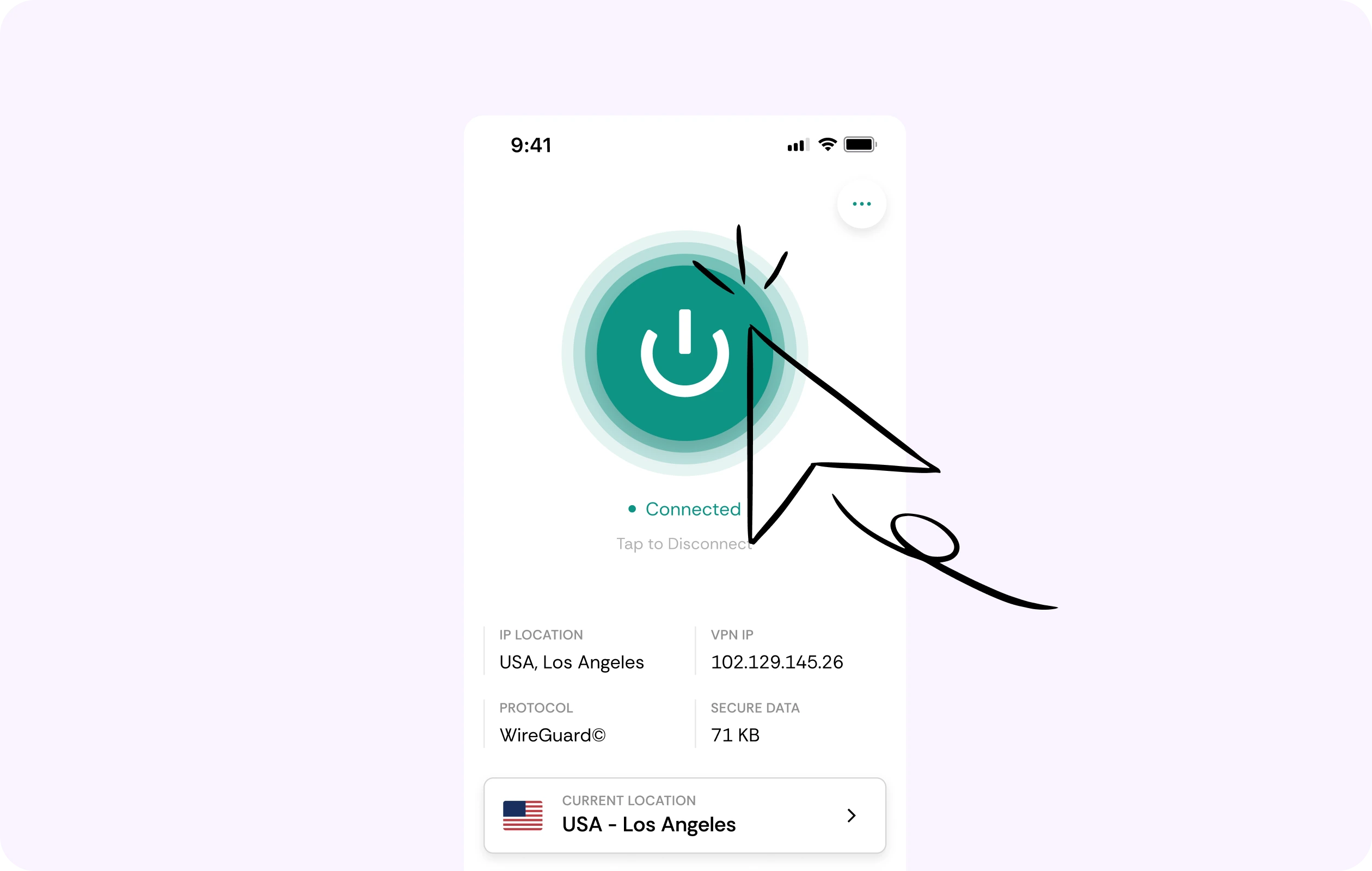
Fast WireGuard Speeds
Everyone on the mesh network expects streaming and browsing without noticeable slowdown. Where your model supports WireGuard, overhead stays low, so movie night and video calls stay smooth and stable 24/7.
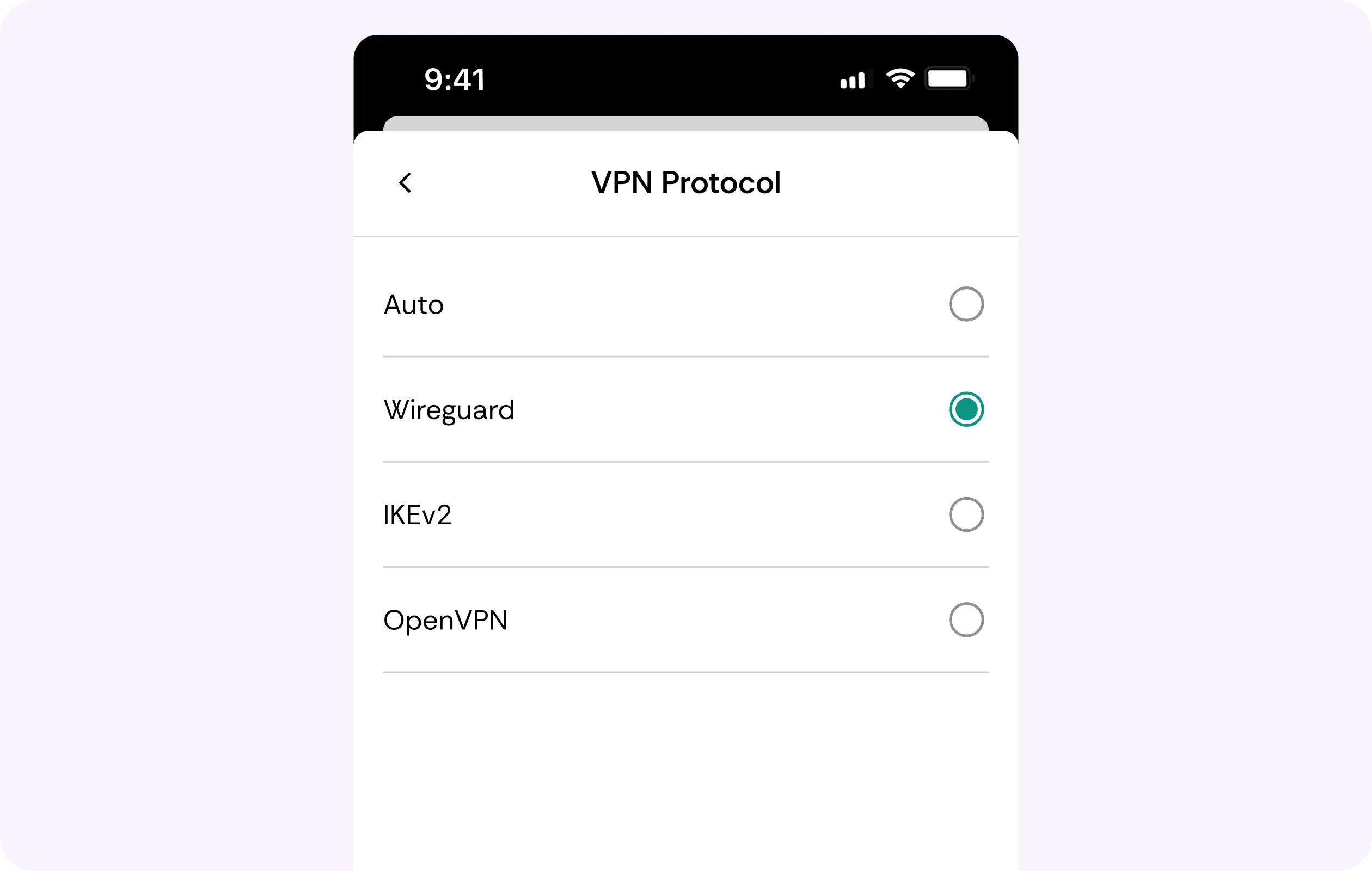
No-Logs Policy
The laptop, the tablet, and the smart TV all browse under one no-logs policy. We keep zero data on your browsing patterns, ensuring that every user’s data remains truly theirs.
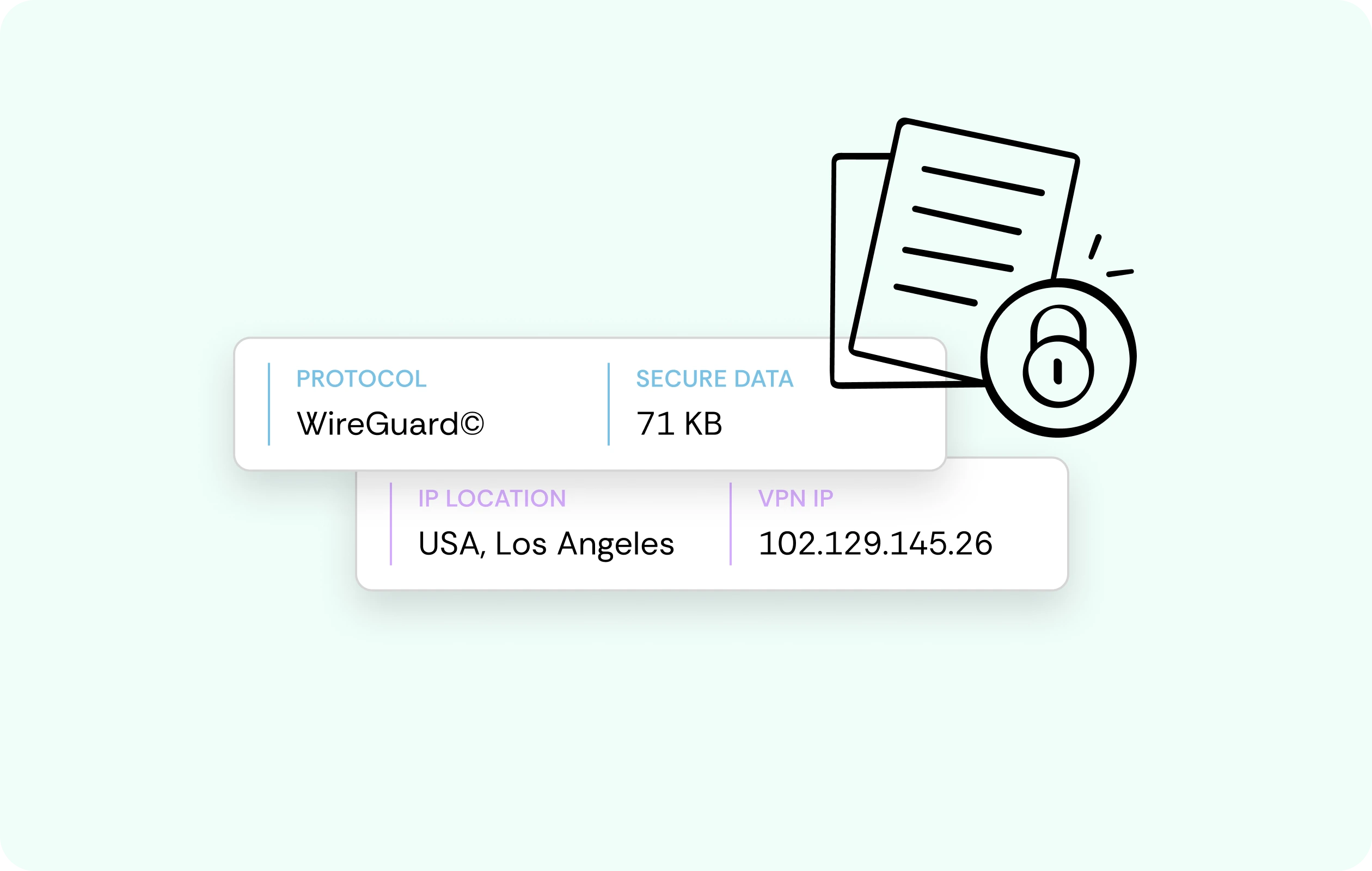
AES-256 Encryption
Whether it’s a banking app login or an online checkout, payment information still travels over home Wi-Fi. Our service puts every login, payment, and other input in an encrypted tunnel, applicable to every device on the mesh.
Kill Switch
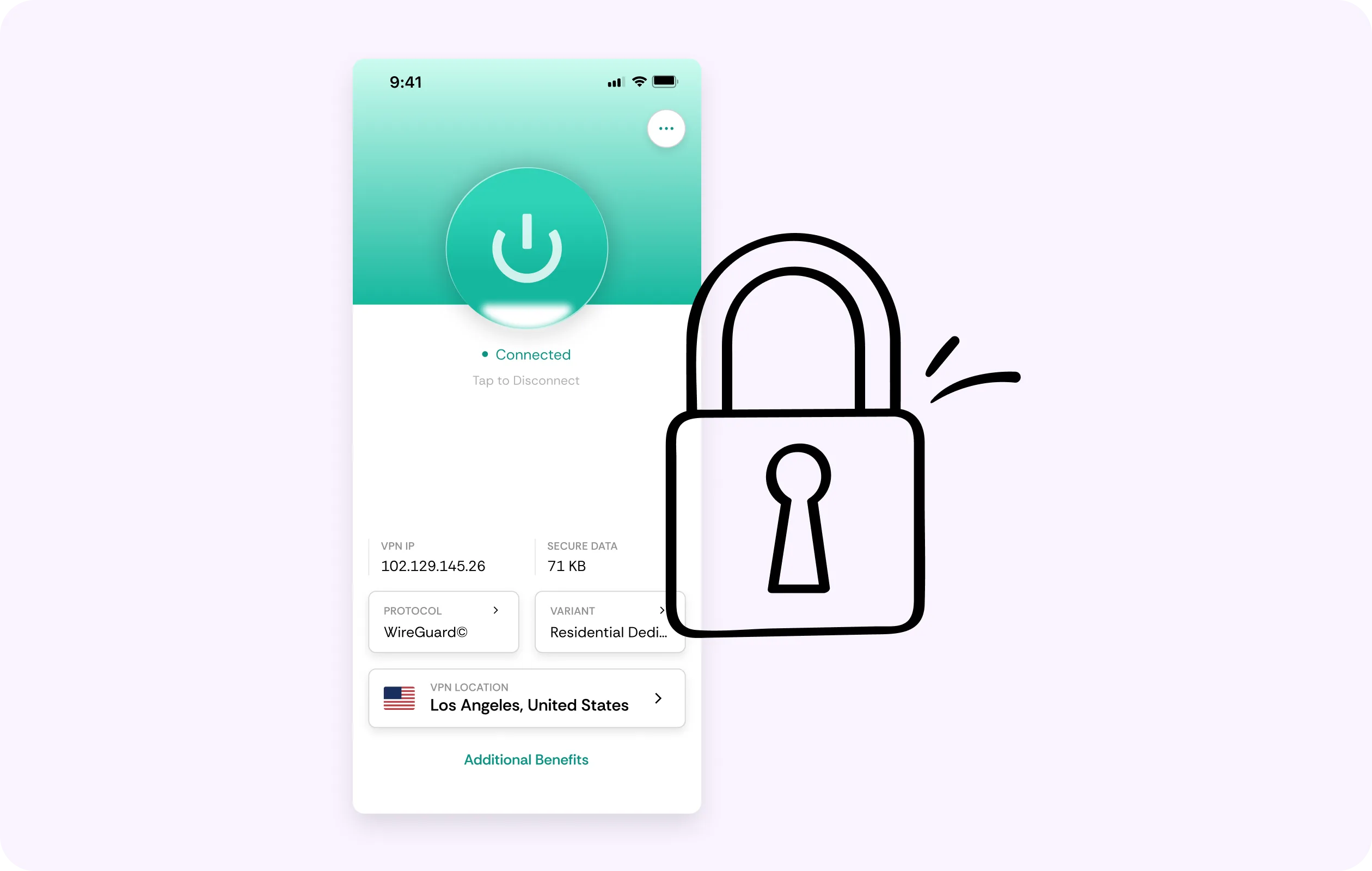
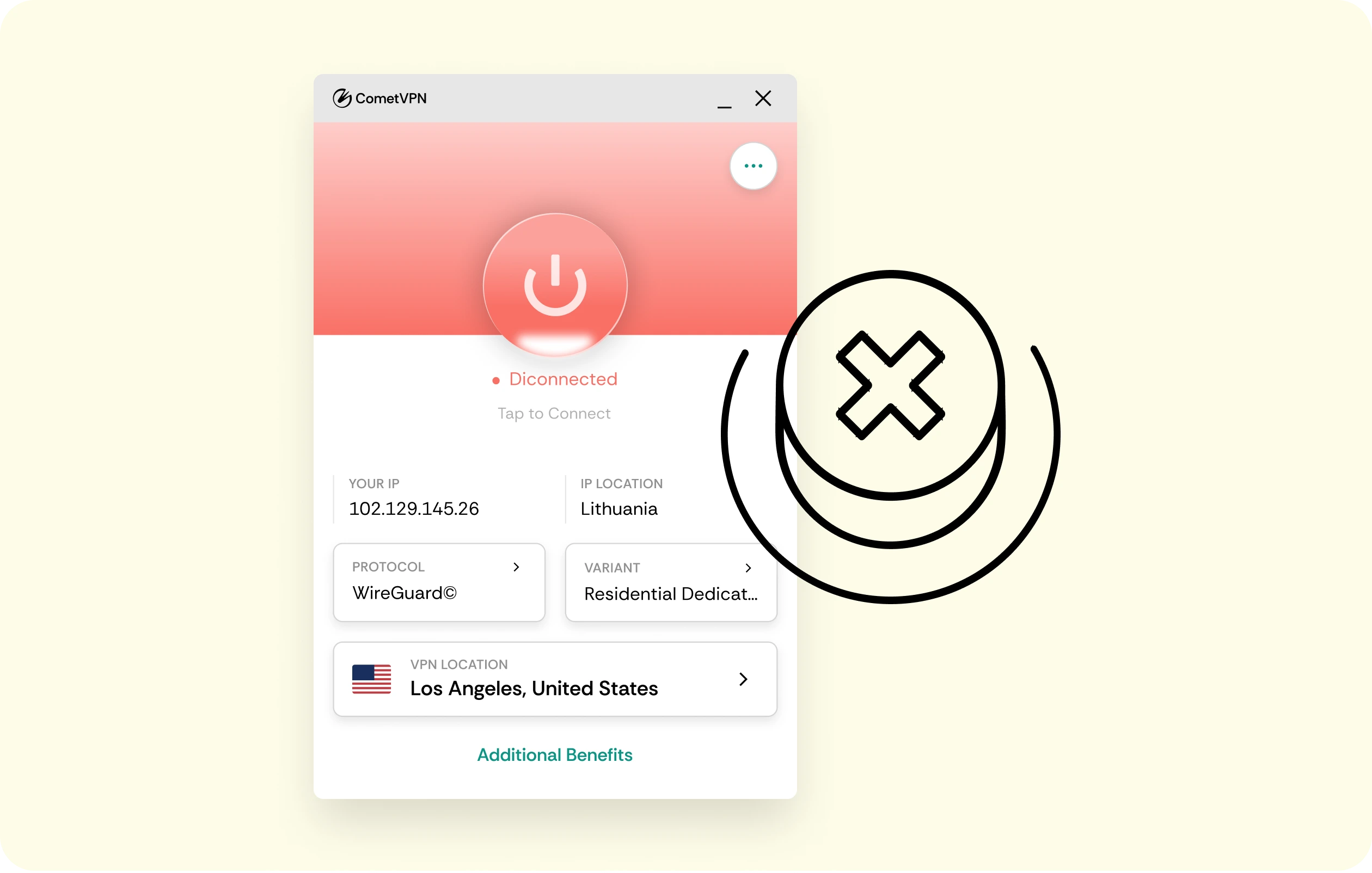
In cases where the VPN connection drops, traffic is stopped instantly instead of being allowed to fall back to an open connection. The kill switch is responsible for holding every connected device behind the router.
Why Deco Mesh Owners Trust CometVPN
-
 Lauren Bennett
Good VPN for bypassing social media censorship in Turkey.
-
 Amelia Cross
I have been travelling a lot for the past few years, and as a rule - CometVPN is always on. It helps me to stay engaged with the news from my home country and I feel much safer knowing that my internet traffic is hidden.
-
 Marcus Holloway
I just wanted privacy, so this was the perfect choice for me - I wasn’t forced to buy overpriced features, simple for everyday use. The only drawback is that sometimes the interface is not very intuitive, but their consultants have been very helpful for this.
-
 Samuel Whitaker
CometVPN, although a bit limited in features, worked reliably. Truly a solid choice as I couldn’t find anything more affordable that also works for what VPN is supposed to do.
-
 Ethan Caldwell
As a Canadian, I was frustrated by not being able to watch U.S. Netflix content, until I found CometVPN. I realized that with their servers, I could bypass restrictions easily and enjoy unlimited streaming.
How to Use CometVPN with Deco Mesh
Get CometVPN subscription
Join our VPN service by choosing any of the plans available on our pricing page
Download our VPN software
Get our CometVPN app for Apple, Android, or Windows and install it on your device
Enable VPN protection
Confirm router mode, add the VPN client on the main unit, then connect.
Frequently Asked Questions
Does Every Deco Model Have a Built-In VPN Client?
No, only select models do. For the feature to work, it needs router (not access point) mode. Check your router model specs before planning a whole setup with a Deco Mesh VPN.
What Can I Do If My Deco Lacks VPN Support?
Use passthrough. Then, each device runs its own VPN app through the network. While you lose whole-mesh coverage from one place, every connected device remains protected.
Does a VPN on the Main Unit Cover Every Node?
Yes, once set up on the main unit in router mode, it’s an automatic extension of the protection across every connected node. This way, our VPN for Deco Mesh covers each device.
Will a VPN Slow Down My Mesh Network?
A little amount of overhead is added, like with any VPN. However, where your model supports lightweight WireGuard, the impact is unnoticeable in everyday use, and streaming stays smooth.
Why Not Use a Free VPN for a Whole-Home Mesh?
The best VPN for Deco Mesh isn't free. Most free services earn money through the sale of their clients’ data to 3rd parties. We’re all about closing that gap.