







Why You Need a VPN on Fedora

Built Elsewhere
Commercial clients are usually packaged for the other major family first. Thus, a download page offers little in most cases. CometVPN skips the installer because WireGuard and OpenVPN configuration files work with the networking tools Fedora already ships, making our Fedora VPN agile and flexible.

Security Stays On
Badly packaged software trips mandatory access control, telling you to switch it off. A config file is plain text, which is read by tools currently under the system’s policy. No CometVPN installer will ask to weaken anything, keeping security in place.

Two Connection Routes
You can run both the standard VPN and a dedicated residential IP from config files with the system’s proprietary tools. Native Residential works through a proxy manager instead, so the admin and config manager can choose the route that suits the machine and what runs on it.

Plain Text Setup
A tunnel defined in a configuration file fits how you already work. It can be near the dotfiles, move between machines, and be read before being run. There’s no CometVPN VPN for Fedora client to audit, update, or trust with root.

Six-Month Upgrades
A release cycle this quick changes the base system twice every year. This could break 3rd-party software tied to older libraries. With no CometVPN client to rebuild, the Fedora VPN setup rides on WireGuard or OpenVPN as Fedora updates them itself.
CometVPN Features on Fedora
Configuration Files
Download WireGuard or OpenVPN config files for Standard VPN or Dedicated Residential IP, and import them with the system’s proprietary networking tools. That's a Fedora WireGuard VPN with no extra client for your system.
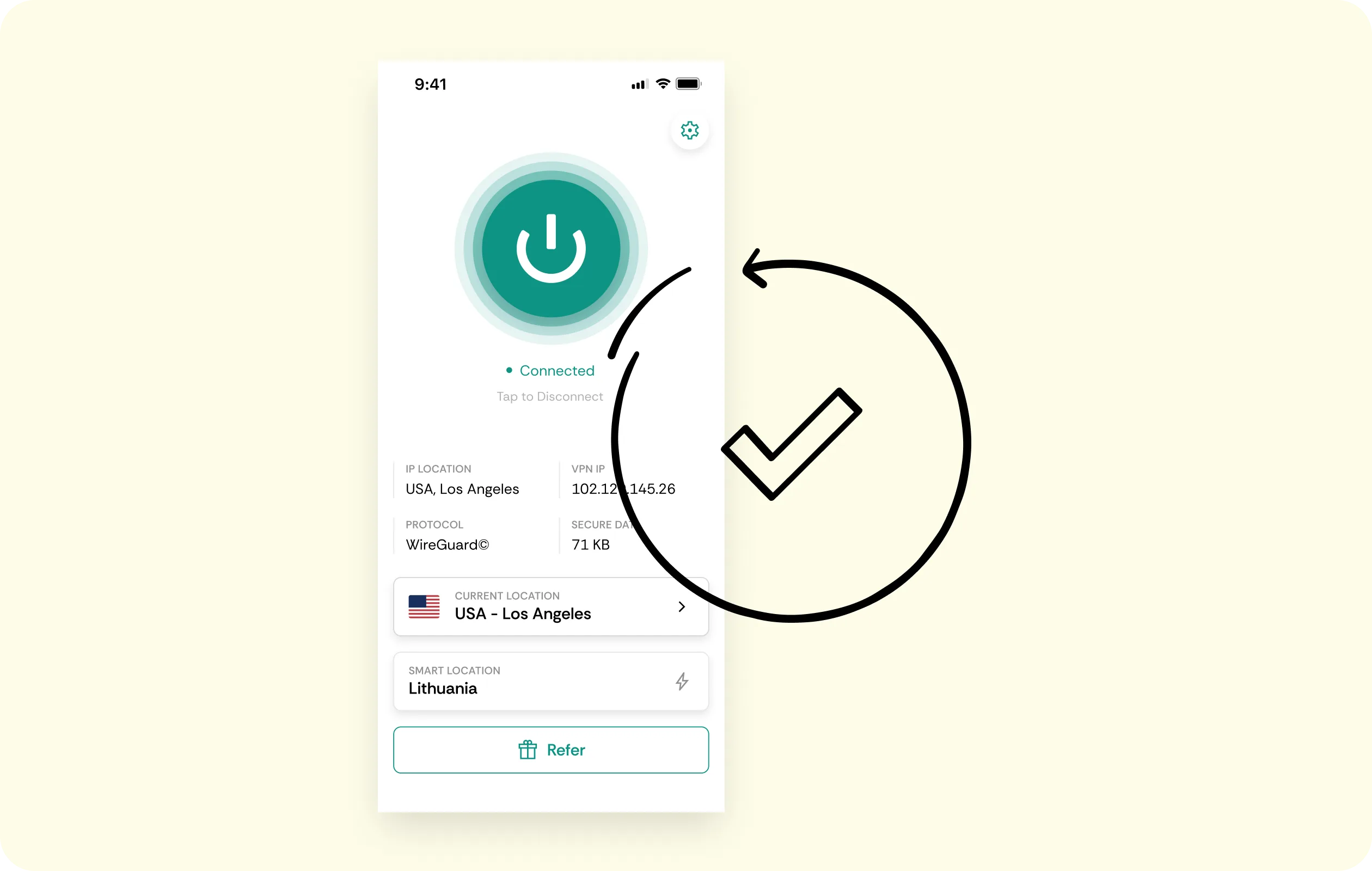
Dedicated Residential IP
A Dedicated Residential IP runs through the same configuration files, providing machines with one steady household IP address. It loads like any other tunnel, and a residential IP reads as an ordinary home connection, reducing friction.
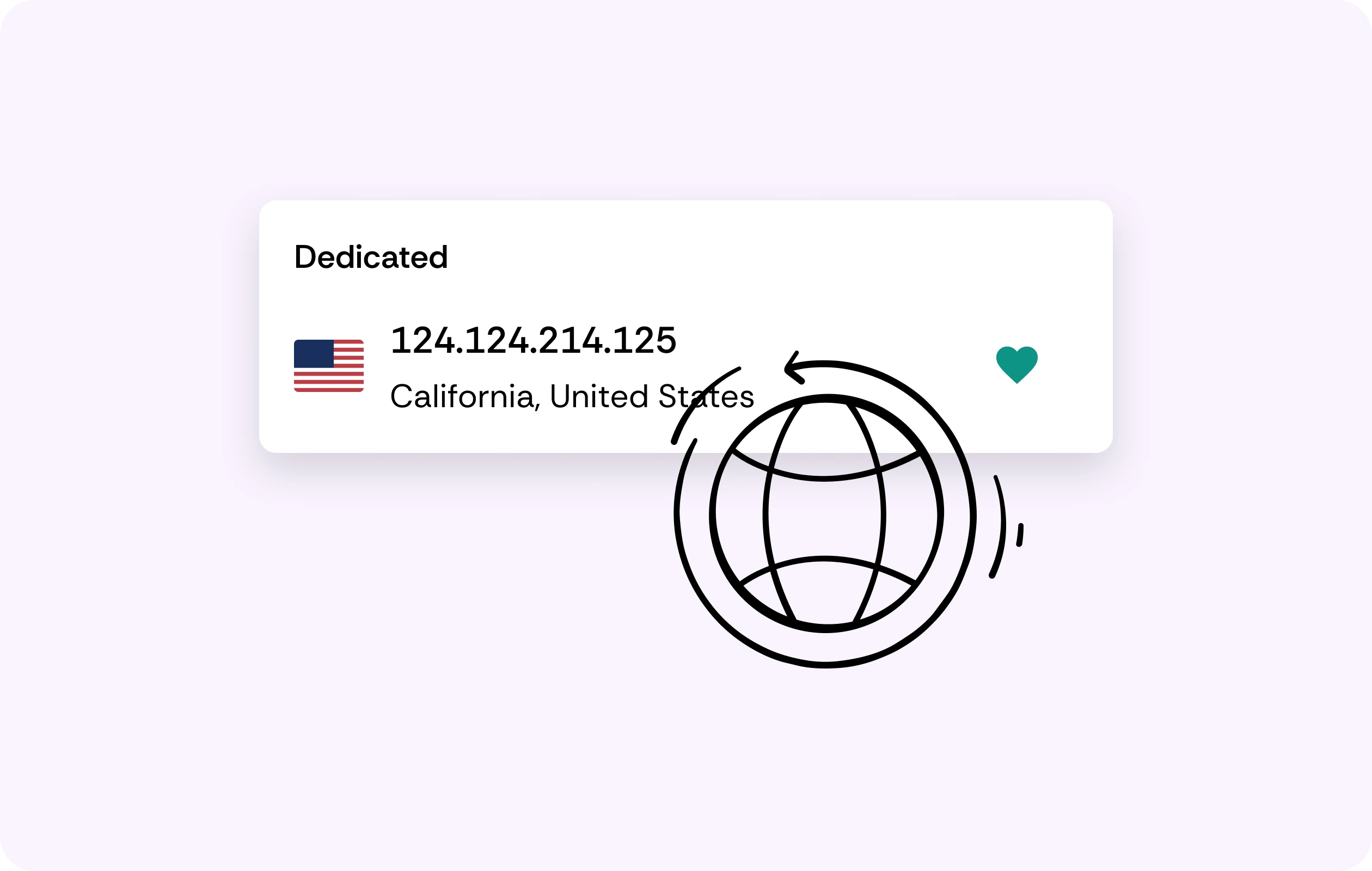
Proxy Manager Option
Prefer a proxy over a tunnel? Native Residential runs through a proxy manager and doesn’t fall back to configuration files, so you can pick the route that suits the machine based on the intended run purpose.

Documented Protocol Support
When throughput matters most, use WireGuard. When infrastructure that’s already there needs it, switch to OpenVPN. Both are documented choices, and [obfuscated servers] cover networks that filter VPN traffic.
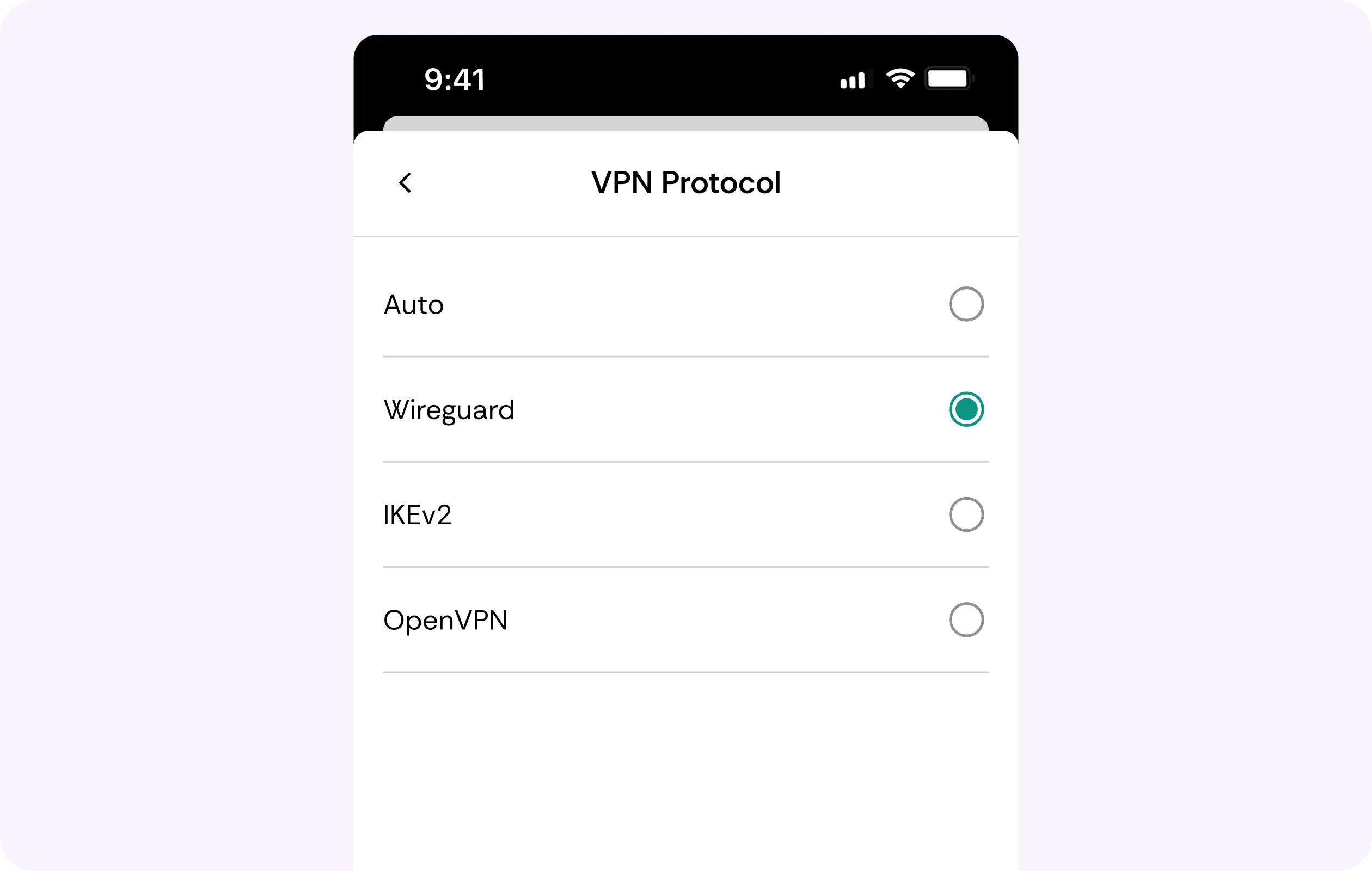
Tools from Fedora Repositories
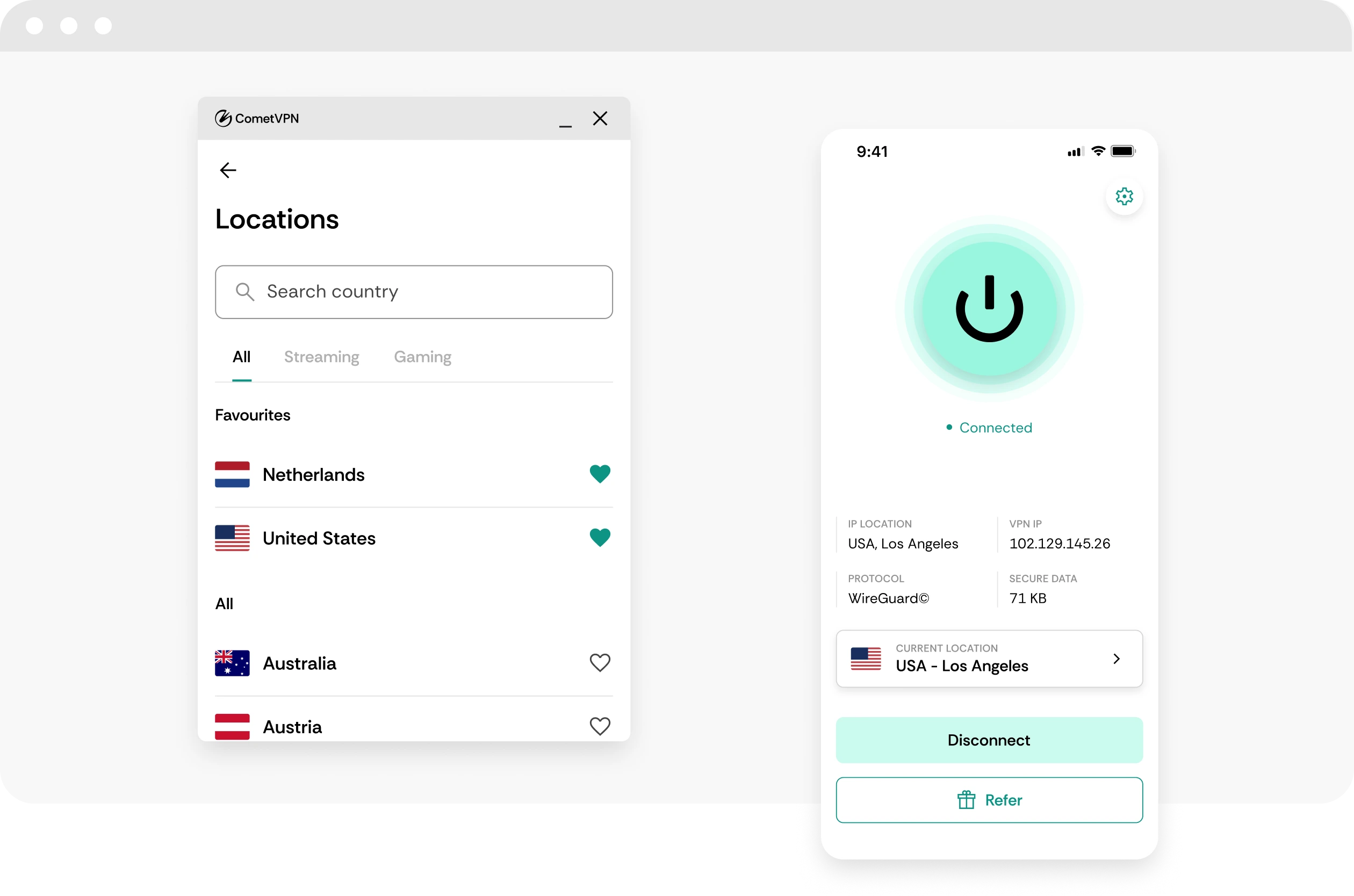
Look at Fedora’s own repositories, and you’ll find that WireGuard and OpenVPN are already available there. The tools that run the tunnel update with the system, together with everything else that you have installed.
Why Linux Users and Developers Trust CometVPN
-
 Lauren Bennett
Good VPN for bypassing social media censorship in Turkey.
-
 Amelia Cross
I have been travelling a lot for the past few years, and as a rule - CometVPN is always on. It helps me to stay engaged with the news from my home country and I feel much safer knowing that my internet traffic is hidden.
-
 Marcus Holloway
I just wanted privacy, so this was the perfect choice for me - I wasn’t forced to buy overpriced features, simple for everyday use. The only drawback is that sometimes the interface is not very intuitive, but their consultants have been very helpful for this.
-
 Samuel Whitaker
CometVPN, although a bit limited in features, worked reliably. Truly a solid choice as I couldn’t find anything more affordable that also works for what VPN is supposed to do.
-
 Ethan Caldwell
As a Canadian, I was frustrated by not being able to watch U.S. Netflix content, until I found CometVPN. I realized that with their servers, I could bypass restrictions easily and enjoy unlimited streaming.
How to Use CometVPN on Fedora
Get CometVPN subscription
Join our VPN service by choosing any of the plans available on our pricing page
Download our VPN software
Get our CometVPN app for Apple, Android, or Windows and install it on your device
Enable VPN protection
Import the configuration file, then connect with WireGuard or OpenVPN.
Frequently Asked Questions
Is There a CometVPN Package for Fedora?
No, there’s no package for Fedora or a Linux app. However, a Fedora VPN setup works with WireGuard or OpenVPN configuration files for Standard VPN and Dedicated Residential IP.
Do I Have to Disable My Security Policy?
No. A config file is plain text-only, read by tools that already are running under your policy. CometVPN ships no installer that would require weakening any existing setup choices.
Which CometVPN Products Work with Configuration Files?
While Native Residential runs through a proxy manager, Standard VPN and Dedicated Residential IP work through WireGuard or OpenVPN configs; no Linux app is ever involved.
Will the Tunnel Survive a Fedora Release Upgrade?
It can because no CometVPN client is tied to a release, and WireGuard, as well as OpenVPN, update with the system itself.
What Happens When the Tunnel Drops?
CometVPN's [kill switch comes with its apps, so for a configuration-file tunnel your own firewall rules decide what happens.] Set them to match how strict you need to be.