





Why You Need a VPN for Android TV

Regional Streaming Catalogue Differences
Streaming services may show different libraries or titles based on licensing, account settings and location. Connecting your Android TV through a CometVPN server changes the IP-based location a service sees. Availability still depends on that service and other signals; a VPN cannot guarantee access to a particular title or catalogue.

Unfamiliar Networks
Hotel, rental and shared Wi-Fi networks may be outside your control. On a compatible Android TV or Google TV device, CometVPN encrypts traffic between the device and the VPN server, reducing what the local network can inspect inside the tunnel.

Less Network-Level Visibility
CometVPN reduces the visibility your ISP or local network has into the destinations reached through the VPN tunnel. They may still see that the TV connects to a VPN server and observe connection information such as timing and data volume.

Change Your Apparent Location While Travelling
Choose a supported VPN server location to change the public IP address used by your Android TV. This may change IP-based regional experiences while travelling, but apps can also use account details, device settings and other signals, or detect or restrict VPN traffic.

Device-Level VPN Coverage
Install CometVPN directly from Google Play on a compatible Android TV, Google TV or Android TV box. The app routes supported device traffic through the VPN without a browser extension. Other devices on the same Wi-Fi still need their own VPN connection or another supported setup.
CometVPN Features for Android TV Users
Encrypted VPN Tunnel
When connected, CometVPN creates an encrypted tunnel between your Android TV or Google TV device and the VPN server using supported VPN protocols. This protects the VPN leg of the connection; it is not end-to-end encryption all the way to every streaming service.
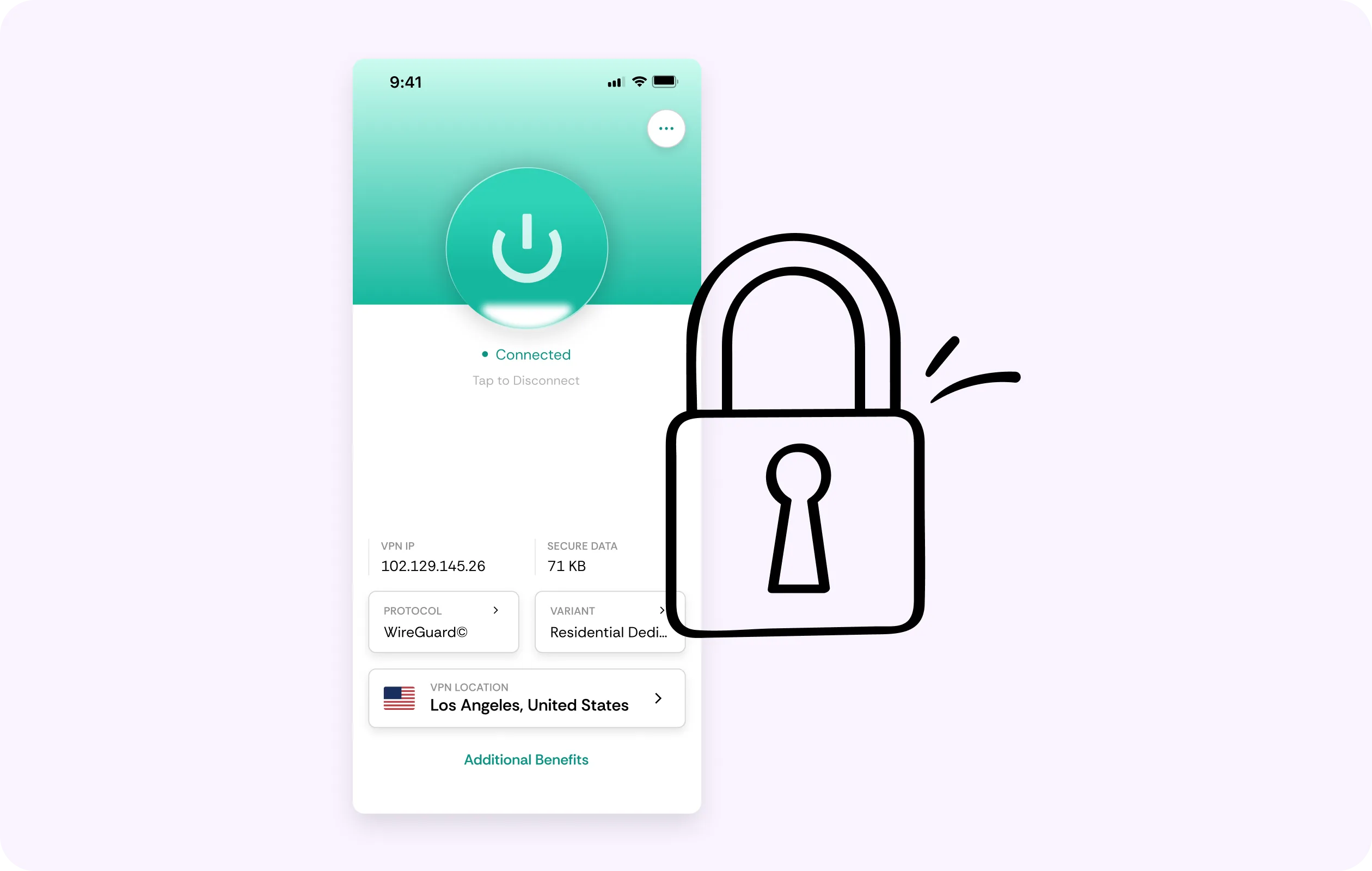
Server Location Choice
Choose an available CometVPN server location to change the public IP address your TV uses online. Server and location availability vary, and switching locations cannot guarantee access to any streaming service, regional library or title.
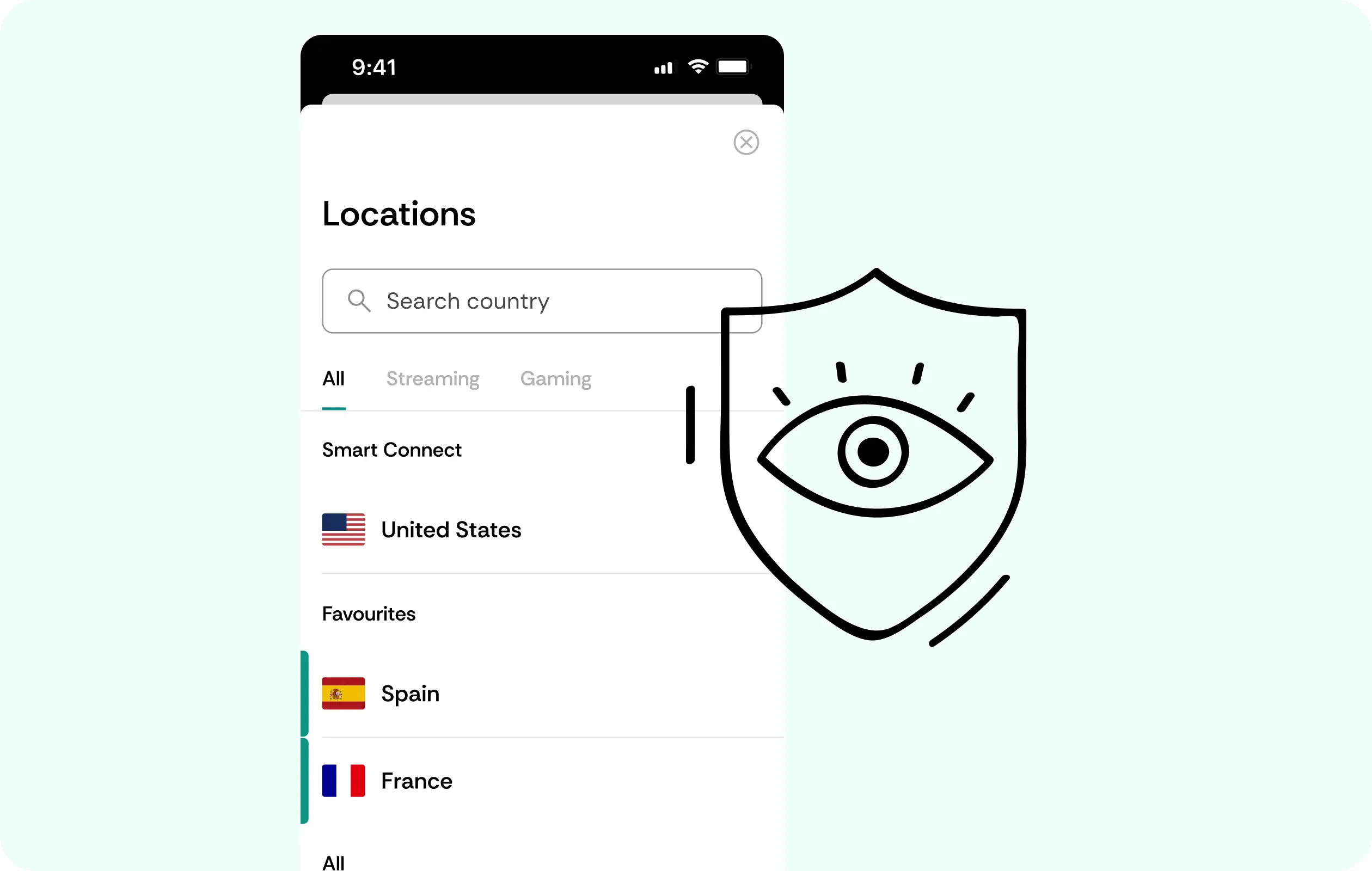
No Browsing Activity Logs
CometVPN does not log browsing history, DNS queries or online services accessed while you are connected. Limited account, connection and operational data may still be processed as described in the Privacy Policy.
Performance Built for Streaming
CometVPN is designed to support streaming, but VPN routing and encryption can affect speed or latency. Performance depends on your connection, server and network conditions, device, and streaming app. Buffer-free or 4K playback cannot be guaranteed.

Use the Same Account on Supported Devices
Use one CometVPN subscription across supported TVs, phones and computers, with up to 10 simultaneous device connections. Install and connect CometVPN separately on each device; connecting the TV does not automatically protect the whole home network.

Why Android TV Users Trust CometVPN
-
 Lauren Bennett
Good VPN for bypassing social media censorship in Turkey.
-
 Amelia Cross
I have been travelling a lot for the past few years, and as a rule - CometVPN is always on. It helps me to stay engaged with the news from my home country and I feel much safer knowing that my internet traffic is hidden.
-
 Marcus Holloway
I just wanted privacy, so this was the perfect choice for me - I wasn’t forced to buy overpriced features, simple for everyday use. The only drawback is that sometimes the interface is not very intuitive, but their consultants have been very helpful for this.
-
 Samuel Whitaker
CometVPN, although a bit limited in features, worked reliably. Truly a solid choice as I couldn’t find anything more affordable that also works for what VPN is supposed to do.
-
 Ethan Caldwell
As a Canadian, I was frustrated by not being able to watch U.S. Netflix content, until I found CometVPN. I realized that with their servers, I could bypass restrictions easily and enjoy unlimited streaming.
How to Use CometVPN with Android TV
Get CometVPN subscription
Choose a CometVPN subscription and sign in to your account.
Download our VPN software
On a compatible Android TV, Google TV or Android TV box, open Google Play and install the official CometVPN app. Check that Google Play offers it for your particular device before purchasing.
Enable VPN protection
Open CometVPN, sign in, choose an available server location and connect. Check the app’s connection status before opening your streaming services.
Frequently Asked Questions
Does CometVPN Work on Android TV and Google TV?
CometVPN’s official Google Play listing includes TV support. On your Android TV, Google TV or TV box, check whether Google Play offers the app for that specific model and software version. Other smart-TV operating systems may need a different supported setup.
Can I Access Any Streaming Catalogue with an Android TV VPN?
No access is guaranteed. CometVPN changes the public IP-based location seen by a streaming app, but the service may consider regional licensing, account information, device signals and whether the connection uses VPN or proxy traffic.
Does CometVPN Protect Every Device Connected to My TV or Wi-Fi?
No. When CometVPN is running on the Android TV device, its VPN connection applies to traffic routed through that device. Phones, laptops and other smart-home devices require their own supported VPN app or separate network-level configuration.
Can a VPN Slow Down Streaming on Android TV?
Yes. VPN routing and encryption may increase latency or reduce throughput. The impact depends on your internet connection, server location, network route and app. It may make traffic-type-based throttling less straightforward in some cases, but cannot eliminate congestion, data caps or general speed limits.
Is a Free VPN a Good Option for Android TV?
Free VPN services vary in data limits, advertising, server availability and privacy practices. Compare permissions, published policies and traffic restrictions before installing one. Free does not automatically mean unsafe, and a paid plan does not guarantee uninterrupted streaming.
How Do I Turn Off CometVPN on Android TV?
Open the CometVPN app on your TV and use its disconnect control. Check that the app shows the VPN as disconnected. Menu labels may vary by app version; turning off the VPN restores the device’s usual network route unless other VPN settings are active.
Is It Legal to Use a VPN on Android TV?
VPN use is legal in many countries, but local laws and streaming-service terms vary. Check the rules that apply where you are and the terms of the services you use.