










Why You Need a VPN Extension for Firefox

Per-Tab IP Control
Sometimes only one tab needs to look like it's browsing from somewhere else - checking how a page appears elsewhere, or keeping one account separate from everything else open. Per-tab proxying changes the IP for that single tab, while every other tab keeps browsing normally.

WebRTC Leaks
Even with other privacy tools switched on, a browser feature called WebRTC can still expose a device's real IP address to a site behind the scenes. Closing that specific leak is a narrower, separate job from encrypting general browser traffic.

Shared Networks
A login typed into a browser tab over a café's Wi-Fi or a co-working space's network travels across infrastructure nobody in that moment actually controls. Encrypting that browser traffic protects sign-ins and active sessions regardless of whose router is carrying them.

ISP Visibility
An ISP can normally see which sites a browser connects to, one request at a time, building a picture of browsing habits over time. Routing that traffic through the extension keeps those destinations from showing up on that record.

Regional Content
A site opened in Firefox can show a different version of itself depending on the region the connection appears to be in. Presenting a different region for just that one tab is what changes what shows up.
CometVPN Features for Firefox Users
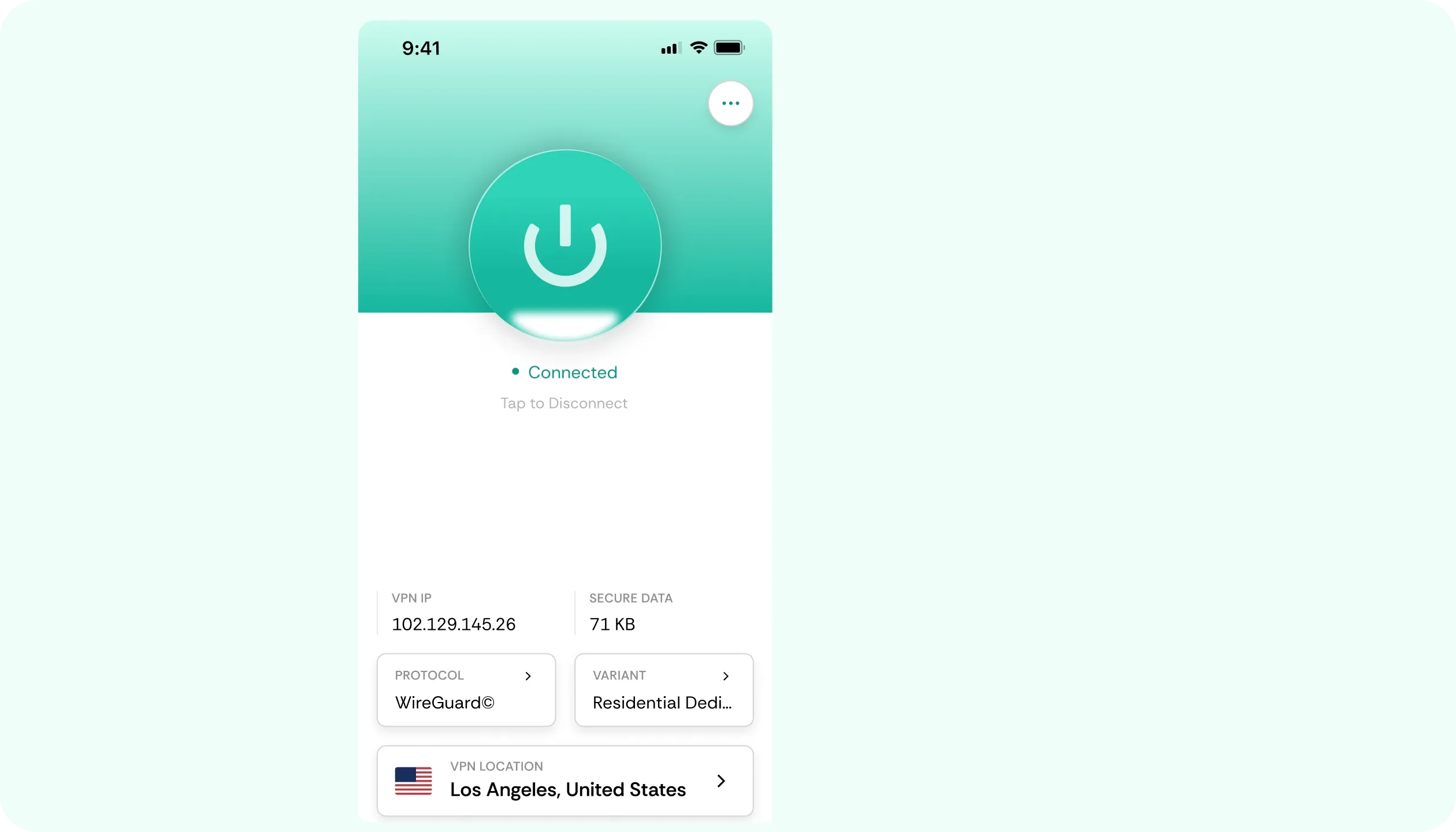
Residential IP Locations
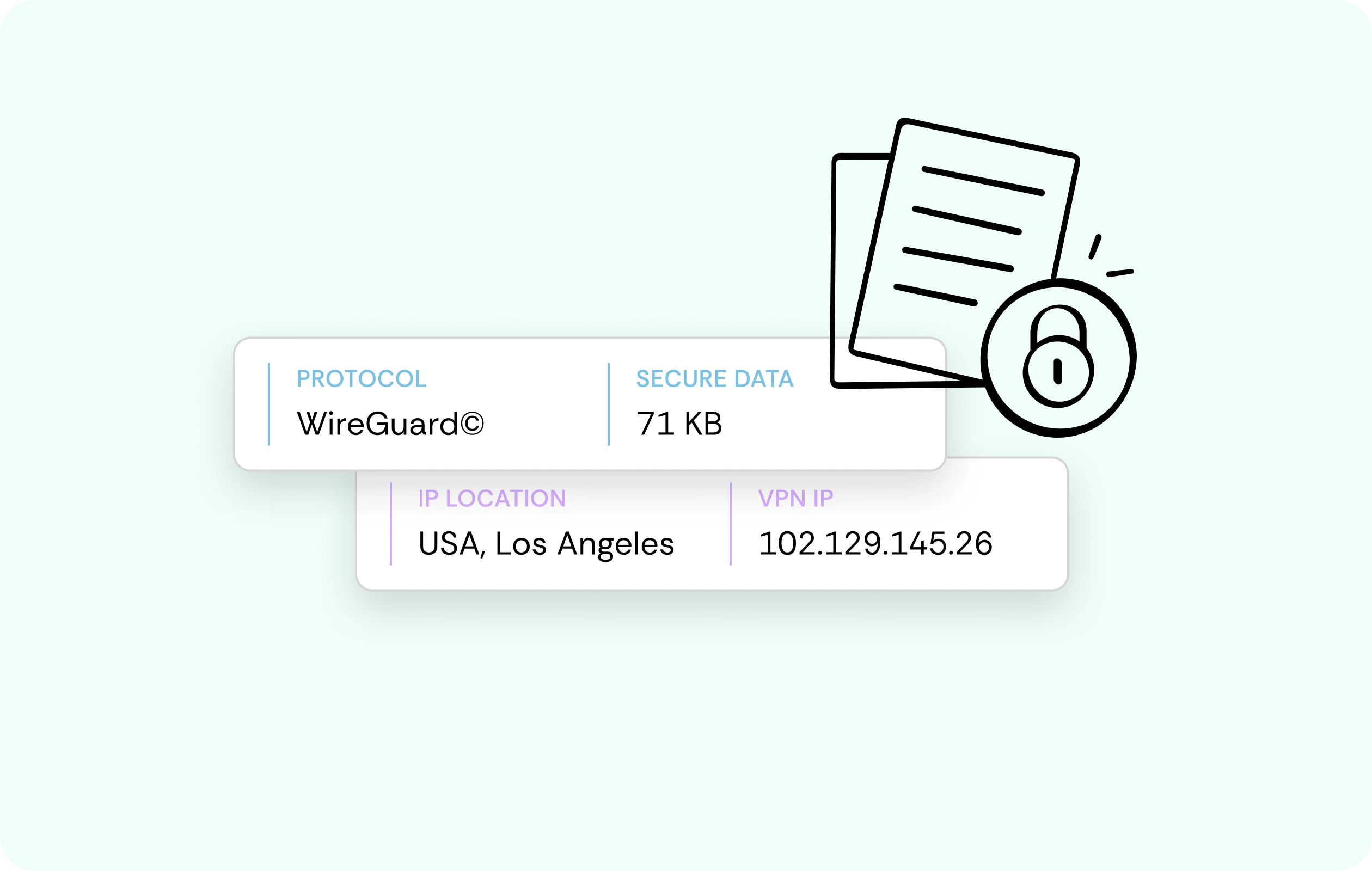
Sites often flag datacentre IPs as suspicious and block them outright. CometVPN's residential IP locations look like an ordinary home connection, so pages let the traffic through without a second glance.
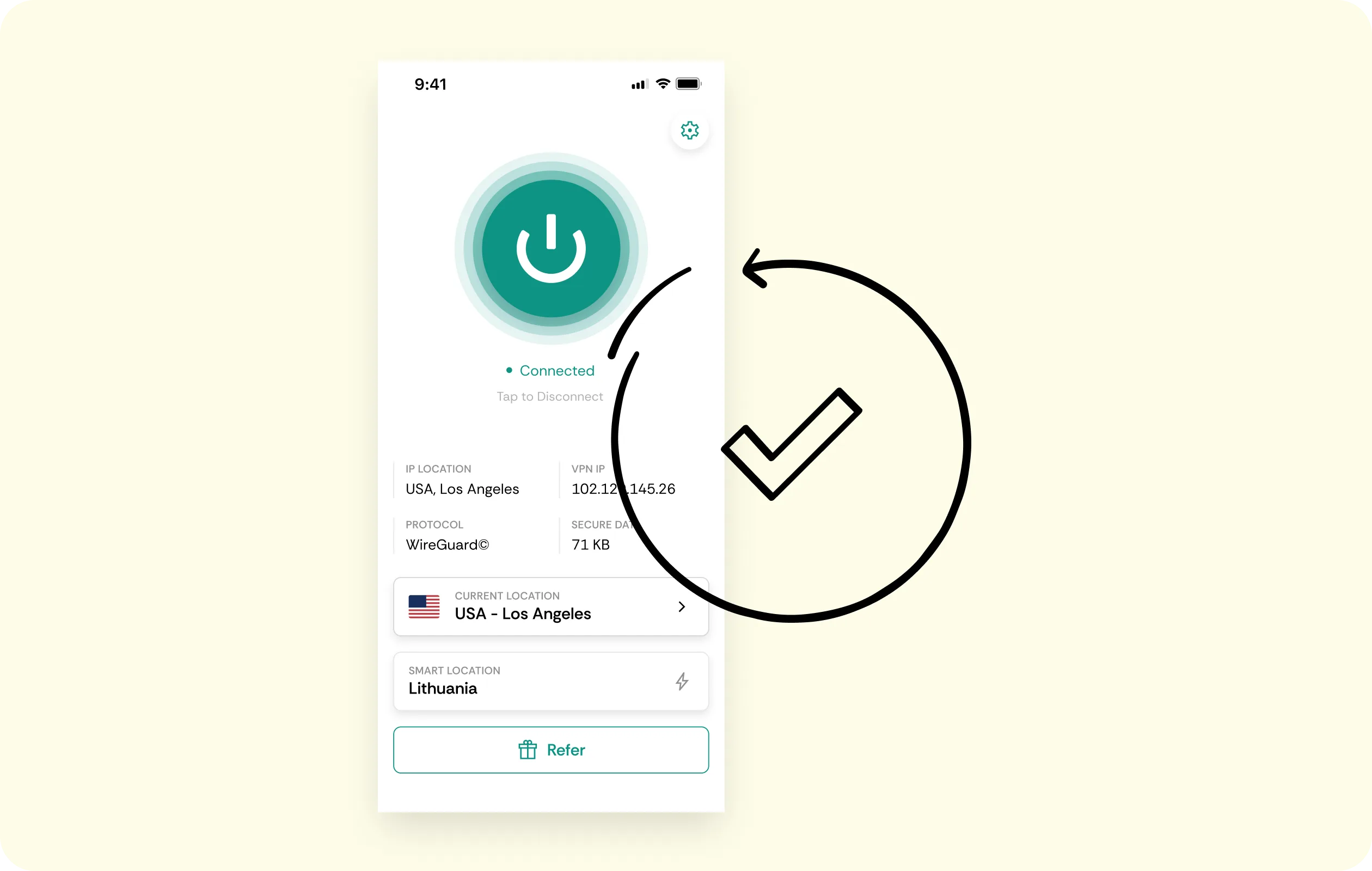
Per-Tab Proxying
One tab can run through CometVPN while every other open tab keeps its normal connection - no restart, and no need to protect your whole browsing session just to cover one.
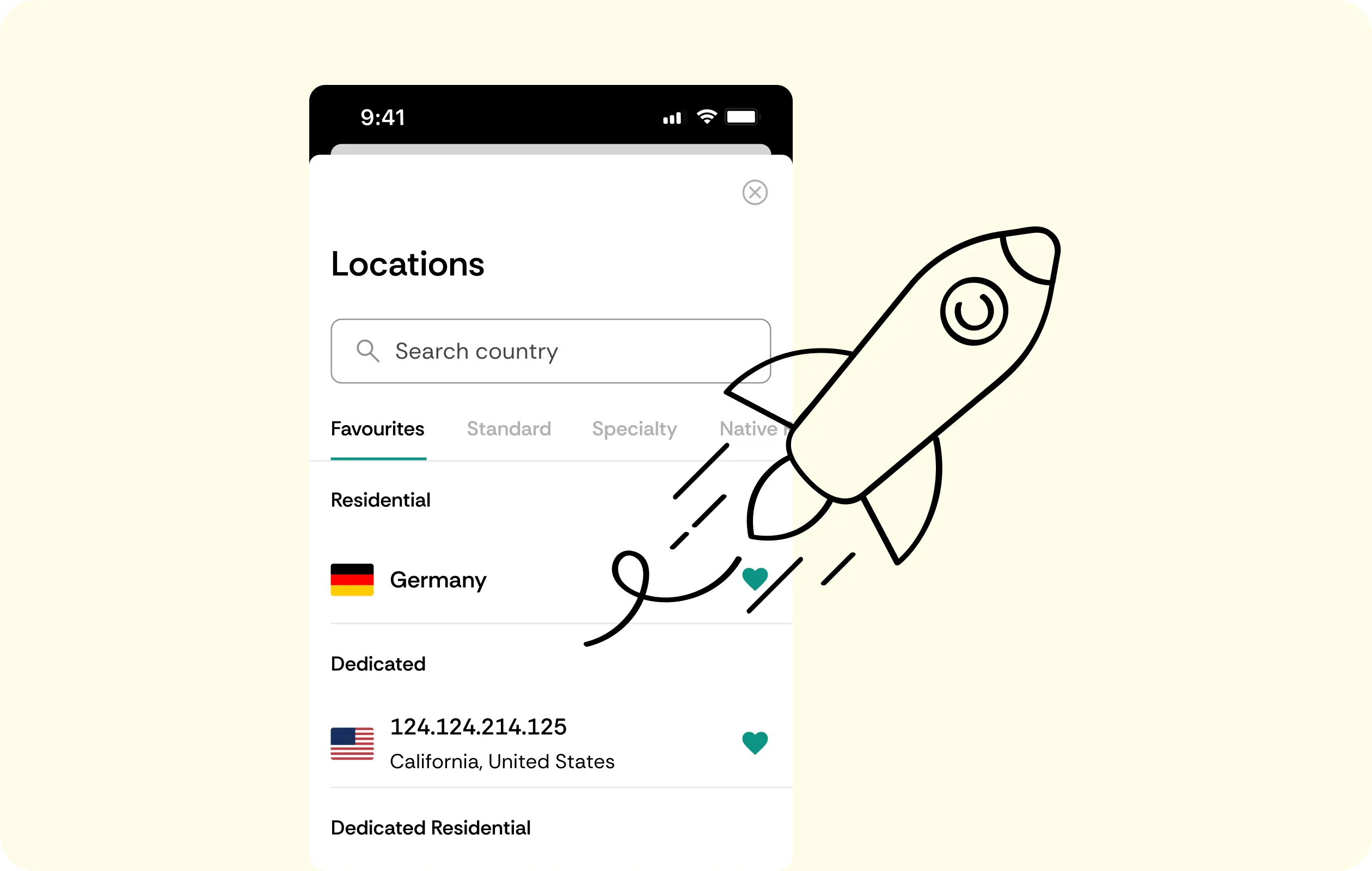
WebRTC Leak Protection
Even when other privacy tools are switched on, WebRTC can still expose a device's real IP behind the scenes. CometVPN closes that specific leak automatically.
No-Logs Policy
Which sites get opened and what gets typed into browser forms stays off the record. CometVPN does not keep a history of your browsing to store, hand over, or lose.
Fast Browsing
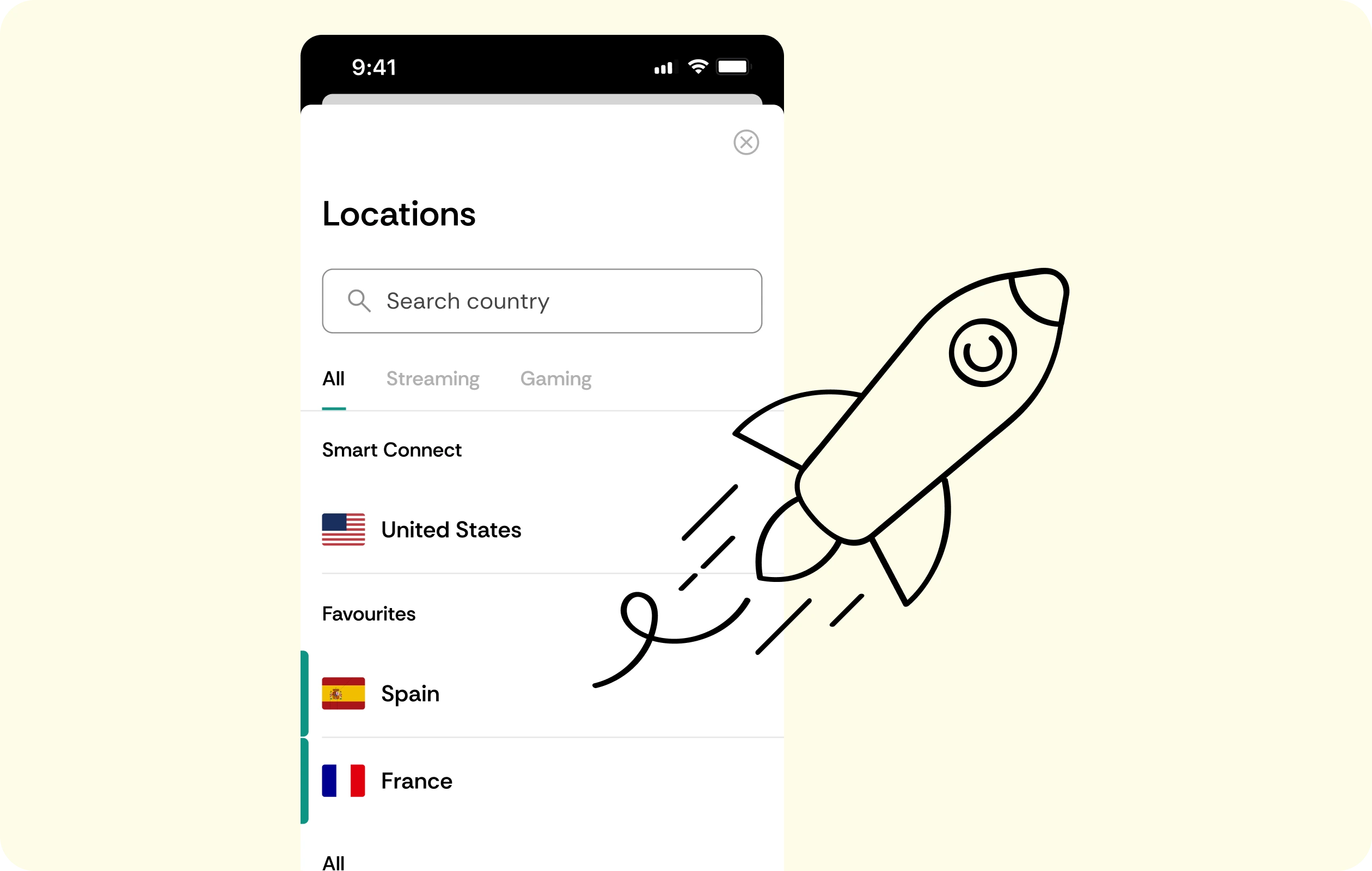
Pages should load without a noticeable delay, server picked or not. CometVPN keeps encryption overhead minimal, so browsing speed stays close to normal.
Why Firefox Users Trust CometVPN
-
 Lauren Bennett
 Good VPN for bypassing social media censorship in Turkey.
-
 Amelia Cross
 I have been travelling a lot for the past few years, and as a rule - CometVPN is always on. It helps me to stay engaged with the news from my home country and I feel much safer knowing that my internet traffic is hidden.
-
 Marcus Holloway
 I just wanted privacy, so this was the perfect choice for me - I wasn’t forced to buy overpriced features, simple for everyday use. The only drawback is that sometimes the interface is not very intuitive, but their consultants have been very helpful for this.
-
 Samuel Whitaker
 CometVPN, although a bit limited in features, worked reliably. Truly a solid choice as I couldn’t find anything more affordable that also works for what VPN is supposed to do.
-
 Ethan Caldwell
 As a Canadian, I was frustrated by not being able to watch U.S. Netflix content, until I found CometVPN. I realized that with their servers, I could bypass restrictions easily and enjoy unlimited streaming.
How to Use CometVPN with Firefox
Get CometVPN subscription
Join our VPN service by choosing any of the plans available on our pricing page
Download our VPN software
Get our CometVPN app for Apple, Android, or Windows and install it on your device
Enable VPN protection
Add CometVPN to Firefox, sign in, then pick a server.
Frequently Asked Questions
Is This the Same as Firefox's Built-In VPN?
No. Firefox's built-in feature is Mozilla's own service. CometVPN is a separate extension installed from Firefox Add-ons, built around per-tab proxying and residential IPs.
Is It Legal to Use a VPN Extension on Firefox?
Yes, using a VPN extension is legal in most countries. Check local law and the terms of the sites you use - CometVPN doesn't offer legal guarantees beyond that.
Does the Extension Slow Down My Browsing?
Not meaningfully. Encryption overhead is minimal, and pages load normally once a server is picked.
Can a Website Detect the CometVPN Extension?
It's possible - some sites detect and block VPN traffic. CometVPN's residential IPs make that far less likely, since they look like ordinary home connections, but there's no absolute guarantee.
Why Not Use a Free VPN Extension for Firefox?
Free extensions make their money from the traffic and browsing data passing through them. That's a bad trade for something that reads everything typed into your browser.