





Why You Need a VPN on GrapheneOS

Without Play Services
This OS doesn’t include Google Play Services by default. So an app that assumes it’s always present can behave unpredictably or fail outright. CometVPN does not depend on Play Services, and [installs through the distribution source we confirm for this OS].

Network Permission
Here, network access is granted to each app separately, requiring explicit permission. Our GrapheneOS VPN works within that model like any other app: it needs the same explicit grant, not some special exception. Once access is granted, the app can route device traffic through encrypted tunnels.

Different Layers
OS-level hardening, with sandboxing, permission controls, and no telemetry by default, protects everything on the device. A VPN covers what your local network or ISP sees when the connection is leaving the device. That’s two different layers, working together for the benefit of your protection.

Public Network Exposure
Whenever you enter a login, send a message, or make a payment over public Wi-Fi or an unfamiliar network, data crosses network infrastructure you don’t control, no matter how hardened the device is. A GrapheneOS VPN encrypts the connection to protect your data better.
CometVPN Features for GrapheneOS Users
No Play Services Dependency
CometVPN doesn’t require Google Play Services to run. [Install it from the confirmed distribution source], grant the network permission once, and the client will work without any Google component from the very first launch.
No-Logs Policy
CometVPN keeps no record of the sites you browse or what you search for. Under our no-logs policy, browsing and search activity isn’t logged, so you don’t have to worry about data loss or handover.
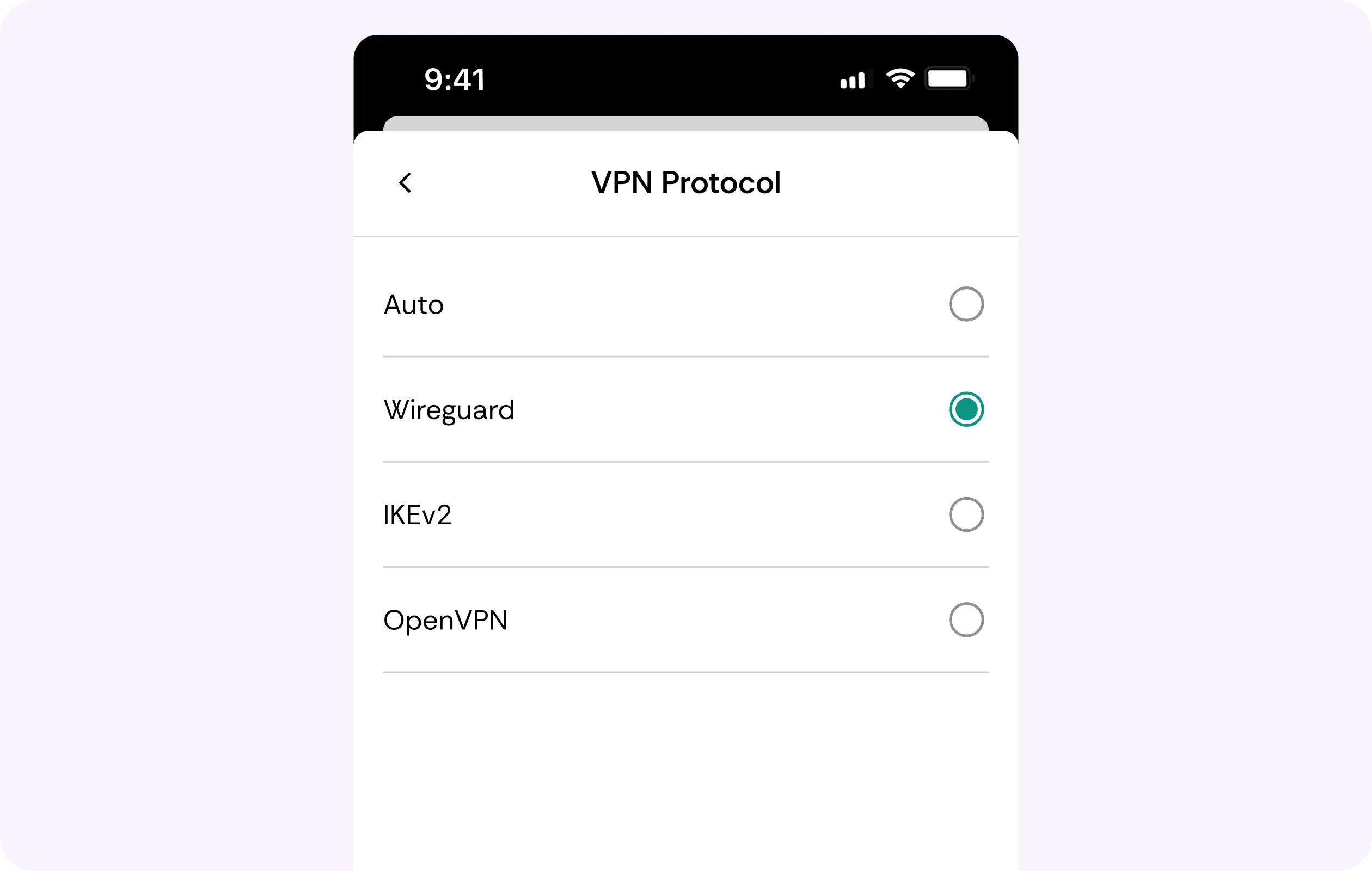
WireGuard Protocol
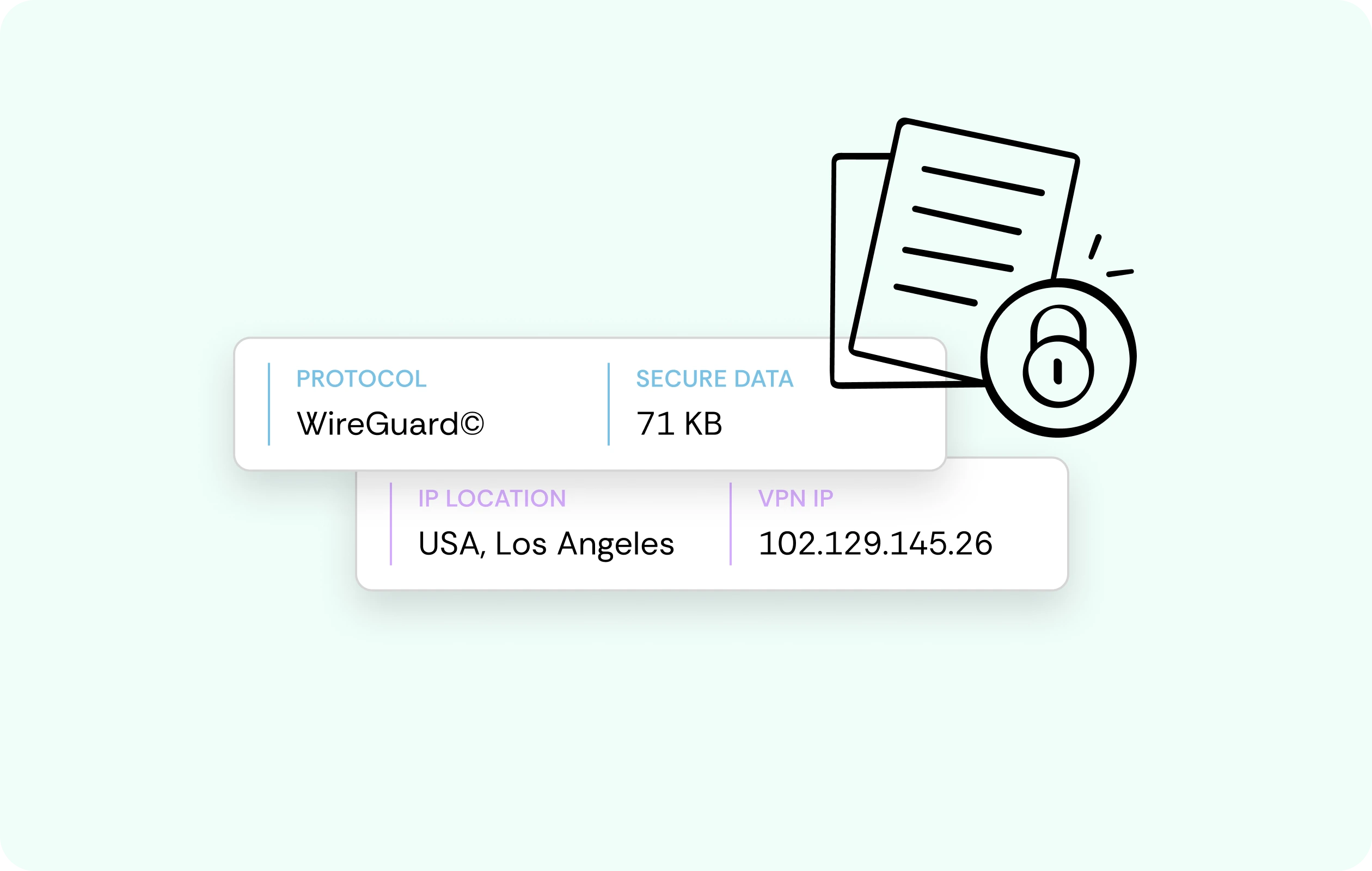
CometVPN supports WireGuard, which encrypts with ChaCha20-Poly1305. Its small codebase and fast handshake confirmation keep battery and network overhead minimal on mobile, meaning that both everyday browsing and larger downloads stay steady.
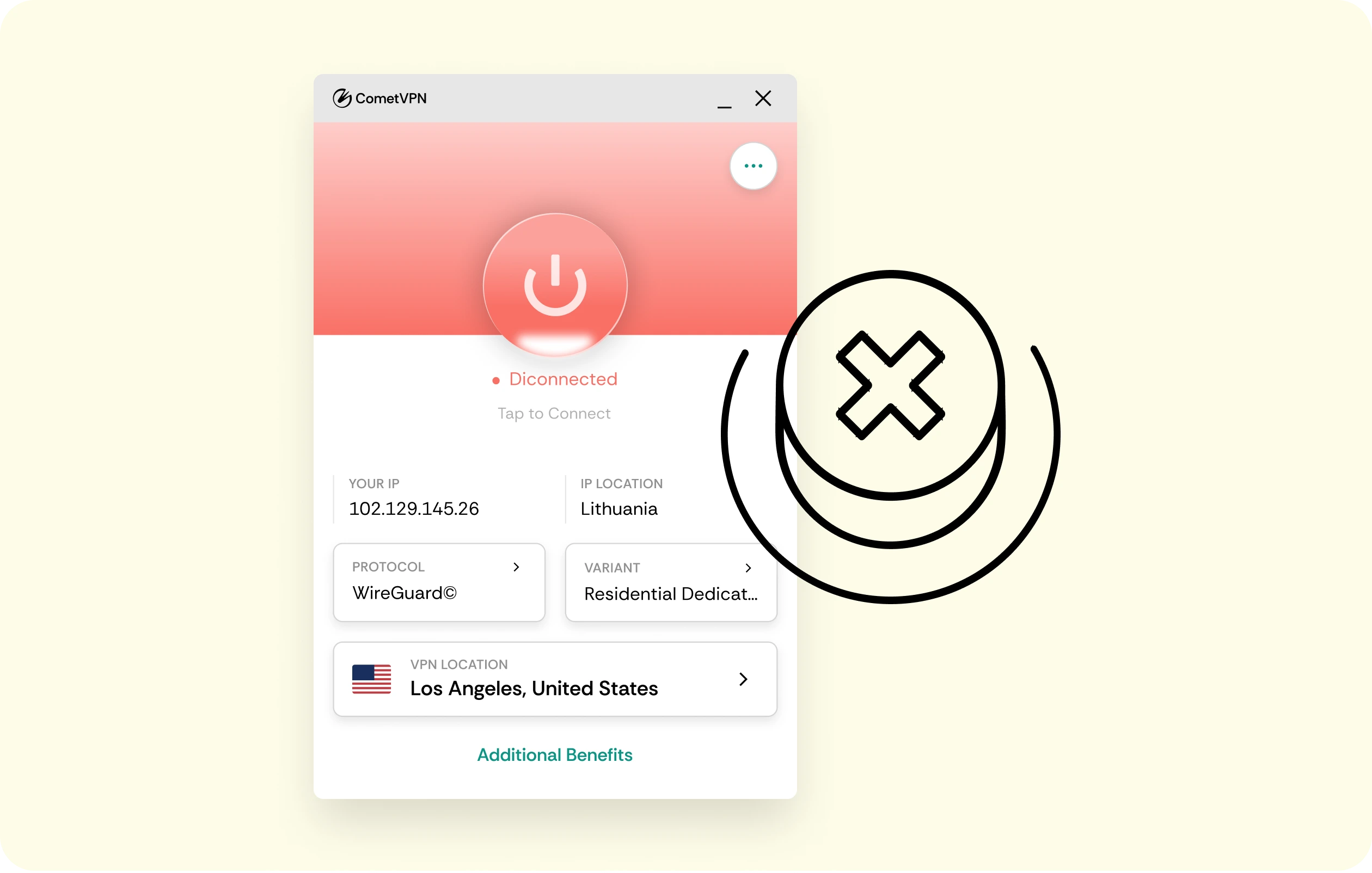
Kill Switch
Even in the rare case when your VPN connection drops, network traffic silently stops instead of silently going back to an unprotected connection. The kill switch keeps the network data from leaking outside the tunnel.
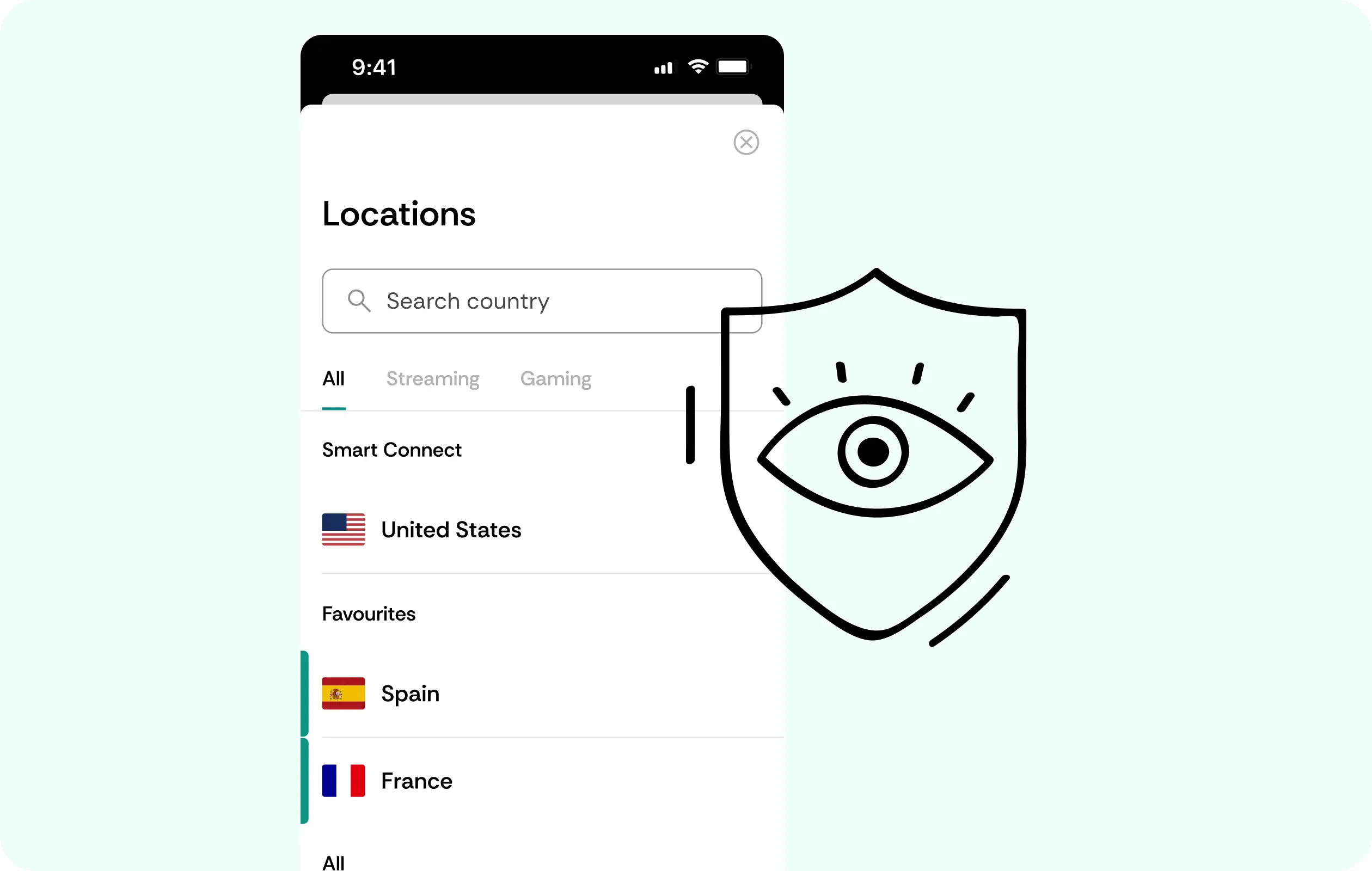
Obfuscated Servers
If you’re on a restrictive or heavily monitored network, obfuscated servers make VPN for GrapheneOS traffic look like ordinary browsing to the operator. This makes the tunnel less likely to be singled out or throttled.
Why GrapheneOS Users Trust CometVPN
-
 Lauren Bennett
Good VPN for bypassing social media censorship in Turkey.
-
 Amelia Cross
I have been travelling a lot for the past few years, and as a rule - CometVPN is always on. It helps me to stay engaged with the news from my home country and I feel much safer knowing that my internet traffic is hidden.
-
 Marcus Holloway
I just wanted privacy, so this was the perfect choice for me - I wasn’t forced to buy overpriced features, simple for everyday use. The only drawback is that sometimes the interface is not very intuitive, but their consultants have been very helpful for this.
-
 Samuel Whitaker
CometVPN, although a bit limited in features, worked reliably. Truly a solid choice as I couldn’t find anything more affordable that also works for what VPN is supposed to do.
-
 Ethan Caldwell
As a Canadian, I was frustrated by not being able to watch U.S. Netflix content, until I found CometVPN. I realized that with their servers, I could bypass restrictions easily and enjoy unlimited streaming.
How to Use CometVPN with GrapheneOS
Get CometVPN subscription
Join our VPN service by choosing any of the plans available on our pricing page
Download our VPN software
Get our CometVPN app for Apple, Android, or Windows and install it on your device
Enable VPN protection
Install via [the confirmed method], launch, grant network permission, then connect.
Frequently Asked Questions
How Do I Install a VPN App Without Google Play Services?
[Install CometVPN from the confirmed distribution source for this OS.] Since it doesn’t depend on Google Play Services, you needn’t install anything else besides it.
Does a VPN App Need Special Permission on GrapheneOS?
Yes, but the network access for a VPN for GrapheneOS is granted per app. The VPN client requests permissions the same as any other app would, with an explicit grant you can later revoke.
Does OS-Level Hardening Make a VPN Unnecessary?
No, because they serve different purposes. Hardening protects the device itself while a VPN focuses on the connection leaving it. These are different layers, so using both is smartest.
Will a VPN Slow Down My GrapheneOS Device?
Not meaningfully, since WireGuard keeps overhead minimal for day-to-day use. It also uses little CPU and battery, so casual network experiences stay the same.
Why Not Use a Free VPN on GrapheneOS?
Most free tools make money by selling users' traffic and data. That undermines the reason you chose this OS. The best VPN for GrapheneOS doesn't do that.