









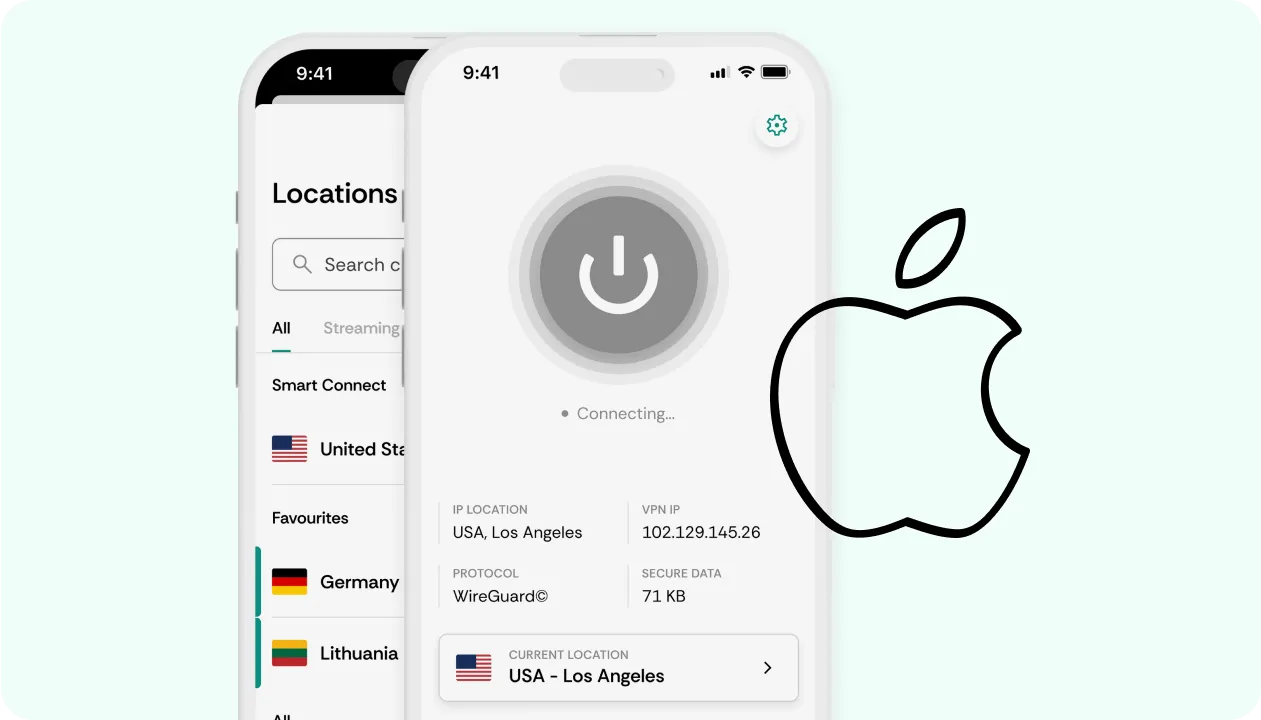



How does an iOS VPN work?
An iOS VPN is an iPhone virtual private network app that improves online security and provides the ability to change IP addresses.
Our iOS VPN app encrypts your internet traffic, making it impossible for anyone to spy on your online activities, including internet service providers. You can also connect to a premium VPN server pool with IPs from all over the world, which further increases your anonymity.
Switching IP address locations is also useful if you want to view restricted content. You can simply use our iOS VPN app to switch to a country where the videos or streams are available and view them without issue.
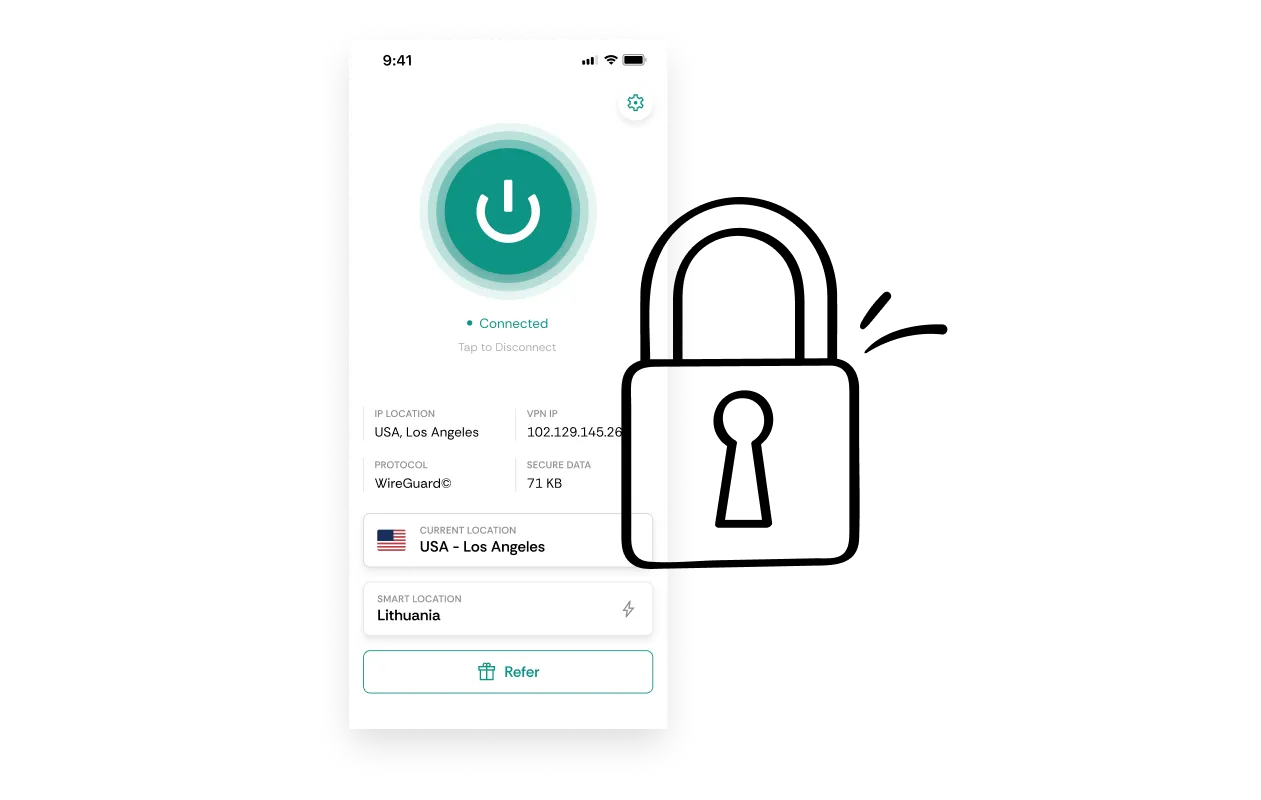
Why use CometVPN’s iPhone VPN?

No logs policy
We’re a VPN provider that stores no data about your online activity or internet traffic

Outside 14 Eyes
Digital surveillance laws don’t apply to our VPN service, so no one can ask for information on you

Secure encryption
Once you establish a VPN connection, all your traffic is encrypted and no one can spy on you

Global server locations
We have a VPN server in nearly every country, so you can access any content you want

Premium VPN servers
Every VPN server in our pool has been carefully evaluated for maximum performance

No DNS or IPv6 leak
CometVPN provides additional protection on our iOS VPN app, ensuring that you never leak your IP

Multi-device
You can use a single iOS VPN app and subscription to connect several devices

30 days risk-free
Feel free to use our iPhone VPN for up to 30 days. If you don’t like the service, we’ll give you your money back
Pricing
-
Choose your CometVPN plan
-
1 Month
Save 0%$9.99/moBilled every month. VAT may apply- Standard VPN in all CometVPN apps
- All standard VPN locations
- Kill Switch
- WireGuard and OpenVPN
- Obfuscated servers
- No activity logs
Select Plan -
most popular
24 Months
+3 Months Free
Save 81%$1.89$9.99 /mo$239.76 $45.36 for the first 24 months & after. VAT may apply- Standard VPN in all CometVPN apps
- All standard VPN locations
- Kill Switch
- WireGuard and OpenVPN
- Obfuscated servers
- No activity logs
Select Plan -
12 Months
+1 Month Free
Save 75%$2.50$9.99 /mo$119.88 $30.00 for the first 12 months & after. VAT may apply- Standard VPN in all CometVPN apps
- All standard VPN locations
- Kill Switch
- WireGuard and OpenVPN
- Obfuscated servers
- No activity logs
Select Plan
-
-
Add residential IPs
-
Native Residential VPN
Every connection comes from a genuine ISP-registered home address, making your VPN usage practically indistinguishable from a regular household visitor.
from $0.70 /GB
Get Upgrades -
Dedicated Residential IP
Get an IP address that’s reserved just for you.
from $2.79 /mo
Get Upgrades -
Obfuscated VPN
Hide your traces even further, making it difficult to detect that you’re using a VPN service
Free
Get Upgrades
-
30-day money-back guarantee.
Payment methods:





Secure your internet traffic with our iPhone VPN
Secure iPhone VPN app
No logs policy
Fastest servers
Outside 14 Eyes Alliance
Frequently Asked Questions
How to choose the best iPhone VPN?
While there’s lots of features available for iPhone VPNs, you should look for only two main features offered by the VPN provider – secure encryption and high connection speeds. These two are essential to any premium VPN. A large VPN server pool could also be important but all other features are simply nice-to-have additions.
What is the fastest VPN for iPhone?
Every VPN service will say they’re the fastest one. You want to evaluate mostly the VPN connection speeds while the iOS app itself doesn’t play a major role. Just make sure the VPN app is easy to use and test out the server speeds.
How to install an iPhone VPN?
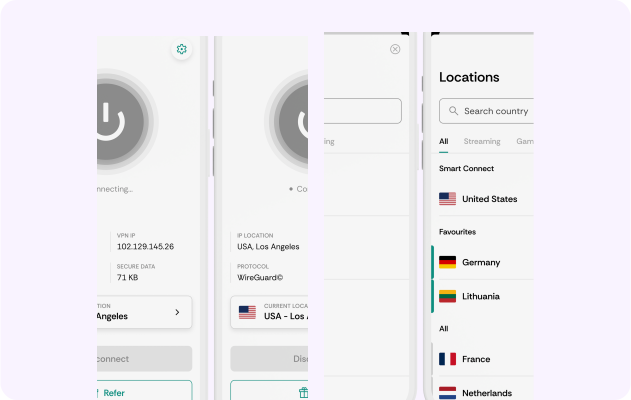
Download the iOS VPN app from Apple Store, get a CometVPN subscription, and log in to the app.