









Why You Need a VPN for Apple TV

Regional Catalogue Limits
Pack an Apple TV for a trip, or set one up after a move, and it shows whatever catalogue matches its current location - last month's show can simply vanish from the app. Presenting a connection from back home brings the usual library back.

Unfamiliar Networks
A hotel router, a vacation rental's Wi-Fi, an Airbnb's shared network - a streaming box plugged into any of them sits on infrastructure nobody in the household actually controls or vetted. Encrypting that connection end to end closes off what the network operator can see.

Video Throttling
Some ISPs single out traffic that looks like high-bandwidth video streaming and slow it down specifically, independent of any data cap, once they spot the pattern. Traffic that reads as ordinary encrypted data instead of an obvious video stream doesn't get flagged for that treatment.

Viewing Activity Exposure
Every app you open and every title you search for on an Apple TV is visible to whoever runs the network, no matter which streaming accounts are signed in. Encrypting that traffic keeps the device's real IP and browsing pattern hidden.

Login Exposure
An Apple TV stays signed into an Apple ID and one or more streaming accounts more or less permanently, on whatever network it's using at the time. Wrapping that connection in encryption keeps those logins from being the weakest point in the room.
CometVPN Features for Apple TV Users
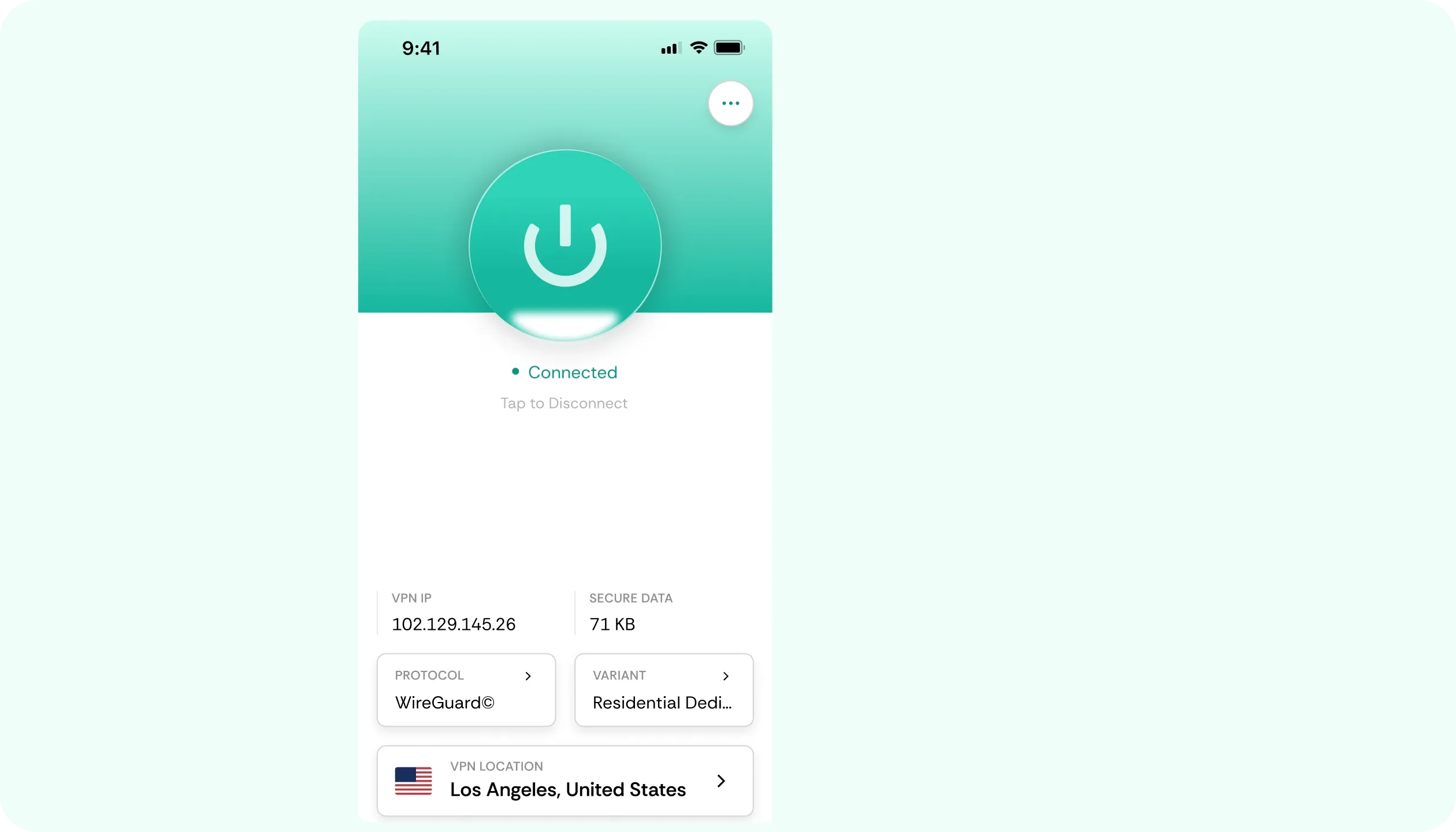
Residential IP Addresses
Streaming apps often flag datacentre IPs as suspicious and block them outright. CometVPN's residential IPs look like an ordinary home connection, so Apple TV apps let the traffic through without a second glance.
No-Buffer Speed
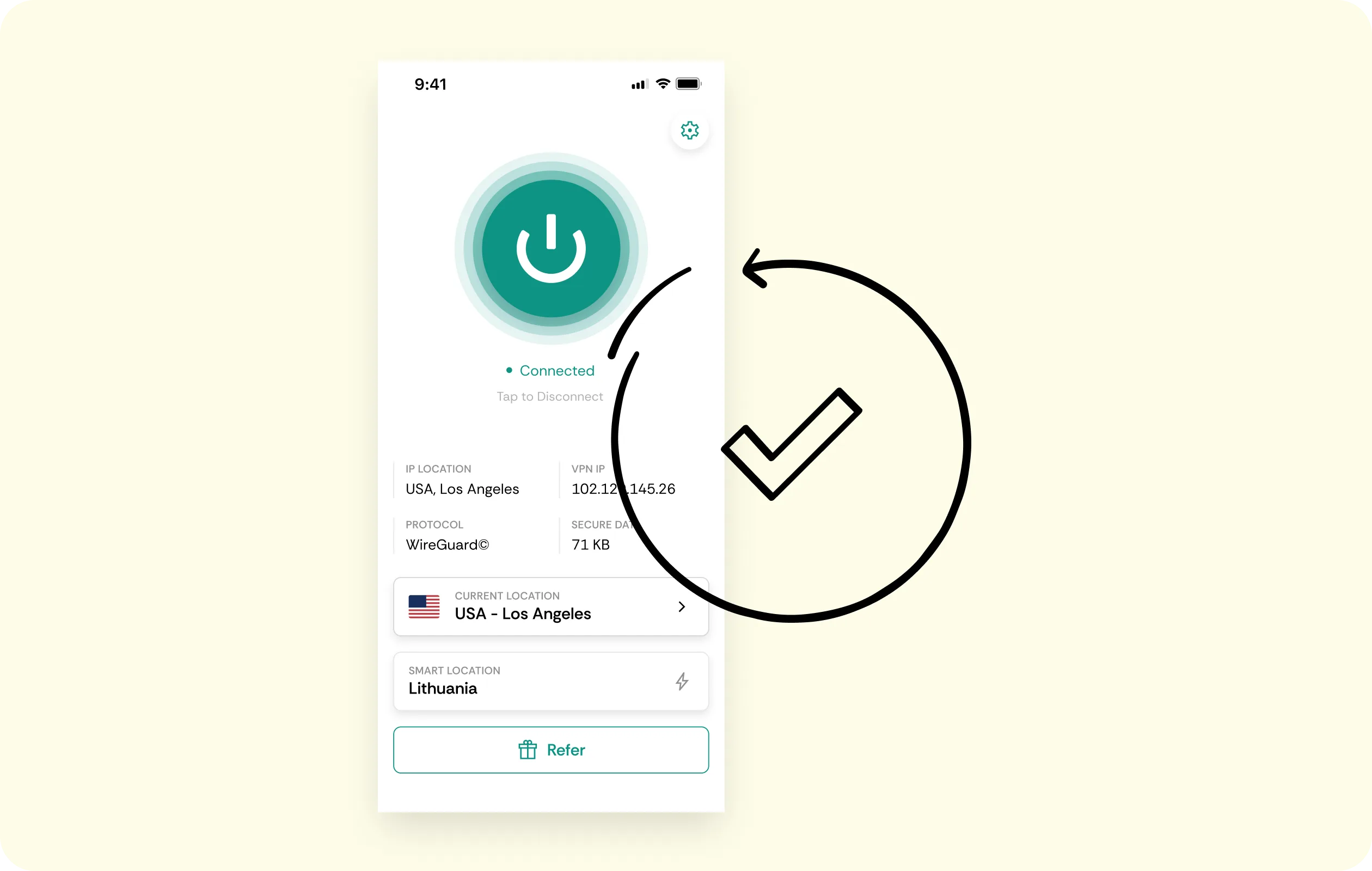
A show should start the moment you press play, even in 4K. CometVPN is built for speed, and encrypting the connection also stops ISPs from throttling video traffic specifically.
No-Logs Policy
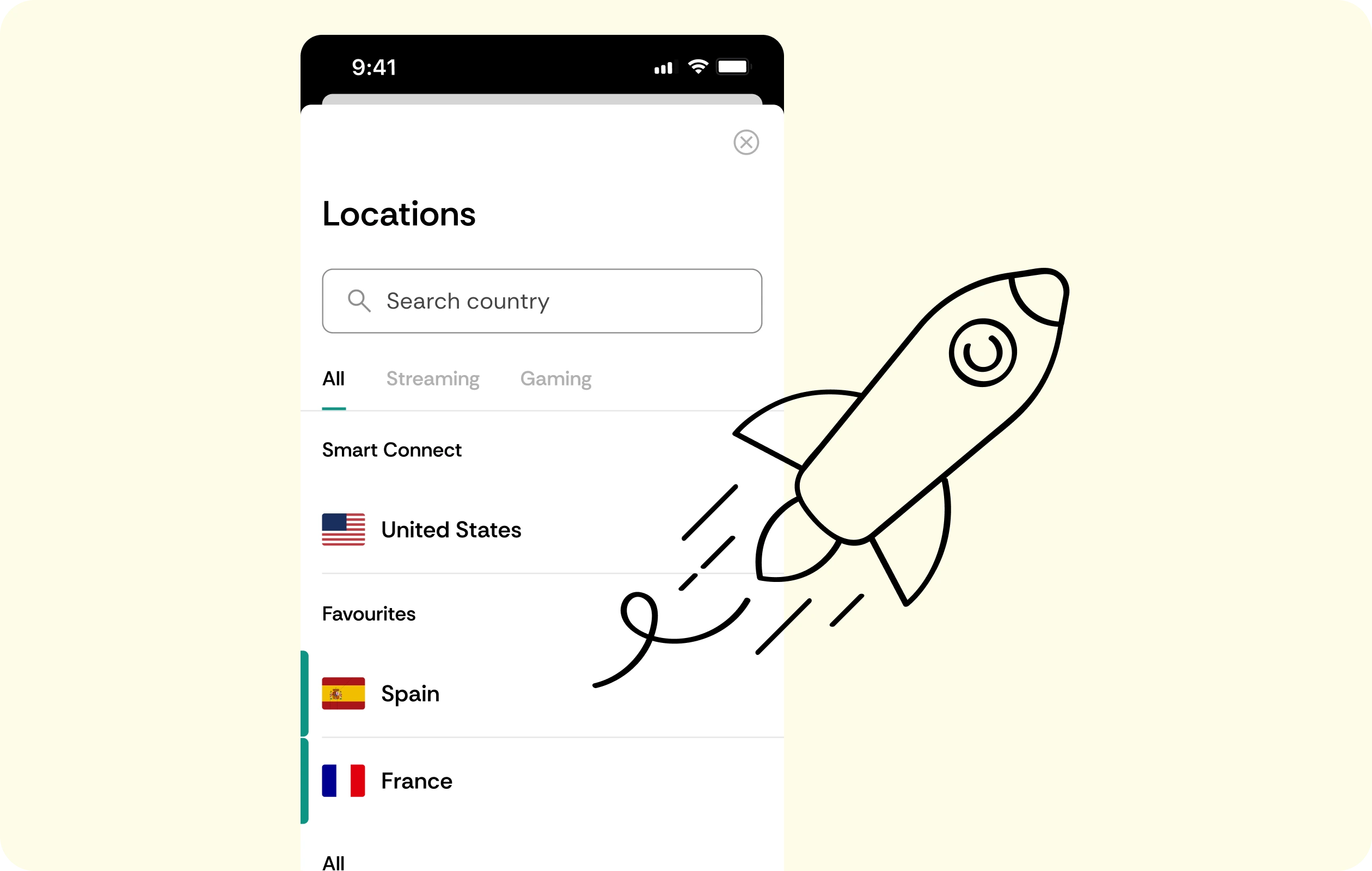
Which apps get opened and what gets streamed on your Apple TV stays off the record. CometVPN does not keep a history of your viewing activity to store, hand over, or lose.
End-to-End Encryption
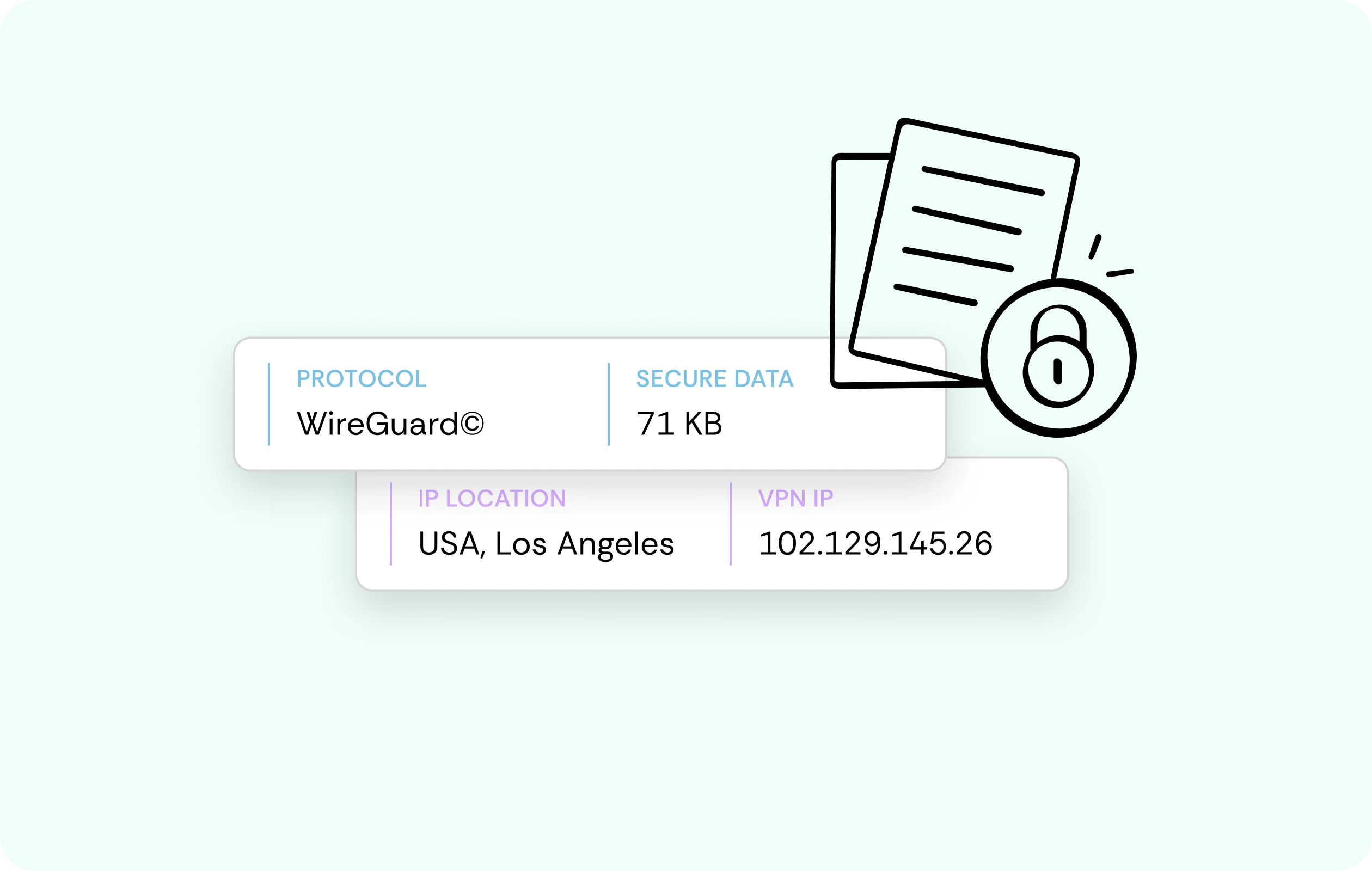
Every connection between your Apple TV and our servers is wrapped in encryption, covering every streaming account signed in on the device. Nothing that passes between the two is readable to anyone in between.
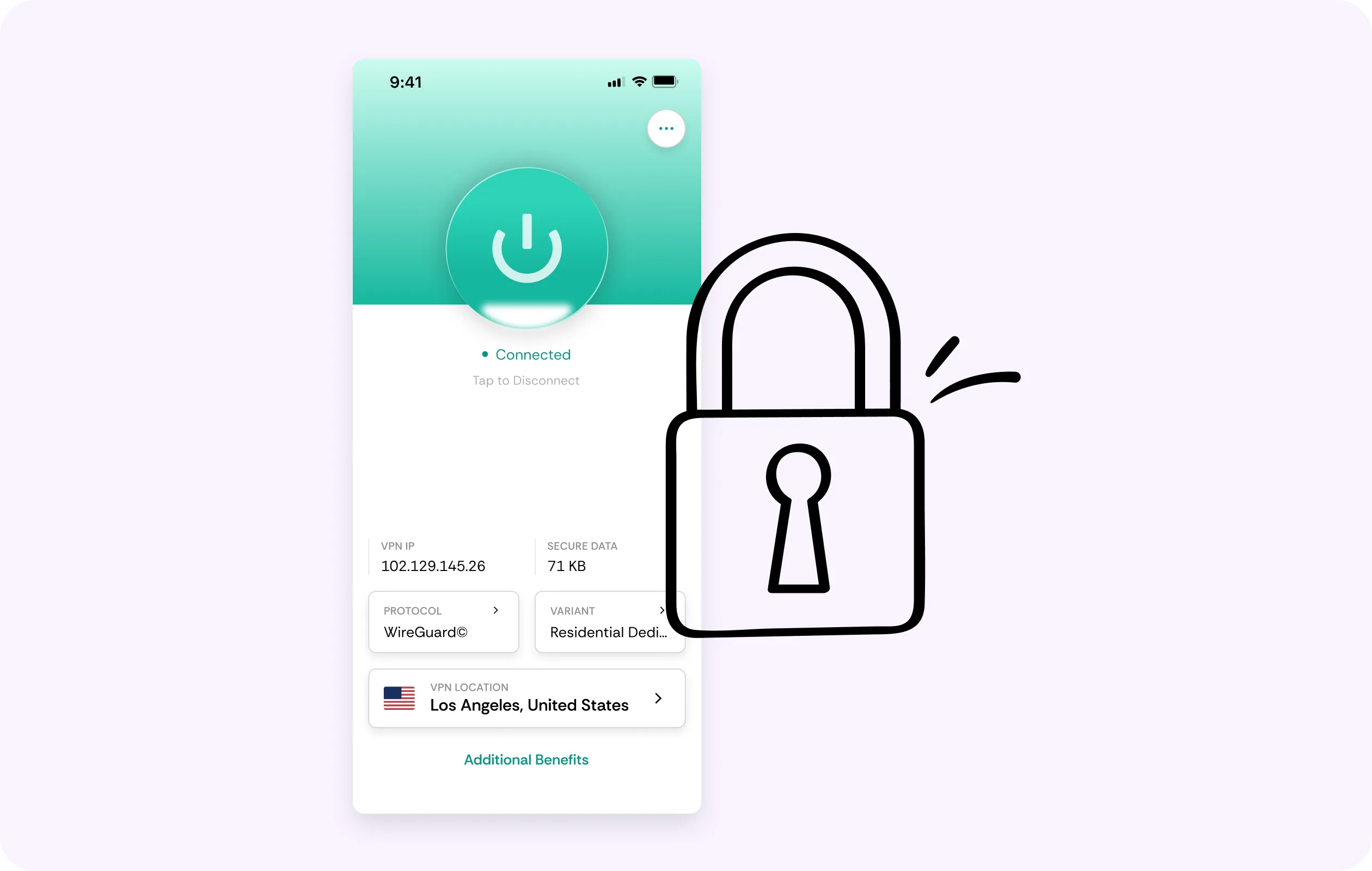
Multi-Device Coverage
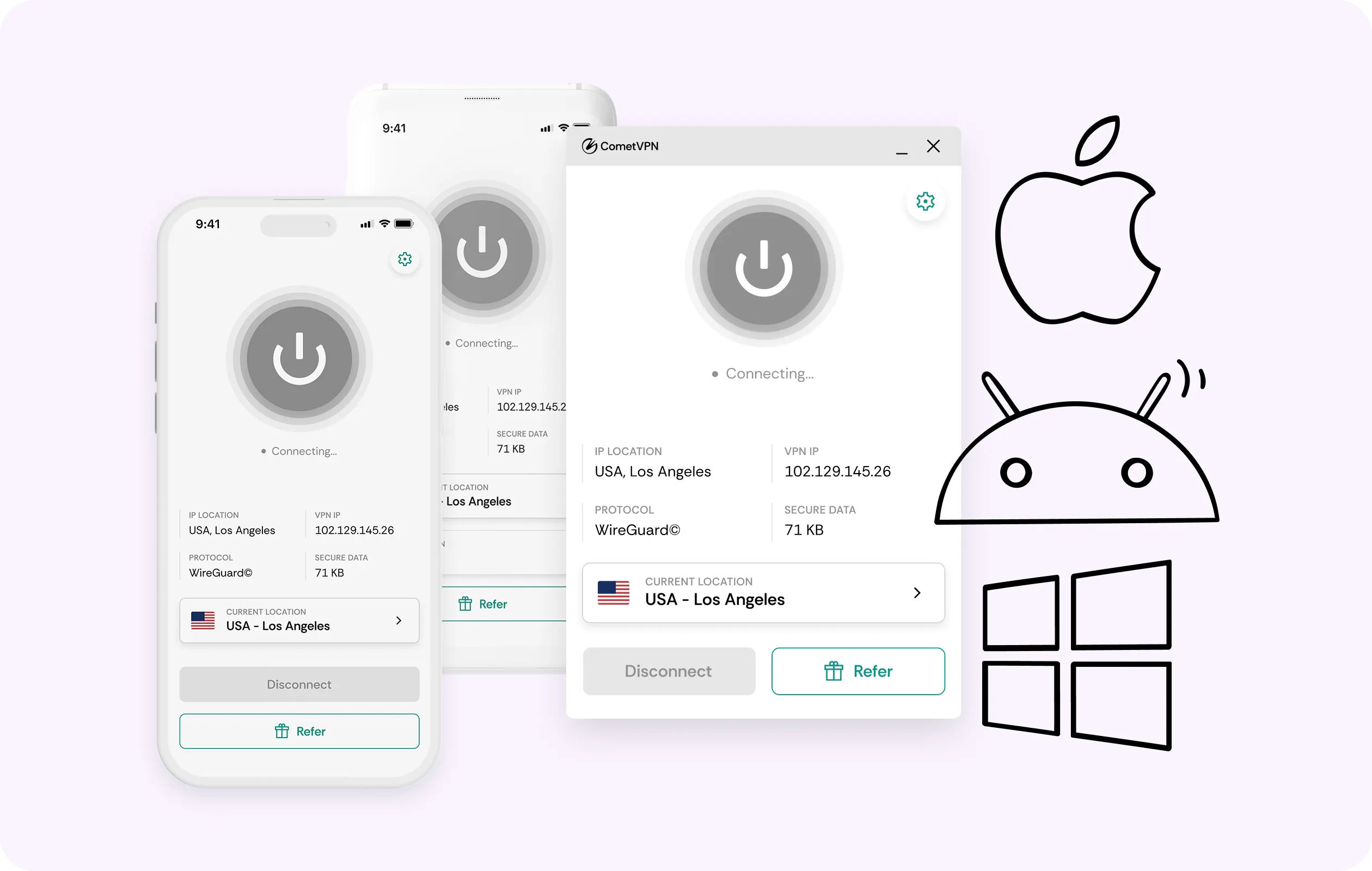
The same CometVPN account that runs on your Apple TV also covers your phone, laptop and tablet. Set it up once, and every screen in the house gets the same protection.
Why Apple TV Users Trust CometVPN
-
 Lauren Bennett
 Good VPN for bypassing social media censorship in Turkey.
-
 Amelia Cross
 I have been travelling a lot for the past few years, and as a rule - CometVPN is always on. It helps me to stay engaged with the news from my home country and I feel much safer knowing that my internet traffic is hidden.
-
 Marcus Holloway
 I just wanted privacy, so this was the perfect choice for me - I wasn’t forced to buy overpriced features, simple for everyday use. The only drawback is that sometimes the interface is not very intuitive, but their consultants have been very helpful for this.
-
 Samuel Whitaker
 CometVPN, although a bit limited in features, worked reliably. Truly a solid choice as I couldn’t find anything more affordable that also works for what VPN is supposed to do.
-
 Ethan Caldwell
 As a Canadian, I was frustrated by not being able to watch U.S. Netflix content, until I found CometVPN. I realized that with their servers, I could bypass restrictions easily and enjoy unlimited streaming.
How to Use CometVPN with Apple TV
Get CometVPN subscription
Join our VPN service by choosing any of the plans available on our pricing page
Download our VPN software
Get our CometVPN app for Apple, Android, or Windows and install it on your device
Enable VPN protection
Install CometVPN from the Apple TV App Store, sign in, then pick a server.
Frequently Asked Questions
Why Does My Apple TV Show Different Content Abroad?
Streaming catalogues are licensed by region, so your Apple TV shows whatever matches its current location. Connecting through a server back home brings your usual library back.
Is It Legal to Use a VPN on Apple TV?
Yes, using a VPN is legal in most countries. Check local law and the terms of the streaming apps you use - CometVPN doesn't offer legal guarantees beyond that.
Can a Streaming App Block My Account for Using a VPN?
It's possible - some services detect and block VPN traffic. CometVPN's residential IPs make that far less likely, since they look like ordinary home connections, but there's no absolute guarantee.
Does a VPN Slow Down My Apple TV?
No, and it can actually help. CometVPN uses WireGuard for fast connections, and encrypting your traffic can stop ISPs from throttling video specifically - often making streaming smoother, not slower.
Why Not Use a Free VPN on Apple TV?
Free VPN services pay their bills with your traffic and data. A living-room device that's connected around the clock is exactly the steady data source those services rely on.