






Why You Need a VPN for Google Play Store

Network Blocks
The store opens on one connection. The filter sits inside that network, not your phone or tablet, courtesy of a national provider, a company plan, or a campus/hotel portal. Traffic inside an encrypted tunnel from a Google Play VPN isn’t sorted that way, so the store loads.

Stalled Downloads
The store opens and the download starts, but then it starts crawling or stops altogether. The route to the servers may be congested, or the network may throttle large transfers. Route through CometVPN, and the download often finishes if it couldn’t before.

Sign-In Checks
Signing in from an unfamiliar address, especially a commercial one, can trigger extra verification on the account that holds your mail, photos, and cards. A residential IP looks like an ordinary home connection, so sign-ins with a VPN for the Google Play Store stay routine.

App-Side Checks
The store is only 50% of the journey. Some apps check the connection themselves the first time they open, so the download may work, while the app refuses to launch. That check reads your address, which is the part a tunnel from our VPN can change.
CometVPN Features for Google Play Users
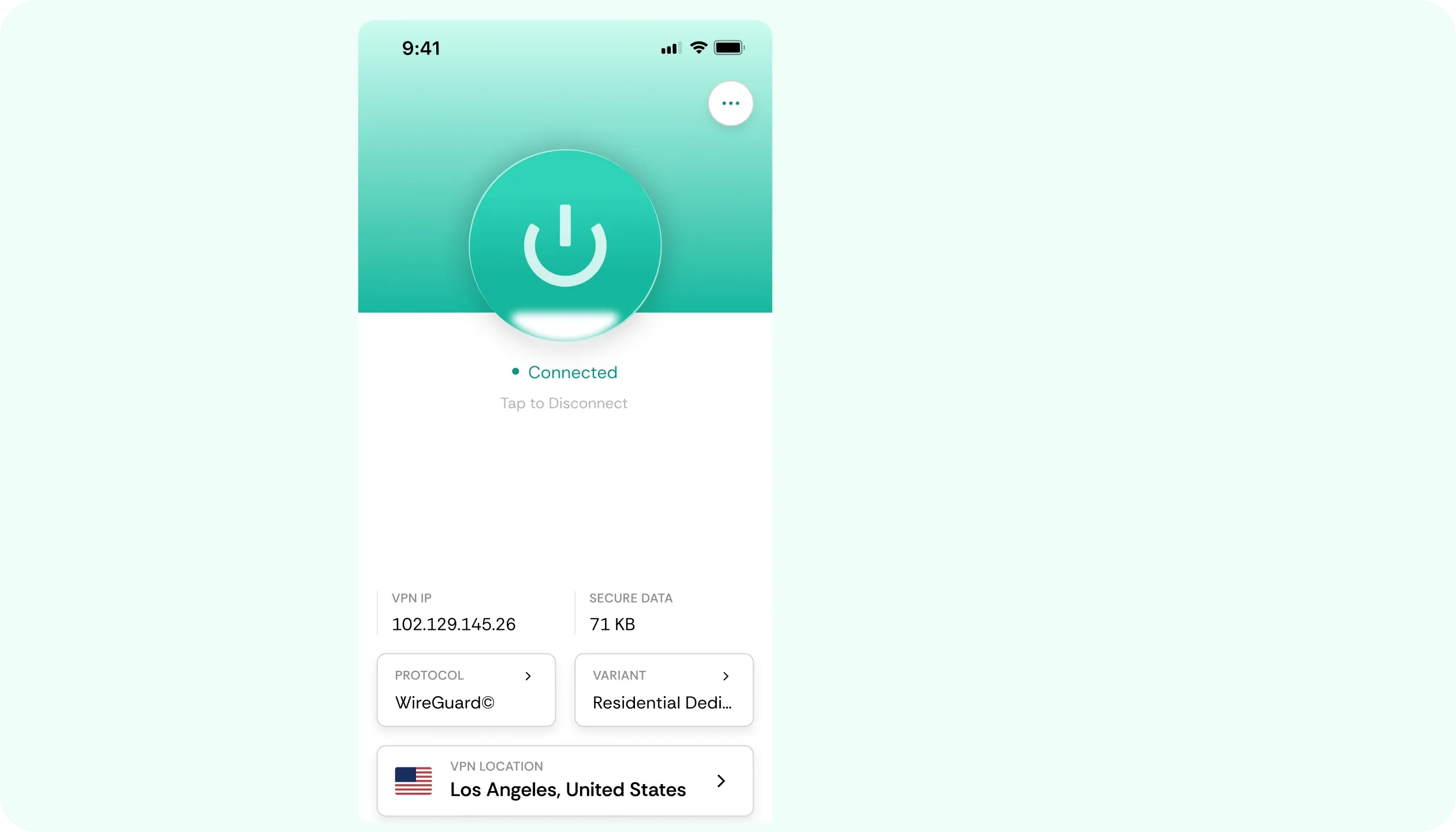
Residential IP
Account security on the Play Store will react to known commercial address ranges. A residential IP is an ordinary home line, so signing in from a hotel, a café, or another new place needs fewer extra checks.
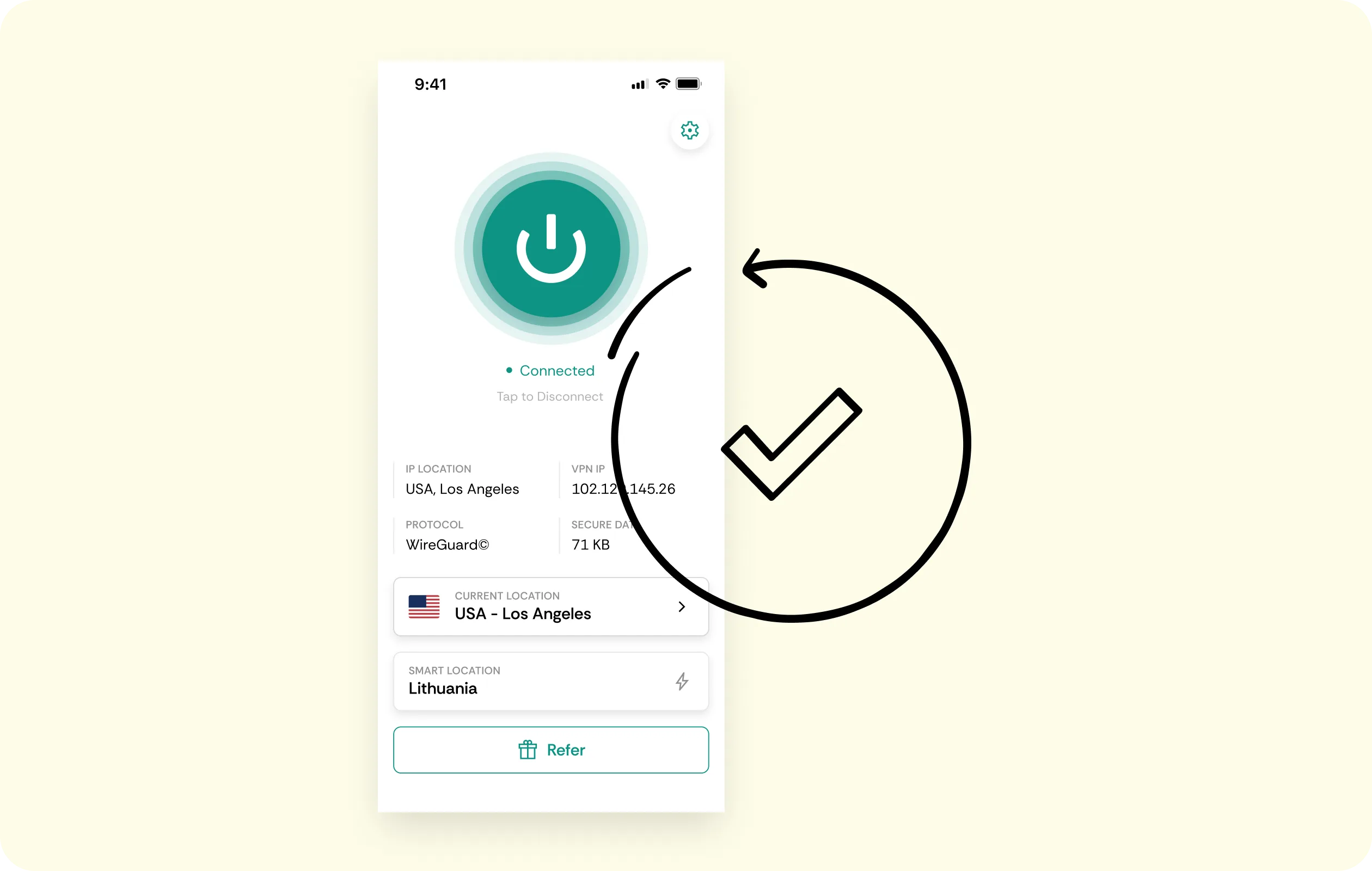
Obfuscated Servers
If you‘re on a filtered company or national network, VPN tunnels are usually blocked. Obfuscated servers are designed to look like ordinary encrypted traffic, so you can use the VPN for the Play Store without being singled out.
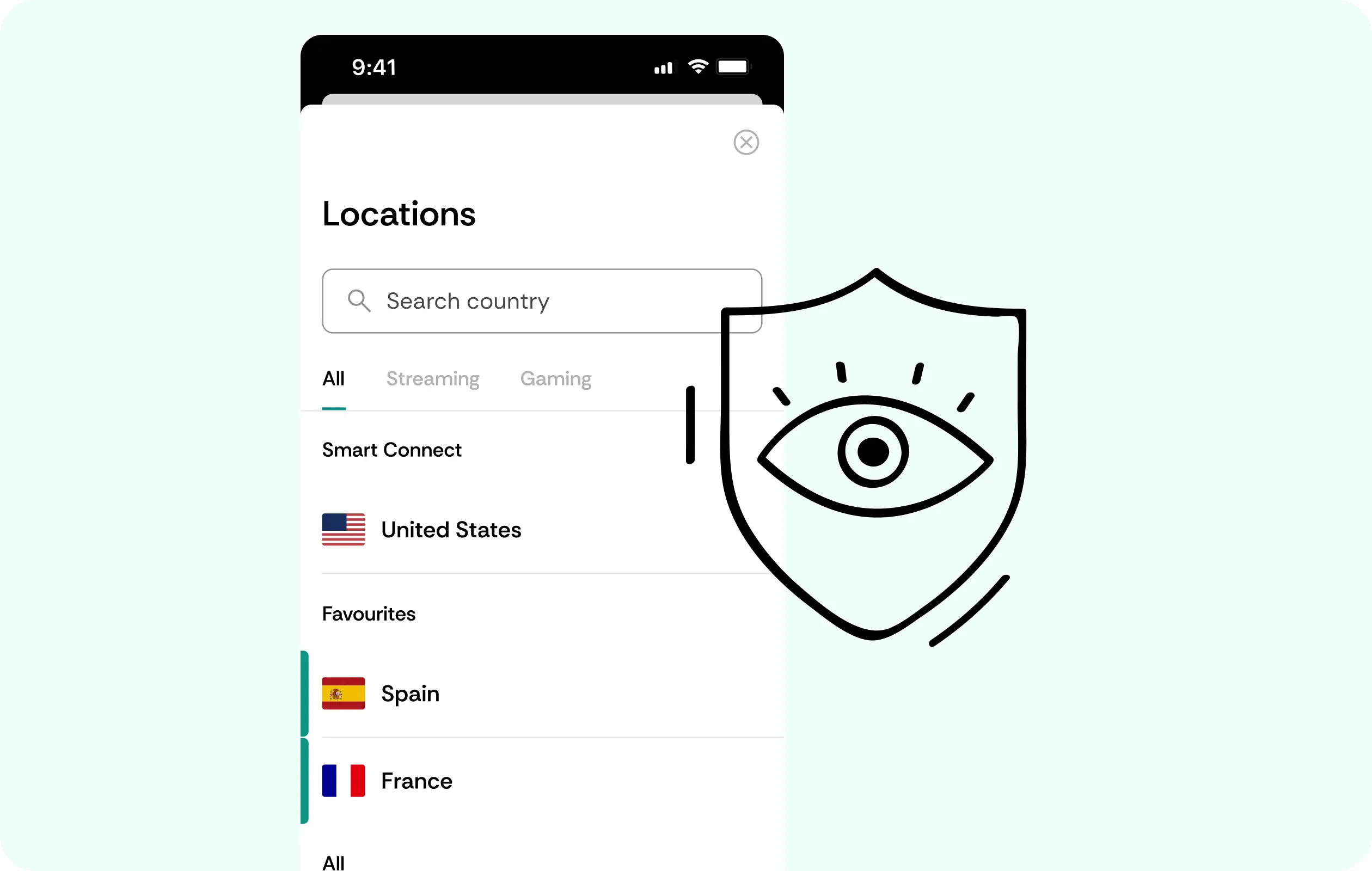
WireGuard Speed
App updates and downloads require a lot of bandwidth as well as a steady route. WireGuard keeps overhead low, and a nearer server can help transfers finish faster than a distant one.
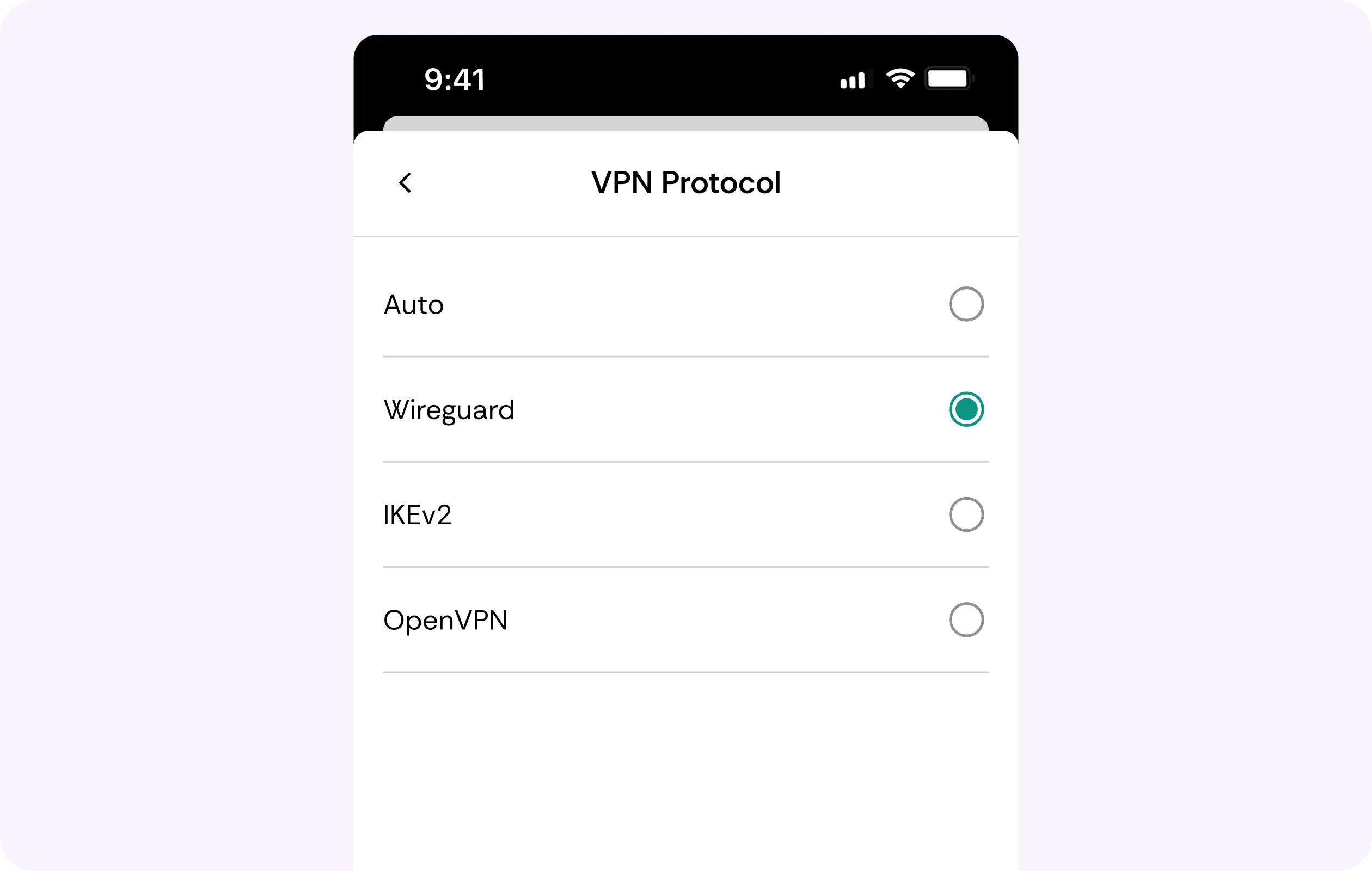
Multi-Device Coverage
You can use our Play Store VPN on every device that you own, without limits. Have a phone, tablet, TV, or other device protected at the same, highest level on a single subscription 24/7.
Account Encryption
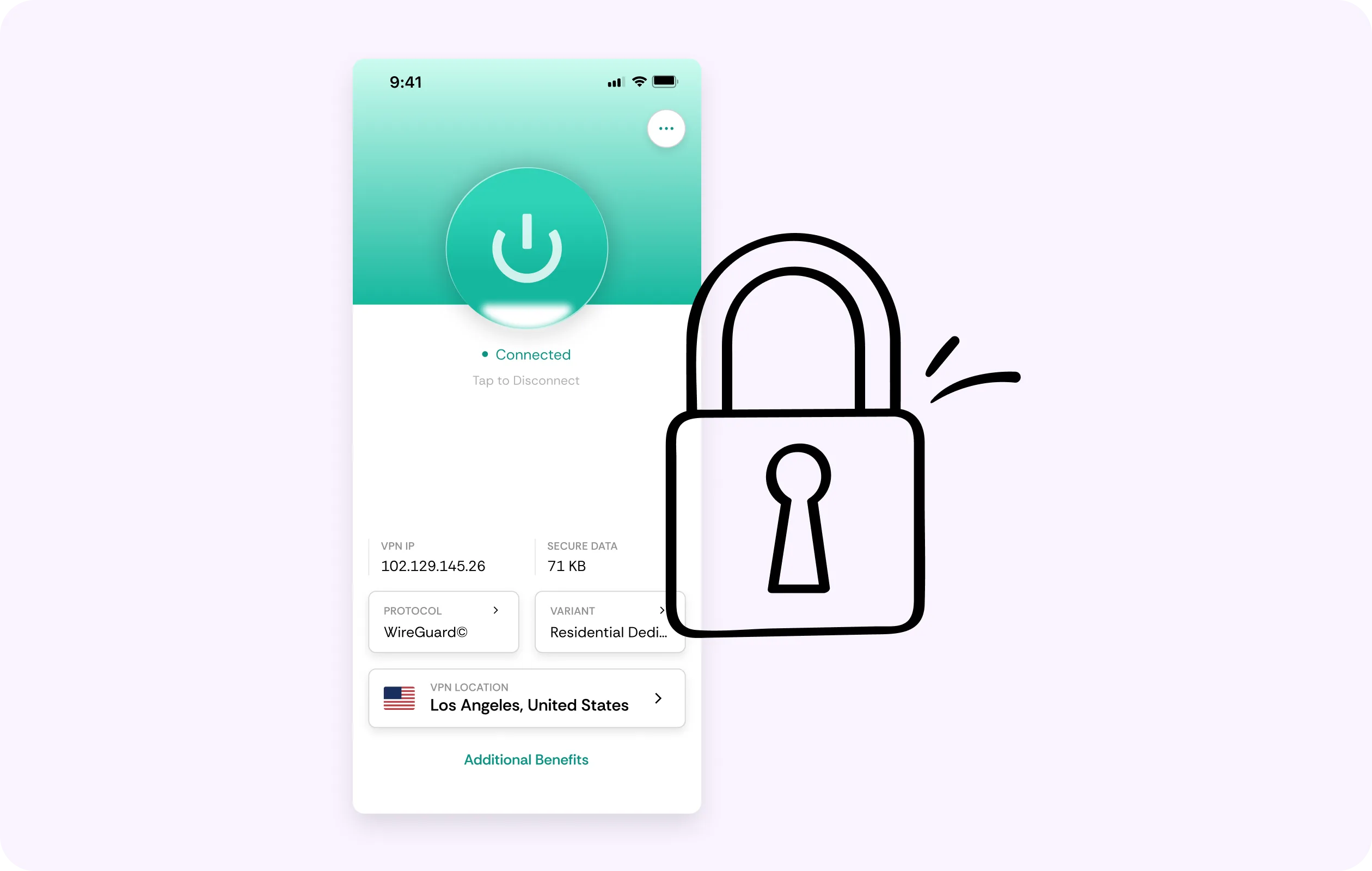
CometVPN will encrypt the sign-in, the card on file, and even notifications that your account receives on every single network connection. Even if the tunnel drops, there’s a kill switch, ready to stop traffic until protection is re-established.
Why Android Users Trust CometVPN
-
 Lauren Bennett
Good VPN for bypassing social media censorship in Turkey.
-
 Amelia Cross
I have been travelling a lot for the past few years, and as a rule - CometVPN is always on. It helps me to stay engaged with the news from my home country and I feel much safer knowing that my internet traffic is hidden.
-
 Marcus Holloway
I just wanted privacy, so this was the perfect choice for me - I wasn’t forced to buy overpriced features, simple for everyday use. The only drawback is that sometimes the interface is not very intuitive, but their consultants have been very helpful for this.
-
 Samuel Whitaker
CometVPN, although a bit limited in features, worked reliably. Truly a solid choice as I couldn’t find anything more affordable that also works for what VPN is supposed to do.
-
 Ethan Caldwell
As a Canadian, I was frustrated by not being able to watch U.S. Netflix content, until I found CometVPN. I realized that with their servers, I could bypass restrictions easily and enjoy unlimited streaming.
How to Use CometVPN with Google Play
Get CometVPN subscription
Join our VPN service by choosing any of the plans available on our pricing page
Download our VPN software
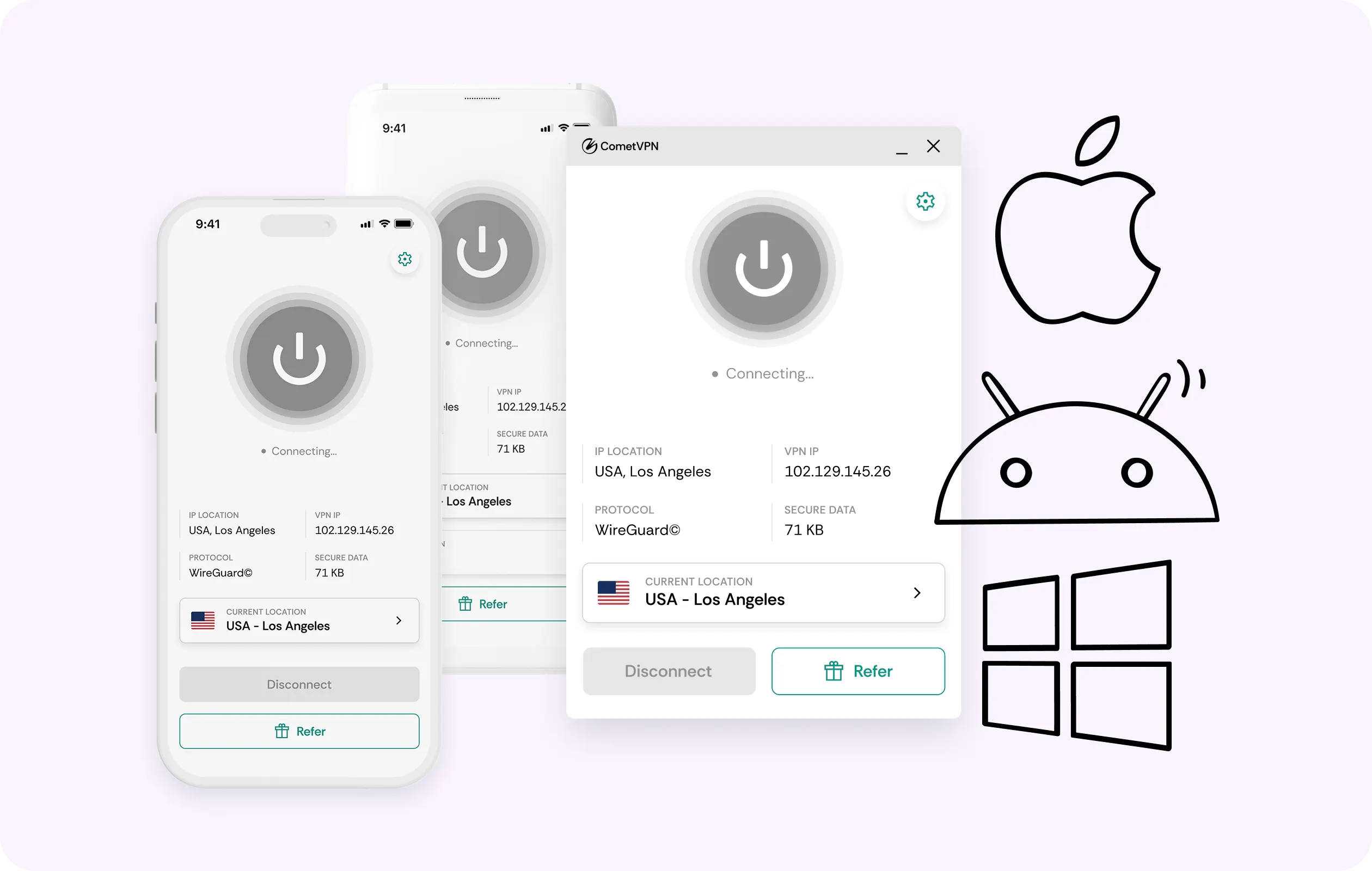
Get our CometVPN app for Apple, Android, or Windows and install it on your device
Enable VPN protection
Connect first, then open the Play Store. Force stop beforehand if it’s already running.
Frequently Asked Questions
Does a VPN Change My Google Play Store Country?
No, because the store country follows your account’s payment profile. It can only be changed once a year and needs a local payment method. Our VPN for the Play Store only changes the network path.
Why Won't the Store Open on My Connection?
The most likely reason is the filtering in the network, not because there’s an issue with your device. A VPN for the Google Play Store is designed to carry that traffic through. Connect first, then open.
Will a VPN Make My Downloads Faster?
Sometimes, but only if the VPN route gets past a congested one, and if throttling was the problem (since encryption prevents it). On the other hand, a distant server can be slower.
Will Google Lock My Account for Using a VPN?
Using it is not against Google’s rules. However, a sign-in from an unfamiliar or commercial address can trigger verification. While staying on one residential connection helps, there are no guarantees.
Is a Free VPN Fine for the Play Store?
This connection carries the account that holds your mail, photos, and cards. The best VPN for the Google Play Store won’t earn from your traffic, while most free tools will.