





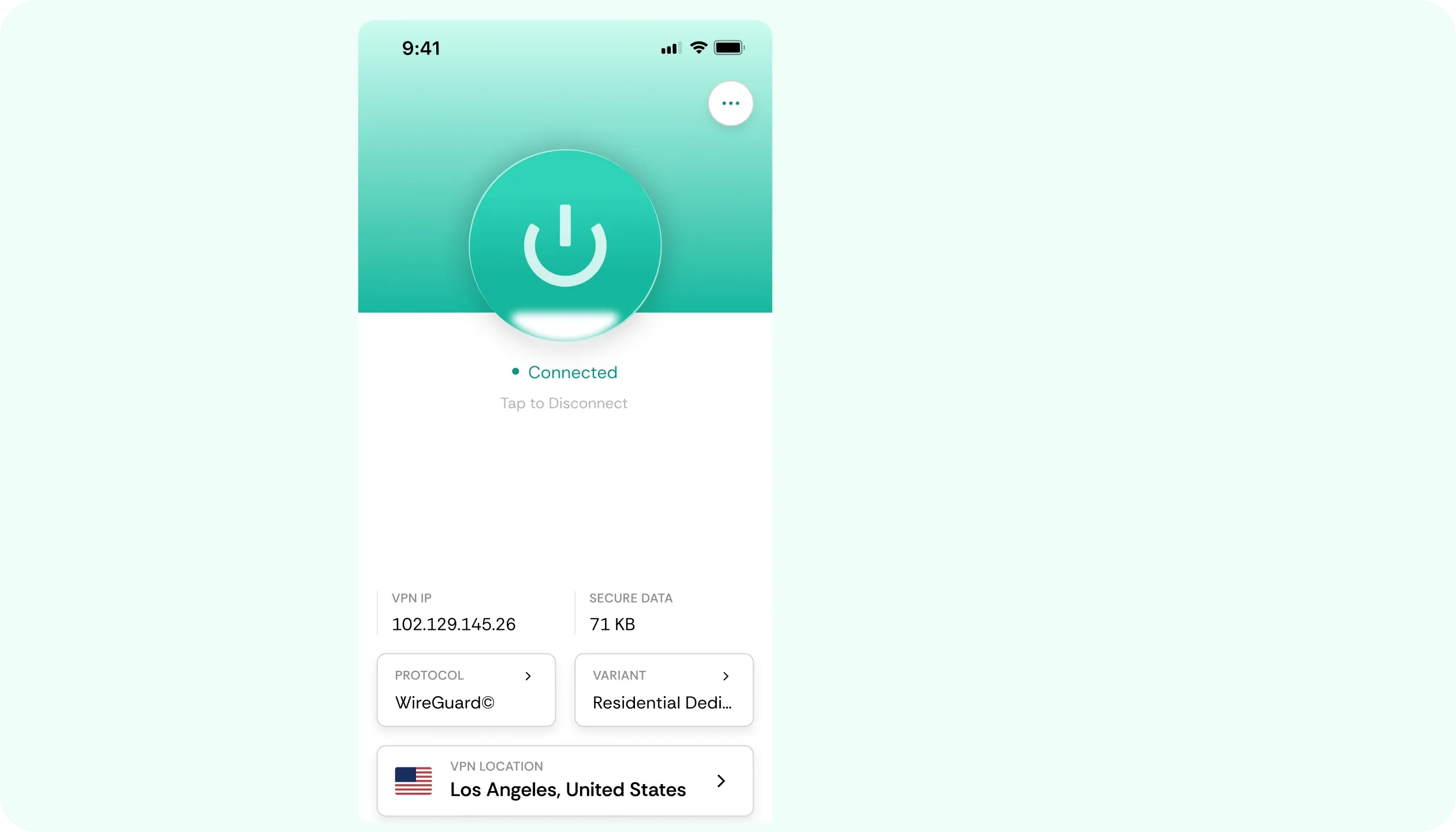

Why You Need a VPN for Jellyfin

A Different Tool
Reaching a home server from outside is the job of a purpose-built mesh VPN. It links your own devices directly without exposing anything publicly. CometVPN’s Jellyfin VPN does a different job – ensuring general connection privacy around that setup, not a replacement for it.

Open Router Ports
Forwarding a port makes your server reachable straight from the internet. It’s convenient, but it's also a real, ongoing security responsibility that stays with you. CometVPN can’t close that exposure, as it serves as protection for personal browsing and logins on whatever networks you use.

Outside Networks
Checking your Jellyfin’s library content from a hotel, café, or other outside network? That sends the connection across equipment you don’t run. CometVPN encrypts everything before transmitting, and obfuscated servers keep the tunnel usable where networks filter VPN traffic.

Login Security
Credentials for a self-hosted setup, plus any other accounts alongside it, deserve the care you’d give any other important login. Encryption on our VPN for Jellyfish covers them from the first keystroke, on whichever network they happen to be typed on – public or private.
CometVPN Features for Self-Hosted Setups
Connection Encryption
Everything leaving your device, browsing and logins alike, gets encrypted before it crosses the network. This focuses on the general privacy of your connection besides a self-hosted setup, not a claim for remote access.
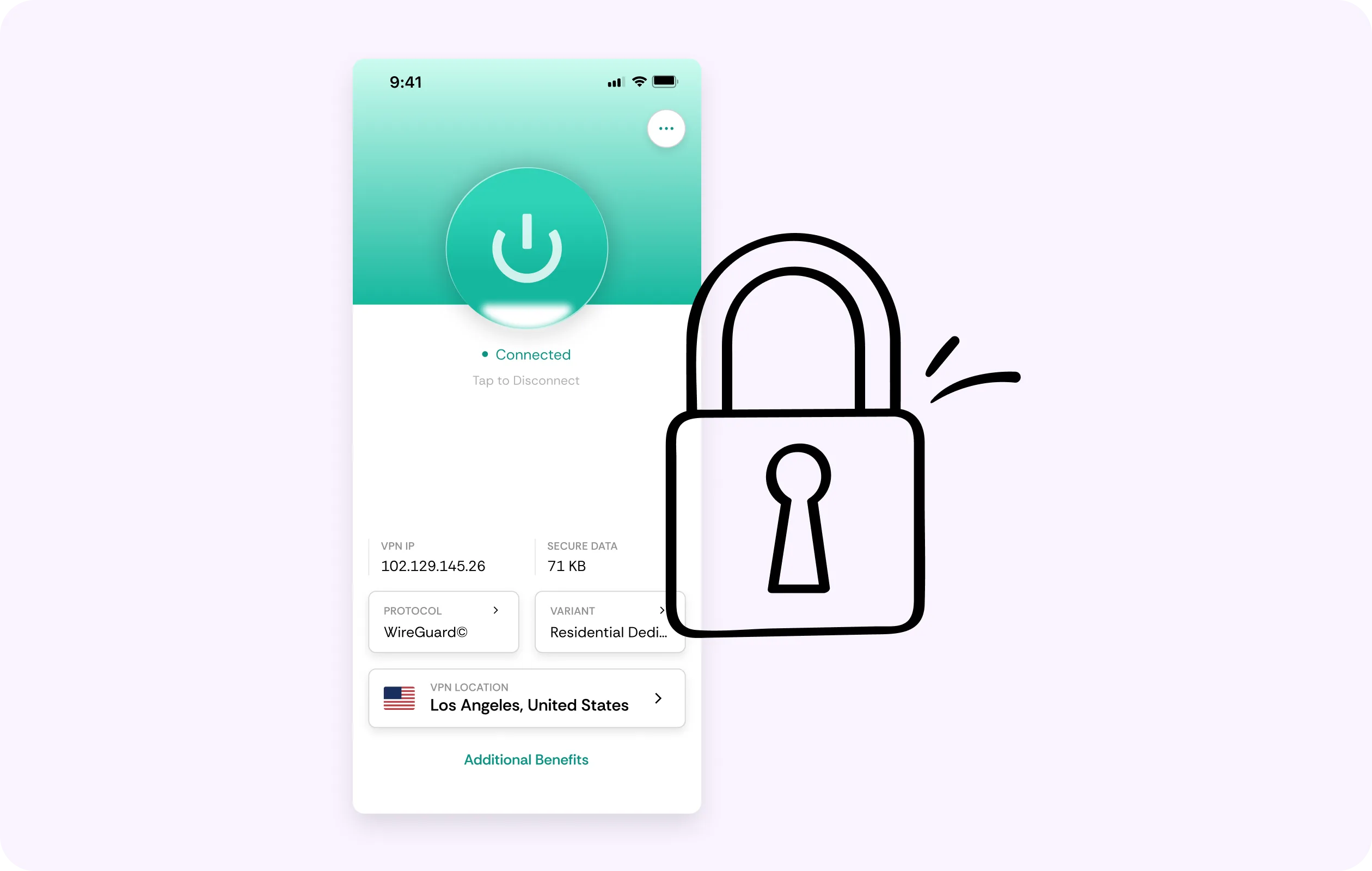
DNS Leak Protection
Name lookups stay inside the tunnel, instead of drifting out over the local network. With that said, general browsing alongside your setup retains total privacy, even if the connection misbehaves somewhere along the way.
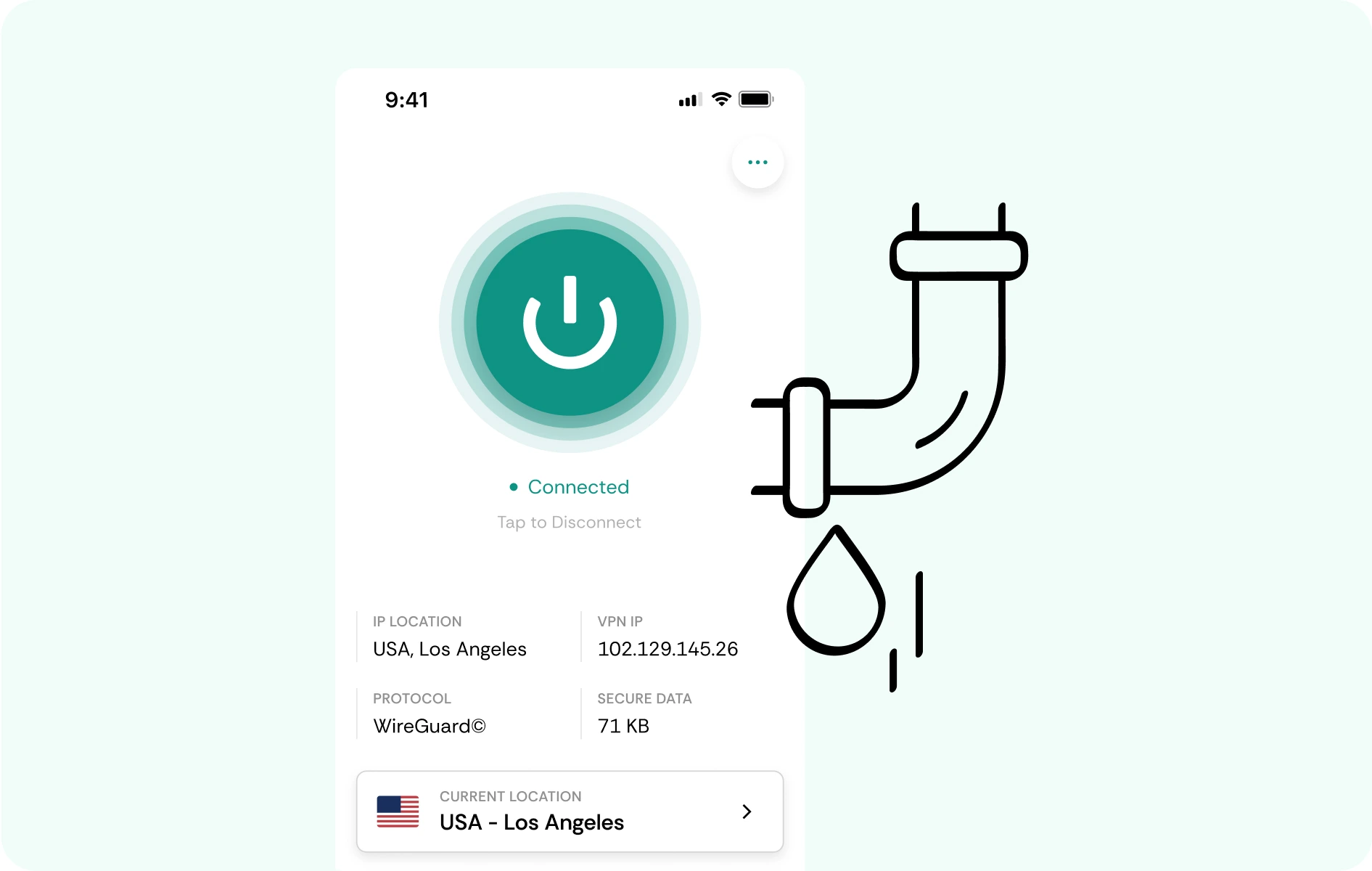
No-Logs Policy
Under our no-logs policy, the Jellyfin VPN keeps no diary of what you browse or access. You can stay calm because regular connections are never recorded if you’re connected to CometVPN at the time.
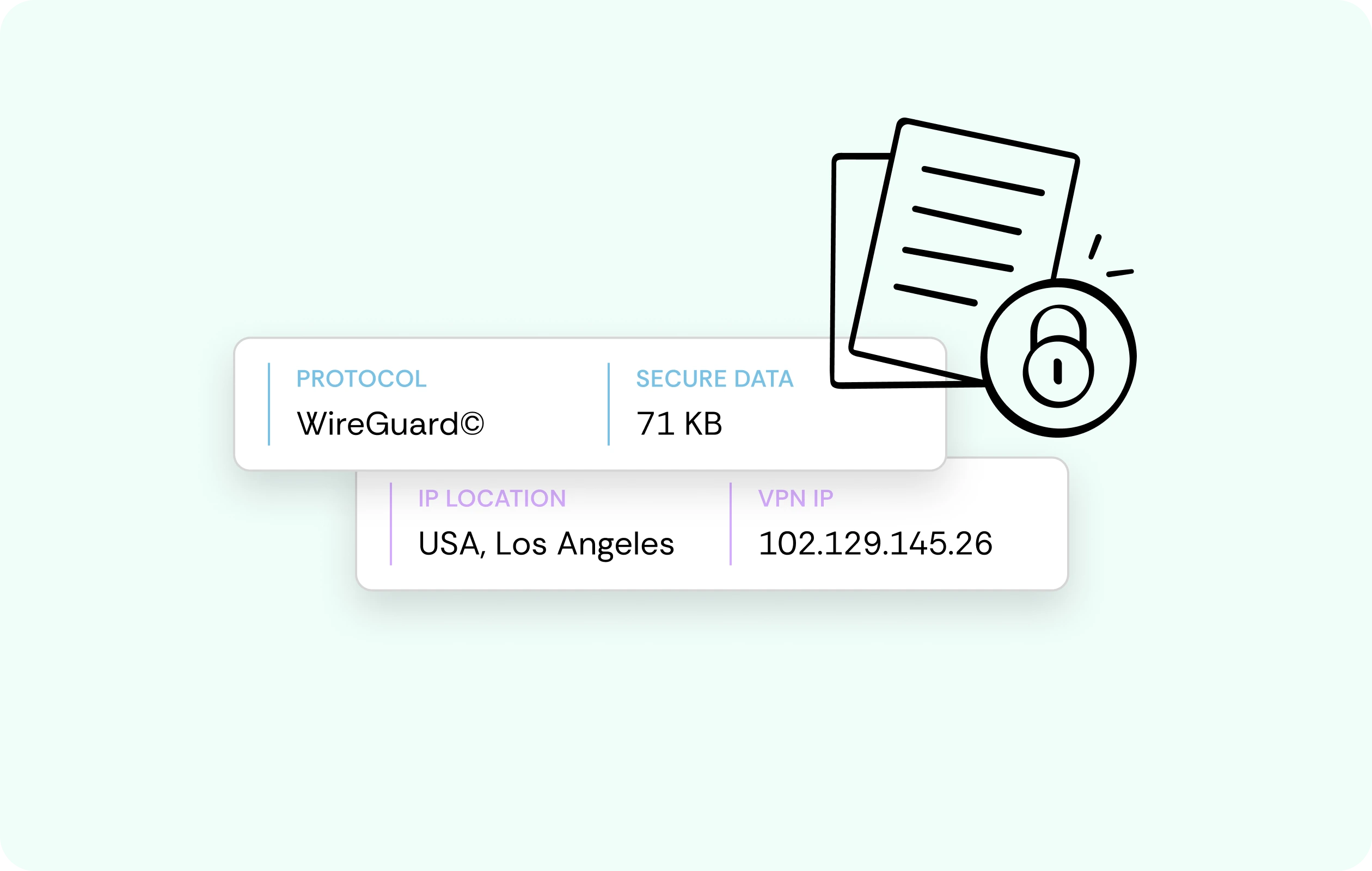
Kill Switch
In cases where a VPN connection suddenly drops, there’s a kill switch ready to halt network traffic instead of letting it fall back to an unprotected path. Even small lapses won’t allow networks to see your destinations.
Responsive Browsing
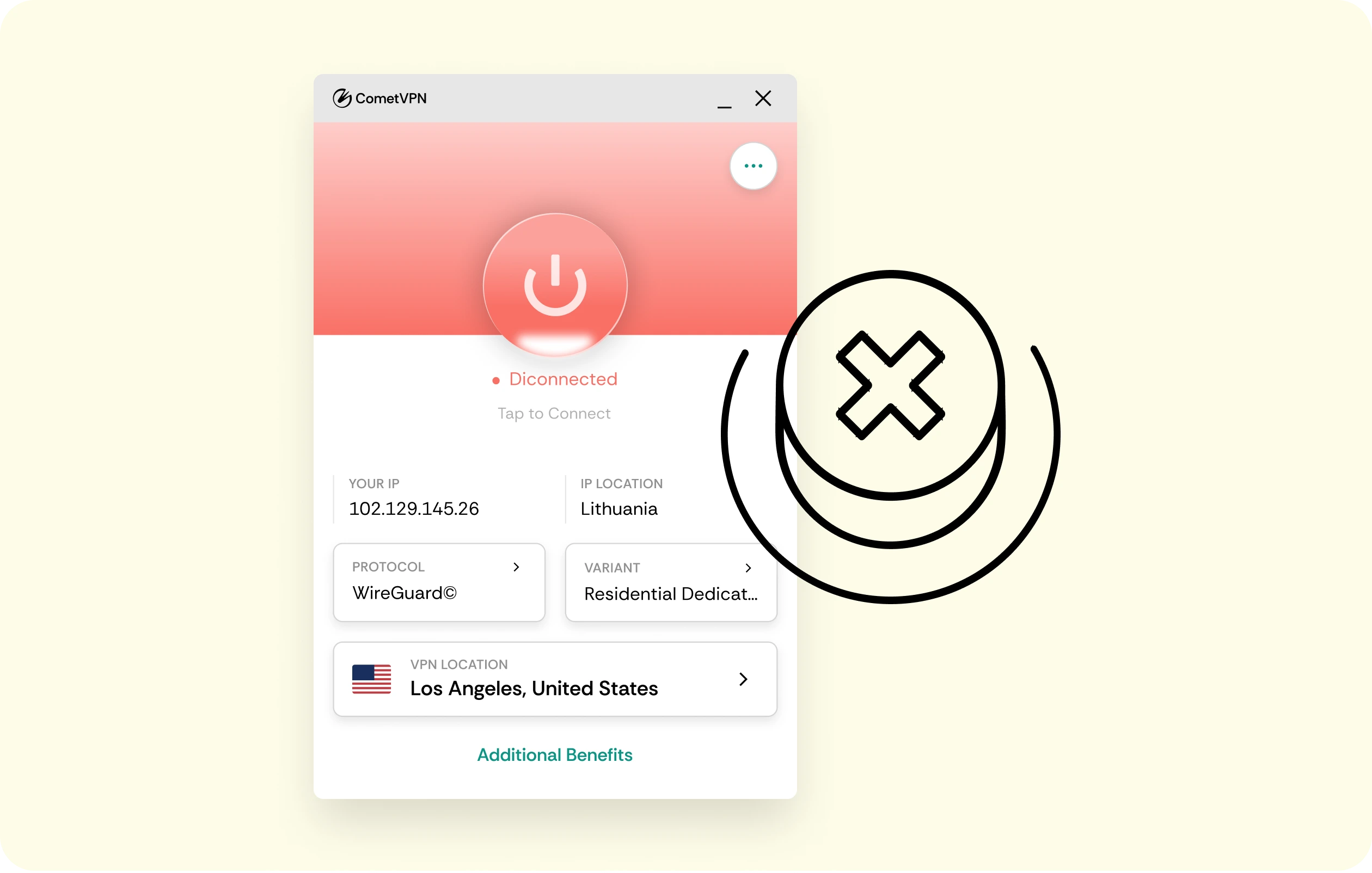
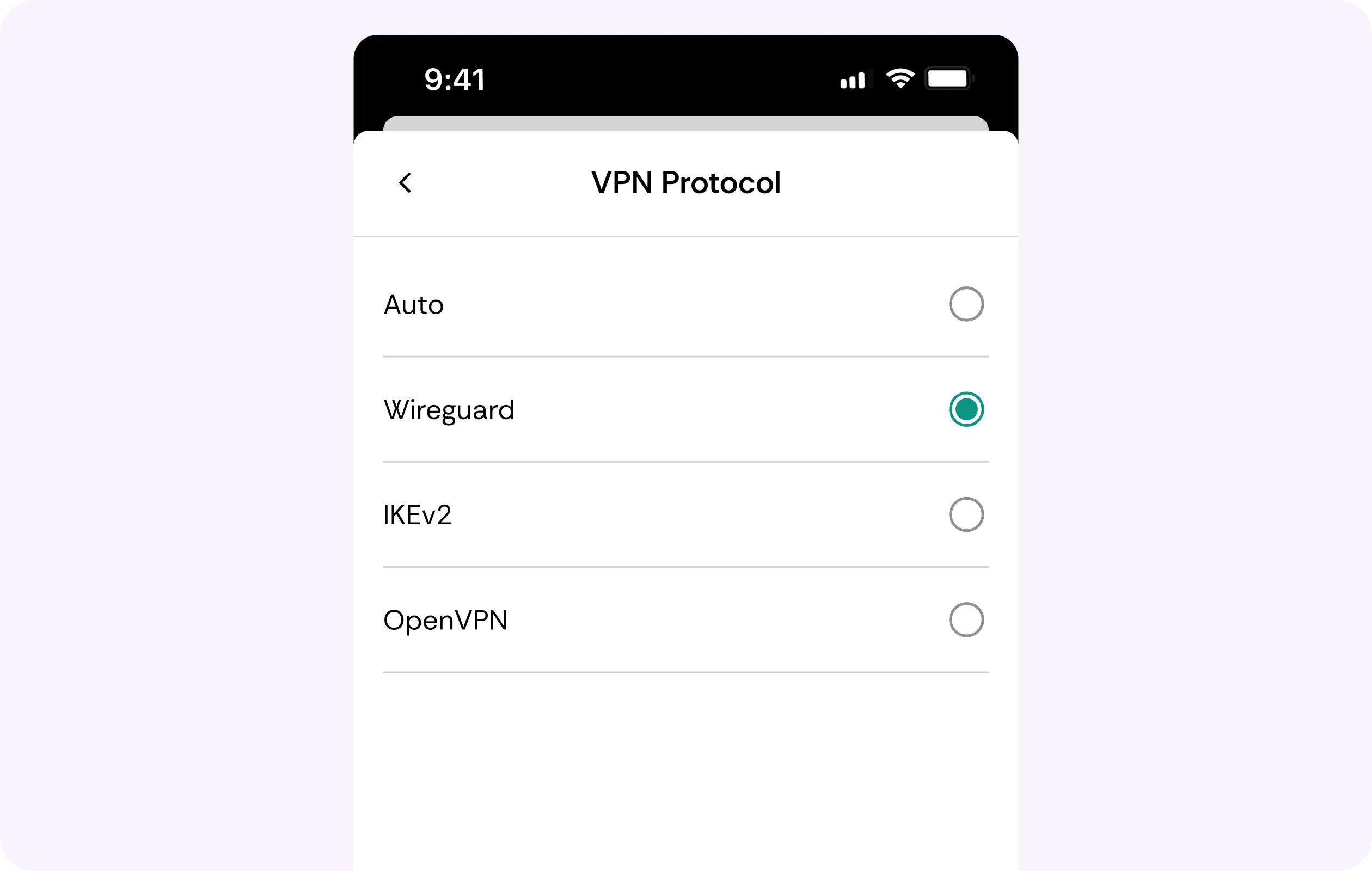
General browsing and other traffic besides your setup stay responsive thanks to WireGuard, which keeps overhead low. Stream smoothness from your own server over your own route is a separate matter from what we carry.
Why Self-Hosted Media Server Owners Trust CometVPN
-
 Lauren Bennett
Good VPN for bypassing social media censorship in Turkey.
-
 Amelia Cross
I have been travelling a lot for the past few years, and as a rule - CometVPN is always on. It helps me to stay engaged with the news from my home country and I feel much safer knowing that my internet traffic is hidden.
-
 Marcus Holloway
I just wanted privacy, so this was the perfect choice for me - I wasn’t forced to buy overpriced features, simple for everyday use. The only drawback is that sometimes the interface is not very intuitive, but their consultants have been very helpful for this.
-
 Samuel Whitaker
CometVPN, although a bit limited in features, worked reliably. Truly a solid choice as I couldn’t find anything more affordable that also works for what VPN is supposed to do.
-
 Ethan Caldwell
As a Canadian, I was frustrated by not being able to watch U.S. Netflix content, until I found CometVPN. I realized that with their servers, I could bypass restrictions easily and enjoy unlimited streaming.
How to Use CometVPN with a Self-Hosted Setup
Get CometVPN subscription
Join our VPN service by choosing any of the plans available on our pricing page
Download our VPN software
Get our CometVPN app for Apple, Android, or Windows and install it on your device
Enable VPN protection
Sign in, choose a server, then browse or connect as usual.
Frequently Asked Questions
Is CometVPN the Same as Using Tailscale for Remote Access?
No, Mesh VPNs like Tailscale link your own devices together directly. Our VPN for Jellyfin plays a different, more complementary role. It offers general browsing privacy on the networks you use.
Do I Still Need Port Forwarding with a VPN?
Yes, if that’s how you set up remote access. A traditional VPN doesn’t remove the need for port forwarding or a mesh VPN. Its sole purpose is bolstering privacy.
Is Using a VPN with a Self-Hosted Server Legal?
In most countries, for personal use – yes. Still, check local laws, and remember we cannot offer legal guarantees either way, so stay aware.
Will a VPN Slow Down Streaming from My Server?
Every VPN adds a small overhead, whatever protocol it runs on. Still, WireGuard’s impact on speeds is minimal, and nearby servers help keep it there while you’re running a Jellyfin VPN.
Why Not Use a Free VPN for a Self-Hosted Setup?
Free services make money from your traffic and data. Plus, their free Linux clients are often the least maintained option. For self-hosters, the best VPN for Jellyfin is often a paid one.