





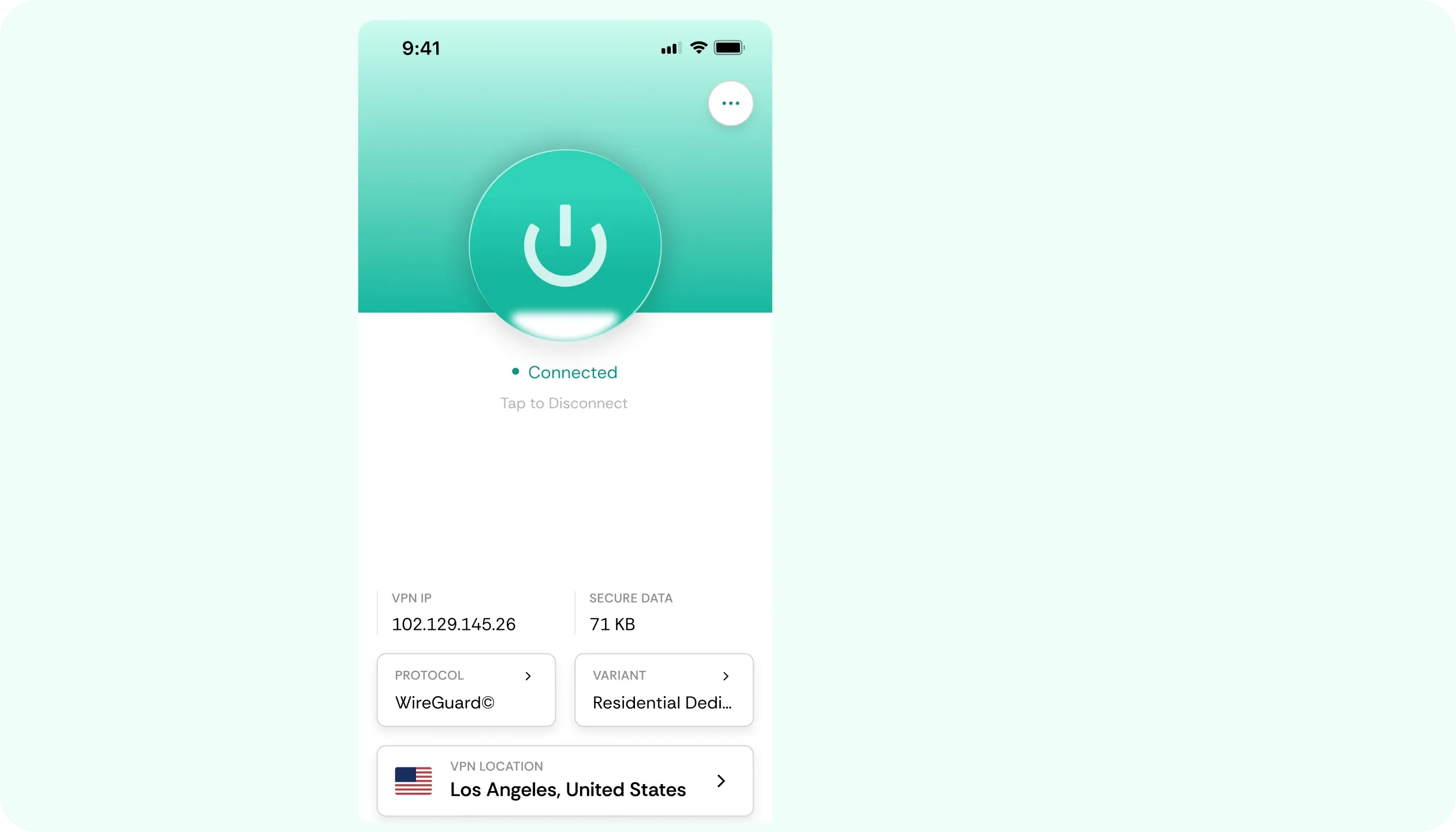

Why You Need a VPN for Channel 4

Outside the UK
Channel 4 is meant for UK residents. If you connect from abroad, the playback stops or won’t load at all, regardless of whether the trip is three weeks, three years, or three hours. Enable our Channel 4 VPN, and everything will load normally.

Free Account Sign-Up
To watch on a free account, you still need to provide a UK postcode and your own personal details. That part still carries over as normal. CometVPN only handles the connection, so once you’re signed in, everything plays as it would when you’re home.

Live Channels
In streaming, live channel feeds work differently from catch-up. In the UK, watching live TV requires a licence. Catch-up is treated separately. The official TV Licencing site sets out what exactly applies to you. Our VPN for Channel 4 handles the connection either way.

Worn-Out Addresses
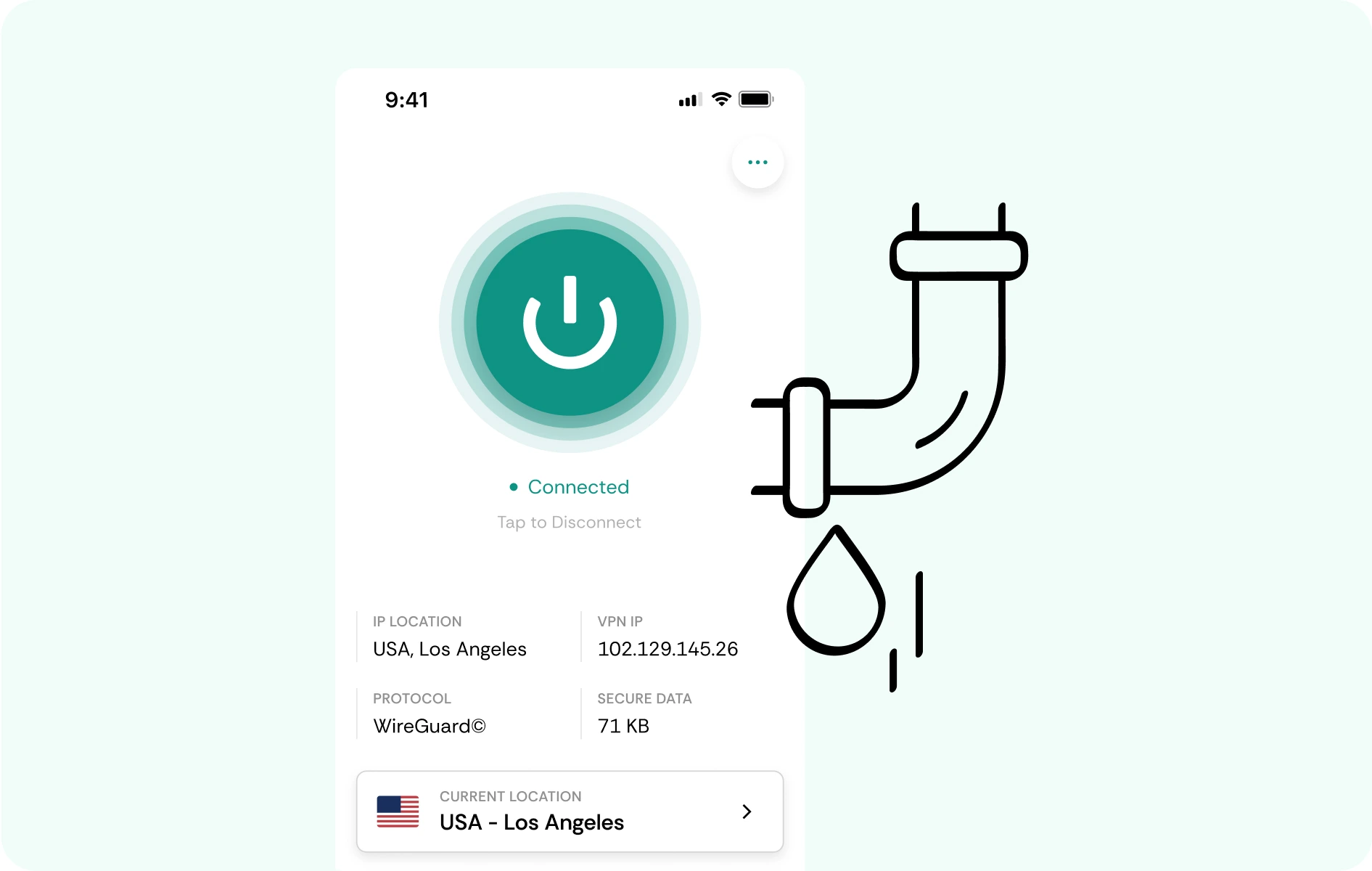
Britain remains one of the most requested VPN destinations, so free or cheap services squeeze every user through a handful of farm addresses that are recognised and refused quite often. We provide users with a clean residential IP, just like an ordinary household line instead.
CometVPN Features for Channel 4 Viewers
British Residential IPs
UK addresses are recycled harder than almost any other by server centres. A CometVPN residential IP is a single household line, so the sign-in on your TV or other device looks like a user at home.
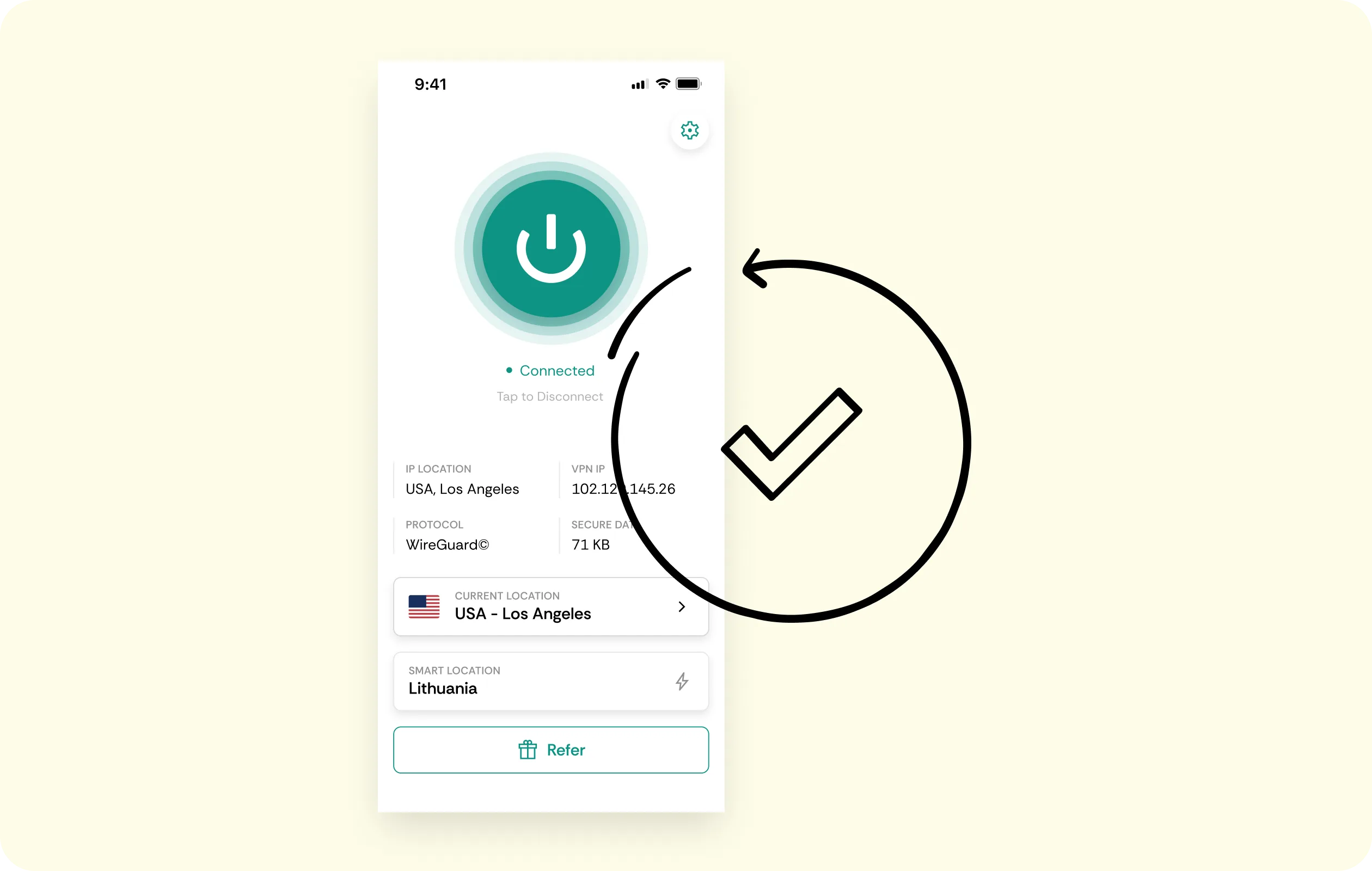
UK Server Locations
With only one country relevant here, we keep things simple. Our users can choose British servers and download a convenient app that reconnects to the same location without the need to hunt for it.
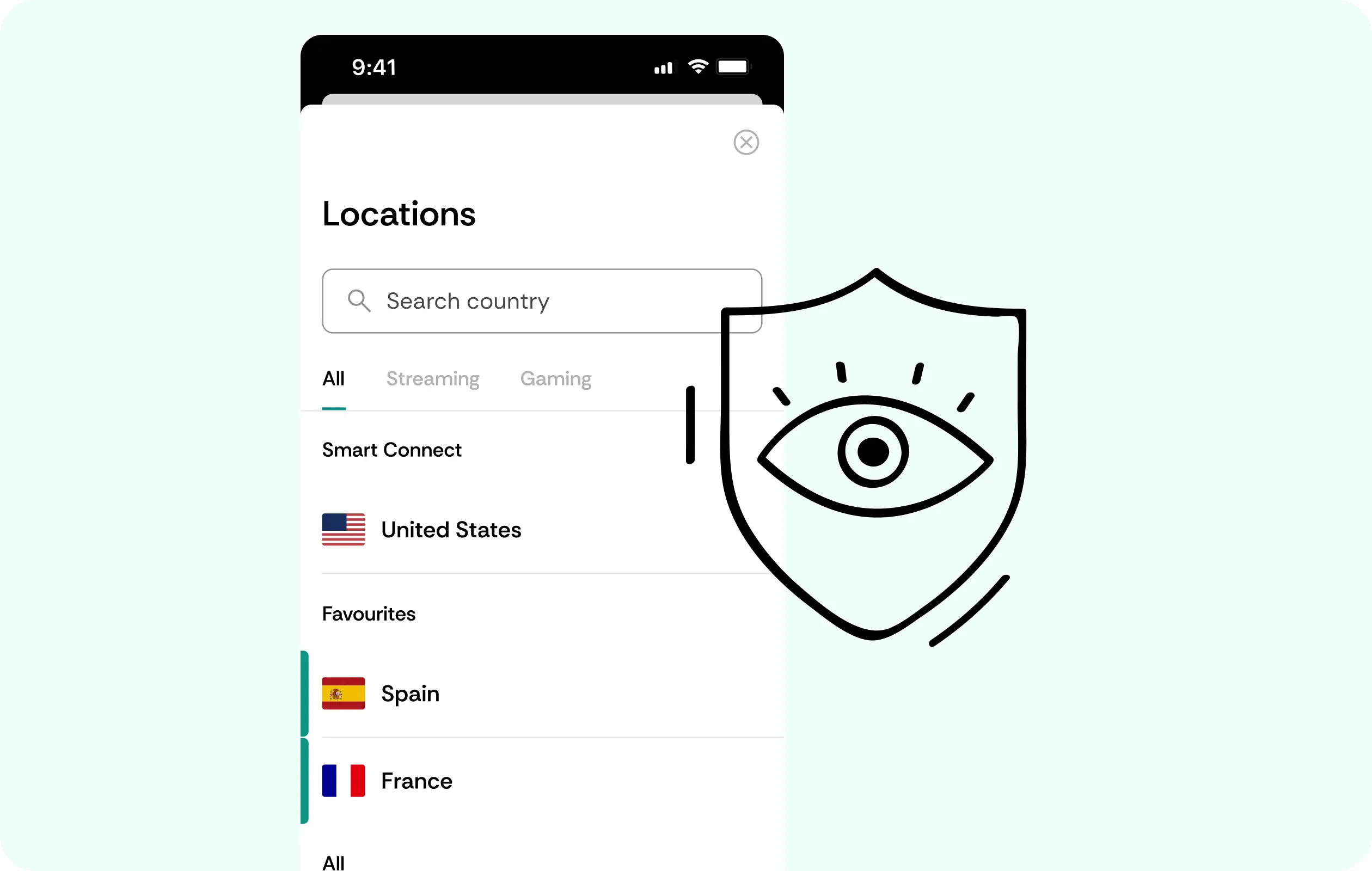
Smooth WireGuard Playback
An episode shouldn't stop halfway to load. WireGuard keeps the added overhead light, so everything plays smoothly and live feeds hold together on any device, meaning you can watch Channel 4 abroad all day.
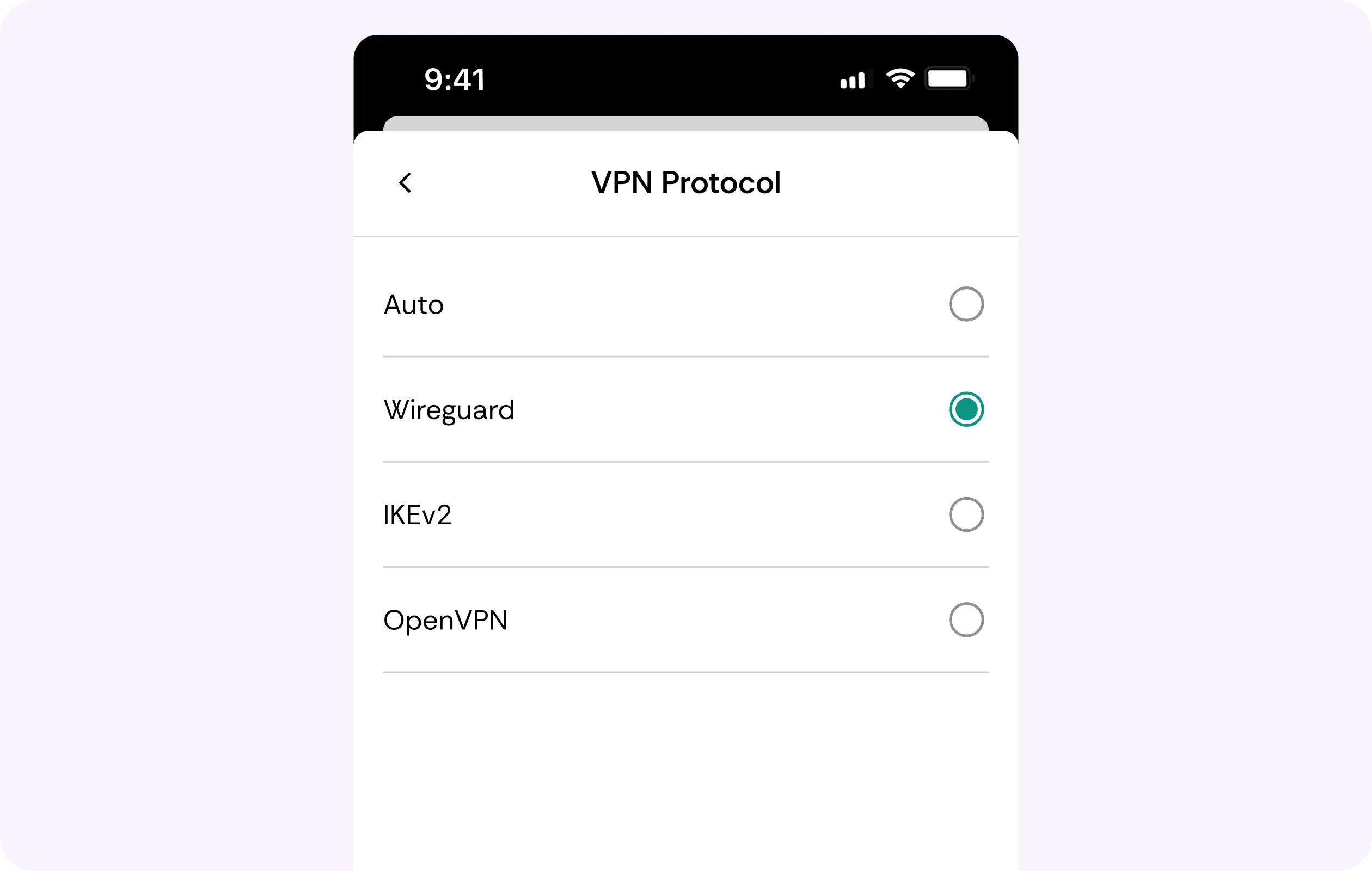
DNS Leak Protection
Even a single lookup slipping out over the local network can kill the playback mid-episode. Our service keeps every request in the encrypted tunnel, and the kill switch holds things steady if connections act up.
Every Screen Covered
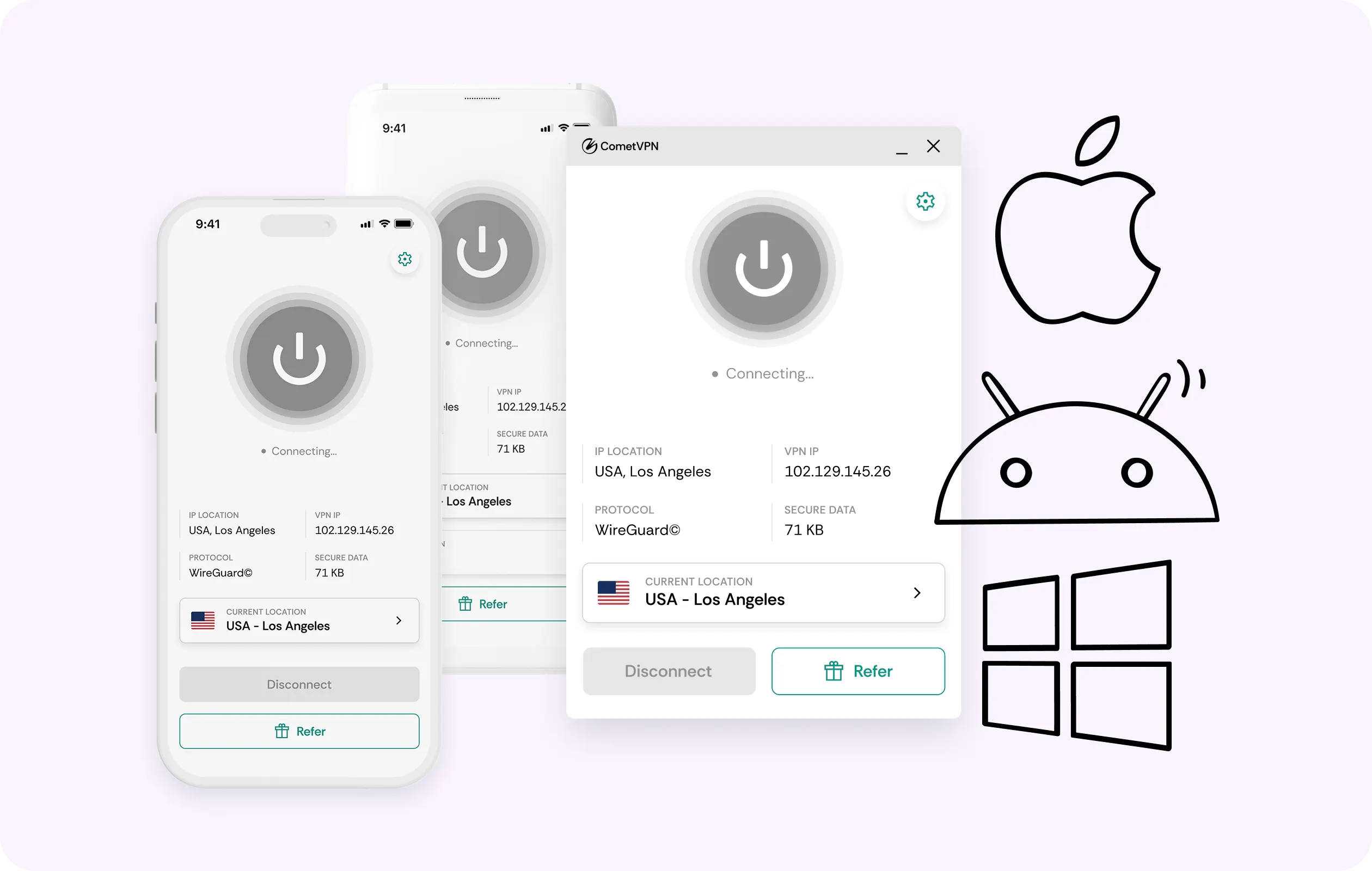
The TV in your living room, a tablet near the bed or your phone on the train commute. One CometVPN account covers every device you own, so the evening’s viewing can move with you.
Why British Viewers Abroad Trust CometVPN
-
 Lauren Bennett
Good VPN for bypassing social media censorship in Turkey.
-
 Amelia Cross
I have been travelling a lot for the past few years, and as a rule - CometVPN is always on. It helps me to stay engaged with the news from my home country and I feel much safer knowing that my internet traffic is hidden.
-
 Marcus Holloway
I just wanted privacy, so this was the perfect choice for me - I wasn’t forced to buy overpriced features, simple for everyday use. The only drawback is that sometimes the interface is not very intuitive, but their consultants have been very helpful for this.
-
 Samuel Whitaker
CometVPN, although a bit limited in features, worked reliably. Truly a solid choice as I couldn’t find anything more affordable that also works for what VPN is supposed to do.
-
 Ethan Caldwell
As a Canadian, I was frustrated by not being able to watch U.S. Netflix content, until I found CometVPN. I realized that with their servers, I could bypass restrictions easily and enjoy unlimited streaming.
How to Use CometVPN with Channel 4
Get CometVPN subscription
Join our VPN service by choosing any of the plans available on our pricing page
Download our VPN software
Get our CometVPN app for Apple, Android, or Windows and install it on your device
Enable VPN protection
Connect to a British server, then sign in to your account and watch.
Frequently Asked Questions
Why Does Channel 4 Stop Working When I Leave the UK?
Because it’s meant for UK residents and the service checks the address you connect from. A Channel 4 VPN with a residential IP from the UK allows the playback to resume.
Do I Still Need an Account to Watch Channel 4?
Yes, and it will still ask for real personal details, including your real postcode. We only handle the connection side and won’t suggest entering details that aren’t your own.
Do I Need a TV Licence for Channel 4?
This actually depends on whether you want to watch Live TV or catch-up, since they’re treated differently. Official licencing sites have the rules, so check before committing to a plan.
Does Channel 4 Block VPN Connections?
Yes, hosting addresses get refused, along with data center IPs. This is why you need the best VPN for Channel 4 with a residential IP. Obfuscated servers help further.
Is a Free VPN Enough for Channel 4?
Usually not, and for one reason. A free VPN for Channel 4 often lumps users under the same addresses, and those stop working first. Paid tools cover you better.