





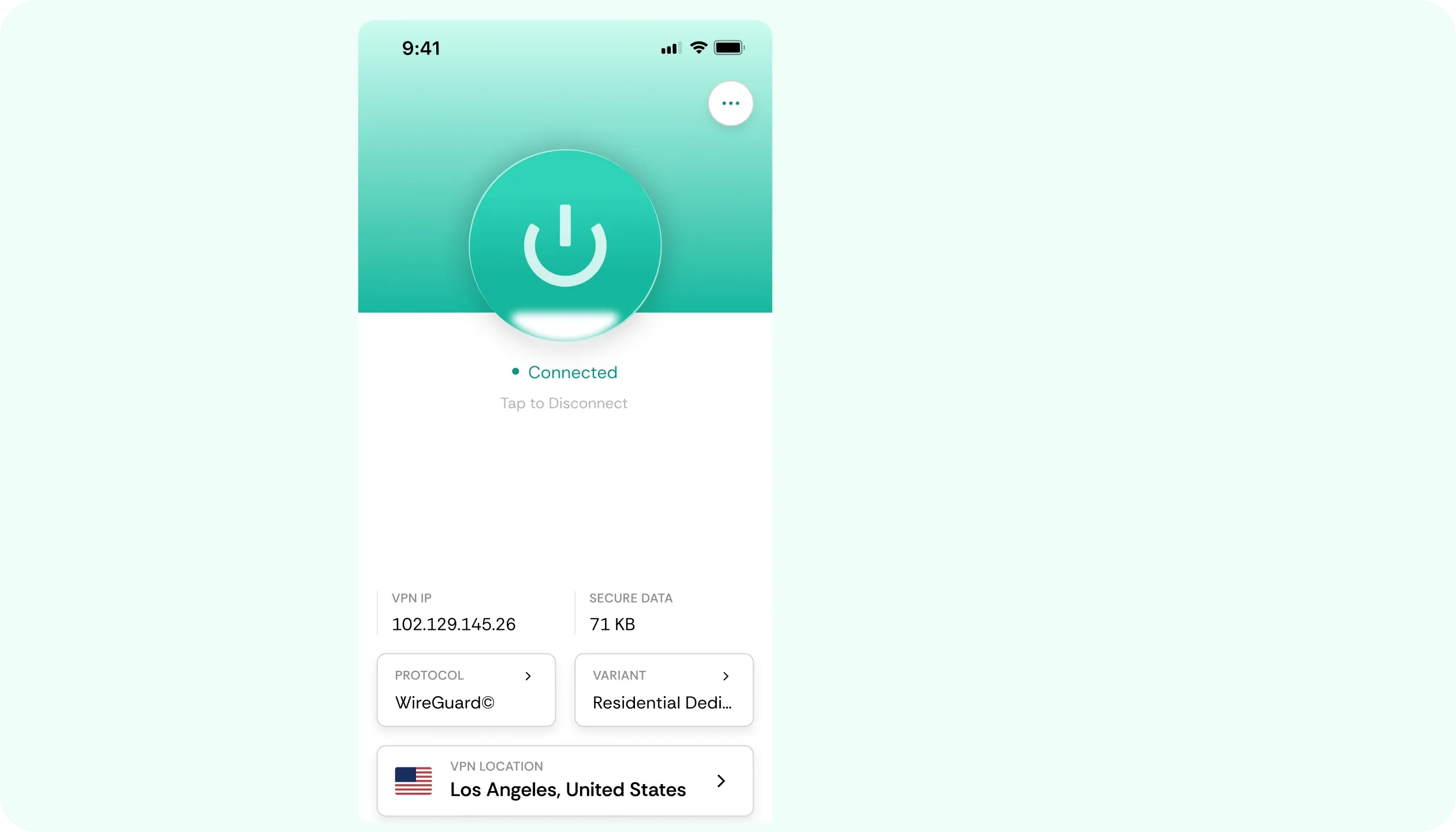

Why You Need a VPN for Apollo TV

ISP Throttling
Live TV can buffer, or VOD’s can freeze halfway through at the same time each day. Apollo TV’s own support documents point to ISP throttling as the most likely cause. CometVPN gives your bandwidth an encrypted route that the ISP can’t single out and throttle.

Carrier Blocks
For some users, everything works on home Wi-Fi, but when they switch to Verizon or AT&T mobile data, Apollo stops loading. The service provider claims those carriers can block the service on cellular. Launch CometVPN, connect through obfuscated servers, and have the app talk again.

Crowded Servers
With CometVPN, switching servers only takes a tap, so you can test a few routes and choose whichever loads playback steadily. If a server bogs down, you can switch locations and keep live TV running smoothly, with maximum security for your data.

Bad Network Paths
Sometimes, the internet works fine elsewhere, but Apollo TV shows VOD errors. The problem can be simple – the path your traffic takes to Apollo’s servers. CometVPN gives your device options to test different routes, and sometimes that’s all it takes for smooth playback.
CometVPN Features for Apollo TV Users
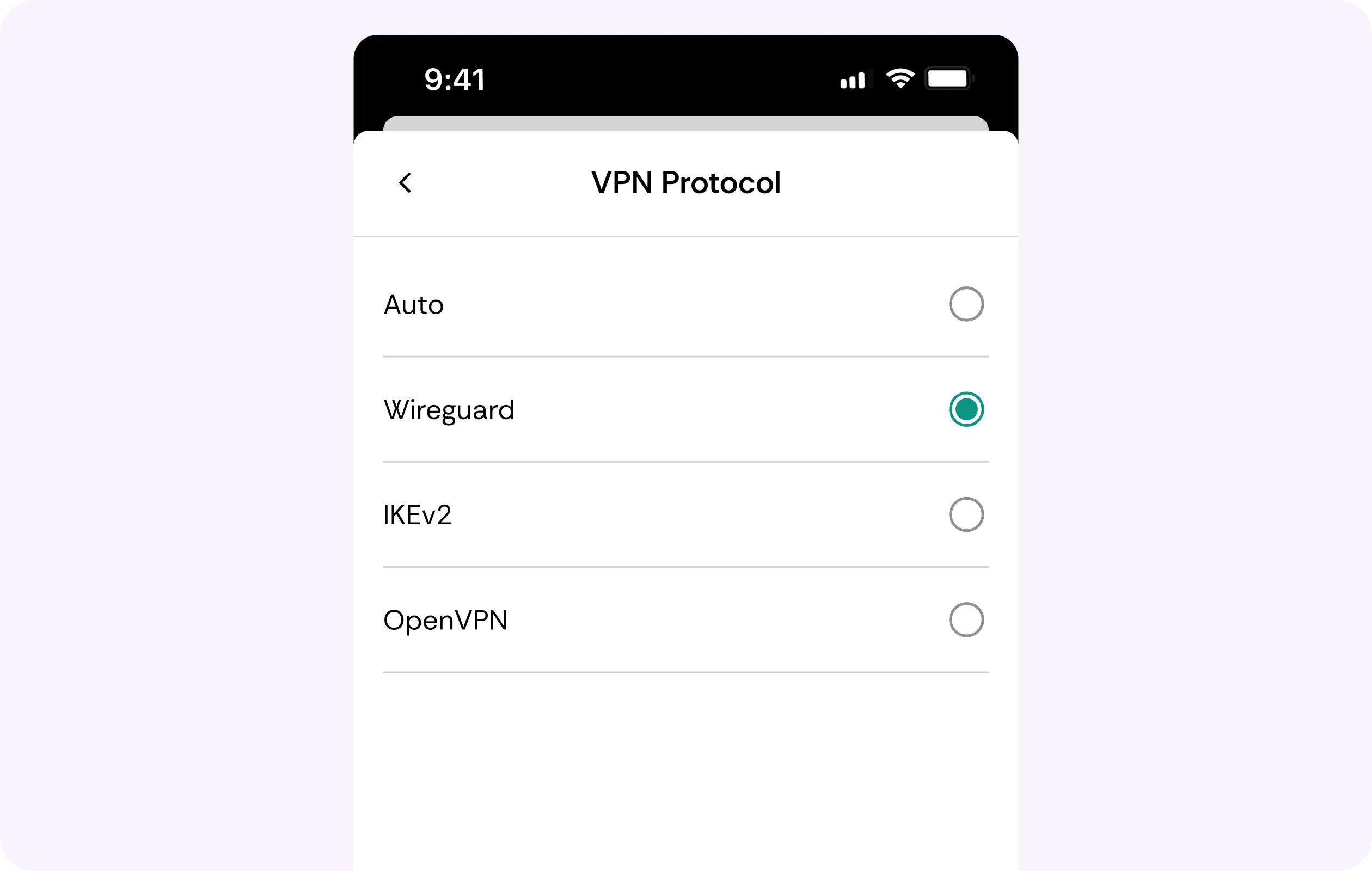
WireGuard Protocol
With Live TV, the last thing you can afford is lag. WireGuard keeps CometVPN’s encrypted route lean, and choosing a nearby server keeps added overhead minimal so you can watch content.
Kill Switch
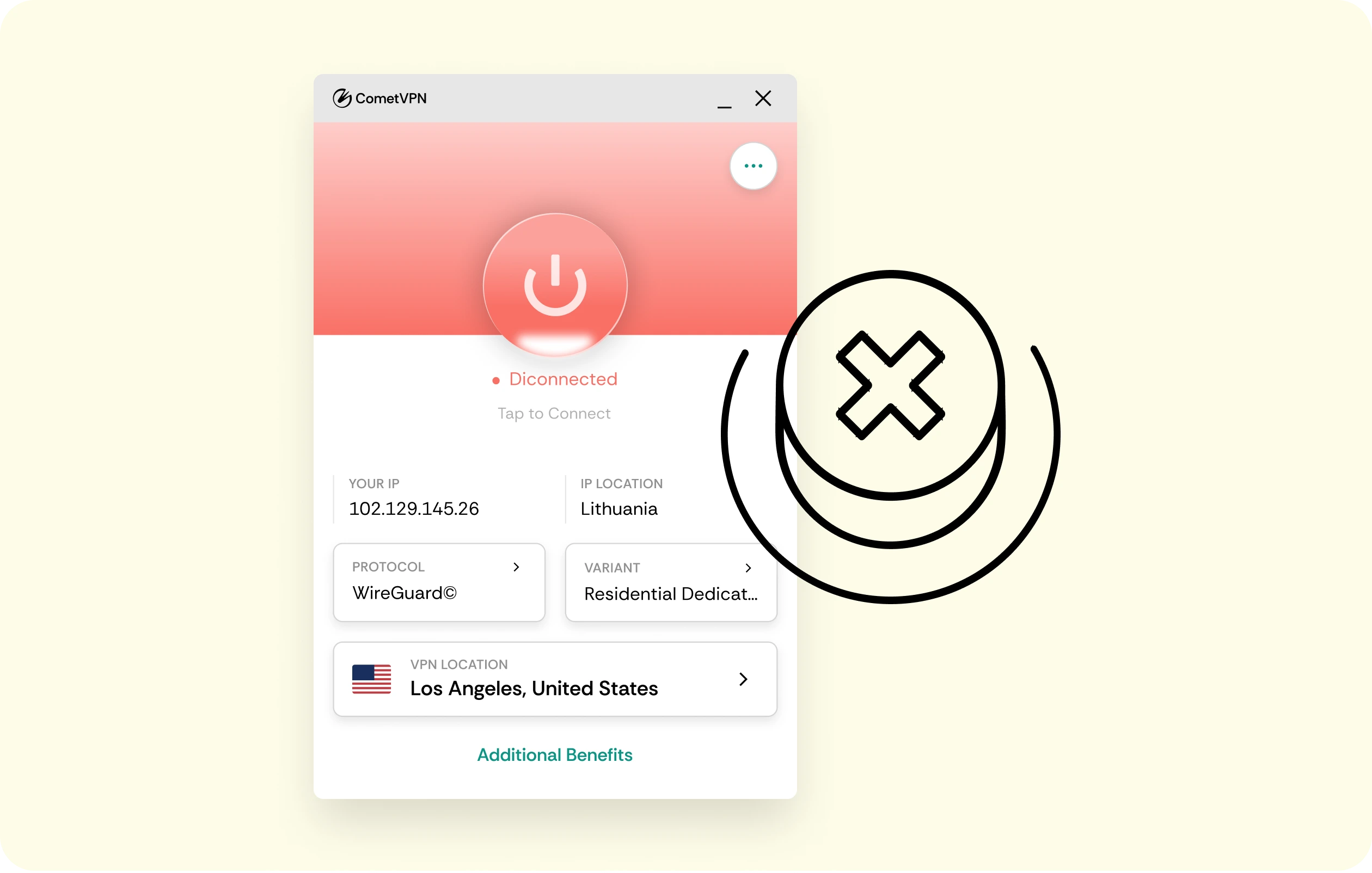
Even if the VPN drops mid-game or during an intense movie scene, a kill switch halts regular online traffic until full protection comes back. This way, a stream pauses momentarily instead of falling back to unprotected connections.
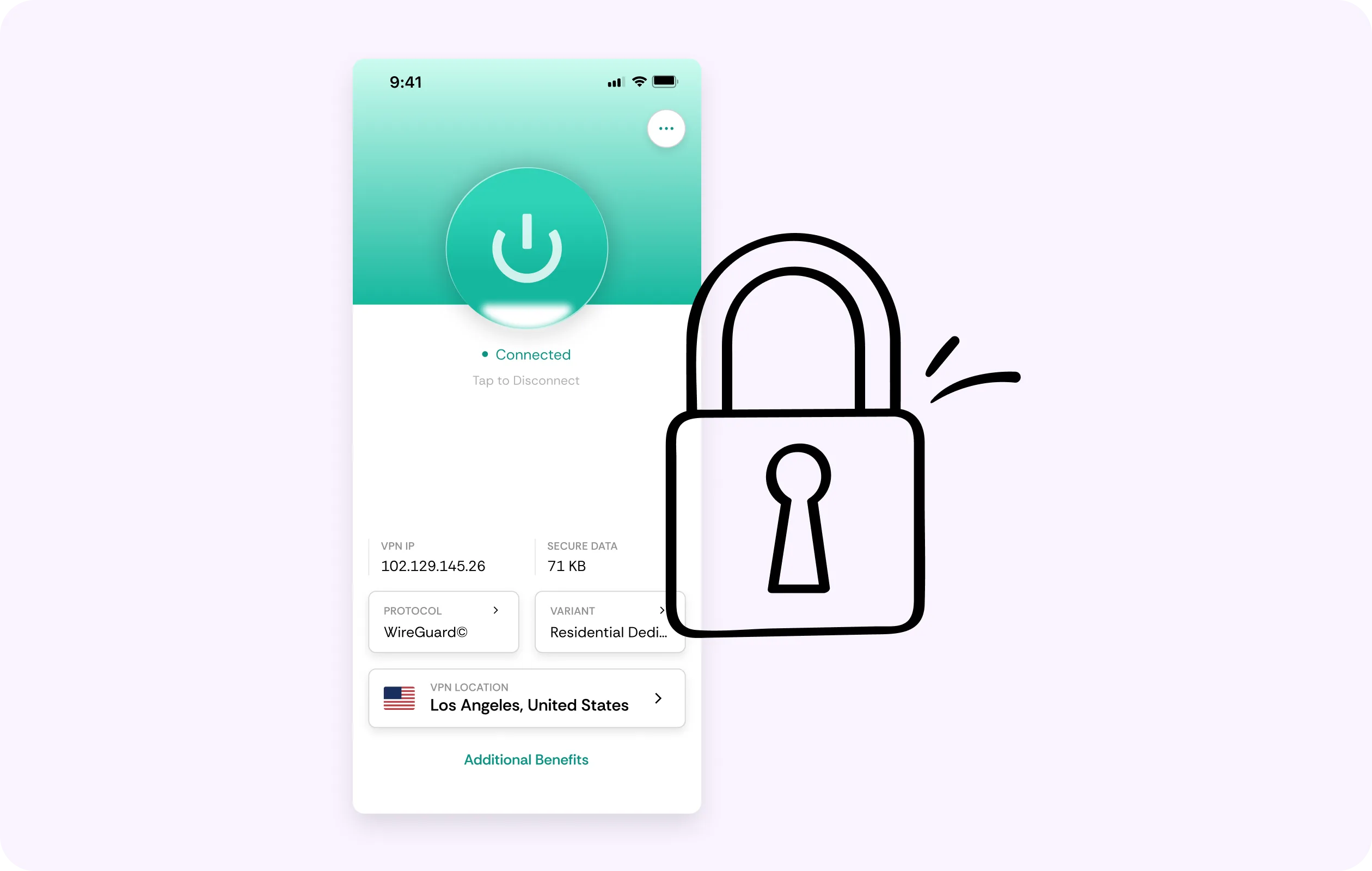
AES-256 Encryption
When you’re streaming Apollo on hotel Wi-Fi or even carrier LTE/5G, it means strangers’ equipment can monitor everything. Our VPN for Apollo TV encrypts everything between your device and our server, so networks see scrambled data only.
Quick Server Switching
Still buffering? Pick another location and watch the connection re-establish. The best route for Apollo can remove any congestion, and CometVPN makes switching to a nearby server as easy as a single tap.
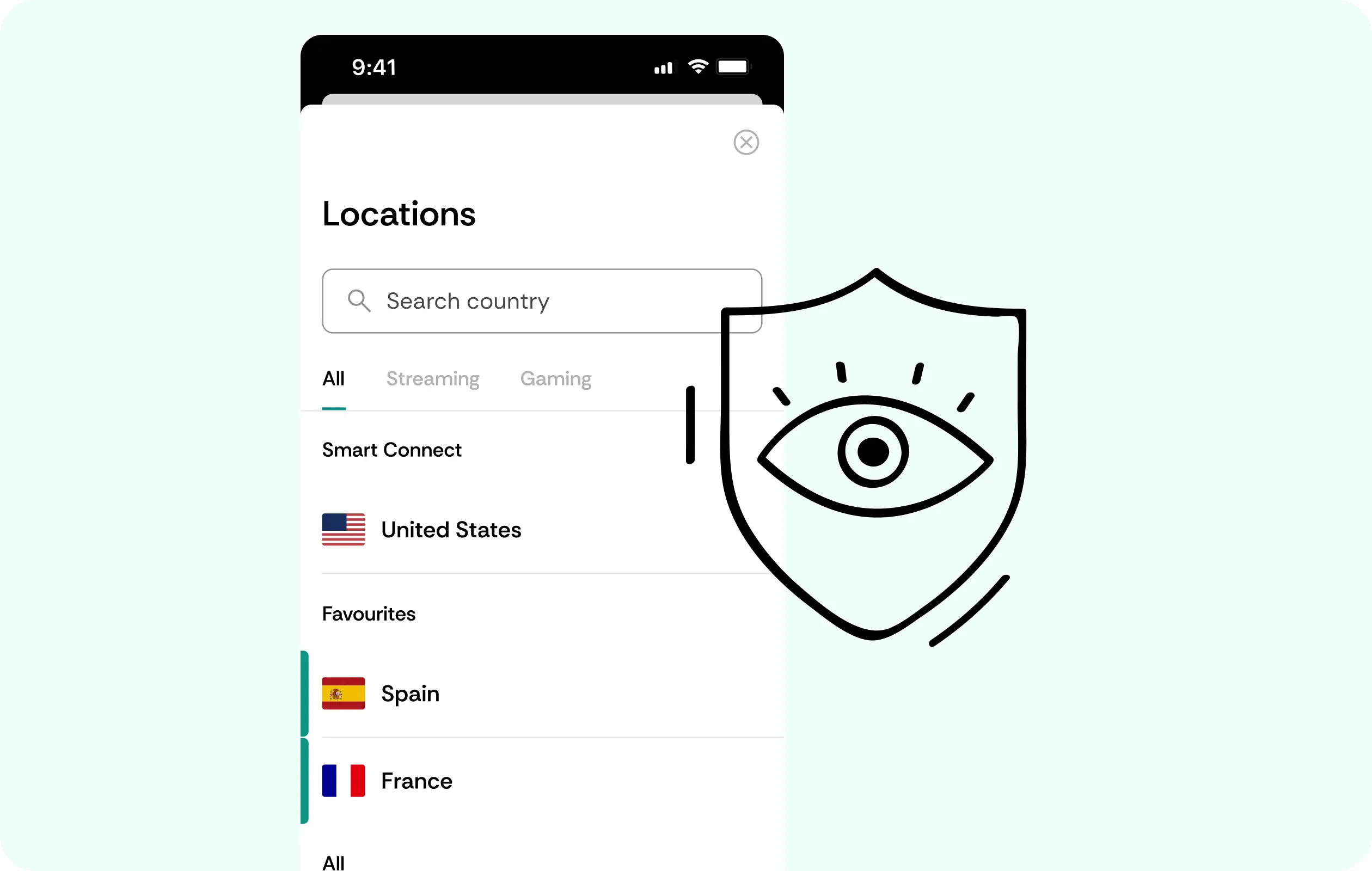
DNS Leak Protection
CometVPN keeps name-resolution requests inside the VPN tunnel for the duration of the session. Hence, the lookups your Fire TV or phone makes while opening Apollo TV will stay on the same private path.
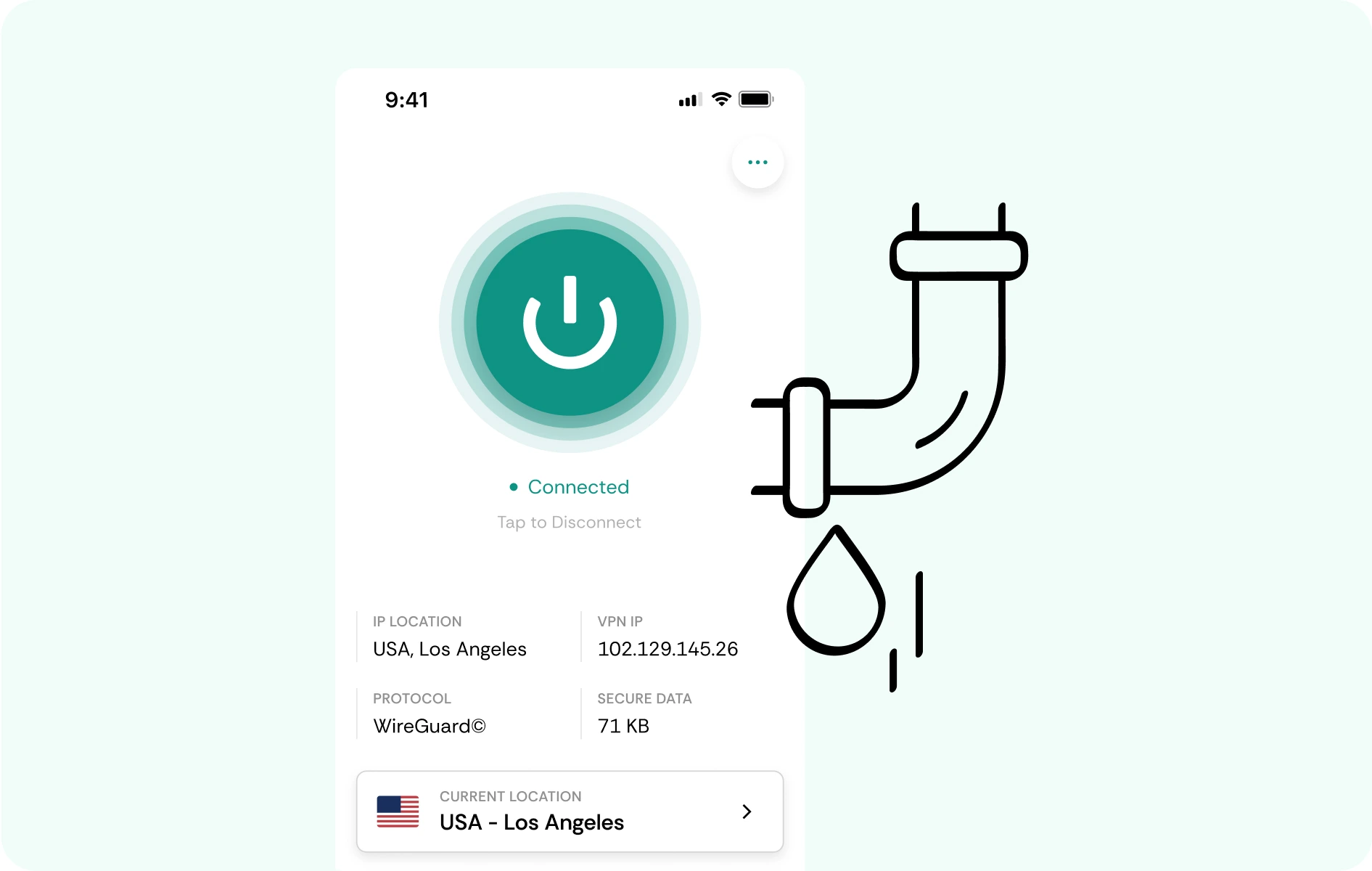
Why Apollo TV Users Trust CometVPN
-
 Lauren Bennett
Good VPN for bypassing social media censorship in Turkey.
-
 Amelia Cross
I have been travelling a lot for the past few years, and as a rule - CometVPN is always on. It helps me to stay engaged with the news from my home country and I feel much safer knowing that my internet traffic is hidden.
-
 Marcus Holloway
I just wanted privacy, so this was the perfect choice for me - I wasn’t forced to buy overpriced features, simple for everyday use. The only drawback is that sometimes the interface is not very intuitive, but their consultants have been very helpful for this.
-
 Samuel Whitaker
CometVPN, although a bit limited in features, worked reliably. Truly a solid choice as I couldn’t find anything more affordable that also works for what VPN is supposed to do.
-
 Ethan Caldwell
As a Canadian, I was frustrated by not being able to watch U.S. Netflix content, until I found CometVPN. I realized that with their servers, I could bypass restrictions easily and enjoy unlimited streaming.
How to Use CometVPN with Apollo TV
Get CometVPN subscription
Join our VPN service by choosing any of the plans available on our pricing page
Download our VPN software
Get our CometVPN app for Apple, Android, or Windows and install it on your device
Enable VPN protection
Connect, open Apollo TV, test playback, and switch locations if that’s needed.
Frequently Asked Questions
Do I Need a VPN for Apollo TV?
Not on every connection, but a VPN for Apollo TV is recommended by its own support for buffering, freezing, carrier blocks, or playback errors.
What Is the Best VPN for Apollo Group TV?
The best VPN for Apollo TV will have solid apps, fast server switching, and will run on a modern protocol like WireGuard. See our plans to see the perks of choosing CometVPN.
Why Does Apollo Still Buffer with a VPN On?
The main reason might be a slow overall internet connection or a poor routing choice. Switch locations, prioritize nearby endpoints, and test again. If playback gets worse, try with the VPN off.
Which VPN Location Works Best for Apollo?
There’s no universal answer or singular best location. Congestion changes throughout the day, so always test a few servers if the playback isn’t as steady as you’d like it to be.
Can a Free VPN Work with Apollo TV?
Sometimes, yes. However, you should check applicable data caps and whether they have a user-friendly app. Also, free tools often sell user data.