










Why You Need a VPN for Qzone?

QQ-Linked Bans
Qzone runs on a QQ login, so any place with a QQ ban in place takes Qzone down with it, even if it wasn’t named specifically. A server in a supported location can unblock Qzone and route around the block, helping it open as normal.

IT Security Policies
Some offices and organizations restrict websites linked to China on work networks. That’s a blanket security policy, meaning Qzone is swept up with the rest of QQ’s ecosystem. The rule targets ownership, not content. Since encrypted traffic doesn’t advertise the destination, everything is still accessible.

Archive Privacy
Years of diary entries and photos live here under a real QQ identity, so this isn't about hiding who posted them. It’s about your ISP not being able to log your regular connections to QQ. IP masking and logs-free policy keep your patterns off record.

Upload Exposure
It’s not just about how to access Qzone where it's banned; it’s also about controlling your data. Public Wi-Fi leaves your inputs exposed to non-secure network vulnerabilities. CometVPN's encrypted tunnel protects it, and a kill switch cuts the connection instead of allowing it to leak.
CometVPN Features for Qzone Users
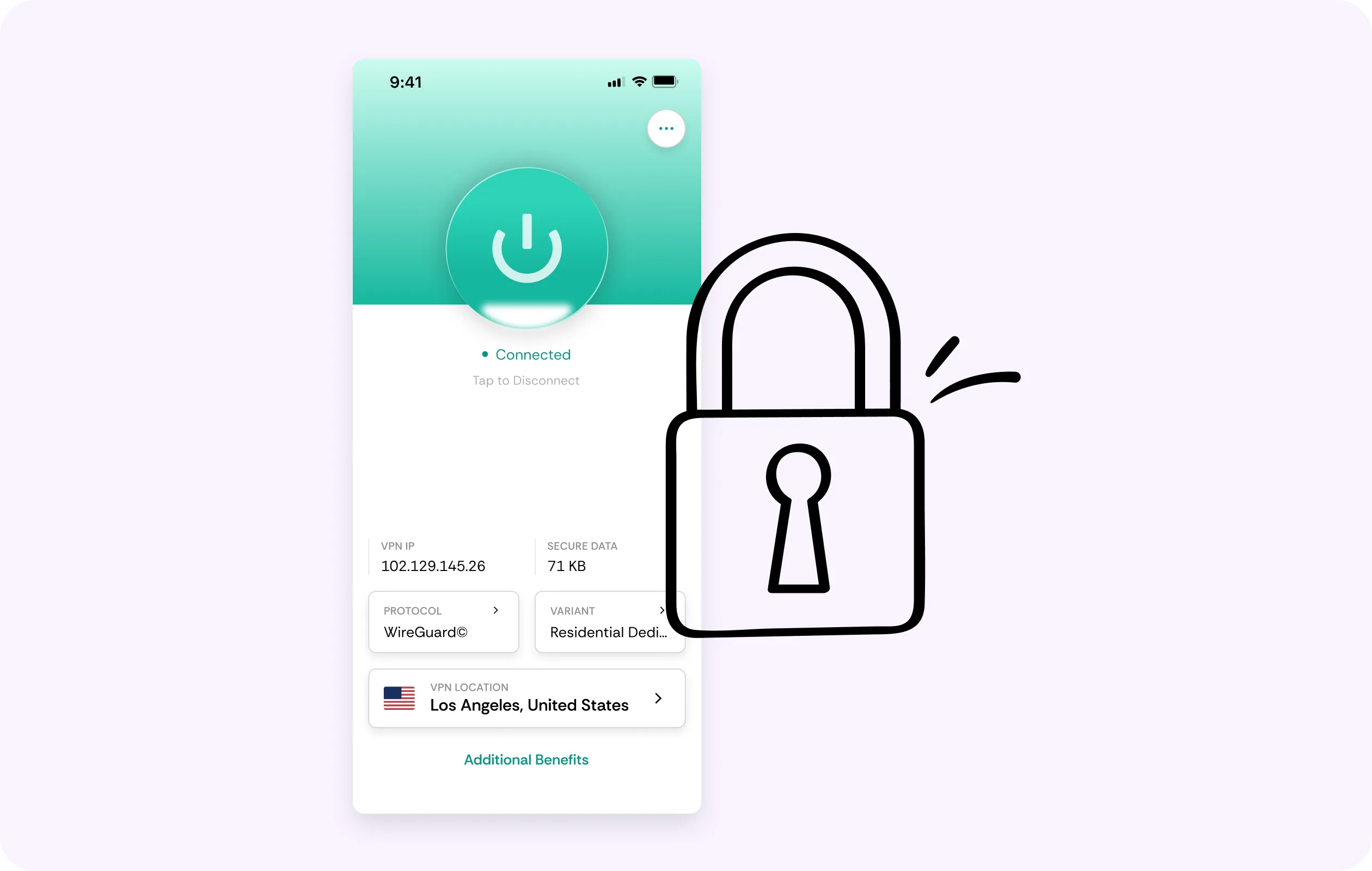
Residential IP
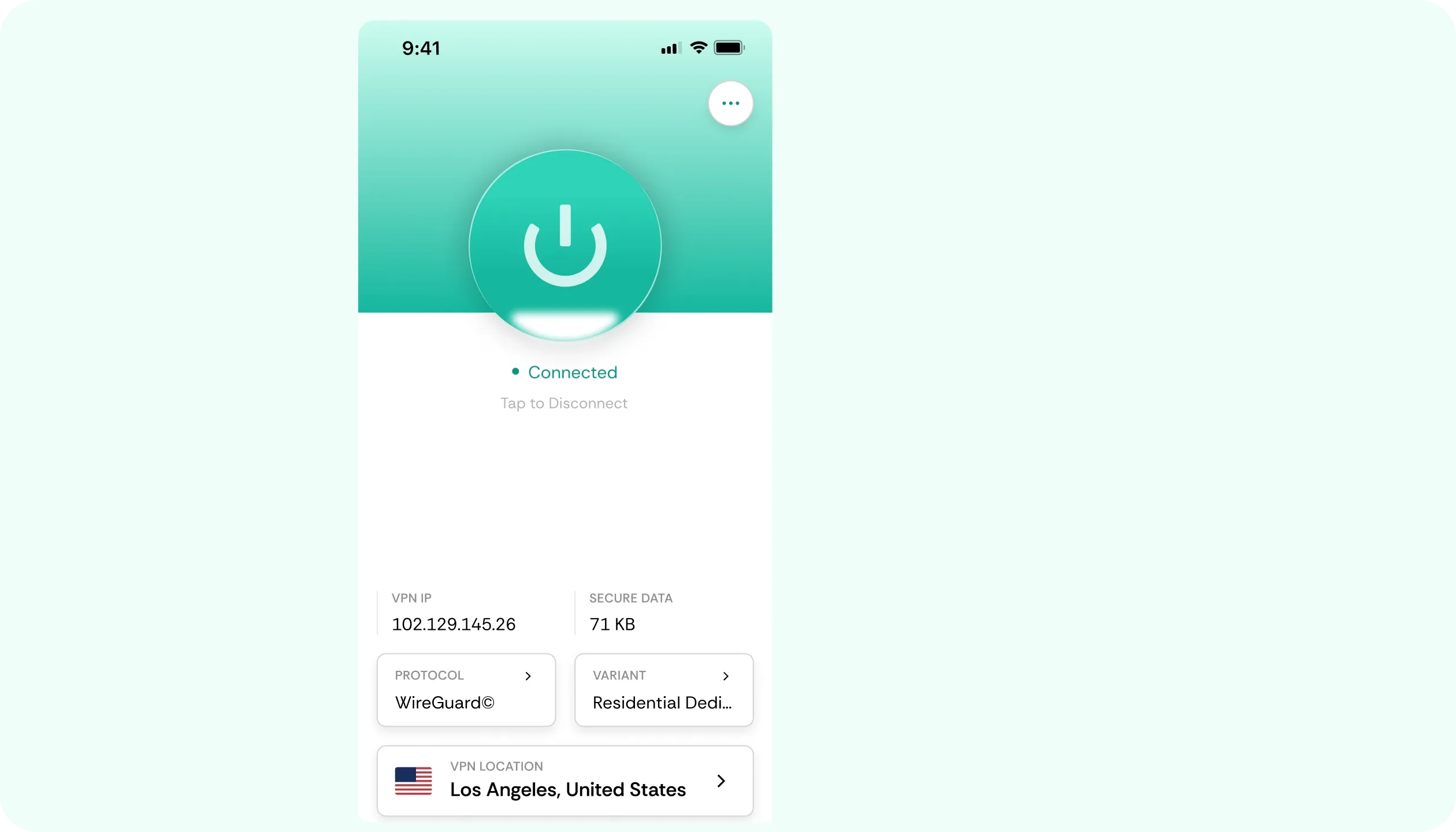
Because the sign-ins happen through a QQ account, the same sign-in defenses apply. Data Center IPs get flagged for extra verification. With Qzone VPN, you connect via a residential IP, appearing as an ordinary home connection.
Eliminated Throttling
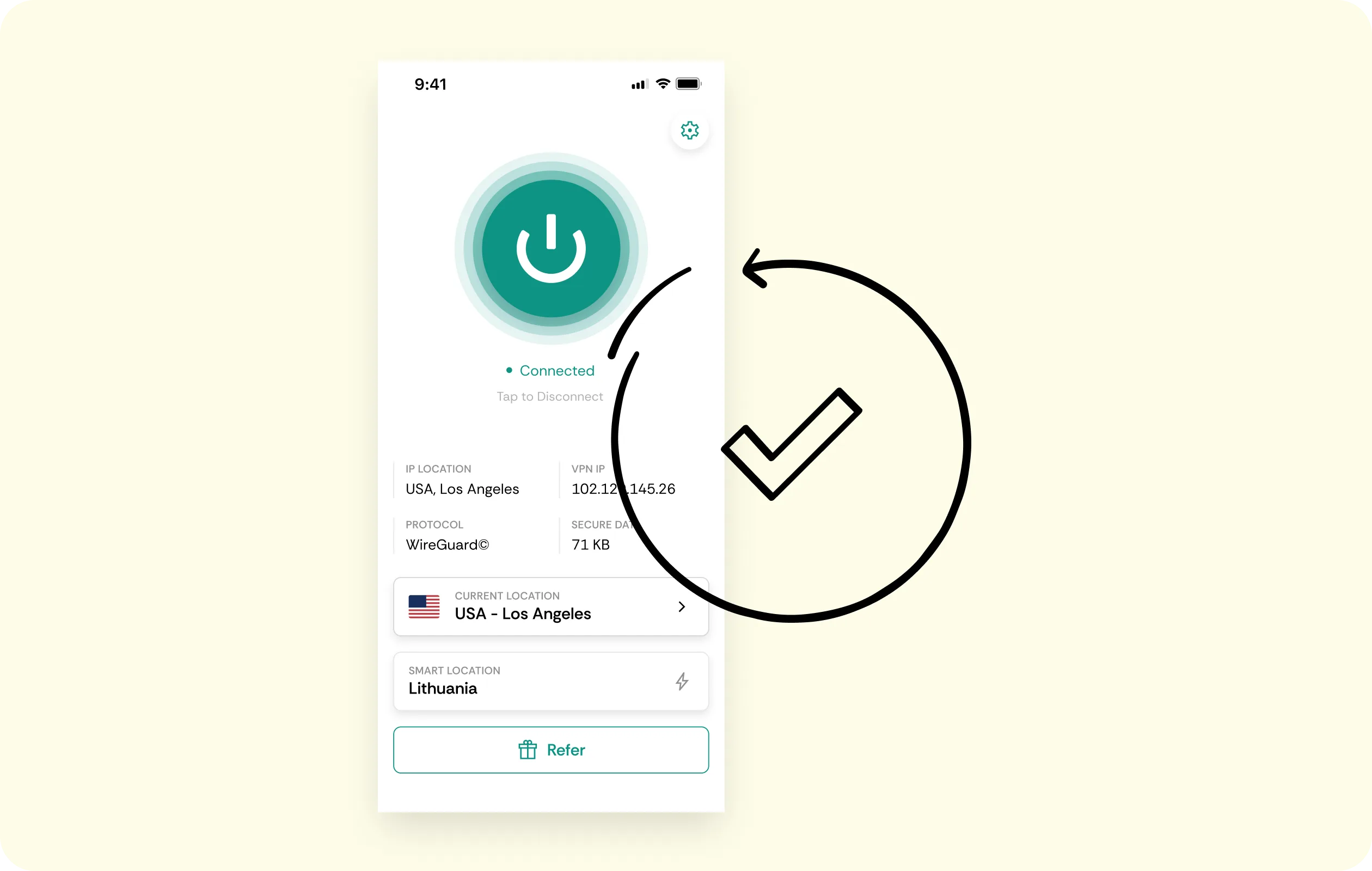
Albums of photos, music or a long-scrolling diary feed can feel sluggish when your ISP throttles the connection. CometVPN’s encryption removes that. While the distance to China is still there, throttling isn't.
No-Logs Policy
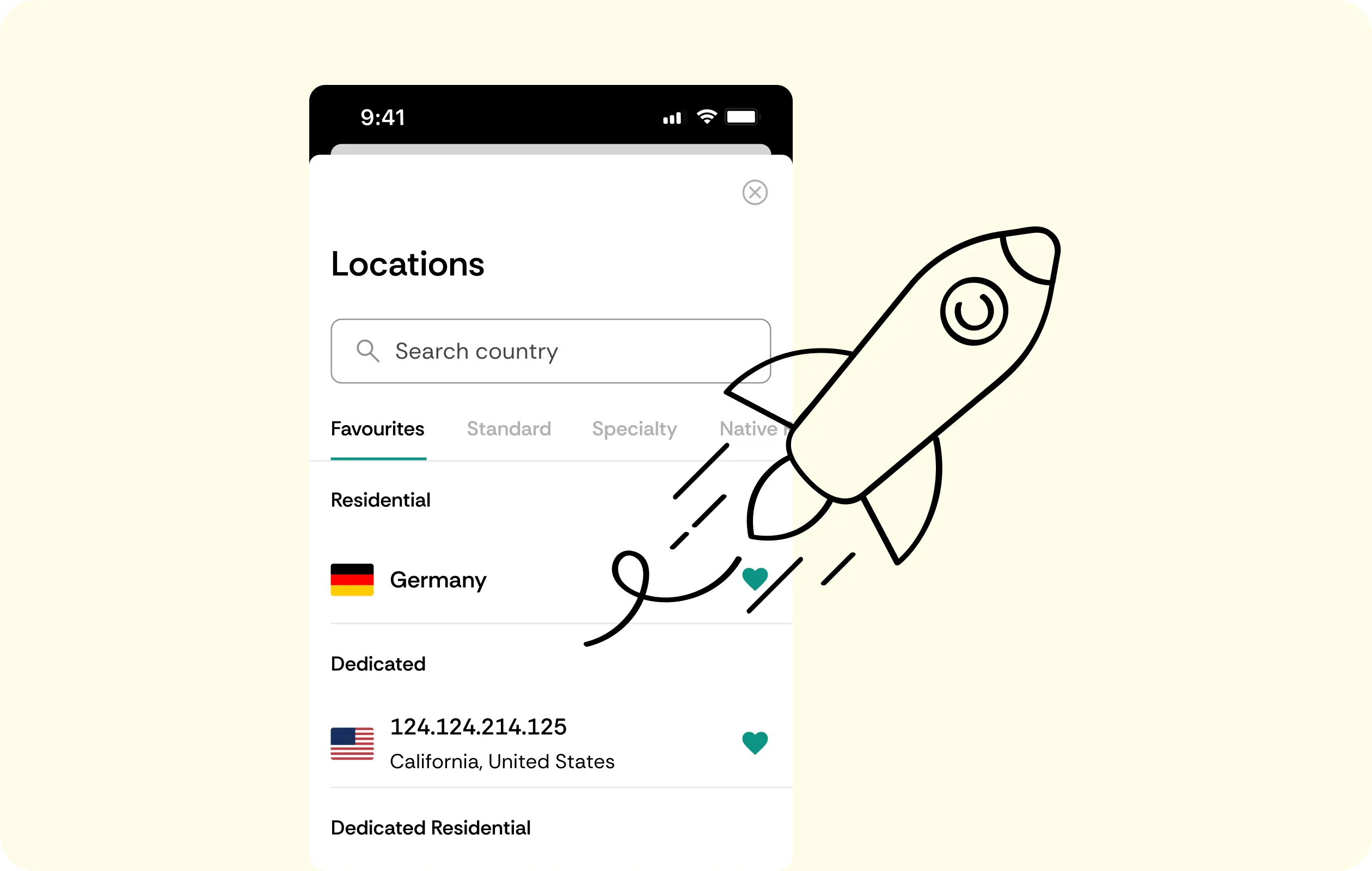
We never write down what you view, message or post on QQ. CometVPN keeps no connection or activity logs, ensuring total privacy and that there’s nothing to hand over, sell or lose.
AES-256 Encryption
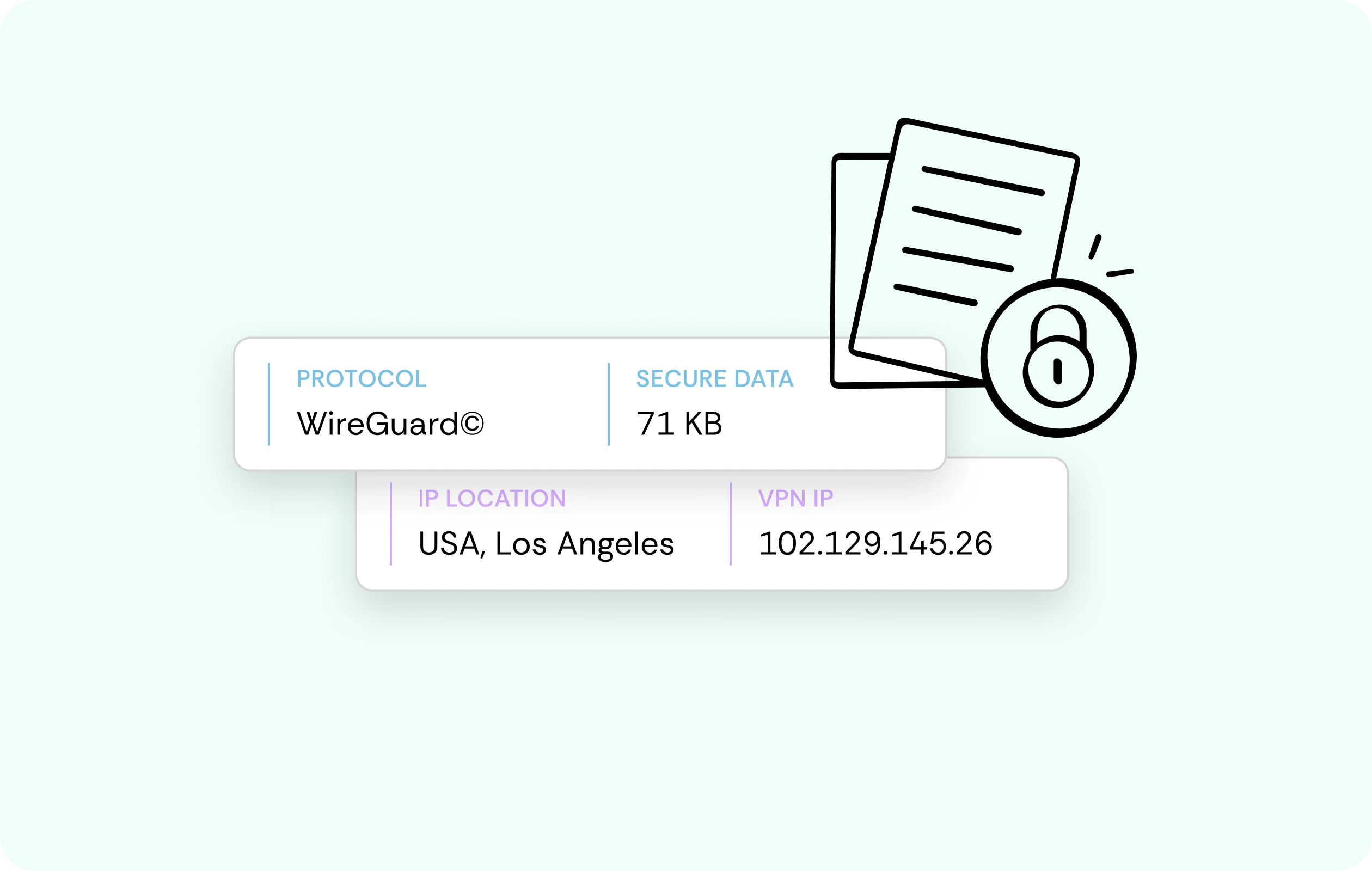
All of your inputs and uploads travel inside an encrypted tunnel. Thus, if anyone’s trying to pry and steal data travelling between your device and QQ’s servers, they see scrambled noise, nothing usable.
Multi-Device Cover
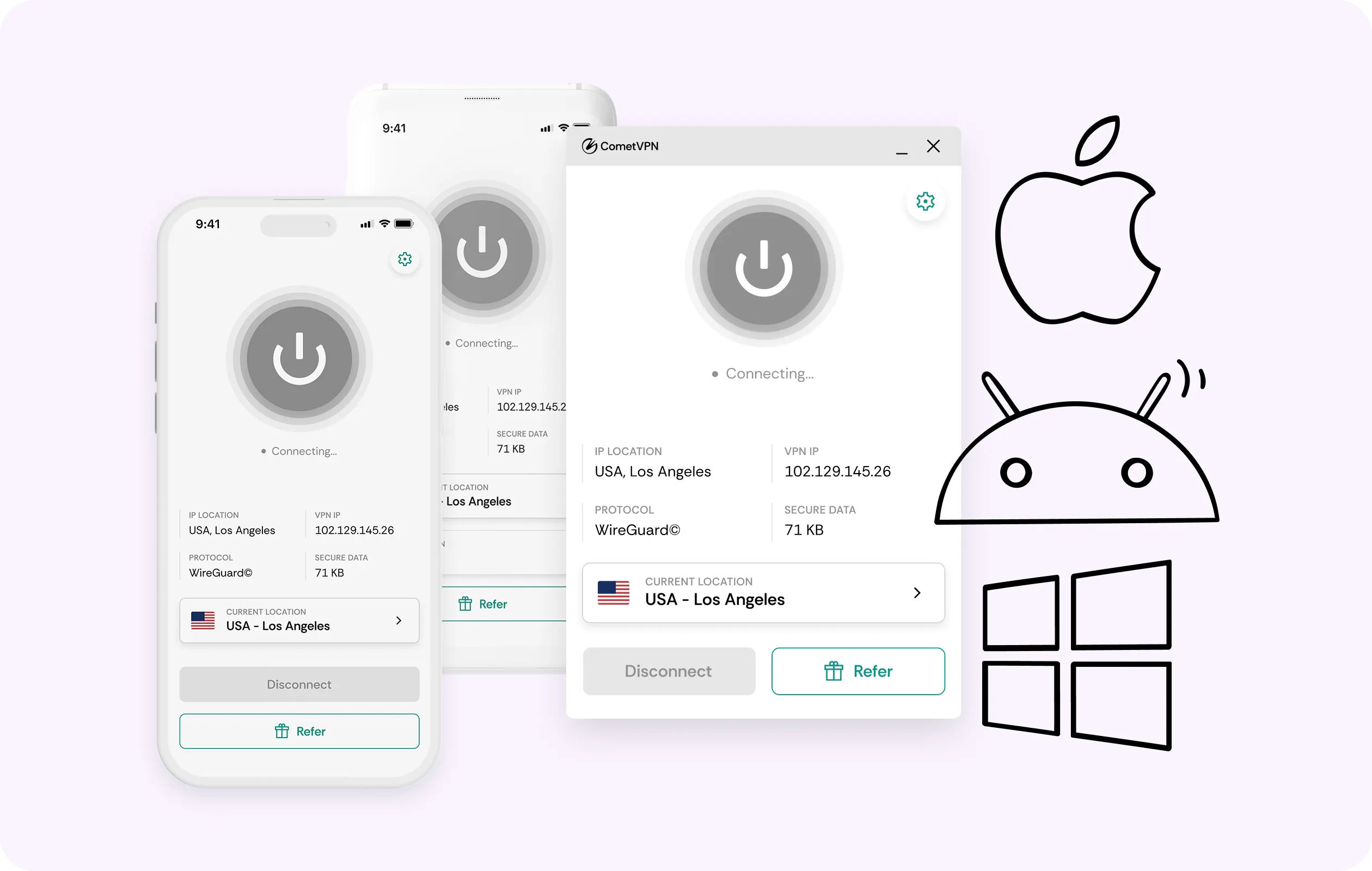
Browse the archive on your phone, edit a theme on a laptop, and keep a tablet signed in nearby. One CometVPN account covers every device, with no separate login juggling needed for Qzone VPN.
Why Qzone Users Trust CometVPN
-
 Lauren Bennett
 Good VPN for bypassing social media censorship in Turkey.
-
 Amelia Cross
 I have been travelling a lot for the past few years, and as a rule - CometVPN is always on. It helps me to stay engaged with the news from my home country and I feel much safer knowing that my internet traffic is hidden.
-
 Marcus Holloway
 I just wanted privacy, so this was the perfect choice for me - I wasn’t forced to buy overpriced features, simple for everyday use. The only drawback is that sometimes the interface is not very intuitive, but their consultants have been very helpful for this.
-
 Samuel Whitaker
 CometVPN, although a bit limited in features, worked reliably. Truly a solid choice as I couldn’t find anything more affordable that also works for what VPN is supposed to do.
-
 Ethan Caldwell
 As a Canadian, I was frustrated by not being able to watch U.S. Netflix content, until I found CometVPN. I realized that with their servers, I could bypass restrictions easily and enjoy unlimited streaming.
How to Use CometVPN With Qzone
Get CometVPN subscription
Join our VPN service by choosing any of the plans available on our pricing page
Download our VPN software
Get our CometVPN app for Apple, Android, or Windows and install it on your device
Enable VPN protection
Sign in, pick a server, then open Qzone in a browser or via app.
Frequently Asked Questions
Why Won’t Qzone Open on My Network or in My Country?
Usually that’s because of a government-level ban on QQ, or a workplace policy. Route through an obfuscated server via CometVPN if you’re looking for how to access Qzone where it's banned.
Is it Legal to Use a VPN With Qzone?
In most jurisdictions – yes. However, a small number of them restrict VPN use in general, so check local law before committing. Tencent’s (Qzone’s parent) terms don’t ban them either.
Can Qzone Restrict My Account for Using a VPN?
No, Tencent’s T&C’s don’t restrict users for relying on a VPN for Qzone. Furthermore, a residential IP can make the user experience smoother by making extra verification flags less likely.
Does a VPN Make Qzone Slower?
Since routing to Chinese servers adds distance regardless, some slowdown can be expected. However, that’s not because of CometVPN. Plus, WireGuard keeps any overhead down to a minimum.
Why Not Just Use a Free Qzone VPN?
Pretty much every free Qzone VPN funds itself by selling your profiles and data. That’s exactly what we’re here to keep under wraps, so free tools miss the point.