










Why You Need a VPN for CapCut

Ownership-Based Bans
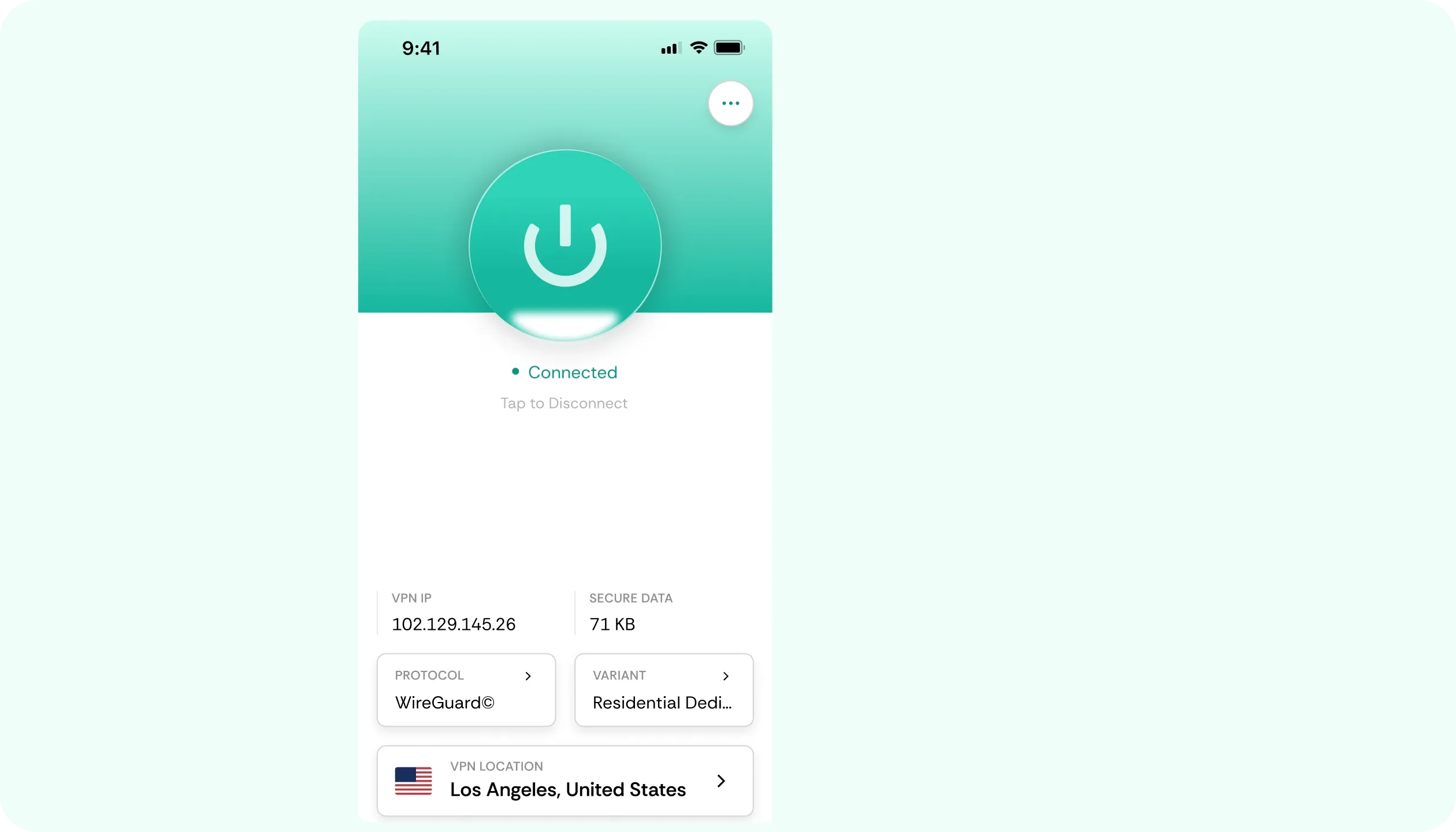
CapCut has been pulled from various markets before. The motions were mostly government action against its parent company, not because it’s a tool for video editing. Use a CapCut VPN, connect to a location where the app is available, and your editor will open like normal.

School App Filters
A homework video due tomorrow, and the school network blocks CapCut along with every other social or creative app. These are blanket rules, which aren’t concerned with what you’re actually doing. CometVPN’s obfuscated servers route around the filter, so you can continue editing.

Unposted Projects
A half-finished edit, a project still in concept, synced to the cloud isn’t meant for anyone else. On an ordinary network, though, the connection that carries it between your device and CapCut's servers can be exposed to whoever’s running it. A VPN for CapCut encrypts that link.

Cloud Exports
Exporting a final cut or pulling a template means that data moves to and from a server, while your connection is active. That can be a vulnerability on a poorly secured network (e.g., dorm Wi-Fi). CometVPN keeps those exchanges encrypted, and its kill switch covers any dropouts.
CometVPN Features for CapCut Users
Residential IP
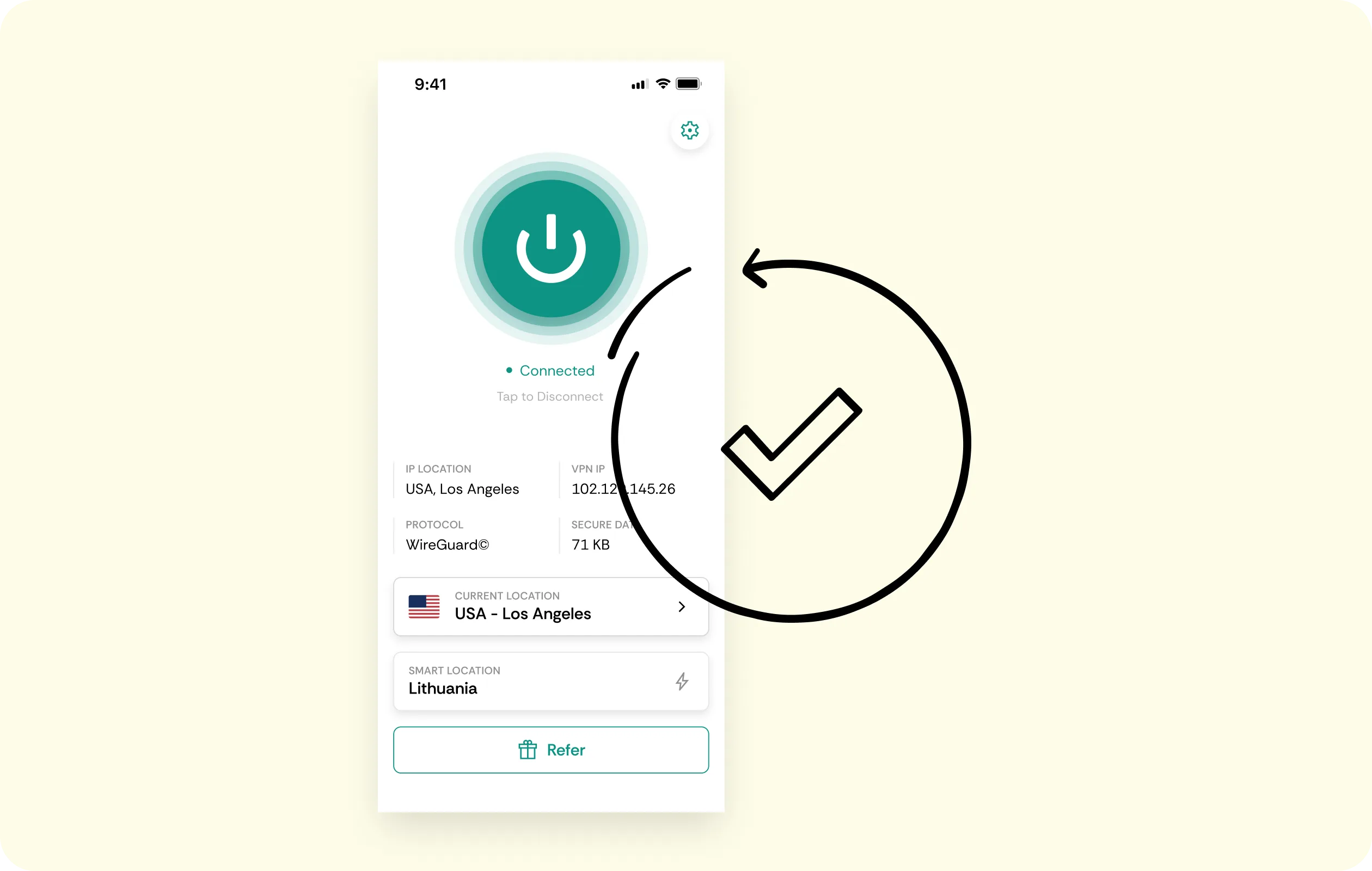
Apps like CapCut treat data center IPs with CAPTCHAs and extra verification prompts. A residential IP looks like an ordinary home connection, so with your CapCut VPN, you can sign in on your phone or PC normally.
Unthrottled Uploads
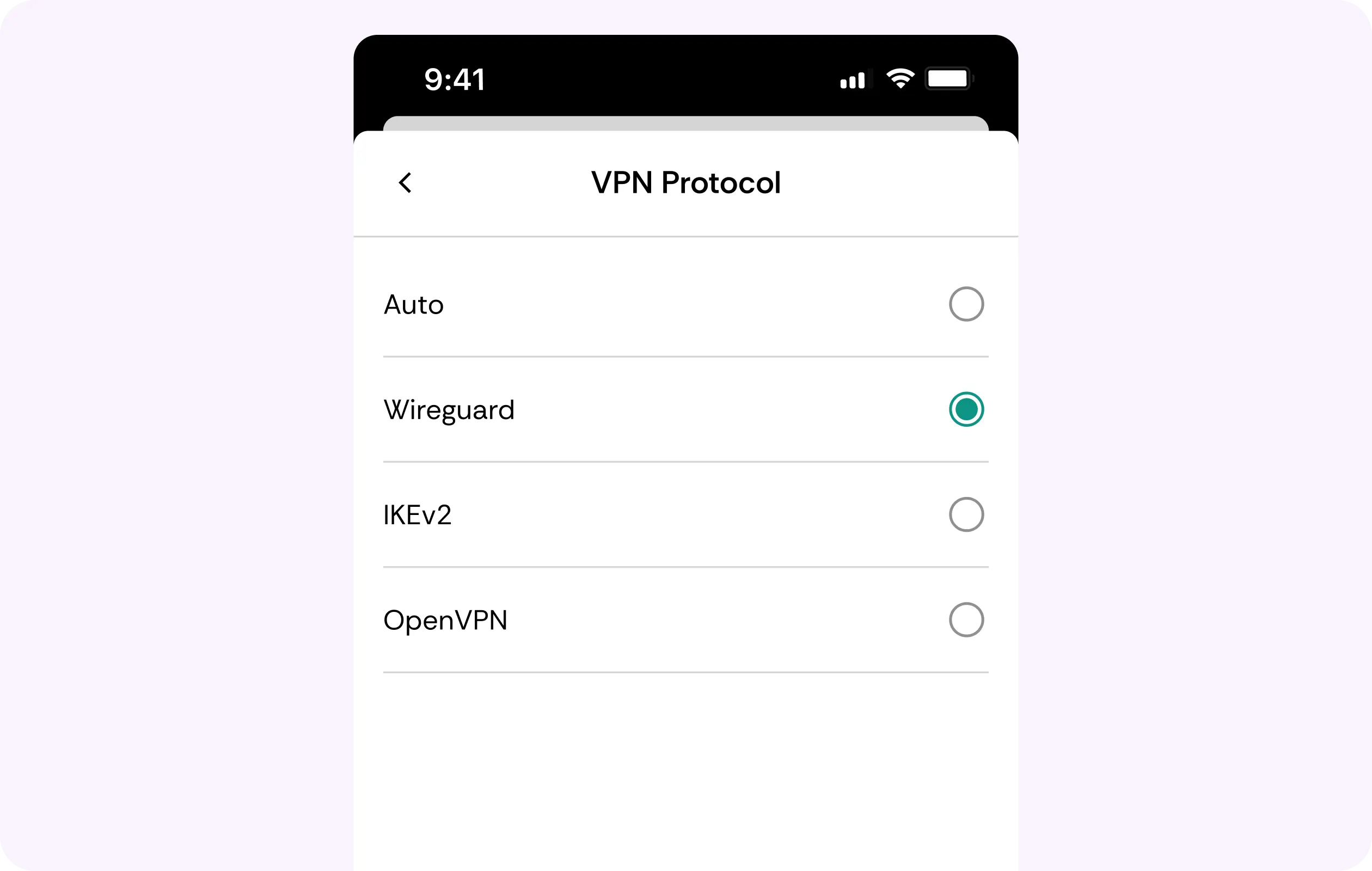
With hundreds of megabytes or even gigabyte-sized downloads, effects render in the cloud, and uploads of finished exports, CapCut definitely generates heavy traffic. WireGuard protocol on CometVPN keeps overhead low, while encryption prevents throttling.
No-Logs Policy
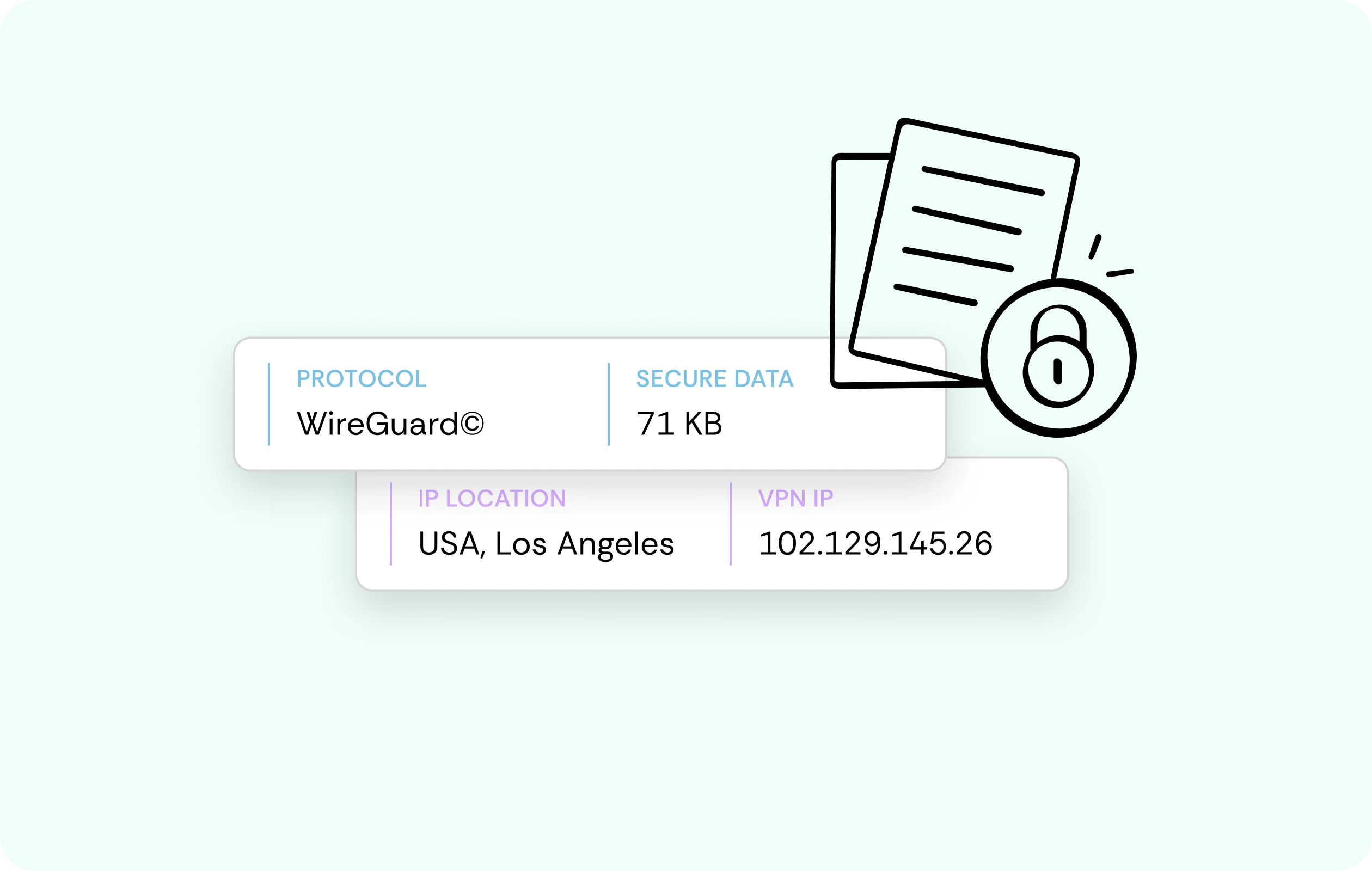
CometVPN doesn’t record what projects you open and clips you export. With no activity records stored on our end, there’s no risk of data sales, losses, or handovers, meaning your browsing leaves no trail.
AES-256 Encryption
Our VPN for CapCut on PC or mobile works with AES-256 encryption. Thus, your logins, projects mid-sync, or even uploads all travel inside an encrypted tunnel, so the network you're borrowing sees scrambled data - not your work.
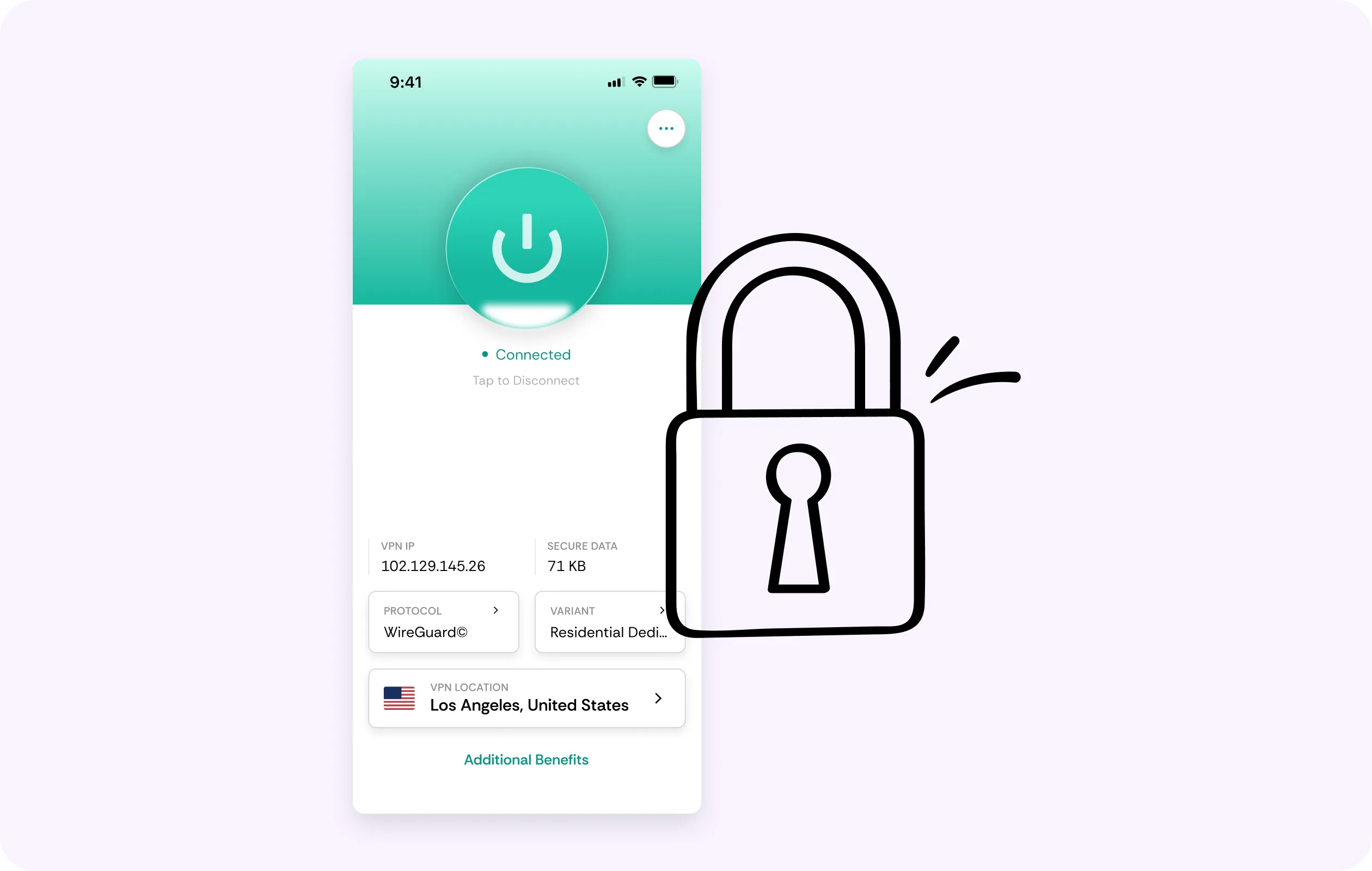
Phone and PC Coverage
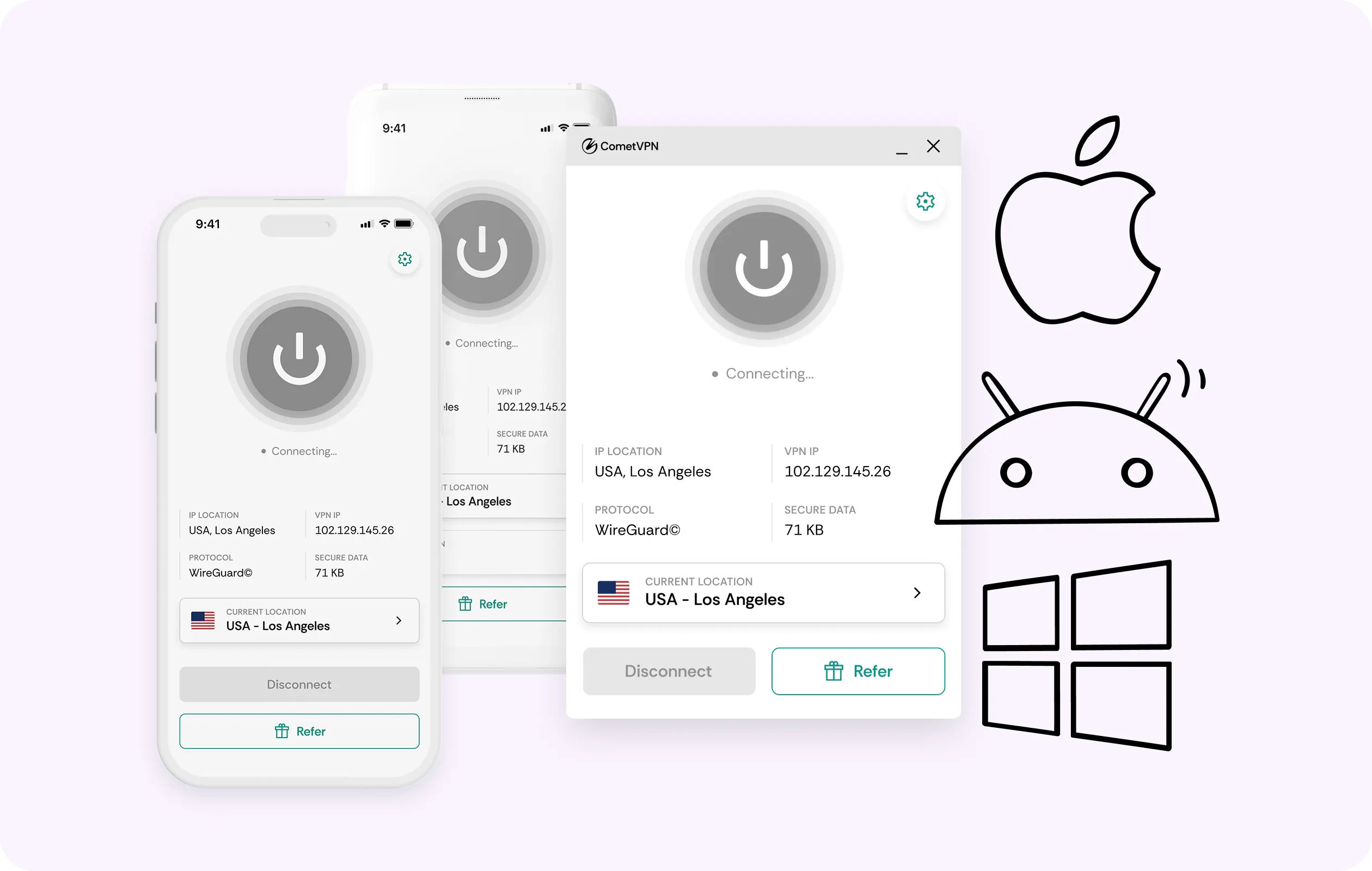
Make a rough cut on your phone, make the final polish on your notebook or desktop. One CometVPN plan covers every single device; you get a VPN for CapCut PC and your phone in one subscription.
Why CapCut Users Trust CometVPN
-
 Lauren Bennett
 Good VPN for bypassing social media censorship in Turkey.
-
 Amelia Cross
 I have been travelling a lot for the past few years, and as a rule - CometVPN is always on. It helps me to stay engaged with the news from my home country and I feel much safer knowing that my internet traffic is hidden.
-
 Marcus Holloway
 I just wanted privacy, so this was the perfect choice for me - I wasn’t forced to buy overpriced features, simple for everyday use. The only drawback is that sometimes the interface is not very intuitive, but their consultants have been very helpful for this.
-
 Samuel Whitaker
 CometVPN, although a bit limited in features, worked reliably. Truly a solid choice as I couldn’t find anything more affordable that also works for what VPN is supposed to do.
-
 Ethan Caldwell
 As a Canadian, I was frustrated by not being able to watch U.S. Netflix content, until I found CometVPN. I realized that with their servers, I could bypass restrictions easily and enjoy unlimited streaming.
How to Use CometVPN with CapCut
Get CometVPN subscription
Join our VPN service by choosing any of the plans available on our pricing page
Download our VPN software
Get our CometVPN app for Apple, Android, or Windows and install it on your device
Enable VPN protection
Sign in, choose a server, then open CapCut on your phone or computer.
Frequently Asked Questions
Why Is CapCut Unavailable in My Country?
The most likely cause is government action against apps owned by ByteDance, not because the app chose to pull out. A CapCut VPN connects you through locations where it’s still available.
Is It Legal to Use a VPN with CapCut?
Check local laws because we can’t offer legal guarantees. For most personal use cases, a VPN for CapCut is 100% legal, but enforcement rules vary given CapCut’s regulatory history.
Can a VPN Get Me Cheaper CapCut Pro Pricing?
It’s not worth it. Chasing cheaper deals via VPN for CapCut Pro generally breaks the app’s terms of service and can put your payment method and account, along with its files, at risk.
Will a VPN Slow Down CapCut?
The slowdown shouldn’t be meaningful since CometVPN runs on WireGuard, and a stable, unthrottled connection actually helps cloud rendering. Still, extra routing is needed, so choose nearby servers.
Why Not Use a Free VPN for CapCut?
A free VPN for CapCut is more likely to sell traffic and data, including whatever moves from and to your cloud projects. The best VPN for CapCut doesn't. Compare plans.