










Why You May Use a VPN With TextMe

VoIP Latency
TextMe voice and video calls are real-time traffic, so distant VPN servers may add latency, jitter, or packet loss. Choosing a nearby CometVPN endpoint minimizes avoidable overhead, also thanks to WireGuard’s lightweight architecture. No promises on better call quality on every network, but more options to reduce latency.

Wi-Fi Privacy
TextMe works over Wi-Fi and mobile data, which makes using it over shared hotel, airport, or café networks a realistic everyday scenario. Some of them can filter VoIP traffic. CometVPN encrypts your connection and, through obfuscated servers, keeps that traffic pattern from standing out.

Location Signals
While a VPN changes the public IP on the network path, it doesn’t remove the other signals (device, account, location-related) that TextFree already collects and requires. The service’s privacy materials state that usage data can include this information together, so we offer extra privacy from the ISP.

Number Availability
TextMe offers phone numbers from a defined set of countries, and handles calling destinations independently from the server location of the VPN. Selecting a different VPN country doesn’t create eligibility, but can improve your comms experience over public networks, especially.
CometVPN Features for TextMe Users
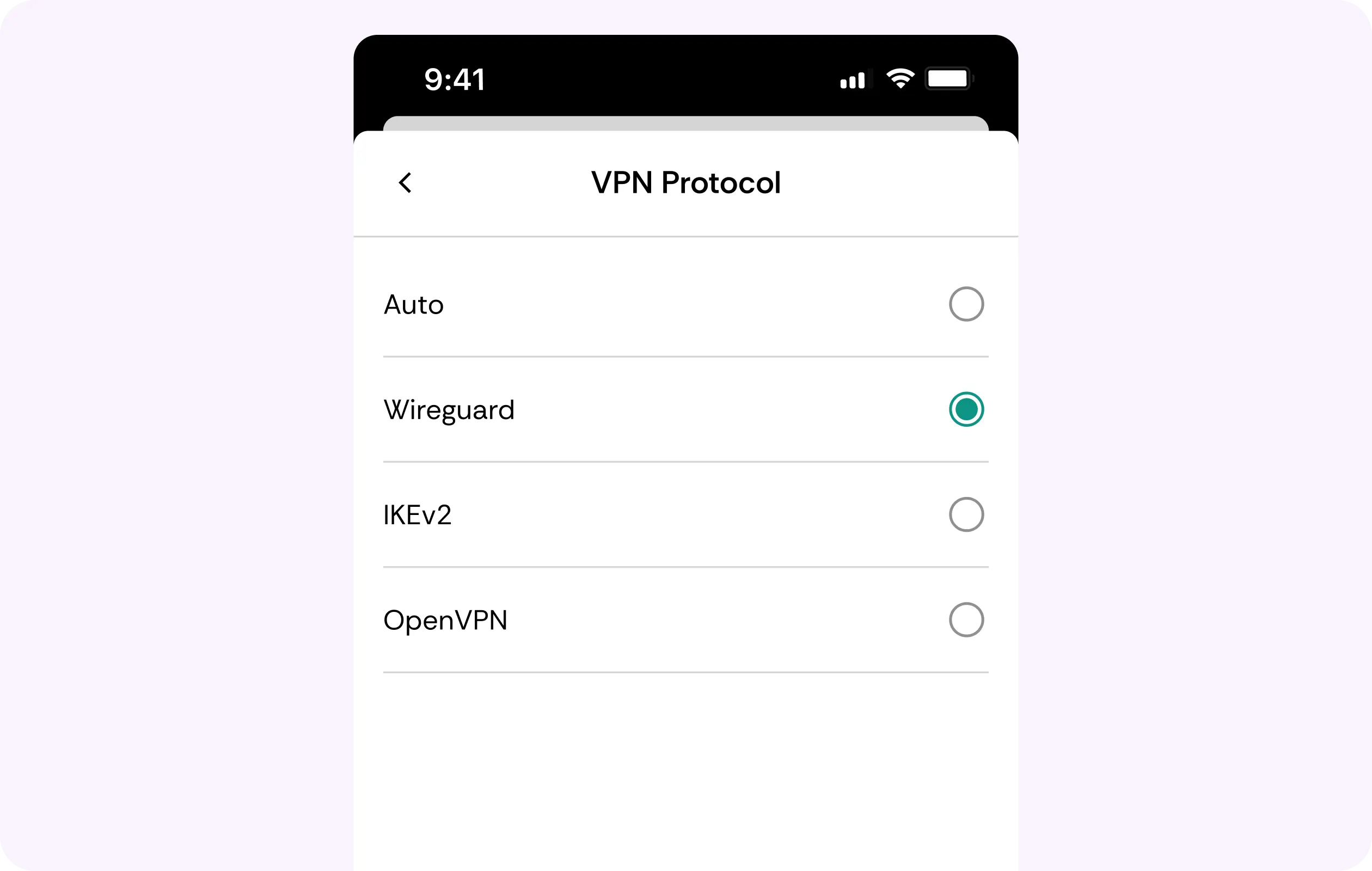
WireGuard Protocol
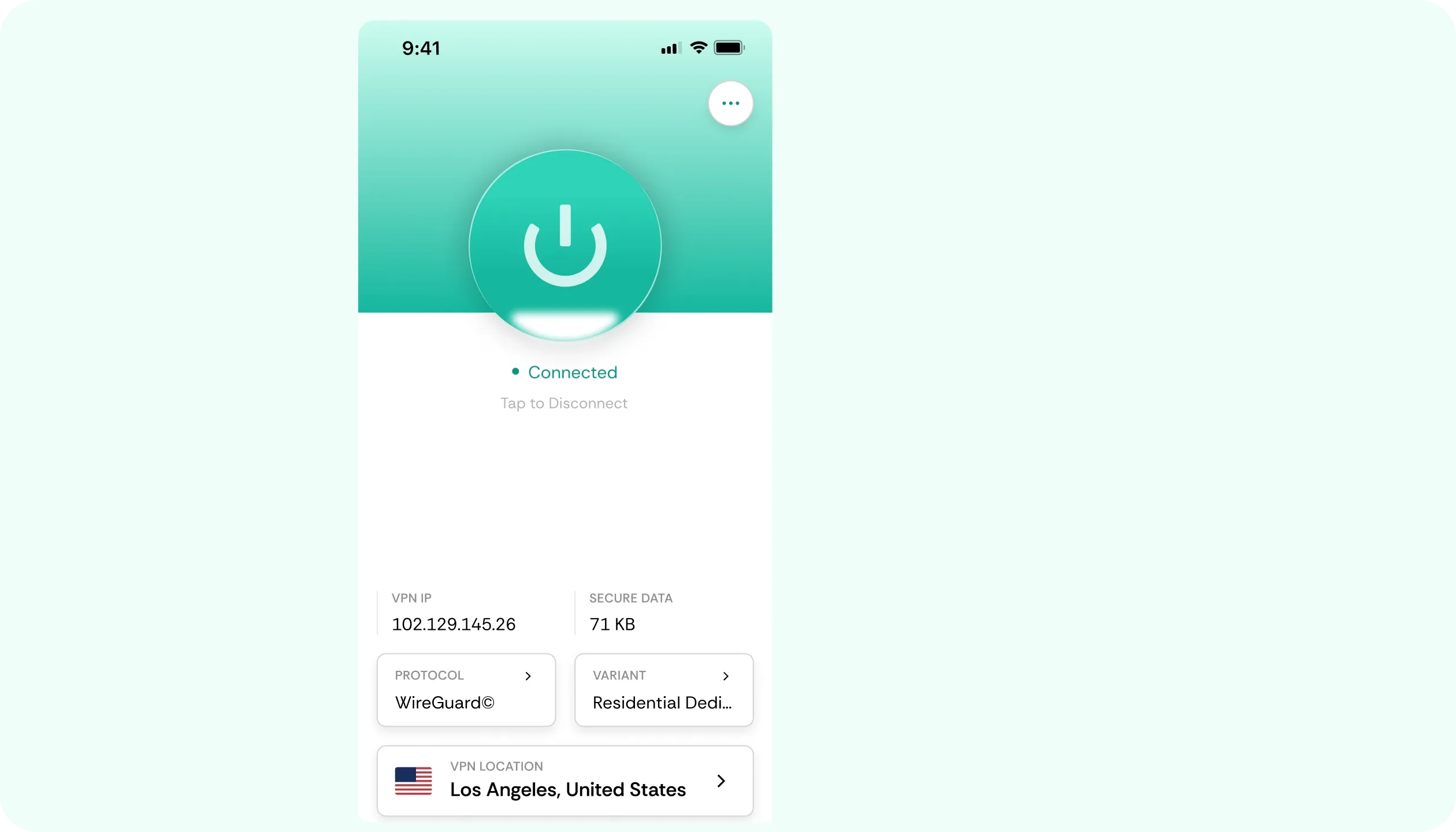
Routing overhead can significantly affect video or voice calls. CometVPN runs on WireGuard, a light & agile protocol built to minimize it. Choosing a nearby server is extra help, reducing the risk of jitter and latency.
Kill Switch
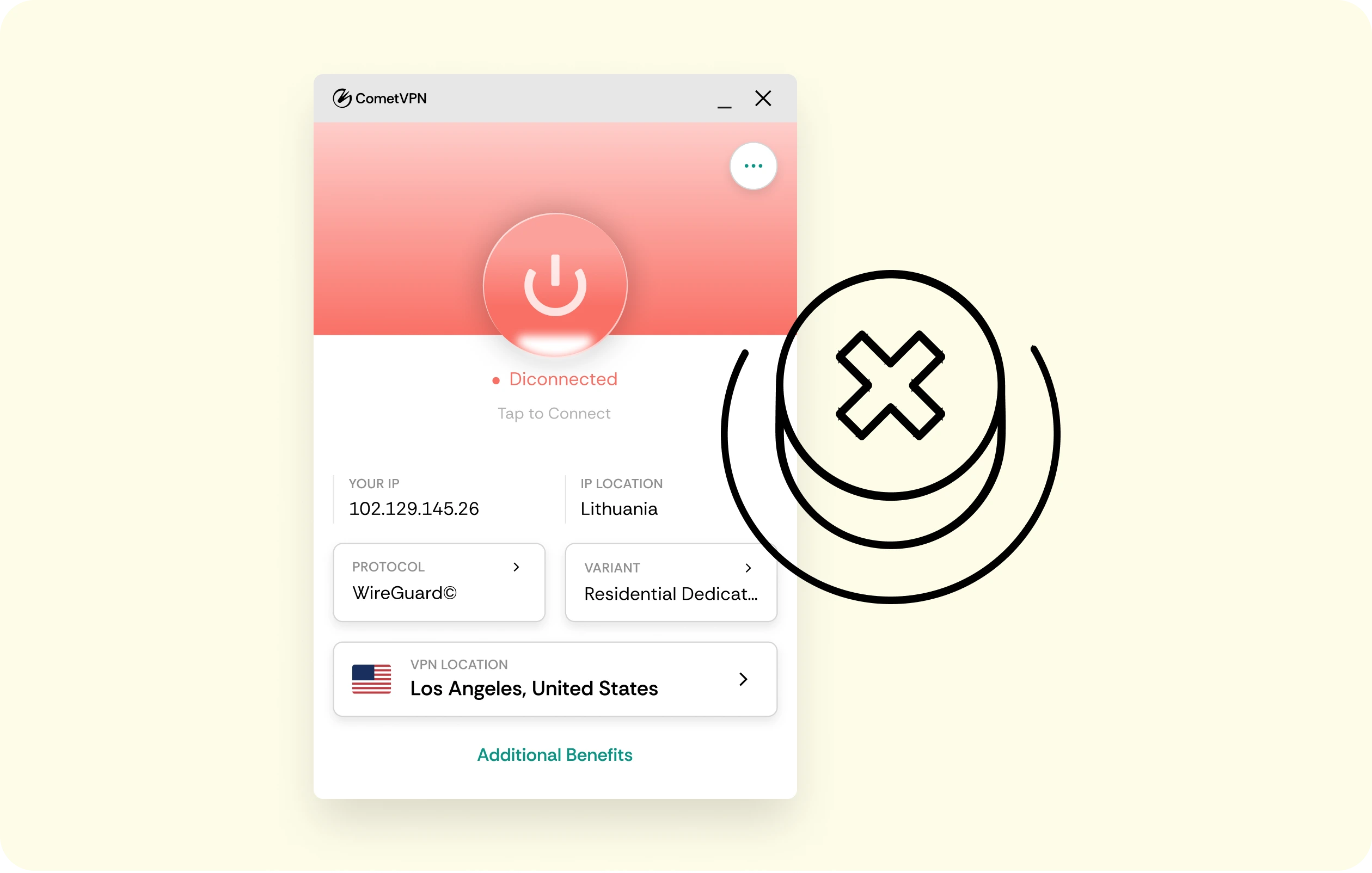
If the VPN disconnects while signed in, a kill switch blocks ordinary traffic until protection returns. If the connection were to fall back to an unprotected network, there could be a risk of accidental exposure.
AES-256 Encryption
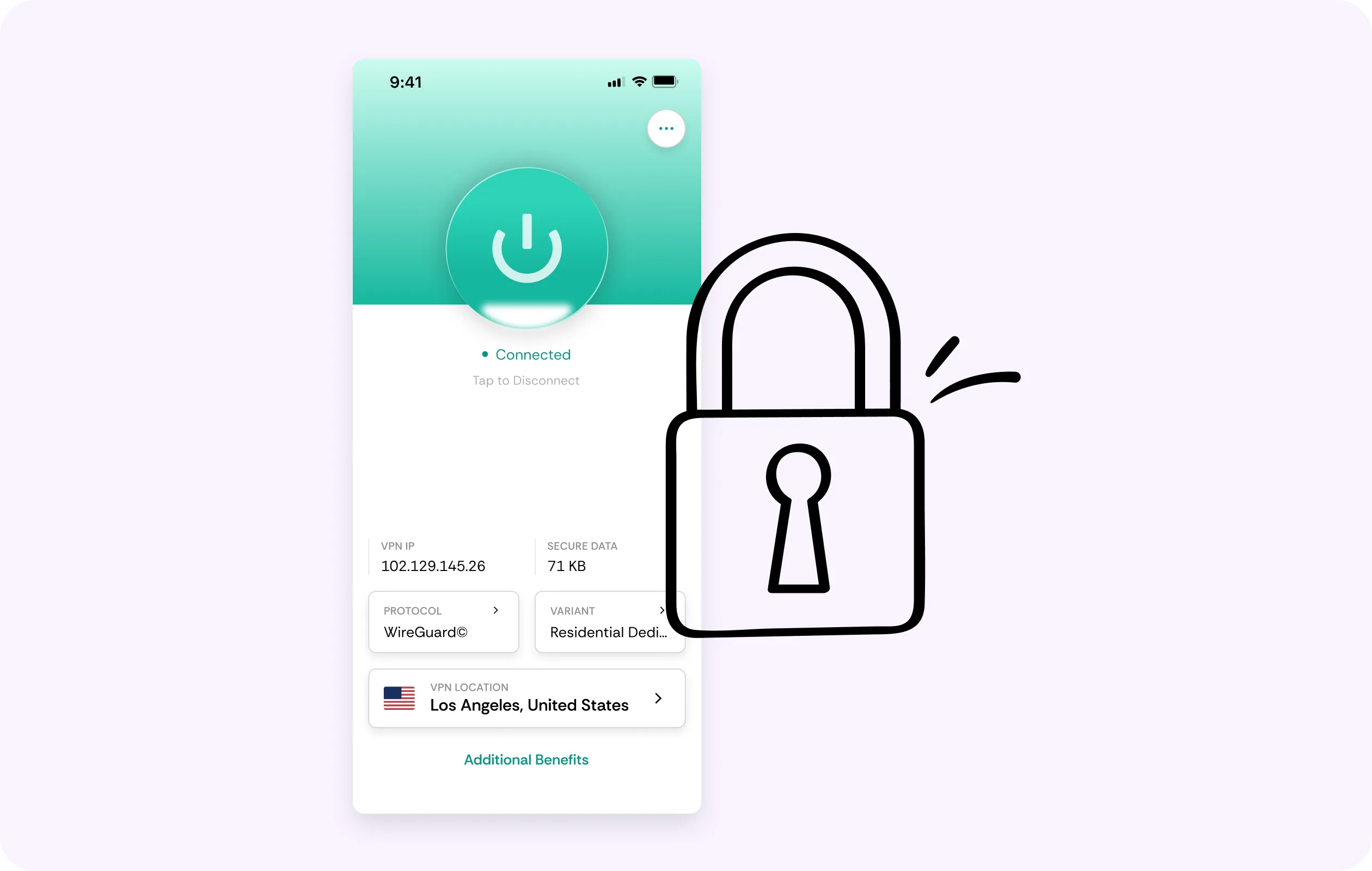
Whenever you’re connected to a hotel, café, or co-working Wi-Fi, your logins, calls, and messages travel on a network you don’t control. CometVPN encrypts the connection between your device and the server, and a residential IP helps avoid throttling.
Nearby Servers
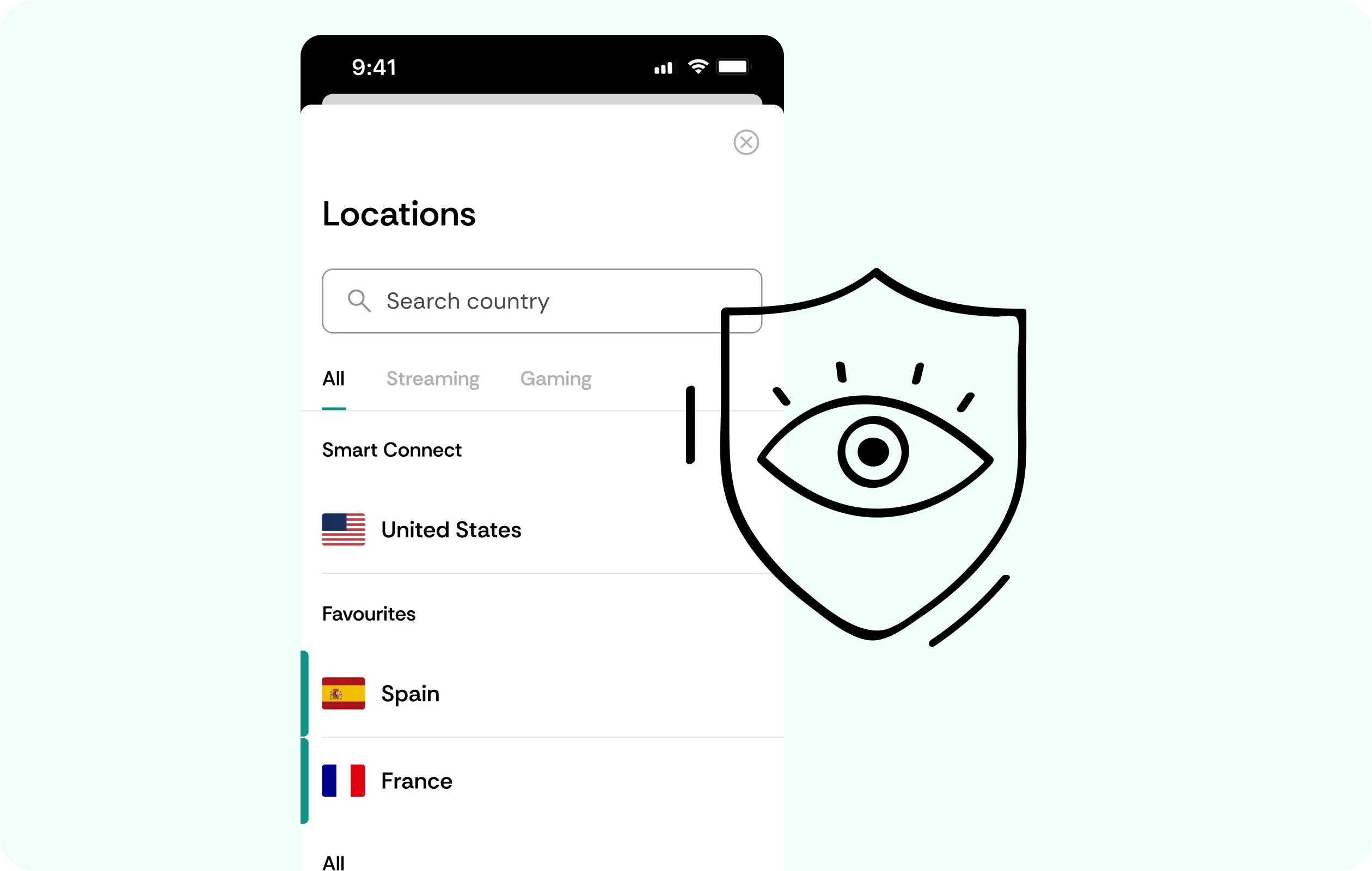
Choosing a nearby server is the sensible option for a VPN for TextMe, since VoIP is latency-sensitive. When traveling or on unsecured networks, choose the closest stable endpoint from the list to keep calls consistent.
DNS Leak Protection
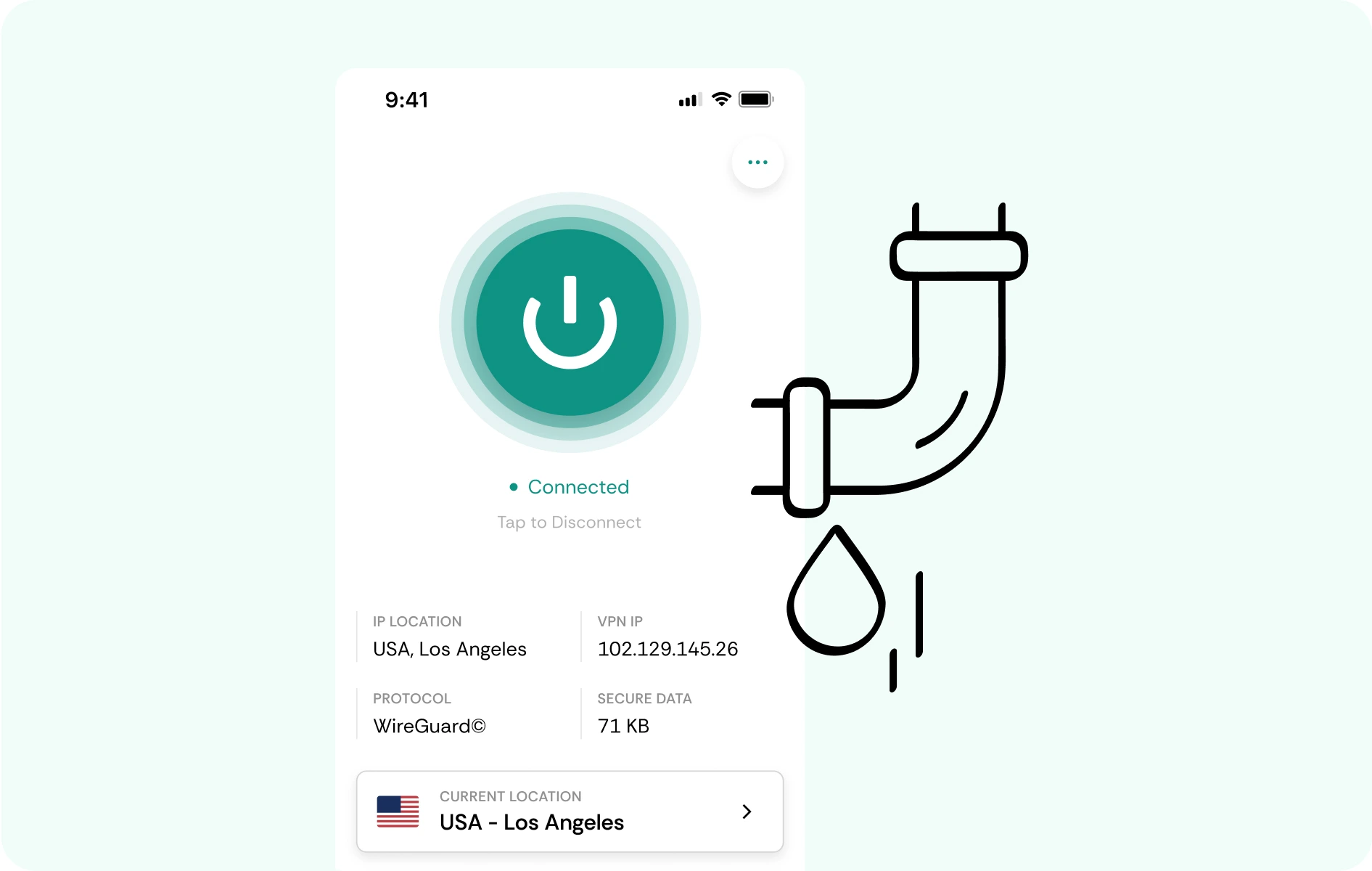
All TextMe-related requests move through the same encrypted tunnel when you’re connected to CometVPN, ensuring DNS and IP leak protection. While a specific technical gap is closed this way, TextMe’s own data collection isn’t removed.
Why TextMe users trust CometVPN
-
 Lauren Bennett
 Good VPN for bypassing social media censorship in Turkey.
-
 Amelia Cross
 I have been travelling a lot for the past few years, and as a rule - CometVPN is always on. It helps me to stay engaged with the news from my home country and I feel much safer knowing that my internet traffic is hidden.
-
 Marcus Holloway
 I just wanted privacy, so this was the perfect choice for me - I wasn’t forced to buy overpriced features, simple for everyday use. The only drawback is that sometimes the interface is not very intuitive, but their consultants have been very helpful for this.
-
 Samuel Whitaker
 CometVPN, although a bit limited in features, worked reliably. Truly a solid choice as I couldn’t find anything more affordable that also works for what VPN is supposed to do.
-
 Ethan Caldwell
 As a Canadian, I was frustrated by not being able to watch U.S. Netflix content, until I found CometVPN. I realized that with their servers, I could bypass restrictions easily and enjoy unlimited streaming.
How to use CometVPN with TextMe
Get CometVPN subscription
Join our VPN service by choosing any of the plans available on our pricing page
Download our VPN software
Get our CometVPN app for Apple, Android, or Windows and install it on your device
Enable VPN protection
Connect to a nearby server, then open TextMe and test a call.
Frequently Asked Questions
Can I Use a VPN With TextMe?
Yes, a VPN for TextMe works over ordinary connections, including both Wi-Fi and mobile data. Still, while VPNs add privacy, compatibility and call quality depend heavily on your route.
What is the Best VPN for TextMe?
Choose a stable VPN for the TextMe app. It should have WireGuard, a kill switch, and a list of nearby servers for maximum flexibility. Low latency and reliable reconnects matter most.
Does a VPN Change My TextMe Location?
While a VPN can change the public IP on the network path, it doesn’t change every signal TextMe can receive. Device, account, and location data remain separate from the IP location.
Will a VPN Affect TextMe Call Quality?
Choosing nearby servers minimizes delays, jitter, or other issues. CometVPN is built with WireGuard, ensuring latency-sensitive voice traffic stays as smooth as possible.
Is a Free VPN Good for TextMe?
A free vpn for TextMe may offer basic privacy, but users should always compare data limits, privacy terms, and congestion reality first. Busy servers are a poor fit for real-time voice calls.