






Why You Need a VPN for Google Fiber

Speed Headroom
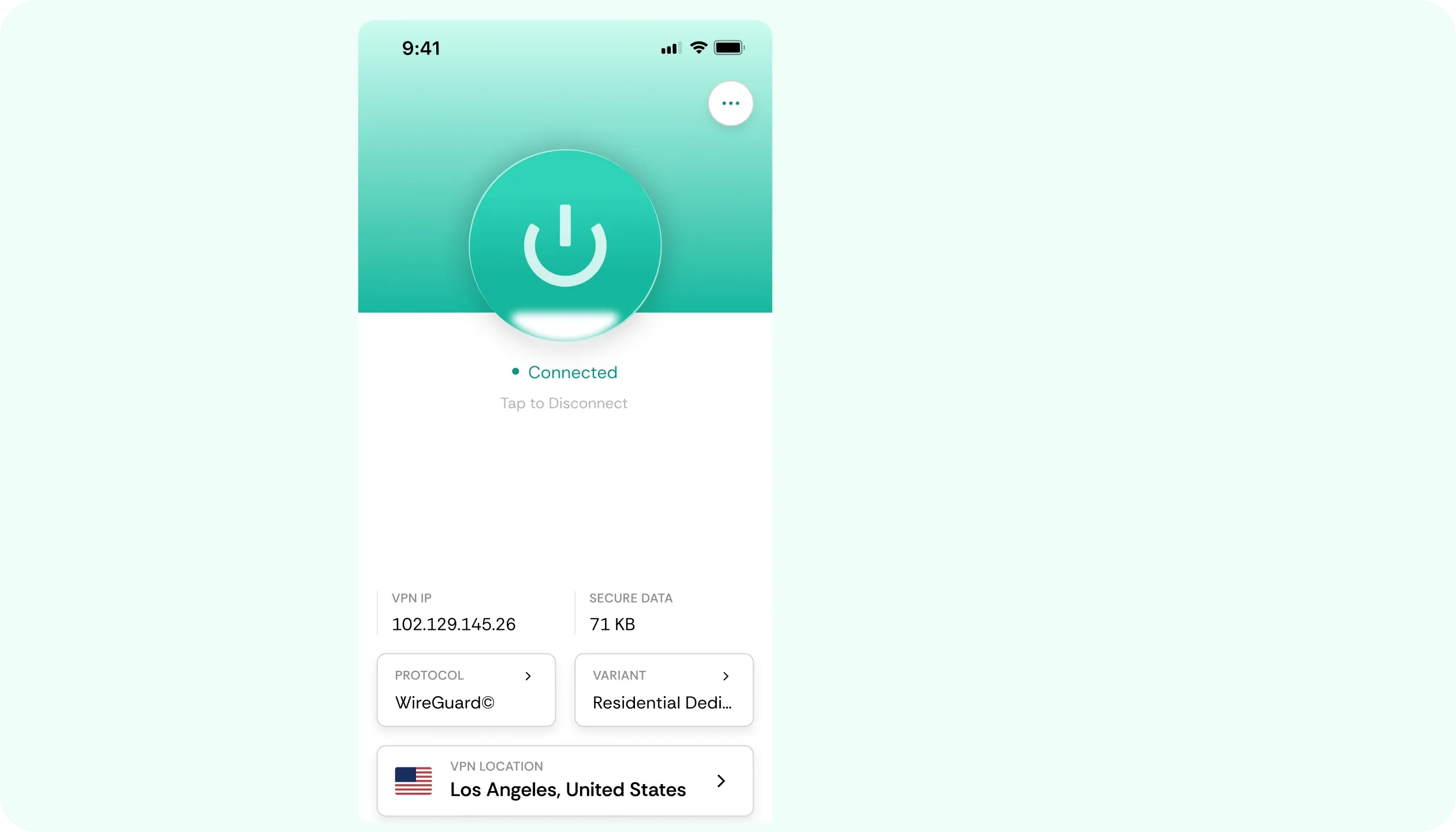
Symmetrical upload and download speeds, often a gigabit or more, mean the overhead of a WireGuard-based VPN is negligible. There’s far more bandwidth to spare before any slowdown is noticeable, which makes running a Google Fiber VPN on every device in the house practical.

Shared IP
Some connections on this service sit behind carrier-grade NAT. This means that there’s one public address for multiple customers. That can lead to suspicion-based check triggers on unrelated sites. A dedicated CometVPN server will sidestep this with ease, eliminating occasional friction for you.

Router Limits
The router provided can’t support a direct VPN client installation. This means that you need to handle protection on individual devices or through a separate, compatible router set up after the Fiber. Knowing that upfront saves hunting through settings, while the kill switch guards each device.

Account Security
Logging in or checking a bill over shared or public Wi-Fi? That’s always a risk, exposing credentials you need to protect. Our VPN for Google Fiber will encrypt data and remove such dependencies. What’s more, obfuscated servers keep tunnels usable where VPN traffic is filtered (e.g., hotels).
CometVPN Features for Google Fiber Users
WireGuard Speed
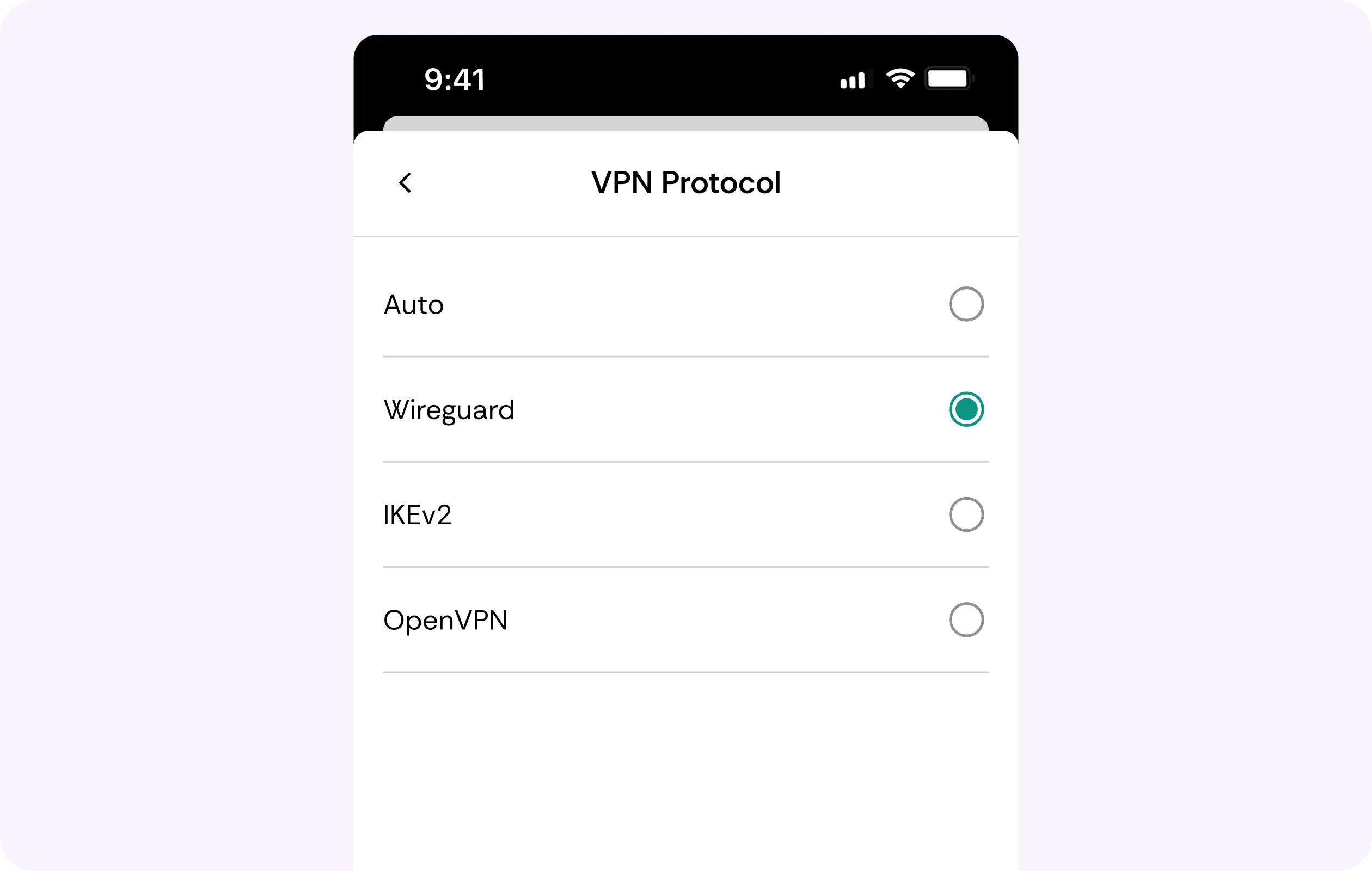
On a symmetrical, high-speed connection, overhead matters least, and counts most. WireGuard keeps it minimal, so large downloads, video streaming, and video calls run as they normally would, even if you’re multitasking.
Residential IP
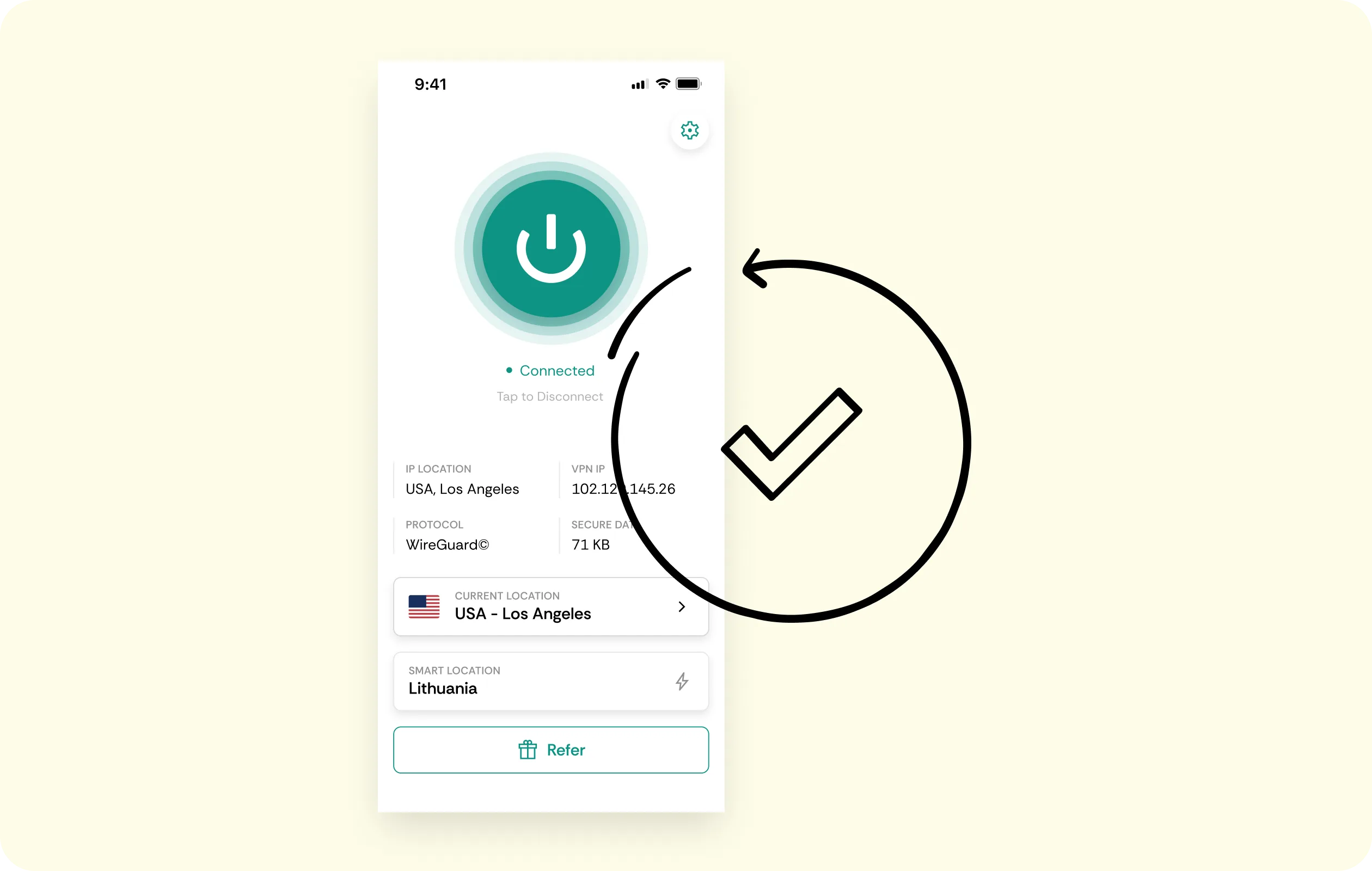
If your connection shares an address, a residential IP gives you a dedicated address without that shared reputation, so websites and platforms stop mistaking you for a bot or somebody else.
No-Logs Policy
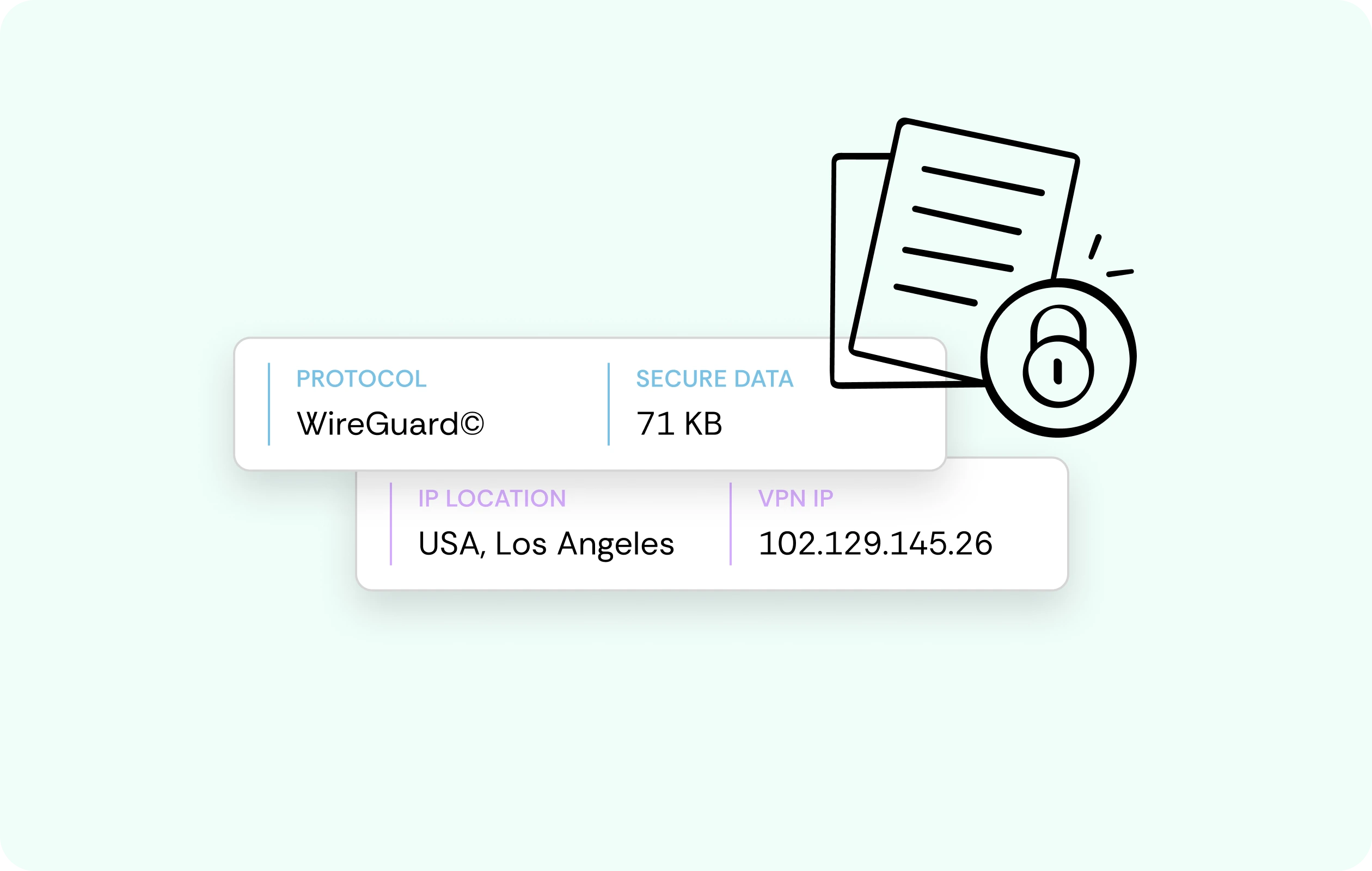
Which sites you visit and what inputs you make are never recorded, so your entire browsing history and downloads stay private on every device that connects to our Google Fiber VPN.
Bill and Login Encryption
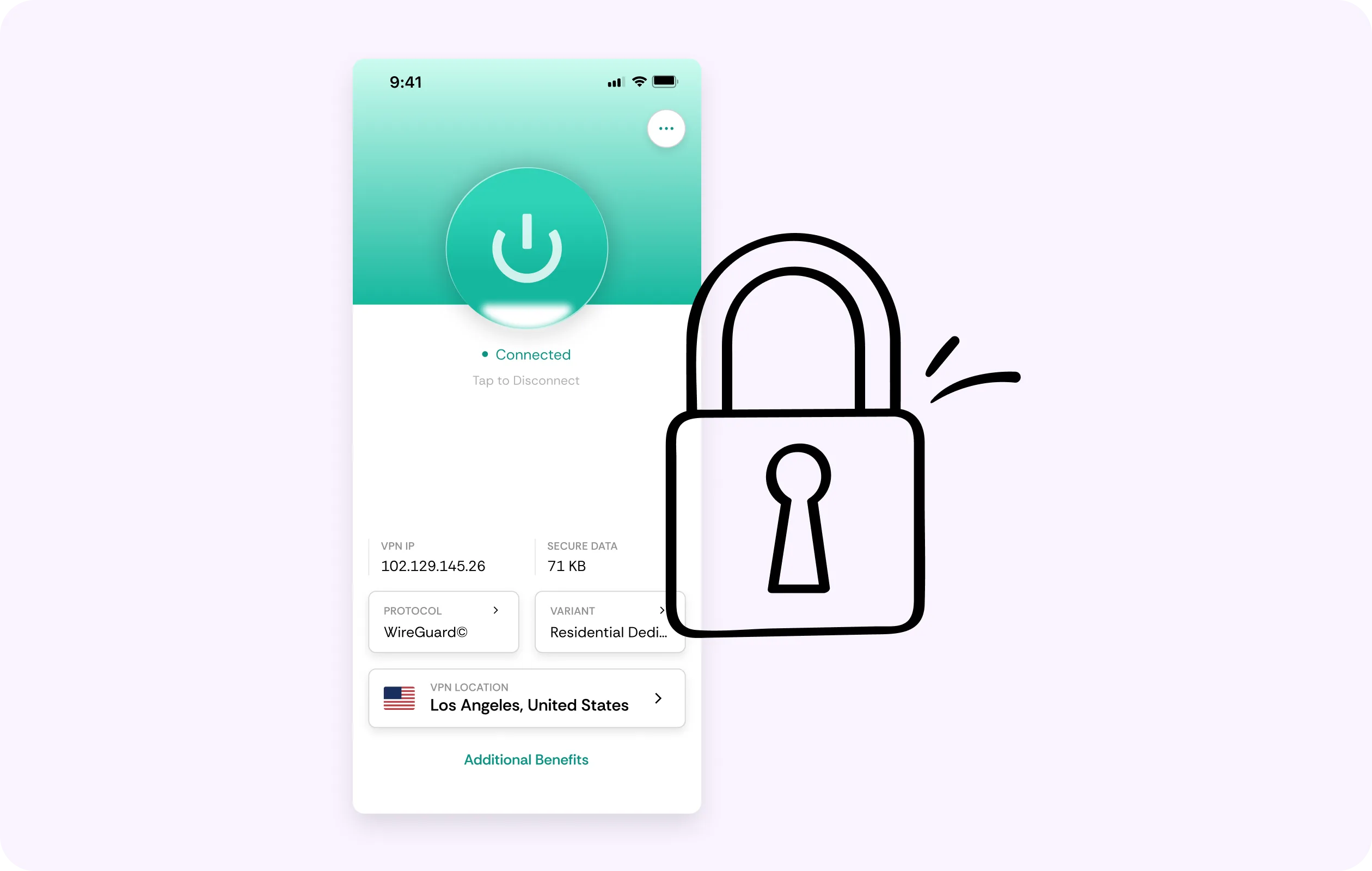
The connection carrying your account login, a bill payment, and everyday browsing is encrypted between your device and CometVPN’s server, whichever network you decide to join. That’s extra privacy at home or away from it.
Multi-Device Coverage
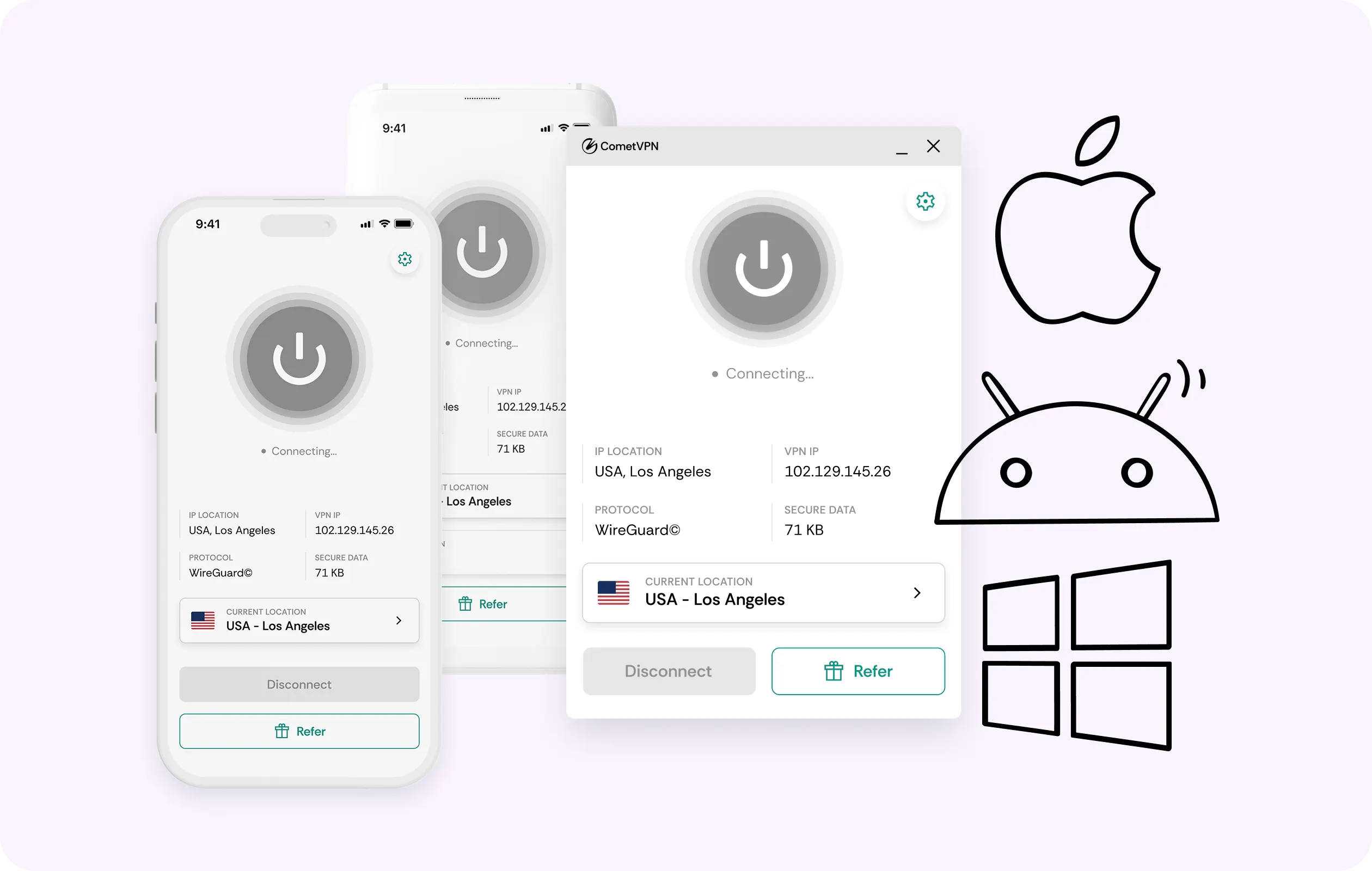
Protection can’t be handled at the router level. That requires each device to carry its own VPN client, wherever you use it. One CometVPN subscription covers all your devices without limits, laptop and beyond.
Why Google Fiber Customers Trust CometVPN
-
 Lauren Bennett
Good VPN for bypassing social media censorship in Turkey.
-
 Amelia Cross
I have been travelling a lot for the past few years, and as a rule - CometVPN is always on. It helps me to stay engaged with the news from my home country and I feel much safer knowing that my internet traffic is hidden.
-
 Marcus Holloway
I just wanted privacy, so this was the perfect choice for me - I wasn’t forced to buy overpriced features, simple for everyday use. The only drawback is that sometimes the interface is not very intuitive, but their consultants have been very helpful for this.
-
 Samuel Whitaker
CometVPN, although a bit limited in features, worked reliably. Truly a solid choice as I couldn’t find anything more affordable that also works for what VPN is supposed to do.
-
 Ethan Caldwell
As a Canadian, I was frustrated by not being able to watch U.S. Netflix content, until I found CometVPN. I realized that with their servers, I could bypass restrictions easily and enjoy unlimited streaming.
How to Use CometVPN with Google Fiber
Get CometVPN subscription
Join our VPN service by choosing any of the plans available on our pricing page
Download our VPN software
Get our CometVPN app for Apple, Android, or Windows and install it on your device
Enable VPN protection
Sign in on the chosen device, choose a server, then browse normally.
Frequently Asked Questions
Will a VPN Slow Down My Google Fiber Connection?
Not noticeably, but every VPN for Google Fiber adds some overhead. On a connection this fast and symmetrical, the overhead tends to be proportionally negligible, so everything feels the same.
Can I Install a VPN Directly on the Google Fiber Router?
No, the router doesn’t support VPN clients, so protection needs to be handled on every device individually. Alternatively, you can use a separate, supported router placed after Google Fiber.
Why Do I Get Occasional CAPTCHAs on Google Fiber?
The most likely cause is that some connections, through carrier-level NAT, share an IP address. This can sometimes trigger various checks. A dedicated CometVPN IP avoids such friction.
Is Using a VPN on Google Fiber Against the Rules?
If a Google Fiber VPN is used for personal privacy reasons, it won’t breach the terms of service. However, look at those for specifics, since we don’t give legal guarantees.
Why Not Use a Free VPN on Google Fiber?
A free VPN is likely to earn from its users by selling traffic and data. We’re all about closing that kind of exposure, which, we believe, is what the best VPN for Google Fiber offers.