









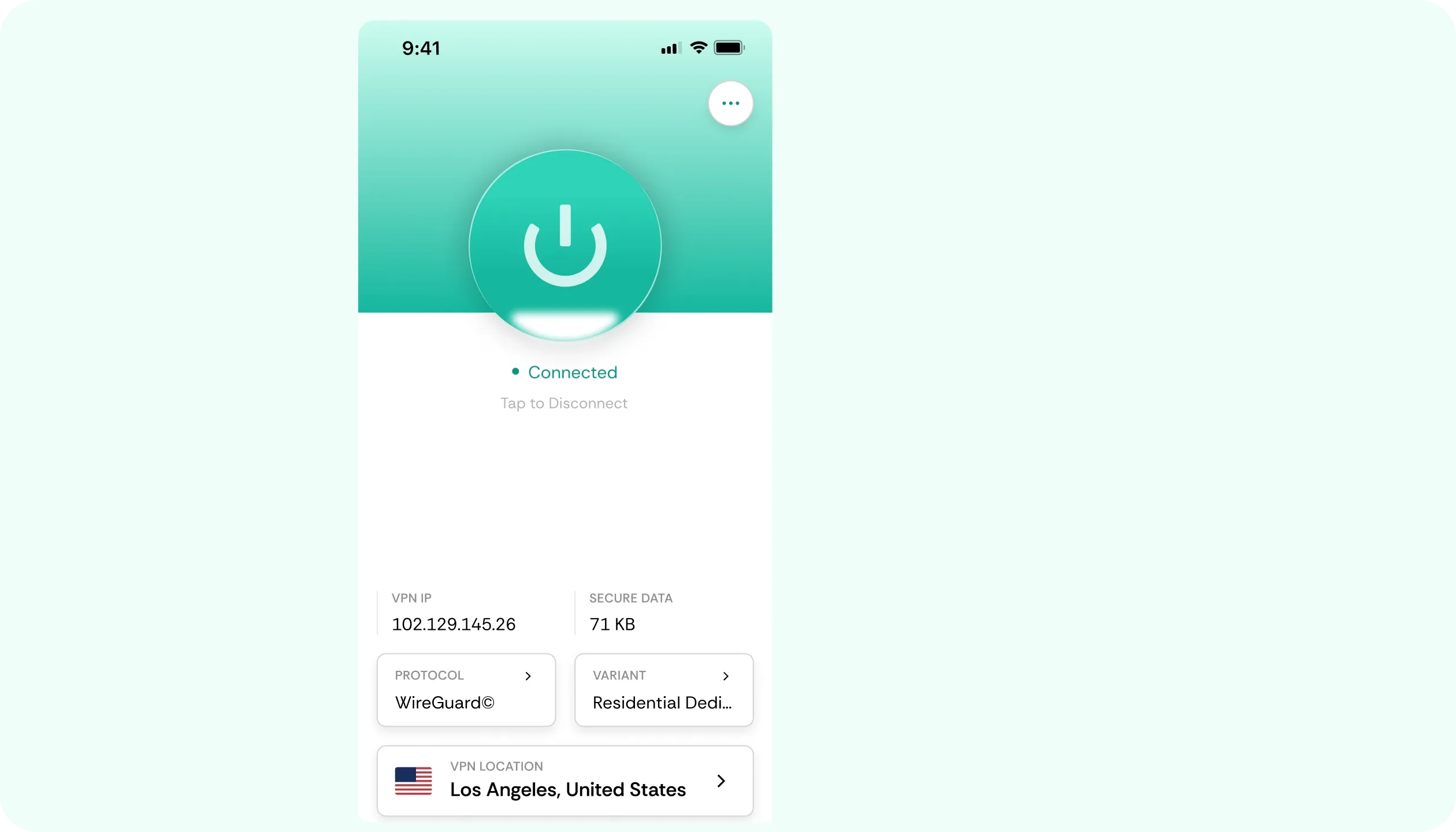

Why You Need a VPN for AT&T

The Hotspot Cliff
If you use up your plan’s high-speed hotspot allowance, all tethered devices will get slowed down to roughly 128 Kbps until the end of the current billing cycle. Apps on the phone itself keep full speed. Our VPN for AT&T keeps hotspot sessions encrypted before and after.

Tethering Detection
Carriers have tools to tell whether it’s traffic from your phone’s own apps or whether it’s coming via hotspot. This is how they enforce limits. Wrapping your traffic in CometVPN’s encryption, especially over obfuscated servers, makes telling the two apart much harder.

Cellular Privacy
Home internet runs through your ISP’s equipment, while mobile data travels through AT&T's network gear, making the end destinations visible to the admins. CometVPN encrypts your connection with a VPN for AT&T, boosting privacy on your phone, tablet, laptop, or any other device.

Billing Logins
Checking bank statements or making payments in an airport lounge or over hotel Wi-Fi means typing sensitive data on a network someone else set up. Our VPN will encrypt logins and inputs from the first keystroke, and its kill switch stops traffic if the tunnel drops.
CometVPN Features for AT&T Users
AES-256 Encryption
If you’re tethering your laptop via a hotspot, or just browsing on the phone with CometVPN, everything that leaves your device goes through an AES-256-encrypted tunnel. The network carrying the connection only sees scrambled data.
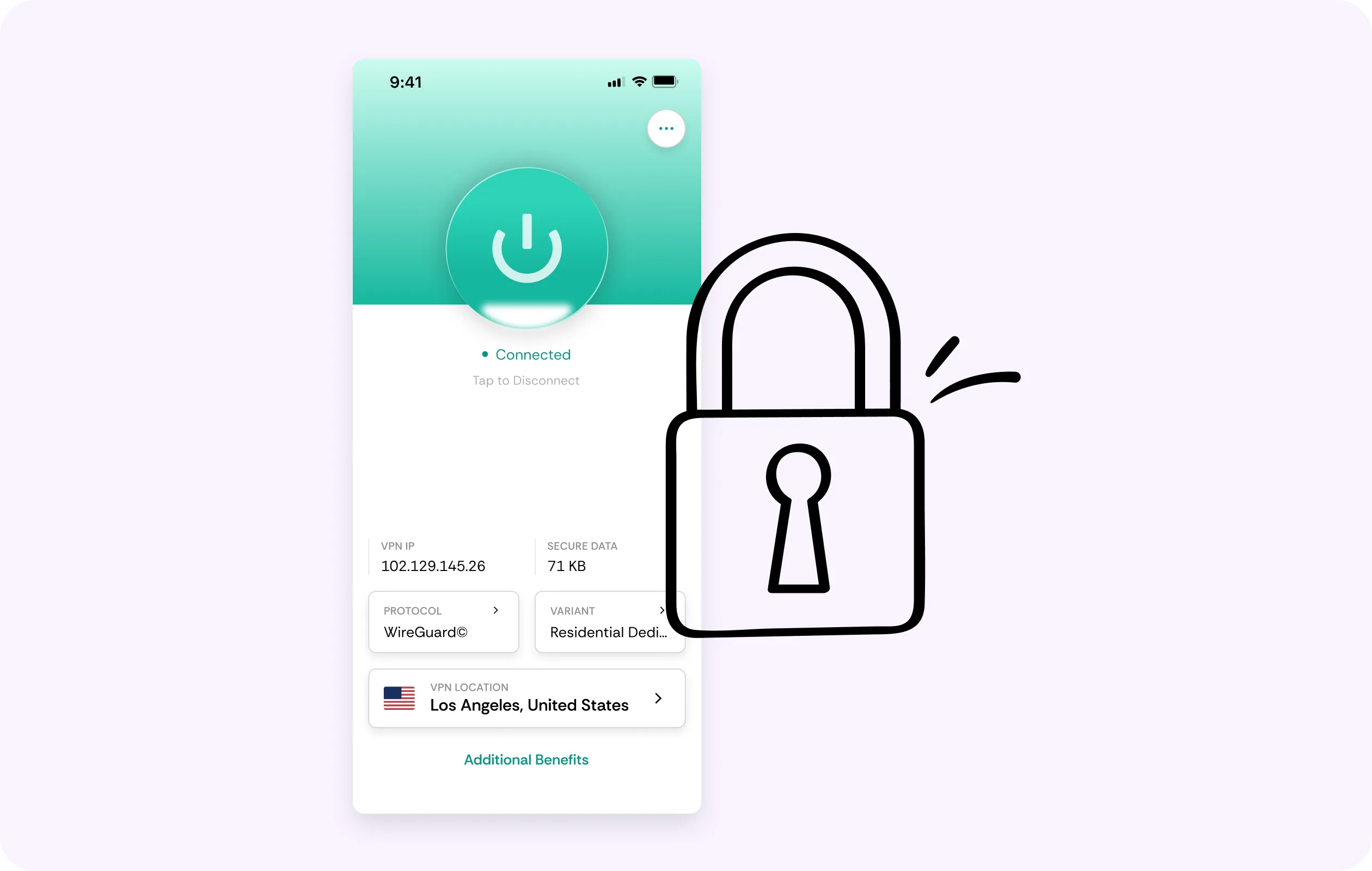
Low-Overhead WireGuard
CometVPN’s WireGuard architecture adds just a minimal overhead, so everyday browsing can feel snappy with no slowdown you can sense. Plus, on a hotspot, the real win is keeping traffic not looking throttling-worthy.
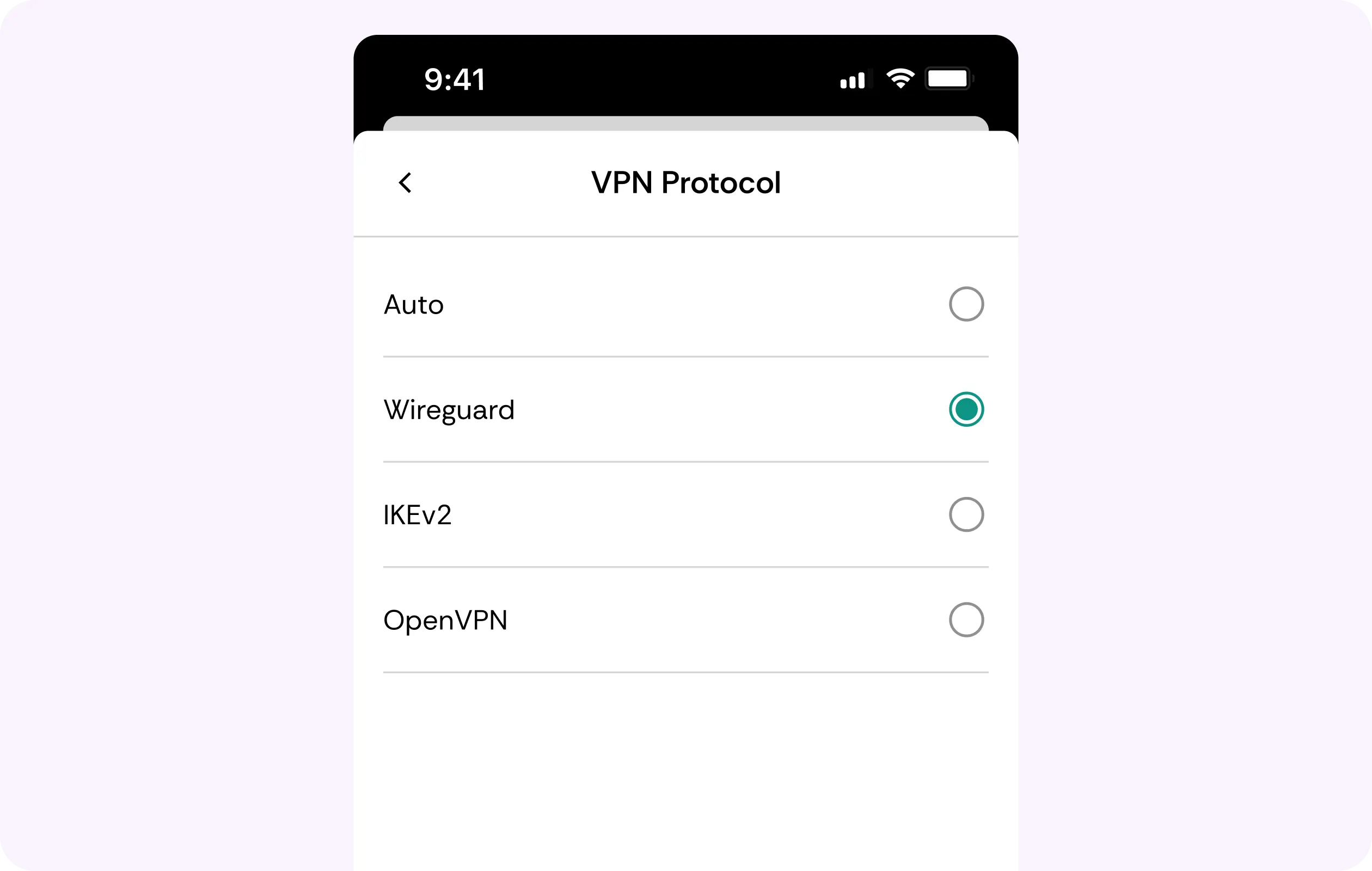
Zero Activity Logs
What you browse over home Wi-Fi or mobile data, when connected to CometVPN, is never recorded. Our no-logs approach means we store no activity or connection history, significantly strengthening user privacy.
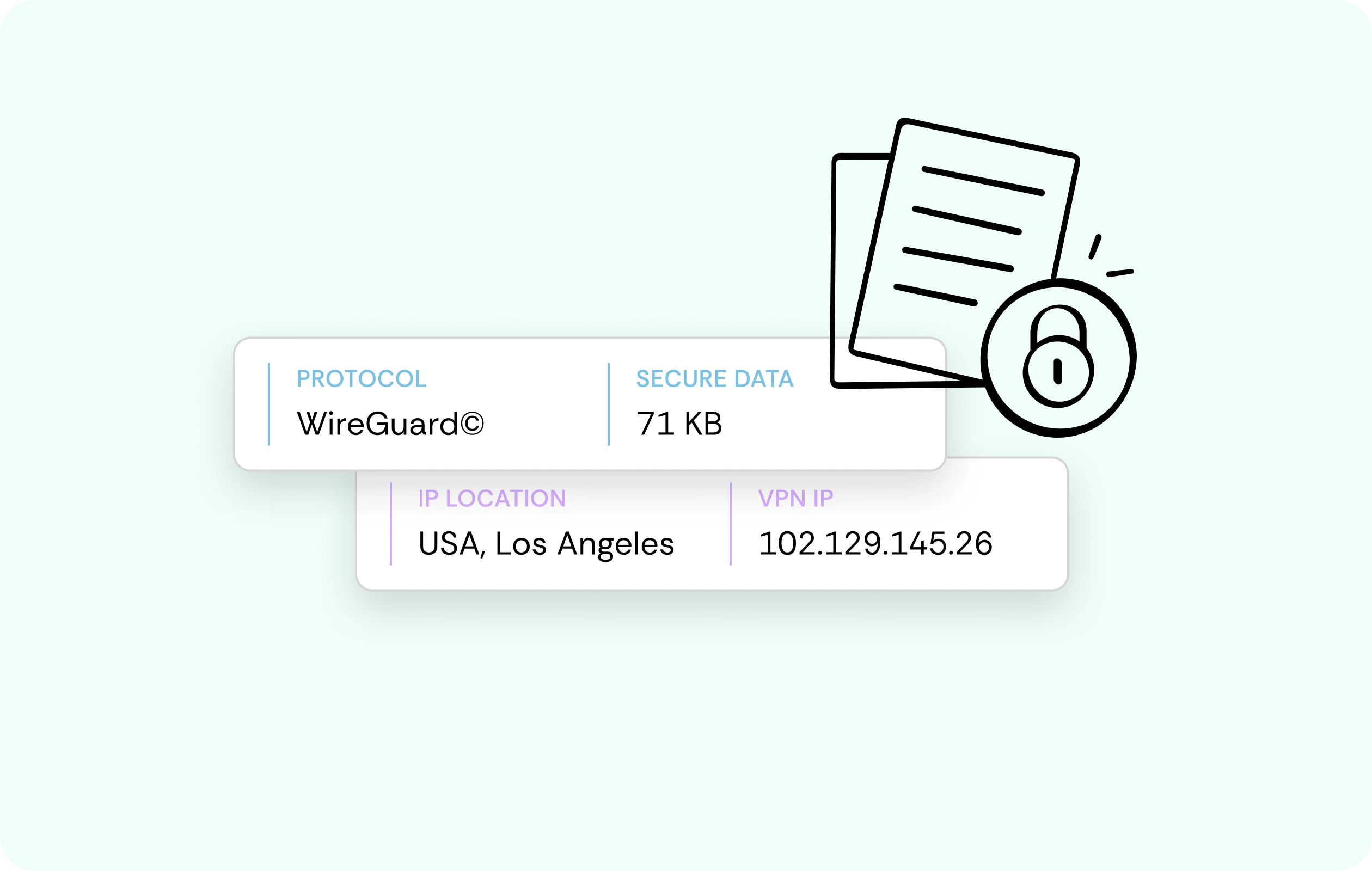
Home-Style Residential IPs
A lot of sites flag data center and VPN IPs with CAPTCHAs and extra checks. A residential IP looks like a regular household connection, so shopping, media browsing, and banking go through without friction.
Multi-Device Protection
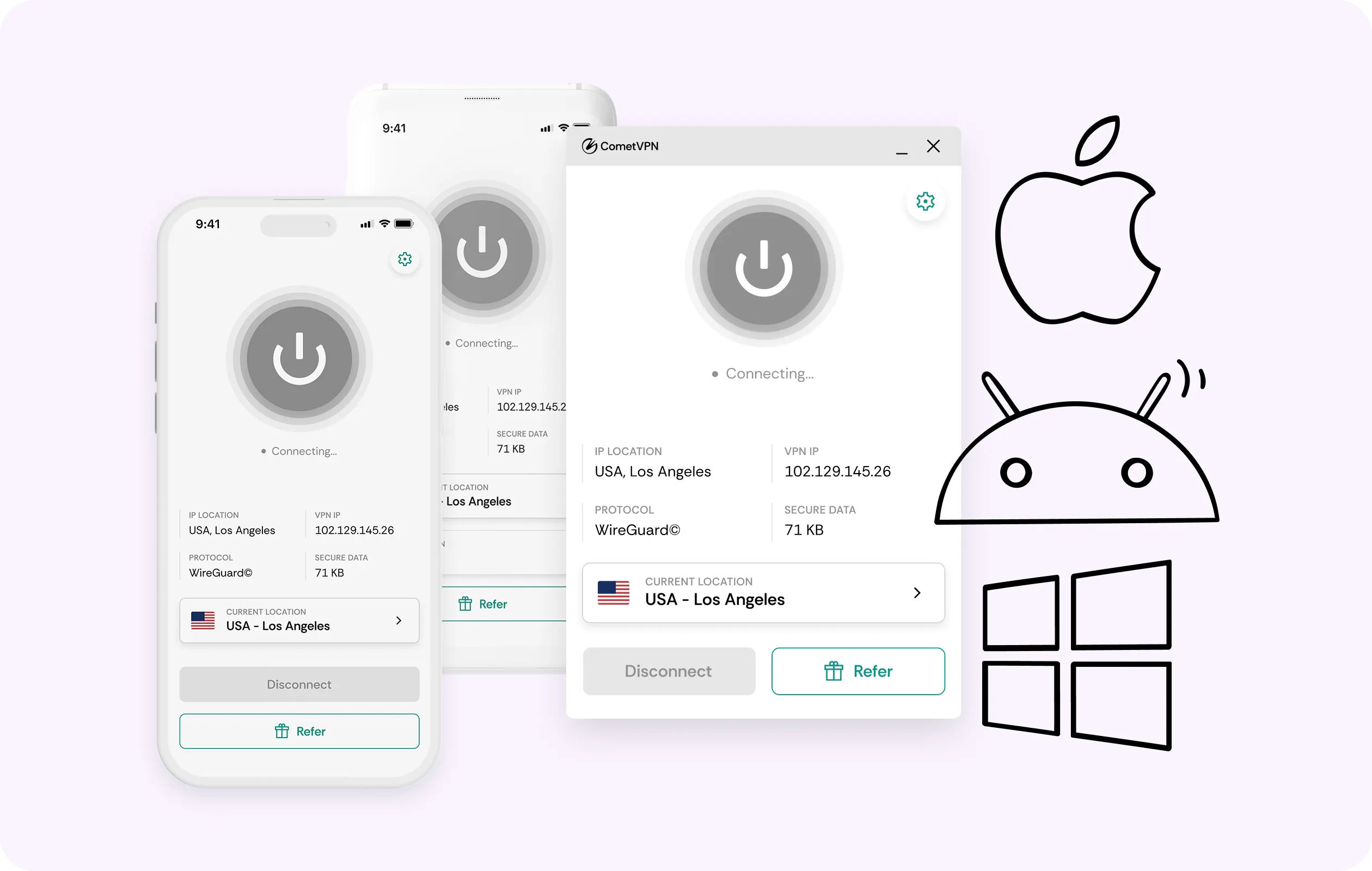
You can run CometVPN on your phone and its hotspot, laptop, desktop, tablet, and all other devices on 1 account. This means that every device you connect gets the same level of protection.
Why AT&T Customers Trust CometVPN
-
 Lauren Bennett
 Good VPN for bypassing social media censorship in Turkey.
-
 Amelia Cross
 I have been travelling a lot for the past few years, and as a rule - CometVPN is always on. It helps me to stay engaged with the news from my home country and I feel much safer knowing that my internet traffic is hidden.
-
 Marcus Holloway
 I just wanted privacy, so this was the perfect choice for me - I wasn’t forced to buy overpriced features, simple for everyday use. The only drawback is that sometimes the interface is not very intuitive, but their consultants have been very helpful for this.
-
 Samuel Whitaker
 CometVPN, although a bit limited in features, worked reliably. Truly a solid choice as I couldn’t find anything more affordable that also works for what VPN is supposed to do.
-
 Ethan Caldwell
 As a Canadian, I was frustrated by not being able to watch U.S. Netflix content, until I found CometVPN. I realized that with their servers, I could bypass restrictions easily and enjoy unlimited streaming.
How to Use CometVPN with AT&T
Get CometVPN subscription
Join our VPN service by choosing any of the plans available on our pricing page
Download our VPN software
Get our CometVPN app for Apple, Android, or Windows and install it on your device
Enable VPN protection
Sign in, choose a server, then browse or share your hotspot as usual.
Frequently Asked Questions
Why Is My AT&T Hotspot So Slow?
The most likely cause is that you used up all your high-speed allowance. This will drop tethered devices to ~128 Kbps, which is stone-age slow. Encrypting traffic with CometVPN can help.
Does a VPN Stop AT&T Hotspot Throttling?
It’s likely, but not guaranteed. A VPN for AT&T hotspot can make tethered traffic harder to distinguish, but A-list carriers refine detection continuously. This service is about hotspot speed, not total data.
Is Using a VPN Against AT&T's Rules?
No, AT&T doesn’t prohibit VPNs for personal use. If it’s related to data and tethering, check your individual AT&T plan and contract to be sure.
Will a VPN Slow Down My Mobile Data?
If you’re connected to a nearby server, then not in a way you’d notice. CometVPN runs on WireGuard, so browsing, streaming, and everyday app use still feel fast because of minimal overhead.
Why Not Just Use a Free VPN on AT&T?
Honestly, because most free services fund their costs by selling your data. This is the type of monitoring most of us want to avoid. The best VPN for AT&T won’t sell data.