










Why you need a VPN for Steam

Store and launcher access
Some networks may restrict Steam, game downloads, community pages, Workshop content, or multiplayer features, especially on school, work, or public Wi-Fi.

Download interruptions
Large Steam games, updates, cloud saves, and Workshop files can fail or slow down when your ISP route is unstable or heavily congested.

Account privacy
Steam accounts often hold years of purchases, friends, inventory items, cloud saves, and community activity, making safer account access important.

Public Wi-Fi risks
Using Steam from hotels, cafés, airports, dorms, or shared networks can expose login activity, library browsing, downloads, and game traffic without extra protection.
CometVPN features for Steam
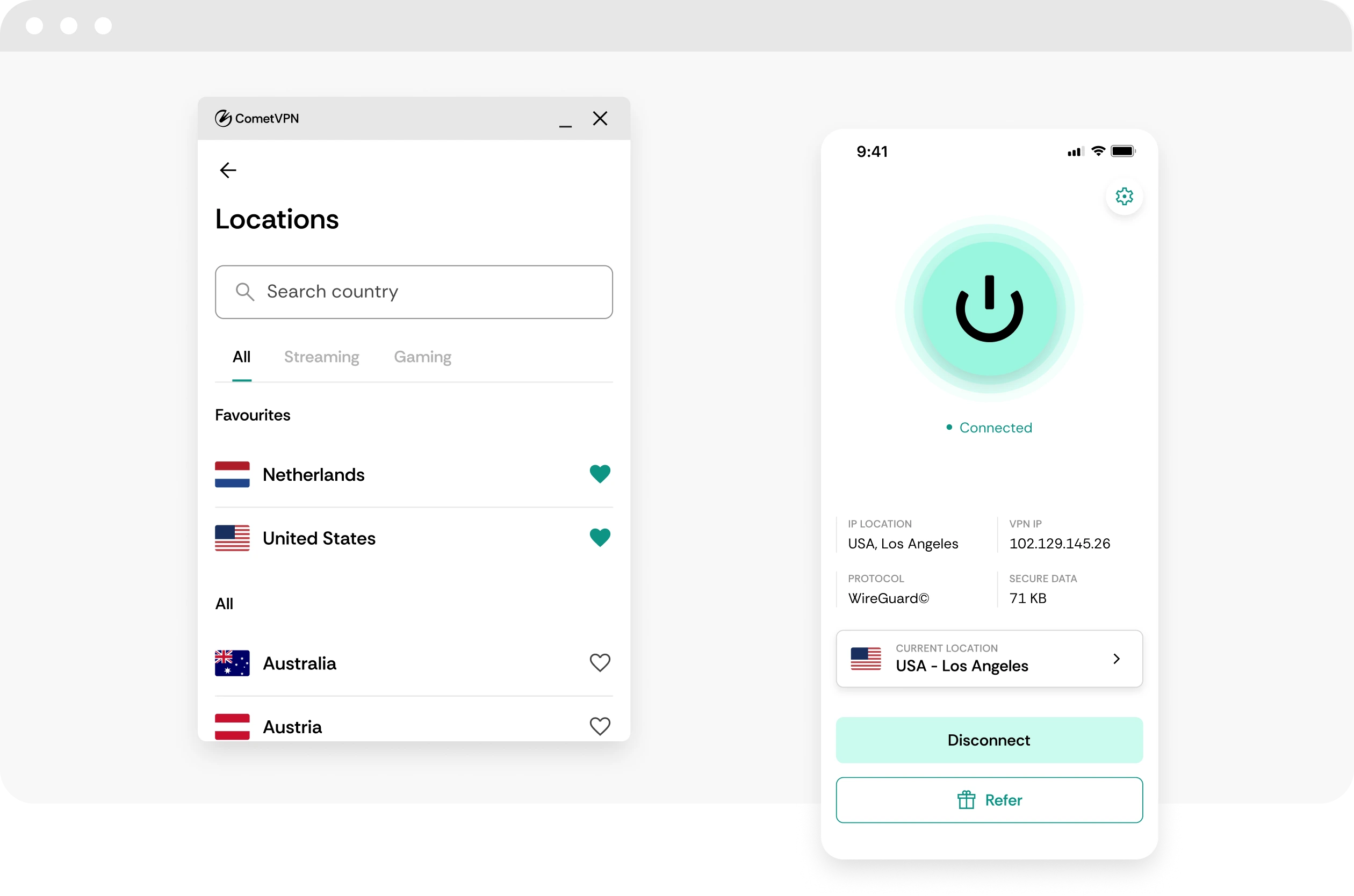
Quick setup for Steam
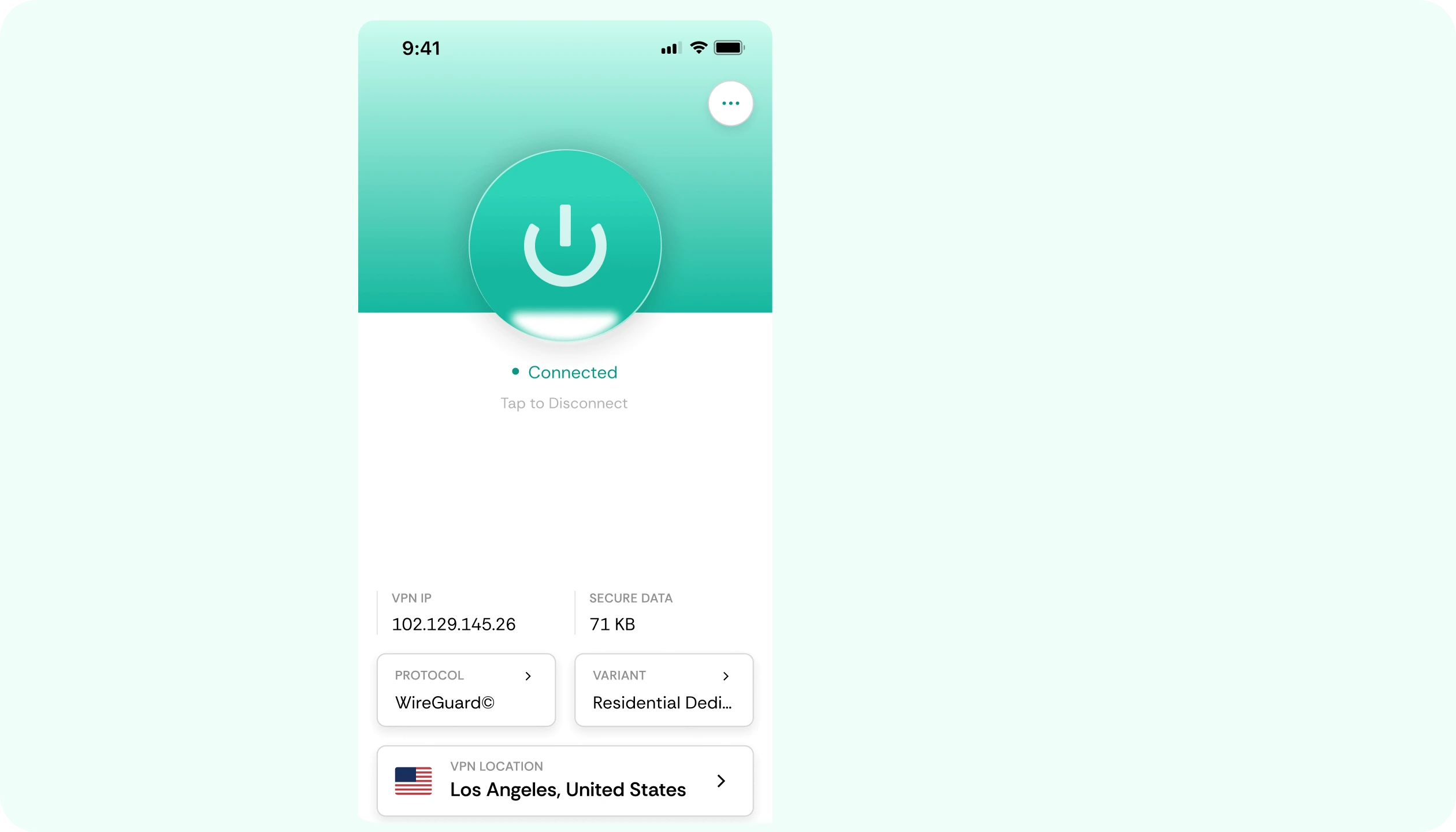
Download CometVPN, connect to a server, and open Steam with a more private connection for browsing, downloading, cloud saves, and multiplayer.
Stable speeds for downloads and games
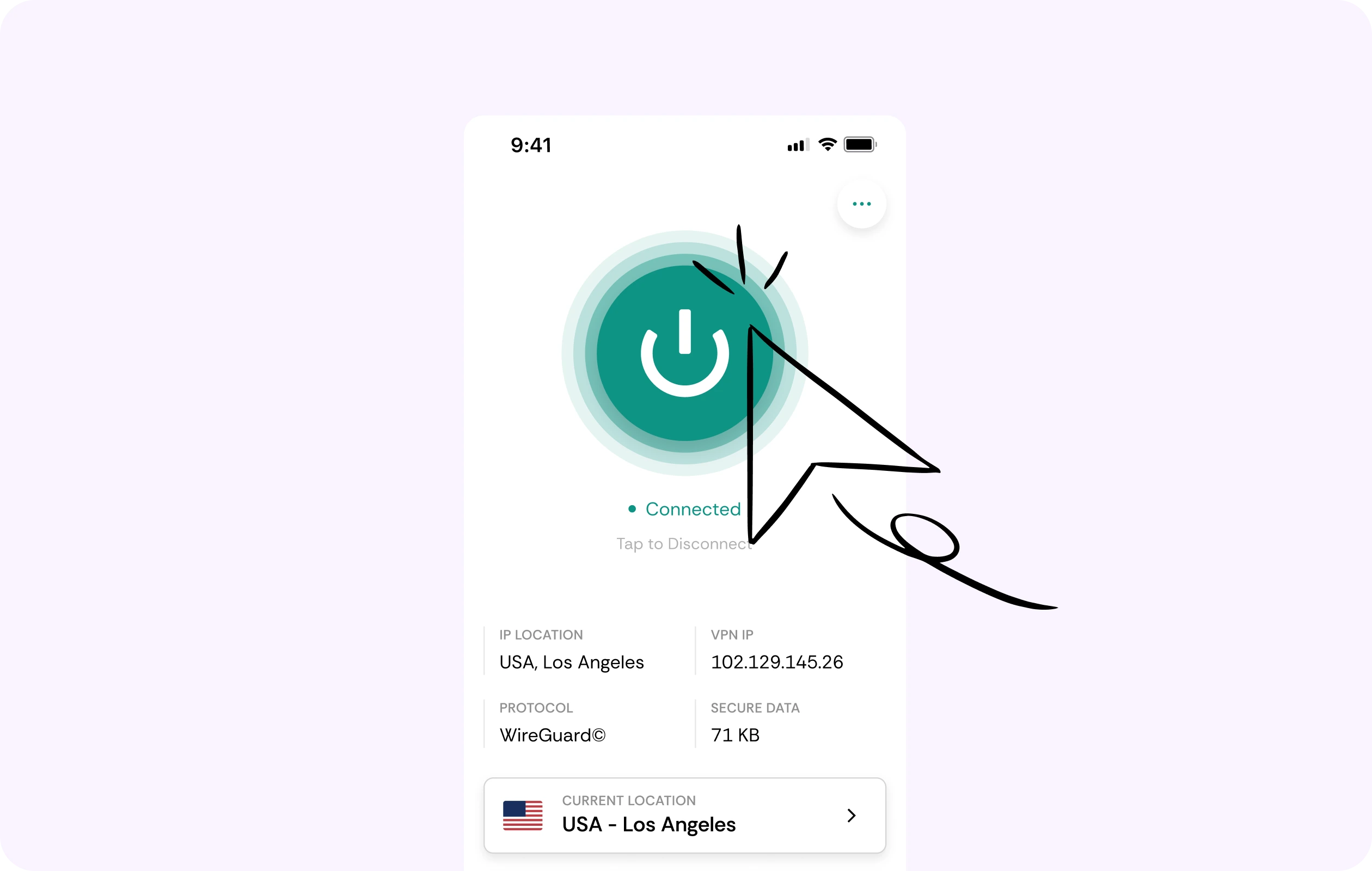
Steam libraries can include huge installs, frequent updates, Workshop files, and online games. CometVPN helps you test stable routing for smoother downloads and multiplayer access.
Security for your Steam account
CometVPN encrypts your traffic while you sign in, browse the store, use community features, download games, or access your Steam inventory on shared networks.
Global server coverage
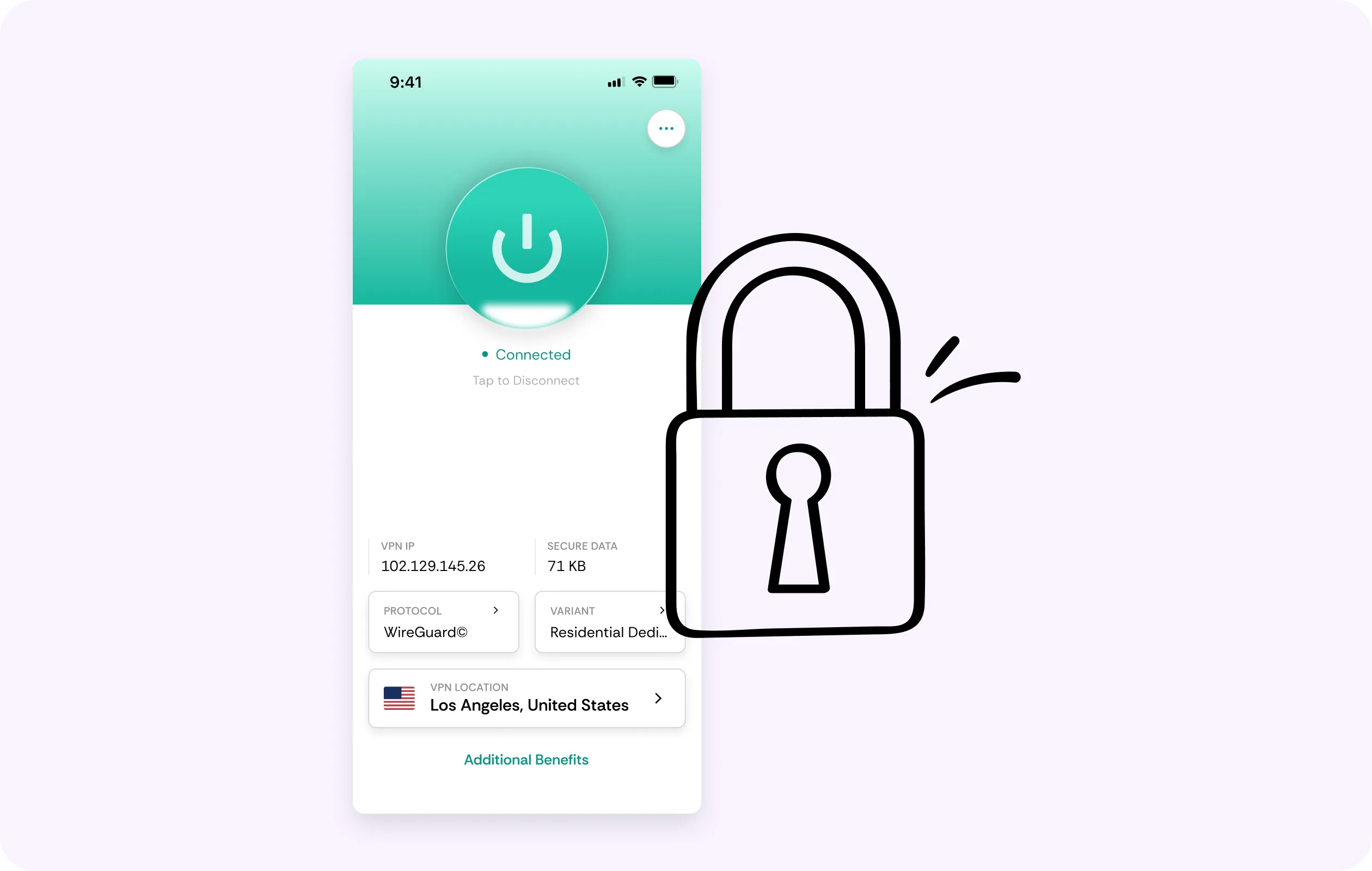
Choose from servers in 50+ countries to protect Steam traffic when traveling, using public Wi-Fi, or connecting from restricted networks.
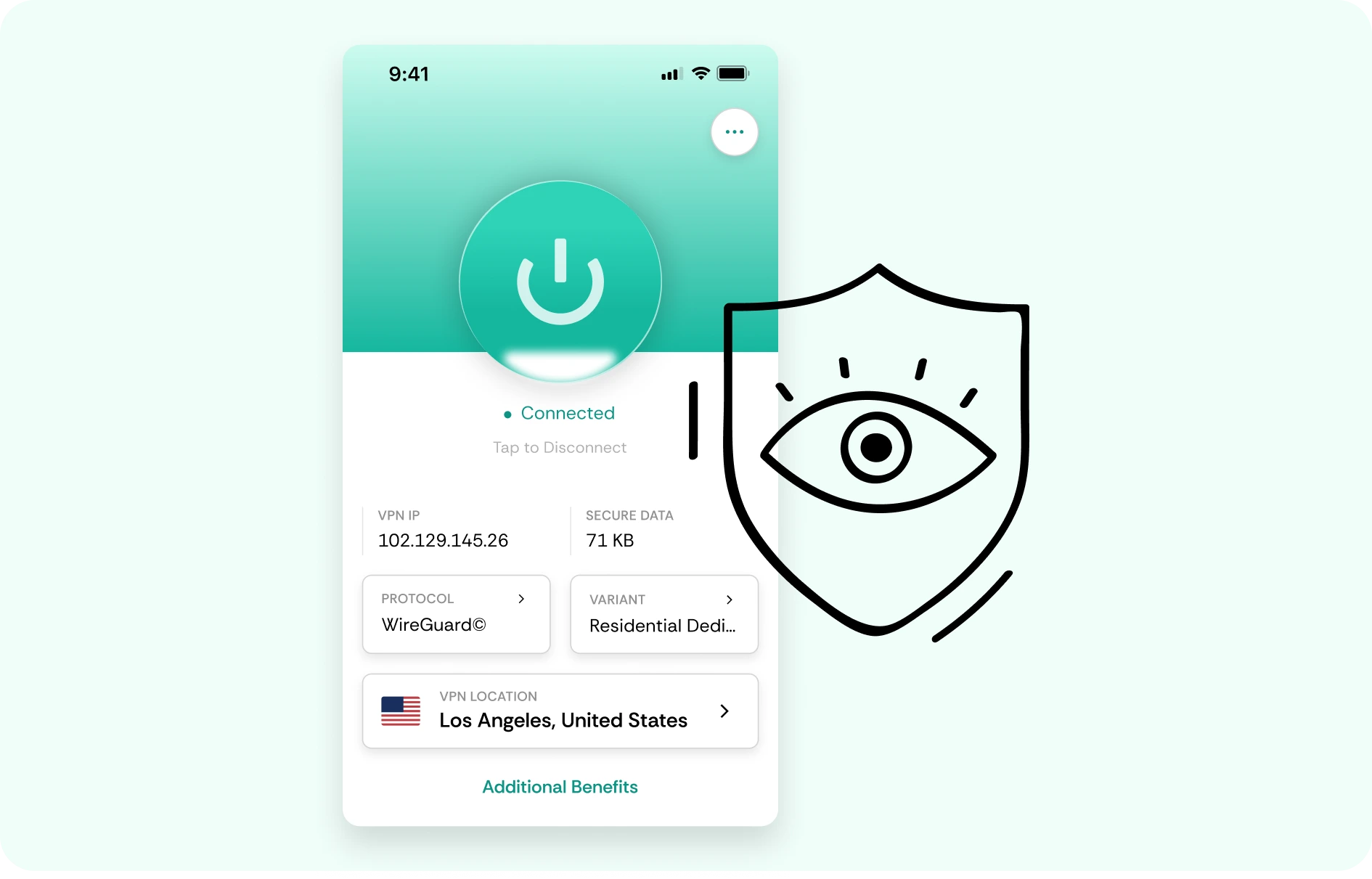
No-logs PC gaming privacy
CometVPN does not track your online activity, helping keep Steam browsing, downloads, game sessions, and account access private.
How to use CometVPN for Steam
-
 Lauren Bennett
 Good VPN for bypassing social media censorship in Turkey.
-
 Amelia Cross
 I have been travelling a lot for the past few years, and as a rule - CometVPN is always on. It helps me to stay engaged with the news from my home country and I feel much safer knowing that my internet traffic is hidden.
-
 Marcus Holloway
 I just wanted privacy, so this was the perfect choice for me - I wasn’t forced to buy overpriced features, simple for everyday use. The only drawback is that sometimes the interface is not very intuitive, but their consultants have been very helpful for this.
-
 Samuel Whitaker
 CometVPN, although a bit limited in features, worked reliably. Truly a solid choice as I couldn’t find anything more affordable that also works for what VPN is supposed to do.
-
 Ethan Caldwell
 As a Canadian, I was frustrated by not being able to watch U.S. Netflix content, until I found CometVPN. I realized that with their servers, I could bypass restrictions easily and enjoy unlimited streaming.
What is Steam?
Steam is a digital gaming platform created by Valve, used by millions of players to buy, download, update, and launch PC games. It is more than just a store - Steam also includes friends lists, cloud saves, achievements, user reviews, community hubs, workshops, trading, wishlists, and multiplayer features.
For many PC players, Steam is the main place where their game library lives. It covers everything from huge AAA releases to small indie games, early access projects, free-to-play titles, demos, mods, and community-created content. Because Steam accounts often hold years of purchases, progress, and social connections, it has become one of the most important platforms in PC gaming.

Frequently asked questions
Can I use a VPN for Steam?
Yes, you can use a VPN with Steam to protect your connection, hide your real IP address, and improve privacy while gaming or downloading. With CometVPN, you can encrypt your traffic, avoid exposing your home IP, and connect through fast VPN servers when using Steam on public Wi-Fi or shared networks. For the best performance, choose a VPN server close to your real location or close to the game server you want to play on.
Is it illegal to use a VPN on Steam?
Using a VPN with Steam is not illegal in most countries, but you should always follow local laws and Steam’s rules. A VPN should not be used to bypass regional pricing, abuse store restrictions, evade bans, or access content in a way that violates Steam’s terms. CometVPN is best used for privacy, safer connections, and better routing - not for breaking platform rules.
Can Steam ban me for using a VPN?
Steam does not usually ban users simply for using a VPN for privacy or security. However, using a VPN to manipulate your store region, avoid restrictions, or violate Steam’s Subscriber Agreement can put your account at risk. If you use CometVPN with Steam, keep your account behavior normal, avoid region abuse, and use it mainly to protect your IP, encrypt your traffic, and secure your connection.
Can a VPN help with Steam downloads?
Yes, a VPN can sometimes help with Steam downloads if your ISP is throttling traffic or routing your connection poorly. By connecting through a nearby CometVPN server, your download traffic may take a different route that feels more stable. However, download speed still depends on your internet plan, local network, Steam’s content servers, and the VPN location you choose. If one server is slower, try another nearby location.
Will a VPN lower ping in Steam games?
A VPN can lower ping in some Steam games, but only in certain situations. If your ISP sends your traffic through a congested or inefficient route, CometVPN may help create a cleaner path to the game server. If you connect to a VPN server that is far away, your ping can increase instead. The safest approach is to test nearby CometVPN servers and compare performance before playing ranked or competitive matches.
Can CometVPN protect me from DDoS attacks on Steam?
CometVPN can help reduce your exposure to DDoS attacks by hiding your real IP address. This is useful for players who join community servers, use voice chat, trade with strangers, stream gameplay, or play competitive games through Steam. Instead of exposing your home IP, your traffic is routed through a VPN server. It cannot prevent every type of attack, but masking your IP is an important first layer of protection.
Should I use a VPN for Steam on public Wi-Fi?
Yes, using a VPN for Steam on public Wi-Fi is a smart idea. Networks in hotels, airports, schools, cafés, and dorms can be less secure than your home connection. CometVPN encrypts your traffic, helping protect your Steam login activity, downloads, chats, and gaming sessions from unwanted snooping on shared networks.
Can I use CometVPN with Steam Deck?
Yes, you can use a VPN with Steam Deck, but setup may be different from a regular Windows PC. Depending on your configuration, you may install a VPN manually, use a compatible app, or route your Steam Deck through a VPN-enabled router. Once connected through CometVPN, your Steam Deck traffic can be encrypted and your real IP address can be protected while gaming or downloading.
Does a VPN slow down Steam?
A poor VPN can slow down Steam, especially if the server is crowded or located far away. A fast VPN like CometVPN is designed to keep speed loss low while protecting your connection. For the best results, connect to a nearby server, avoid unnecessary background downloads, and switch locations if your current VPN server feels congested.
What is the best VPN for Steam?
The best VPN for Steam should be fast, secure, stable, and flexible enough for gaming, downloads, and privacy. CometVPN is a strong choice for Steam users who want encrypted traffic, IP protection, safer public Wi-Fi access, and more control over their connection route. With fast servers, strong privacy features, and support for multiple devices, CometVPN fits both everyday Steam users and serious gamers.