









Why you need a VPN for Rise of Kingdoms

Mobile access limits
Some public Wi-Fi, school networks, or mobile carriers may interfere with Rise of Kingdoms logins, updates, events, or account services.

Alliance war reliability
Rallies, kingdom events, pass fights, scouting, and alliance coordination can suffer if unstable routing causes lag or disconnects at the wrong time.

Account and city privacy
Rise of Kingdoms accounts can include commanders, resources, purchases, alliance history, kingdom progress, and long-term city growth.

Public Wi-Fi risks
Playing Rise of Kingdoms from cafés, hotels, airports, schools, or shared networks can expose mobile account activity and game traffic without extra protection.
CometVPN features for Rise of Kingdoms
Quick setup for Rise of Kingdoms
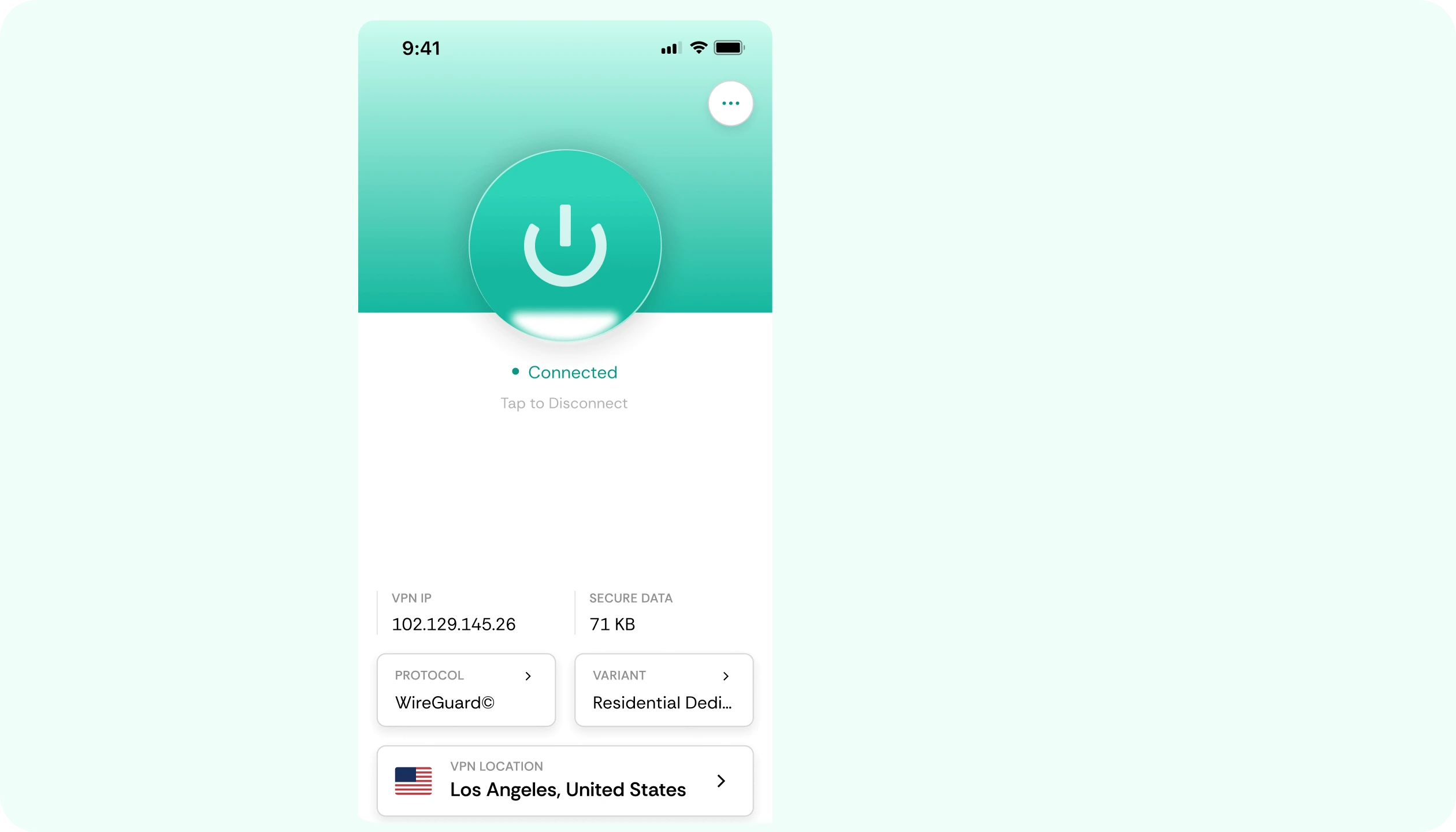
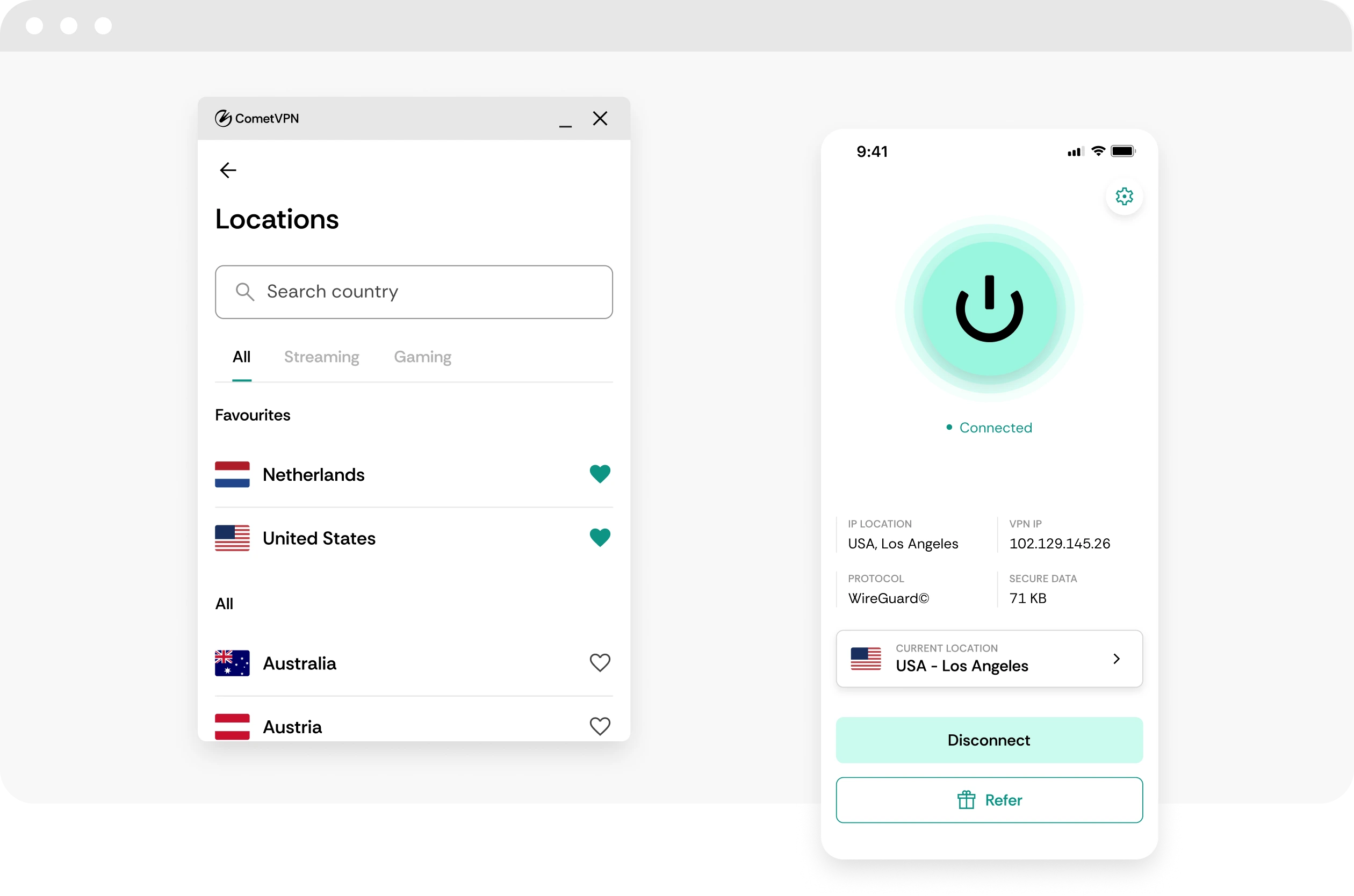
Install CometVPN on your phone, tablet, or PC setup, connect to a nearby server, and manage your kingdom with protected traffic.
Stable routes for alliance wars
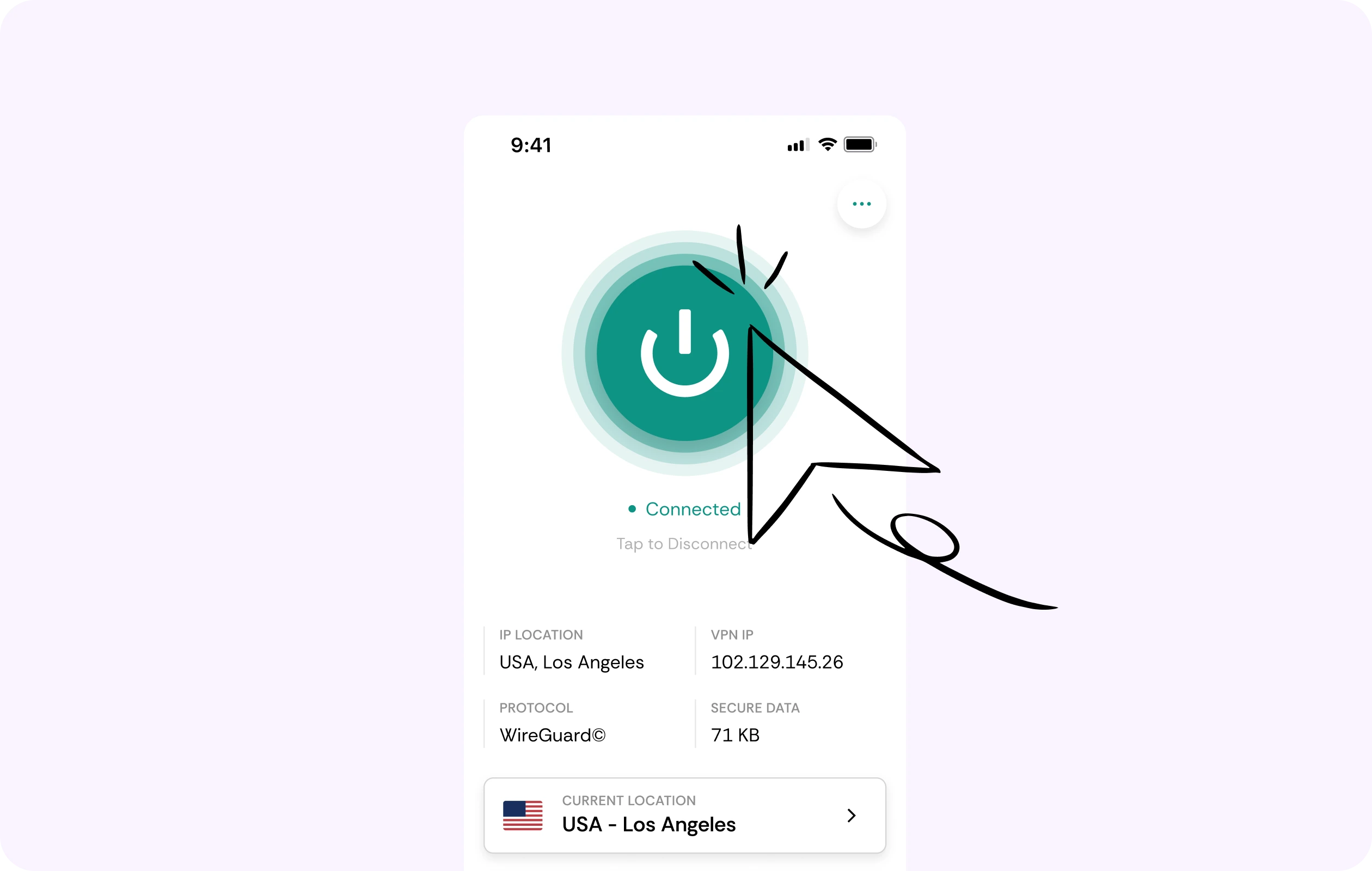
Rise of Kingdoms depends on rallies, scouting, pass fights, kingdom events, and alliance coordination. CometVPN helps you test steadier routing during important moments.
Security for city and commander data
CometVPN encrypts your traffic while you sign in, manage purchases, train troops, use chat, and handle long-term account progression.
Global server coverage
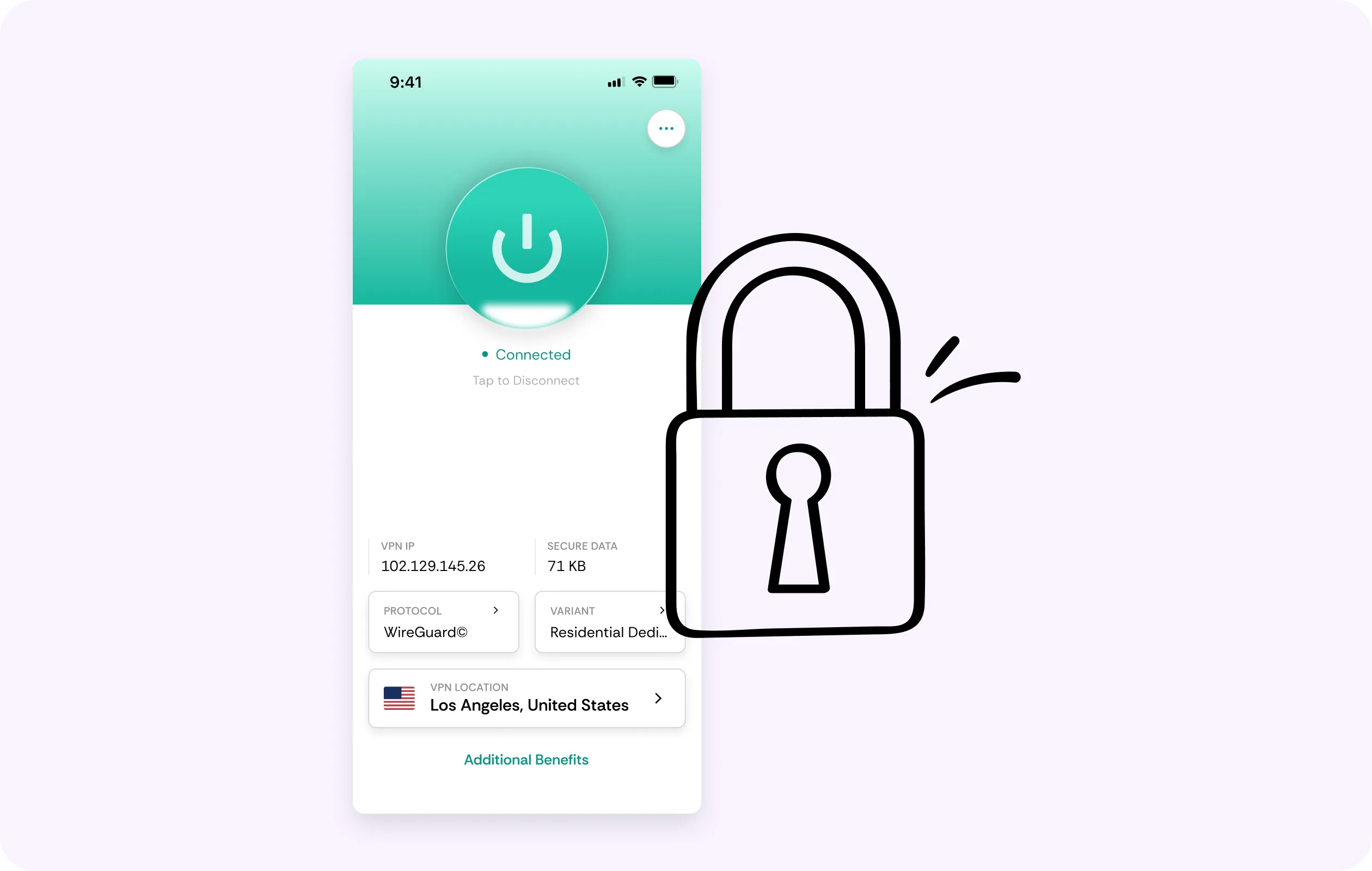
Choose from VPN servers in 50+ countries to protect your connection while traveling, using mobile data, or playing from shared Wi-Fi.
No-logs strategy privacy
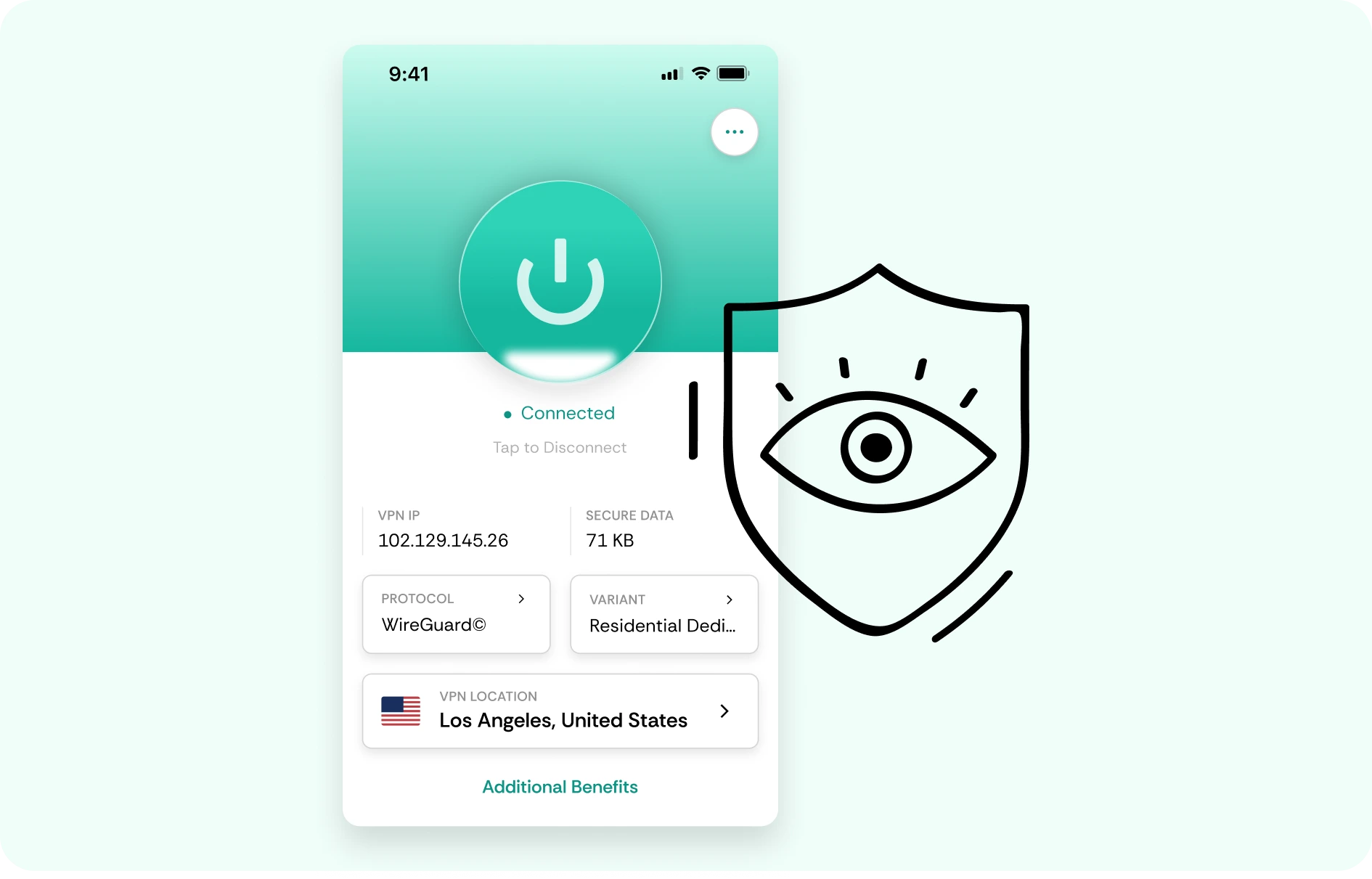
CometVPN does not track or store your activity, helping keep Rise of Kingdoms sessions, account access, and alliance traffic private.
How to use CometVPN for Rise of Kingdoms
-
 Lauren Bennett
 Good VPN for bypassing social media censorship in Turkey.
-
 Amelia Cross
 I have been travelling a lot for the past few years, and as a rule - CometVPN is always on. It helps me to stay engaged with the news from my home country and I feel much safer knowing that my internet traffic is hidden.
-
 Marcus Holloway
 I just wanted privacy, so this was the perfect choice for me - I wasn’t forced to buy overpriced features, simple for everyday use. The only drawback is that sometimes the interface is not very intuitive, but their consultants have been very helpful for this.
-
 Samuel Whitaker
 CometVPN, although a bit limited in features, worked reliably. Truly a solid choice as I couldn’t find anything more affordable that also works for what VPN is supposed to do.
-
 Ethan Caldwell
 As a Canadian, I was frustrated by not being able to watch U.S. Netflix content, until I found CometVPN. I realized that with their servers, I could bypass restrictions easily and enjoy unlimited streaming.
What is Rise of Kingdoms?
Rise of Kingdoms is a real-time strategy game where players choose a historical civilization, build a city, gather resources, train troops, research technologies, recruit commanders, and expand across a shared world map. It is built around long-term growth, alliance cooperation, scouting, diplomacy, territory control, and large battles that unfold in real time.
The game is especially known for its alliance-driven structure. Players join groups, coordinate rallies, defend passes, fight for objectives, migrate between kingdoms, and take part in kingdom-wide conflicts. Its appeal comes from mixing city-building with social strategy, commander progression, historical themes, and large-scale multiplayer warfare that can last far beyond a single play session.

Frequently asked questions
Do I need a VPN for Rise of Kingdoms?
You do not need a VPN to play Rise of Kingdoms, but it can be useful if you want better privacy, safer public Wi-Fi access, or a more secure connection when managing your account. Rise of Kingdoms is not as ping-sensitive as a shooter, but stable access matters during events, rallies, kingdom wars, and long mobile sessions. CometVPN helps encrypt your traffic and protect your real IP address.
Can CometVPN help with Rise of Kingdoms connection problems?
CometVPN can help if connection issues are caused by unstable routing, restrictive Wi-Fi, ISP congestion, or mobile network problems. If the game keeps reconnecting during events or alliance activity, a VPN may provide a more reliable route. It will not fix server maintenance, app bugs, weak signal, outdated versions, or device performance issues.
Is a VPN useful for Rise of Kingdoms on public Wi-Fi?
Yes, this is one of the best reasons to use a VPN for Rise of Kingdoms. Many players check their cities, gather resources, or join events from cafés, schools, hotels, airports, dorms, and other shared networks. CometVPN encrypts your traffic, helping protect your login activity and gameplay session from unwanted snooping.
Will a VPN make Rise of Kingdoms faster?
Usually, a VPN will not dramatically speed up Rise of Kingdoms because the game does not depend on split-second reaction time like an FPS. However, CometVPN can help if your current network route is unstable or restricted. The main benefits are privacy, safer access, and fewer network-related interruptions on shared or unreliable connections.
Is using a VPN for Rise of Kingdoms allowed?
Using a VPN for privacy and security is generally fine, but you should always follow the game’s rules and your local laws. A VPN should not be used to bypass restrictions, evade bans, abuse regional systems, or hide activity that violates terms of service. Use CometVPN to protect your connection - not to exploit the game.
What VPN server should I use for Rise of Kingdoms?
Use a CometVPN server close to your real location. Rise of Kingdoms does not require ultra-low latency, so a nearby server is usually the best choice for smooth loading and stable access. If one location feels slow, test another nearby server before trying a faraway country.
Can CometVPN protect my Rise of Kingdoms account?
CometVPN helps protect the network side of your account activity by encrypting your traffic and hiding your real IP from the network you are using. This is especially helpful on public Wi-Fi. It does not replace account security, so you should still use strong passwords, avoid suspicious links, and enable any available account protection options.
Can I use CometVPN for Rise of Kingdoms on mobile data?
Yes, you can use CometVPN while playing Rise of Kingdoms on mobile data. It can add privacy and may help if your carrier route is unstable. For the best experience, connect to a nearby VPN server and make sure your mobile signal is strong. A VPN cannot fix poor reception, but it can help secure and reroute your traffic.
Does a VPN slow down Rise of Kingdoms?
A poor VPN can slow loading or reconnecting if the server is far away or overloaded. With CometVPN, using a nearby server should keep the experience smooth while adding encryption and IP protection. If the game loads slowly, try another nearby location and check whether your local network is stable.
What is the best VPN for Rise of Kingdoms?
The best VPN for Rise of Kingdoms should be secure, stable, easy to use on mobile, and reliable for long account sessions. CometVPN is a strong choice for players who want encrypted traffic, safer public Wi-Fi access, IP protection, and private mobile gaming while managing cities, alliances, events, and kingdom activity.