









Why you need a VPN for Meta Quest VR

VR browser privacy
Meta Quest browsing, web apps, video pages, and social features can benefit from VPN protection, especially as VR browser privacy tools become more common.

Multiplayer VR protection
Public lobbies, voice chat, social VR, PCVR, and multiplayer apps are safer when your network traffic is encrypted and your IP is better protected.

Router and shared connection setup
A VPN can help protect Quest traffic through a supported router, PC sharing setup, or compatible browser-level protection, depending on how you use the headset.
Public Wi-Fi protection
Using Meta Quest VR from hotels, dorms, shared apartments, or travel networks can expose headset activity and browser traffic without extra protection.
CometVPN features for Meta Quest VR
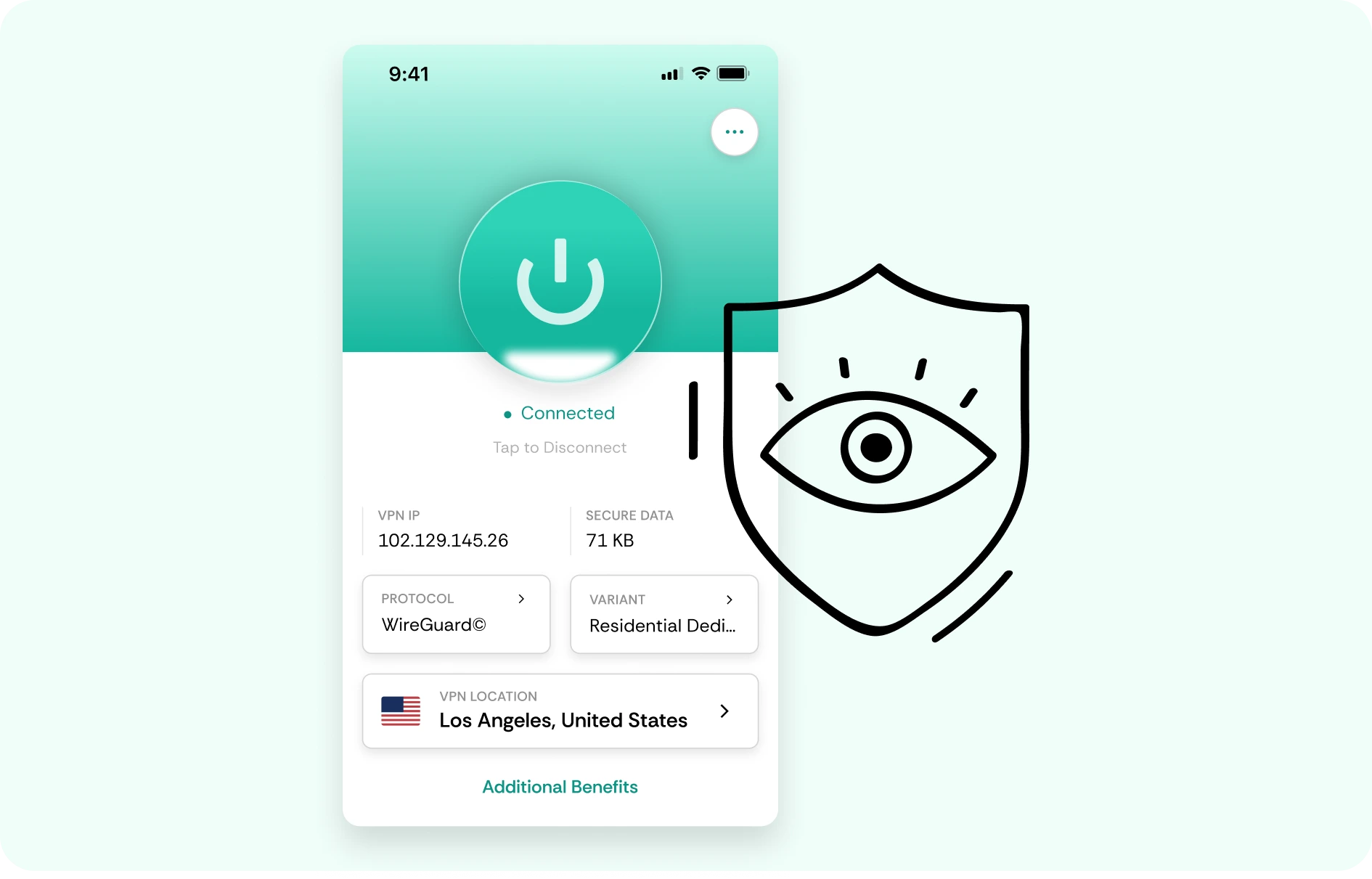
Quick setup for Meta Quest VR
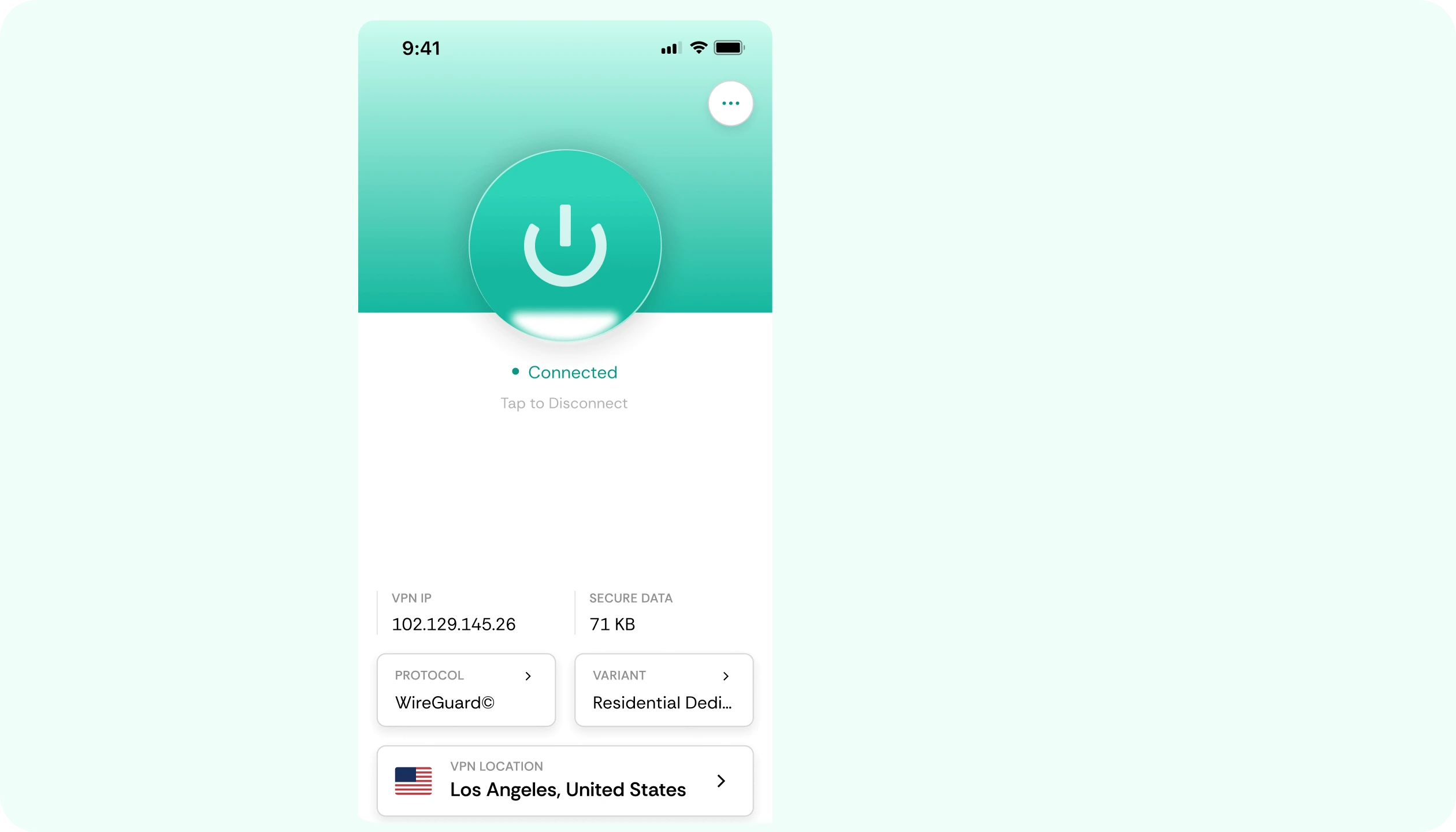
Set up CometVPN through a supported router, PC sharing setup, or compatible device path, then use Meta Quest VR with protected traffic.
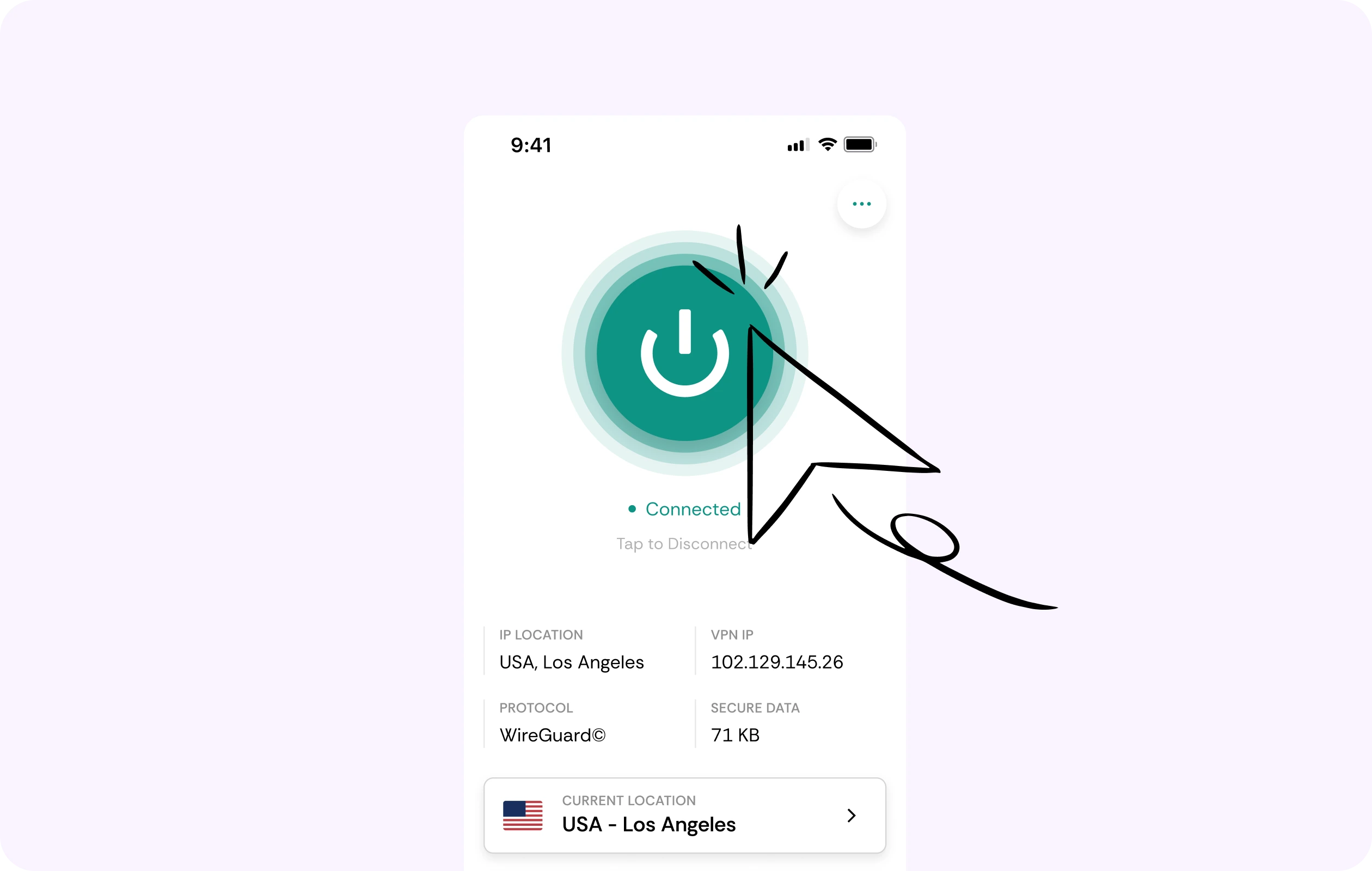
Privacy for VR apps and browser use
Meta Quest is used for games, social VR, browser activity, streaming, fitness apps, and mixed reality experiences. CometVPN helps protect traffic when your headset uses networks you do not control.
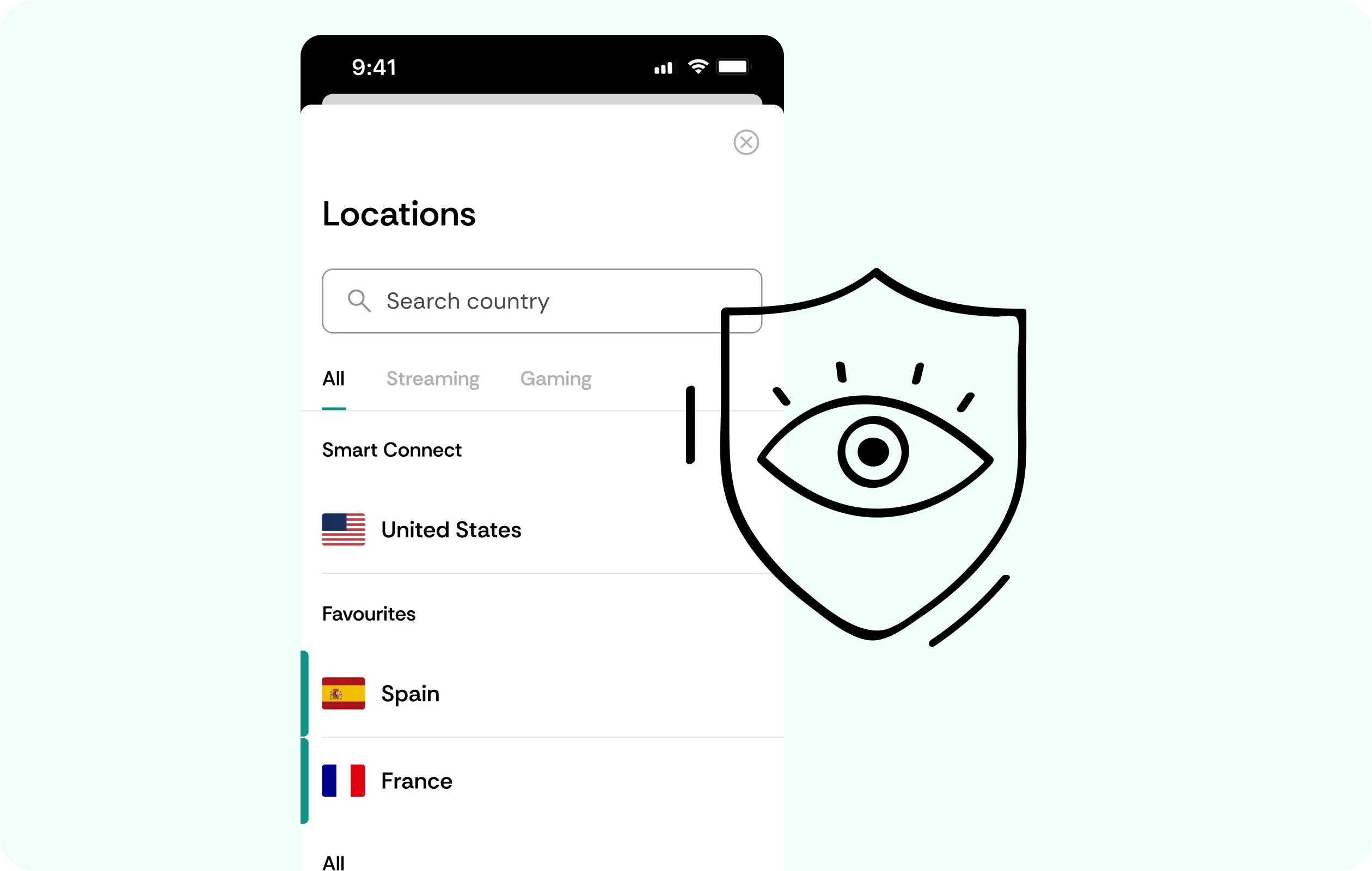
Security for social VR and voice chat
CometVPN encrypts your connection while you use multiplayer VR apps, public lobbies, social spaces, voice chat, and headset-related services.
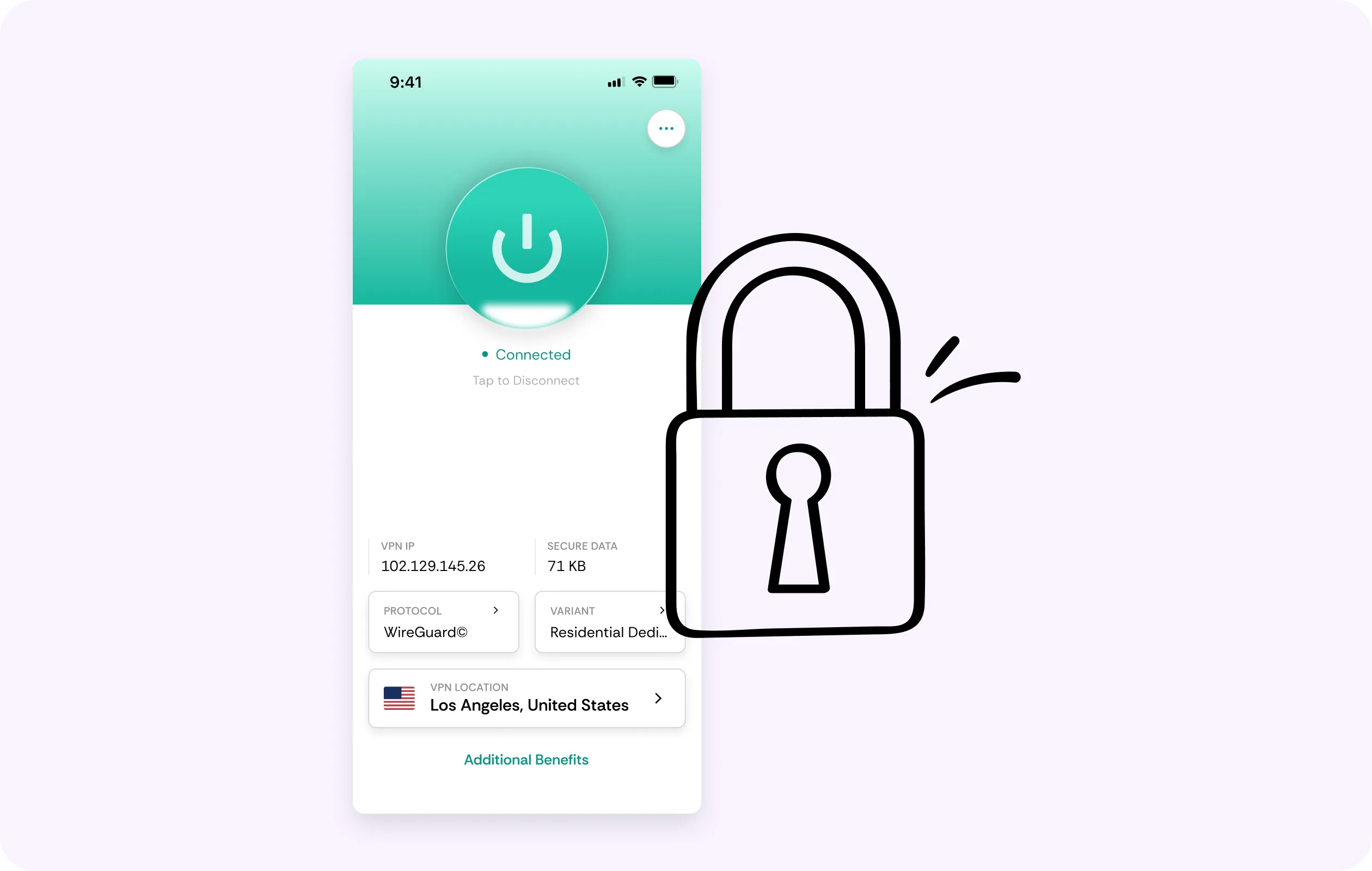
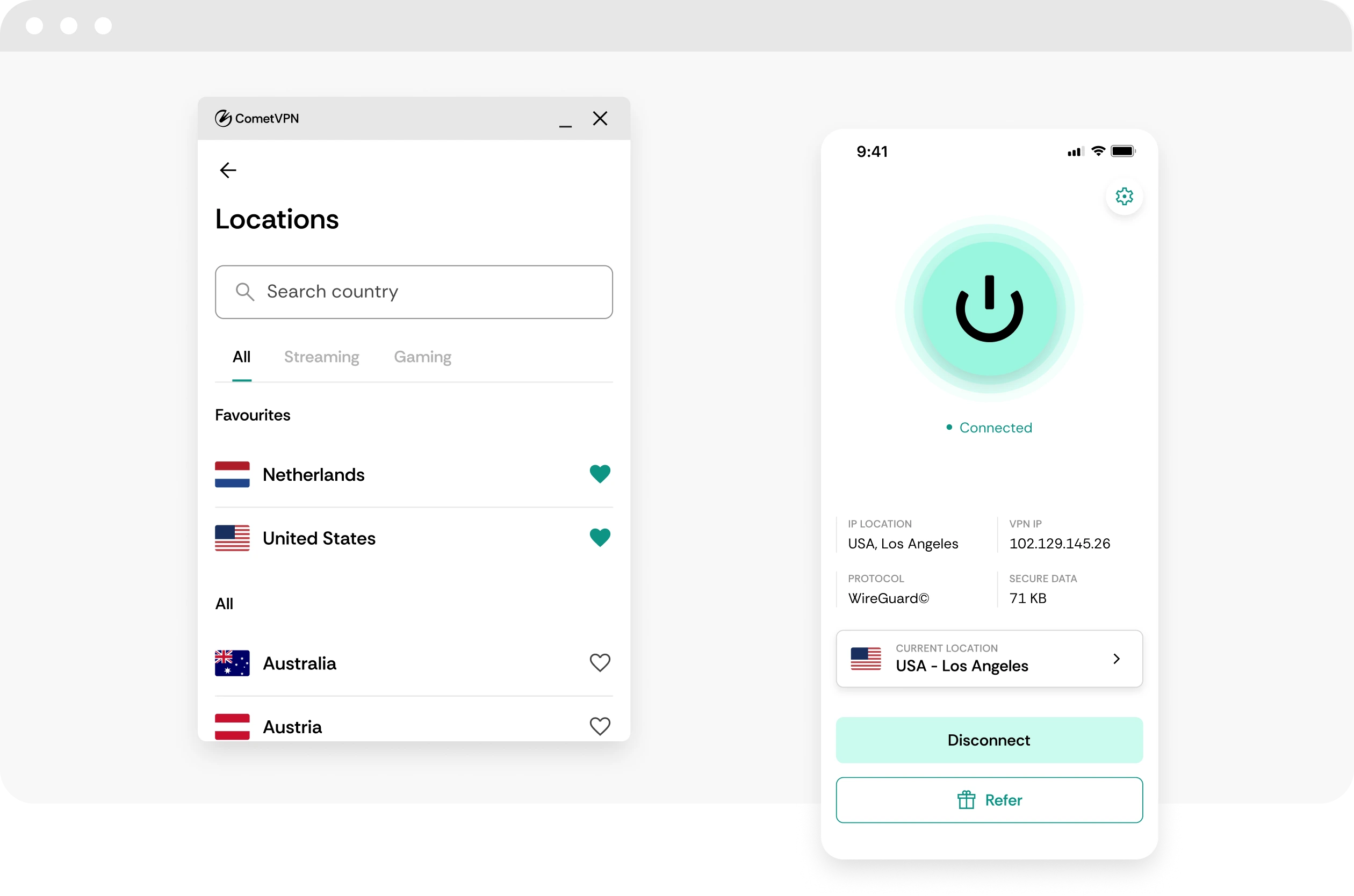
Global server coverage
Use VPN servers in 50+ countries to protect your VR traffic while traveling, using dorm Wi-Fi, or connecting through shared networks.
No-logs headset privacy
CometVPN does not track or store your activity, helping keep Meta Quest sessions, browser traffic, and social VR activity private.
How to use CometVPN for Meta Quest VR
-
 Lauren Bennett
 Good VPN for bypassing social media censorship in Turkey.
-
 Amelia Cross
 I have been travelling a lot for the past few years, and as a rule - CometVPN is always on. It helps me to stay engaged with the news from my home country and I feel much safer knowing that my internet traffic is hidden.
-
 Marcus Holloway
 I just wanted privacy, so this was the perfect choice for me - I wasn’t forced to buy overpriced features, simple for everyday use. The only drawback is that sometimes the interface is not very intuitive, but their consultants have been very helpful for this.
-
 Samuel Whitaker
 CometVPN, although a bit limited in features, worked reliably. Truly a solid choice as I couldn’t find anything more affordable that also works for what VPN is supposed to do.
-
 Ethan Caldwell
 As a Canadian, I was frustrated by not being able to watch U.S. Netflix content, until I found CometVPN. I realized that with their servers, I could bypass restrictions easily and enjoy unlimited streaming.
What is Meta Quest VR?
Meta Quest VR is Meta’s standalone virtual reality and mixed reality platform, built around headsets like Quest 2, Quest 3, and Quest 3S. Unlike older PC-only VR setups, Quest headsets can run many games and apps directly on the device, while also supporting PCVR, fitness apps, social spaces, streaming, productivity tools, browser use, and mixed reality experiences.
The Quest ecosystem keeps evolving through Horizon OS updates, new UI features, hand tracking improvements, privacy indicators, browser extensions, and a growing gaming library. In 2026, Meta Quest remains one of the most accessible VR platforms, even as headset prices and Meta’s wider VR strategy continue to shift. Its appeal comes from being an all-in-one VR device for gaming, fitness, media, social play, travel, and experimental mixed reality apps.

Frequently asked questions
Does Meta Quest need a VPN?
Meta Quest does not need a VPN for every VR session, but a VPN can be useful if you browse the web, play multiplayer VR games, stream media, use public Wi-Fi, or want more privacy on your headset. VR devices can generate sensitive activity patterns, and research has shown that VR app activity can reveal meaningful privacy signals through network behavior. CometVPN helps encrypt traffic and protect your IP when your setup supports VPN routing. :contentReference[oaicite:1]{index=1}
Can I use CometVPN with Meta Quest?
Yes, but setup depends on how you use the headset. Some VR headsets do not work like a normal desktop where every VPN app installs directly, so many users route Meta Quest traffic through a VPN-enabled router or a shared VPN connection from a PC. This protects the headset’s network traffic without needing to change every VR app individually.
Is a VPN useful for Meta Quest multiplayer games?
Yes, especially if you join public lobbies, use voice chat, stream VR, or play from shared networks. CometVPN can help hide your real IP address and encrypt your connection. It will not fix tracking problems, headset performance, low battery, weak Wi-Fi signal, or game-side matchmaking issues.
Can a VPN protect privacy in VR?
A VPN can help protect the network side of your VR activity by encrypting traffic and hiding your IP address from the network you are using. This matters because VR can involve browsing, voice, social spaces, multiplayer sessions, and app traffic. A VPN does not replace Meta account security or app privacy controls, but it adds a useful network privacy layer.
Will a VPN reduce lag on Meta Quest?
A VPN can help only if your normal route is poor, congested, or restricted. For VR, latency matters a lot, so the wrong VPN server can make multiplayer games, streaming, or cloud VR feel worse. With CometVPN, start with a nearby server and test carefully. If movement, voice, or streaming feels delayed, switch to another close location.
Can I use CometVPN for Meta Quest on public Wi-Fi?
Yes. Public Wi-Fi is one of the strongest reasons to use a VPN with Meta Quest. Hotels, airports, dorms, schools, cafés, and shared networks can be less private and may route traffic poorly. CometVPN can encrypt your traffic and help protect browsing, app logins, multiplayer sessions, and streaming activity on networks you do not control.
What VPN server should I use for Meta Quest VR?
Use a CometVPN server close to your real location. VR multiplayer and streaming are sensitive to latency, so nearby servers usually work better than distant ones. If you are using cloud streaming or multiplayer VR, test the actual app instead of relying only on a speed test.
Can a VPN help with Meta Quest browser privacy?
Yes, a VPN can help protect browser traffic by encrypting the connection and hiding your real IP address. Some providers have started focusing specifically on Meta Quest browser or headset VPN support, showing that VR privacy is becoming a more serious use case. CometVPN can be positioned around secure browsing, IP protection, and safer public Wi-Fi for VR users. :contentReference[oaicite:2]{index=2}
Does a VPN slow down Meta Quest?
A VPN can slow Meta Quest traffic if the server is far away, crowded, or unstable. This matters more in VR because delays can be more noticeable. With CometVPN, choose a nearby server, keep Wi-Fi strong, and test multiplayer, streaming, or browser use before long sessions.
What is the best VPN for Meta Quest VR?
The best VPN for Meta Quest should be stable, private, fast enough for VR apps, and usable through a router, shared connection, or supported headset setup. CometVPN is a strong choice for users who want encrypted traffic, IP protection, safer public Wi-Fi access, and more private VR browsing, multiplayer, and social sessions.