










Why you need a VPN for Fortnite

Regional access issues
Some networks, regions, or shared connections may limit access to Fortnite, Epic services, updates, or matchmaking, especially when playing from schools, hotels, or restricted Wi-Fi.

Battle Royale latency
Fortnite matches depend on quick edits, clean movement, accurate shots, and stable server response, so high ping or packet loss can make fights feel inconsistent.

IP exposure
Playing public matches, joining Creative islands, or using voice chat can expose your connection to unwanted attention, especially if you play with strangers or stream.

Public Wi-Fi risks
Logging into Epic Games and playing Fortnite from cafés, dorms, airports, or hotels can expose account traffic and connection details without extra protection.
CometVPN features for Fortnite
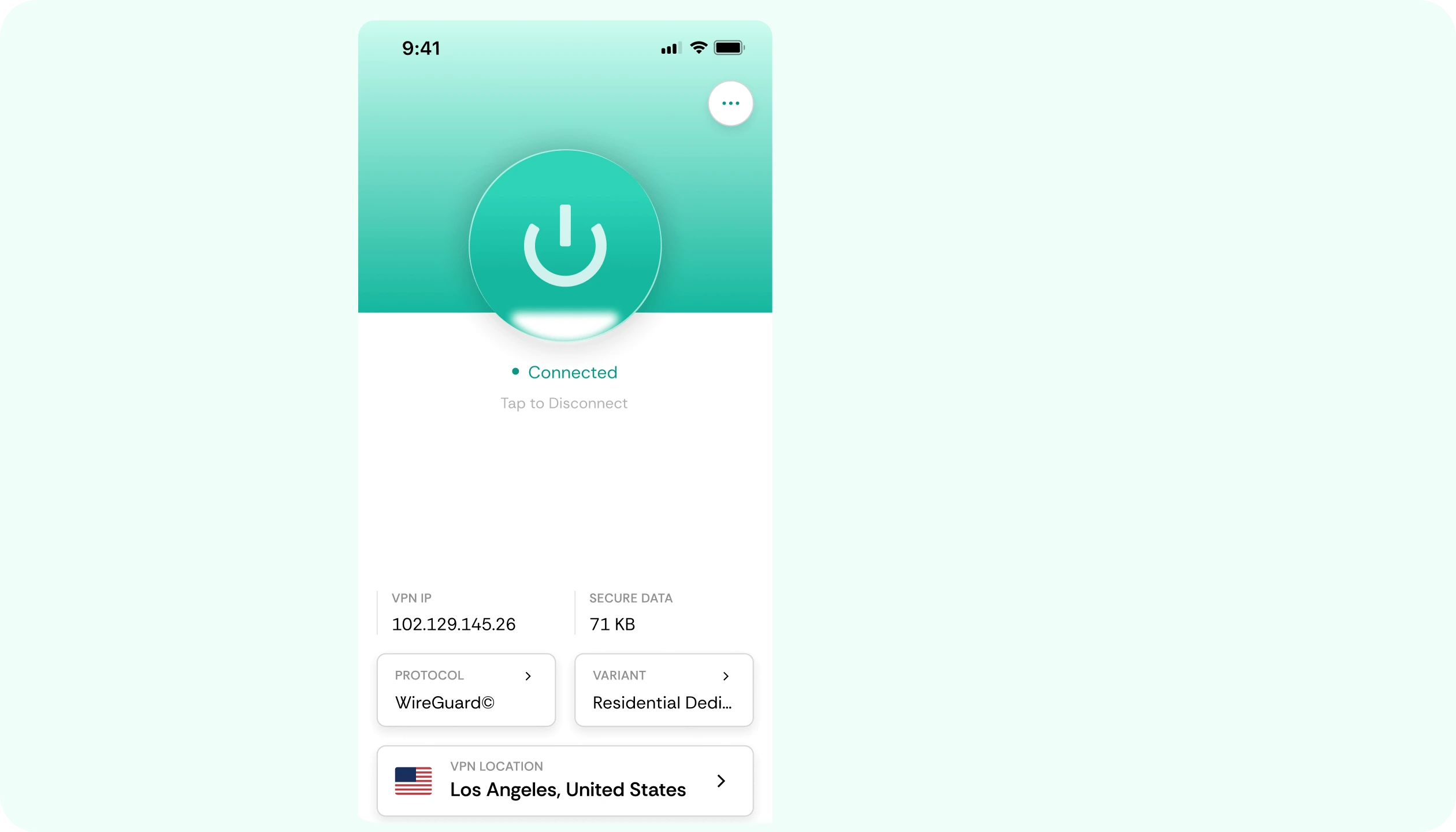
Quick setup for Fortnite
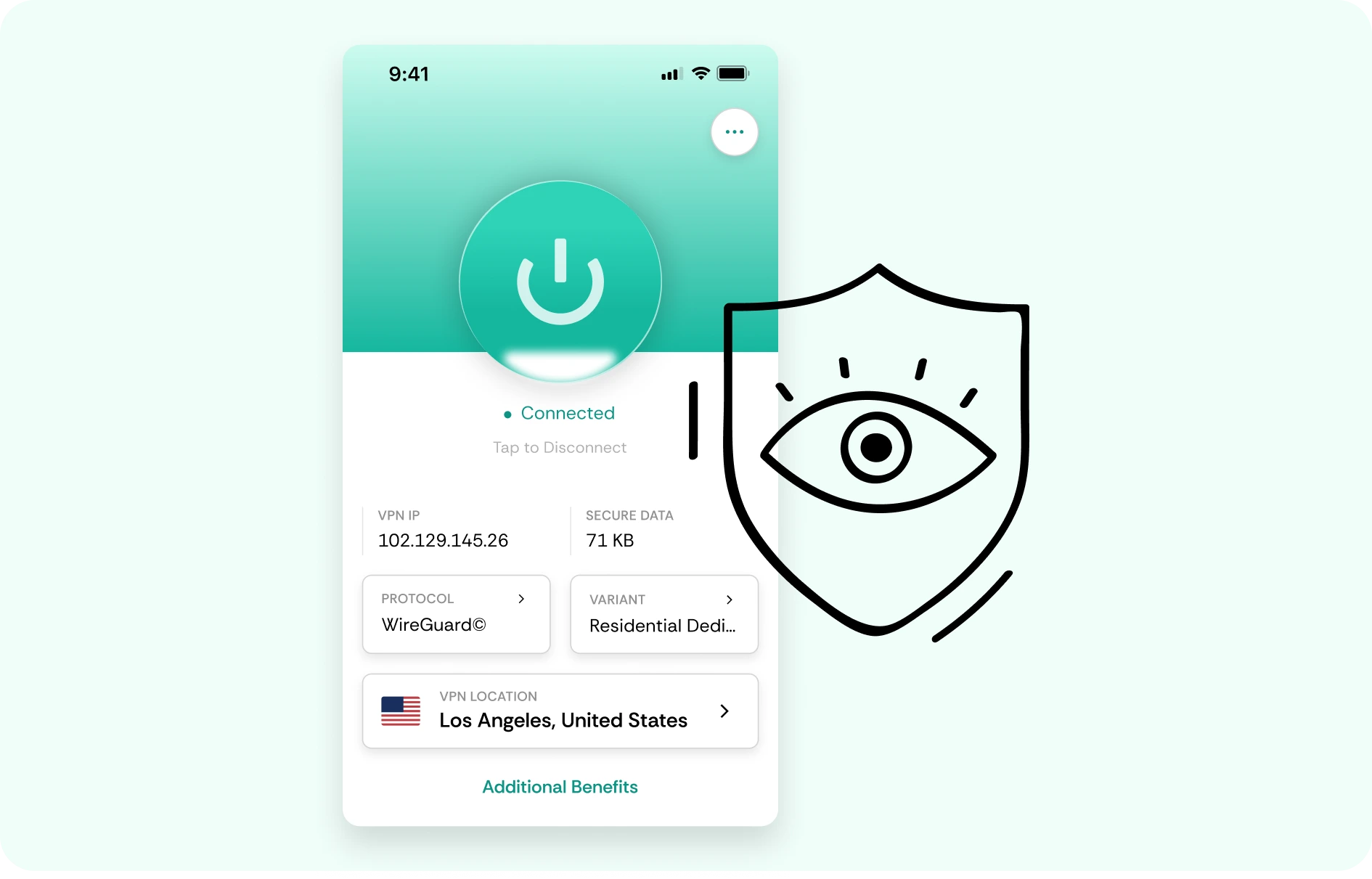
Set up CometVPN in just a few clicks before jumping into Battle Royale, Zero Build, Creative, or LEGO Fortnite. Pick a plan, connect to a nearby server, and start playing without complicated network settings.
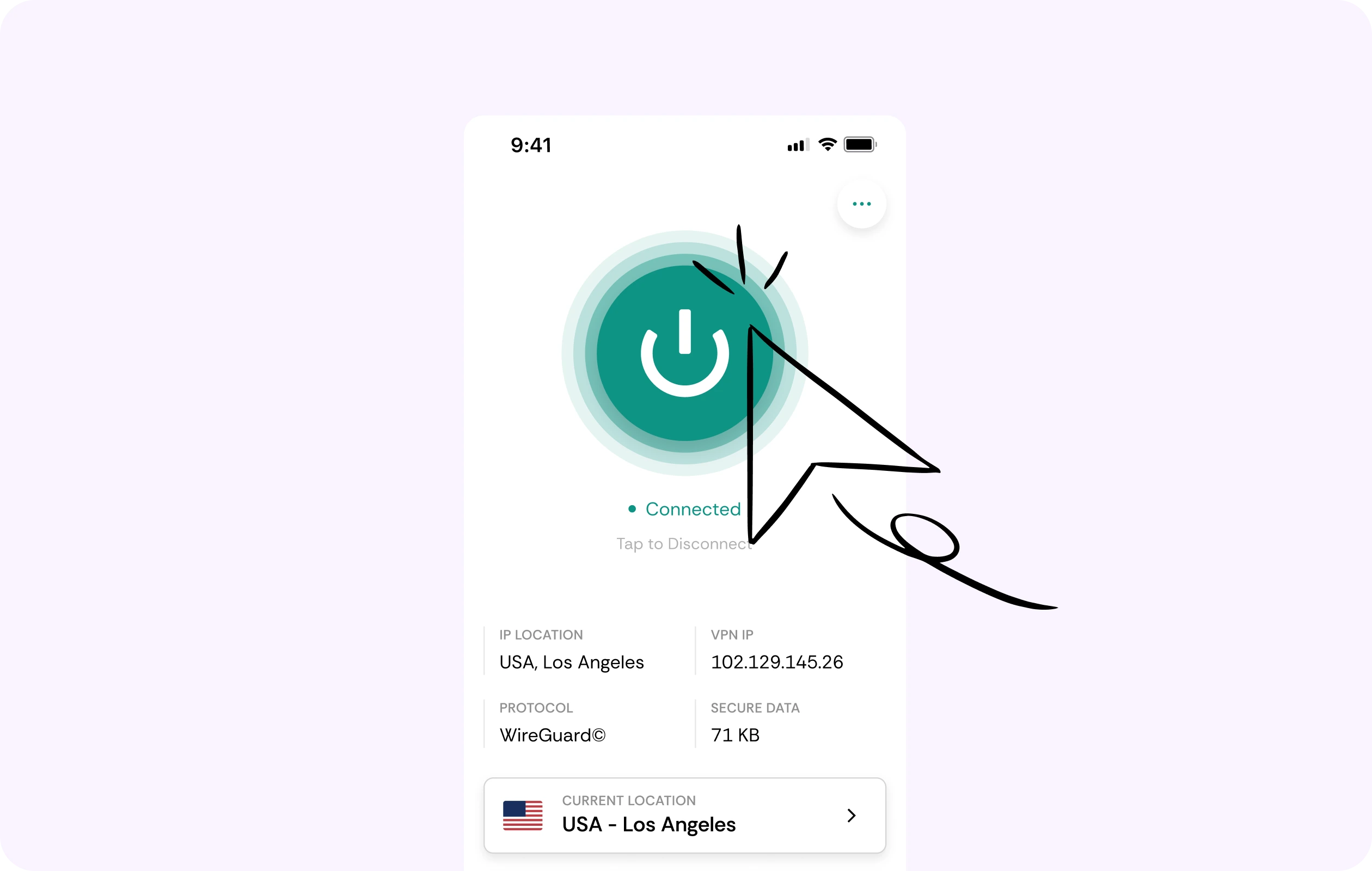
Fast routes for Battle Royale
Fortnite depends on quick edits, accurate shots, smooth movement, and stable server response. CometVPN helps you test optimized routes for smoother matches, fewer spikes, and more consistent gameplay.
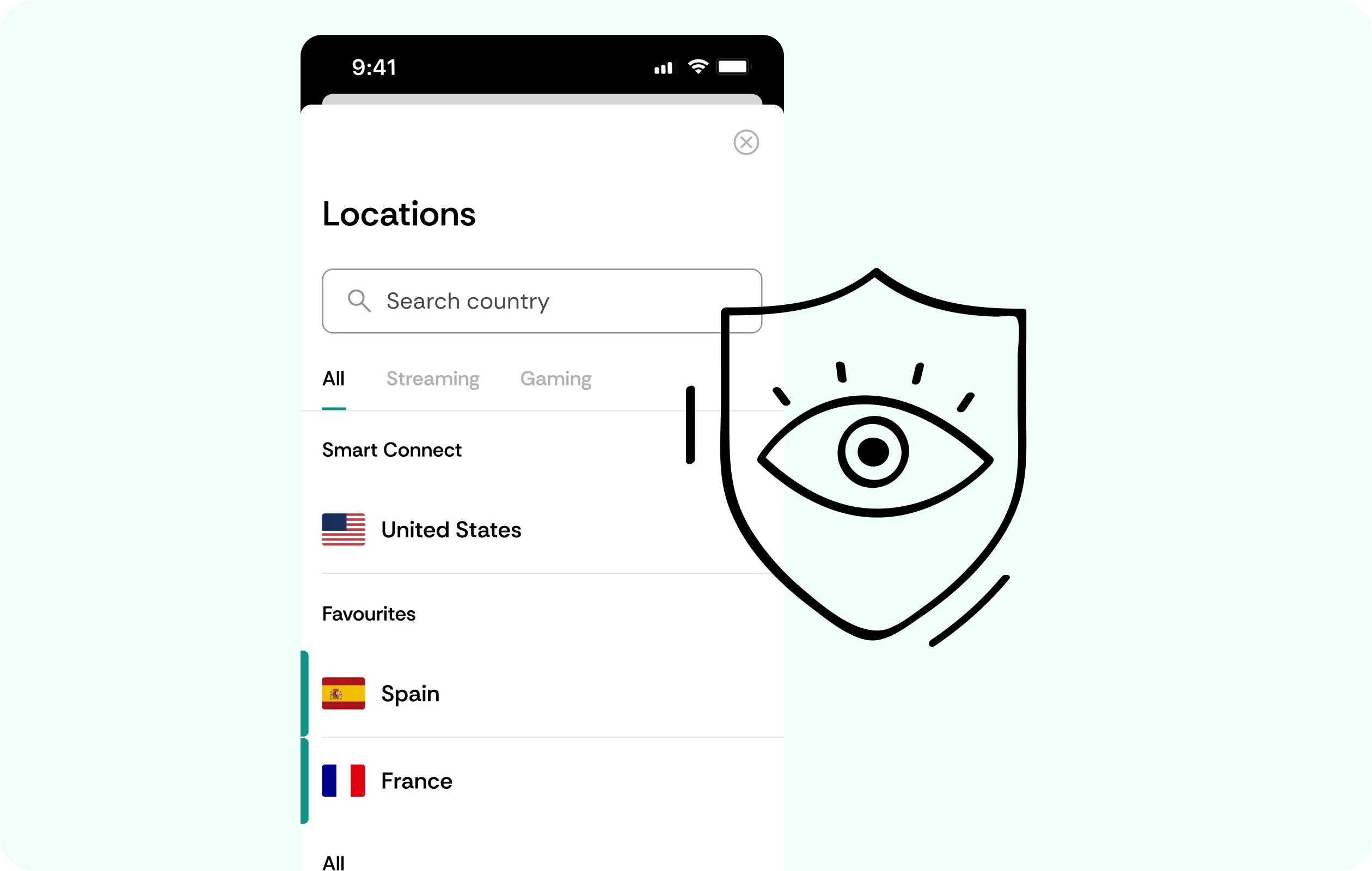
Security for public lobbies
CometVPN encrypts your connection and helps protect your IP address while you play public matches, join Creative islands, use voice chat, or queue with strangers.
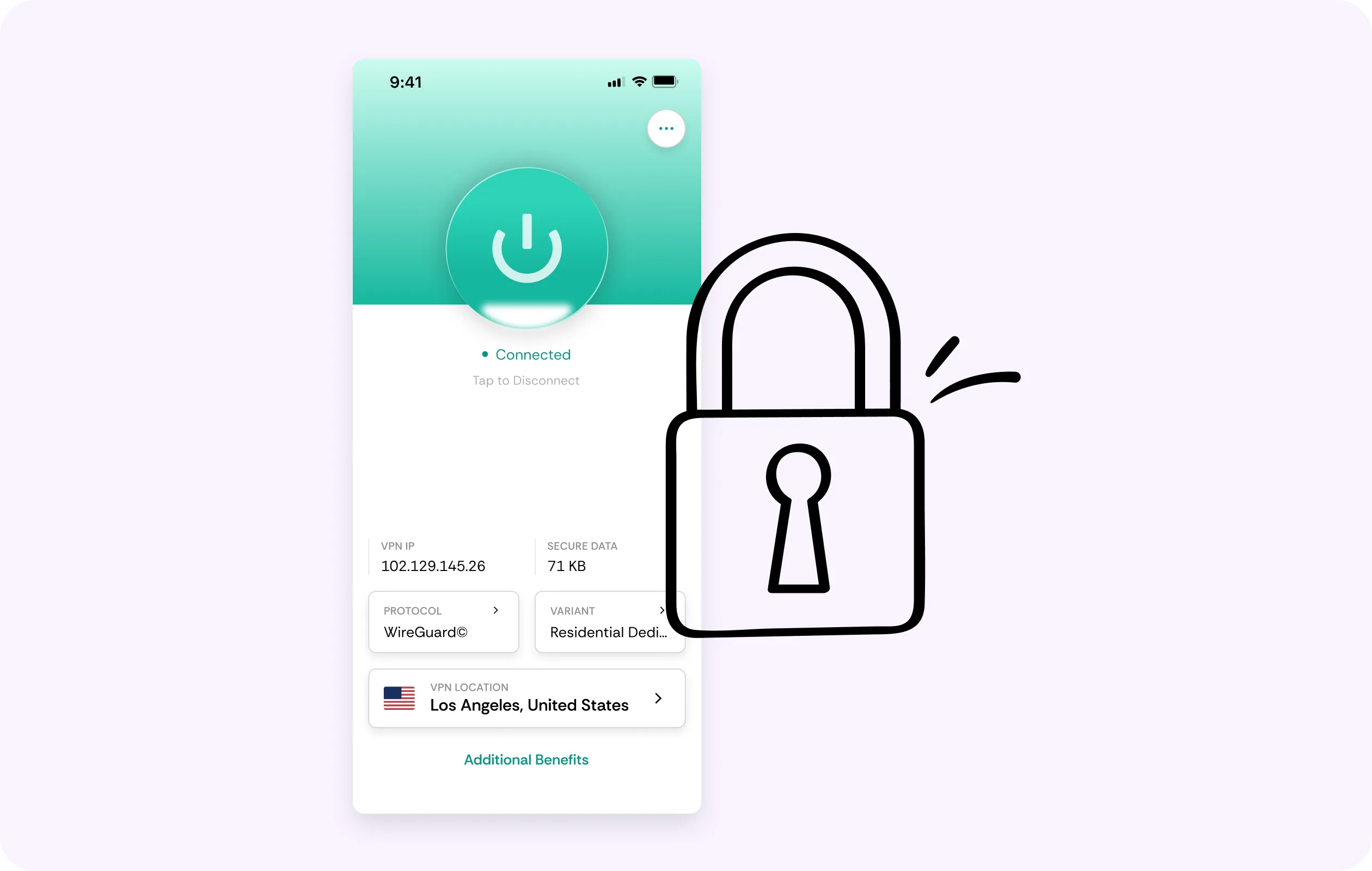
Global server coverage
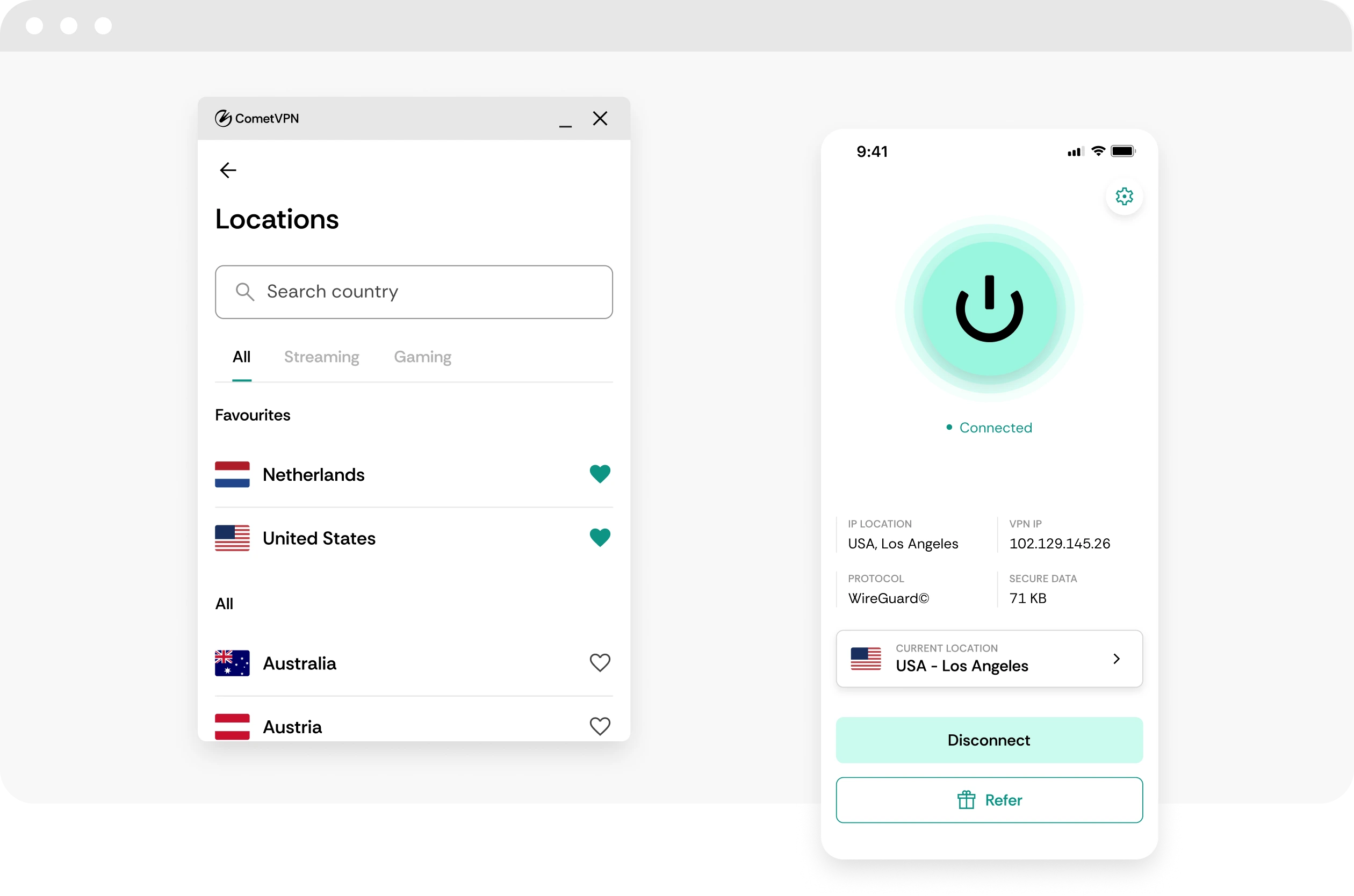
Choose from VPN servers in 50+ countries to find a route that fits your region, travel setup, or public Wi-Fi connection before launching Fortnite.
No-logs gaming privacy
CometVPN does not track or store your online activity, helping keep your Fortnite sessions, Epic account access, and gaming traffic private.
How to use CometVPN for Fortnite
-
 Lauren Bennett
 Good VPN for bypassing social media censorship in Turkey.
-
 Amelia Cross
 I have been travelling a lot for the past few years, and as a rule - CometVPN is always on. It helps me to stay engaged with the news from my home country and I feel much safer knowing that my internet traffic is hidden.
-
 Marcus Holloway
 I just wanted privacy, so this was the perfect choice for me - I wasn’t forced to buy overpriced features, simple for everyday use. The only drawback is that sometimes the interface is not very intuitive, but their consultants have been very helpful for this.
-
 Samuel Whitaker
 CometVPN, although a bit limited in features, worked reliably. Truly a solid choice as I couldn’t find anything more affordable that also works for what VPN is supposed to do.
-
 Ethan Caldwell
 As a Canadian, I was frustrated by not being able to watch U.S. Netflix content, until I found CometVPN. I realized that with their servers, I could bypass restrictions easily and enjoy unlimited streaming.
What is Fortnite?
Fortnite is one of the biggest online games in the world, best known for its fast-paced Battle Royale mode where players fight to be the last person or squad standing. It combines shooting, building, movement, cosmetics, live events, and constant seasonal updates into a game that feels more like an evolving platform than a single fixed title.
Beyond Battle Royale, Fortnite also includes modes like Zero Build, Creative, LEGO Fortnite, Festival, Rocket Racing, and countless user-made islands. Its mix of competitive gameplay, casual party modes, collaborations, and pop culture events has helped it stay relevant across PC, consoles, and mobile-style cloud platforms for years.

Frequently asked questions
Can I use a VPN for Fortnite?
Yes, you can use a VPN for Fortnite. A VPN can help route your connection through a more stable path, hide your real IP address, and protect your traffic when playing on public or shared Wi-Fi. With CometVPN, you can choose from fast global VPN servers and connect to a location that makes sense for your Fortnite region. For the best results, pick a VPN server close to the Fortnite server region you want to play on.
Will a VPN lower my ping in Fortnite?
Sometimes, yes. A VPN can lower ping if your internet provider is sending your traffic through a poor route or congested network path. By connecting through a nearby CometVPN server, your Fortnite traffic may take a cleaner route to the game server. Results depend on your location, your ISP, the VPN server you choose, and the Fortnite region you play on, so it is worth testing a few nearby server locations.
Can CometVPN help with Fortnite lag spikes?
CometVPN can help in some cases, especially when lag spikes are caused by unstable routing, ISP throttling, or congestion between you and the Fortnite server. It encrypts your connection and sends your traffic through CometVPN’s server network, which may make the connection feel more consistent. It will not fix weak Wi-Fi, low FPS, device performance issues, or overloaded Fortnite servers, but it can help when your normal internet route is the problem.
Is using a VPN for Fortnite allowed?
Using a VPN for privacy, security, and connection stability is generally fine, but you should always respect Epic Games’ rules. A VPN should not be used to cheat, evade bans, abuse regional systems, or bypass restrictions in a way that violates Fortnite’s terms. Use CometVPN for safer connections, IP protection, and better routing - not for unfair gameplay advantages.
Can a VPN protect me from DDoS attacks in Fortnite?
A VPN can help reduce your exposure to DDoS attacks by hiding your real IP address. Instead of showing your home IP to the wider internet, CometVPN routes your traffic through a VPN server and masks your actual location. This is especially useful if you play competitively, stream Fortnite, join Discord groups, or regularly play with people you do not know. It cannot stop every type of attack, but hiding your IP is a strong first layer of protection.
What VPN server should I use for Fortnite?
Choose a CometVPN server that is geographically close to the Fortnite server region you want to play on. If you play on European Fortnite servers, start with a nearby European VPN location. If you play on North American servers, choose a server close to that region rather than one on the other side of the world. The closer and less congested the route, the better your chances of keeping ping low and gameplay responsive.
Does a VPN slow Fortnite down?
A poor VPN can slow Fortnite down, but a fast VPN should have minimal impact when configured properly. CometVPN is designed for high-speed connections while also encrypting your traffic and protecting your IP. For the best gaming experience, avoid faraway servers, test a few nearby locations, and close background downloads before launching Fortnite.
Can I use CometVPN for Fortnite on console?
Yes, but consoles usually do not support VPN apps directly. If you play Fortnite on PlayStation, Xbox, or Nintendo Switch, the most common solution is to set up the VPN on a compatible router or share a VPN-protected connection from another device. Once the console traffic runs through CometVPN, you can protect your IP and route your connection through your chosen VPN location.
Can a VPN help me play Fortnite safely on public Wi-Fi?
Yes. Public Wi-Fi in hotels, schools, airports, dorms, and cafés can expose your data to snooping or unsafe network behavior. CometVPN encrypts your traffic, helping keep your login activity and connection private while you play Fortnite away from home. It is especially useful if you often play on a laptop, phone, or handheld device using networks you do not control.
What is the best VPN for Fortnite?
The best VPN for Fortnite should be fast, stable, secure, and flexible enough to let you test different server locations. CometVPN is built for players who want smoother routing, safer public Wi-Fi gaming, and better protection against IP exposure. With fast servers, strong encryption, leak protection, and support for multiple devices, CometVPN is a strong choice for Fortnite players who want more control over their connection.