









Why you need a VPN for Fallout 4

Mod and Creation access
Fallout 4 players often use Creations, mods, platform stores, cloud saves, and community pages, which can be unstable or restricted on some networks.

Download interruptions
Large mod lists, console Creations storage updates, texture packs, and platform downloads can fail or slow down when routing is congested.

Account and platform privacy
Fallout 4 may connect through Steam, Xbox, PlayStation, Bethesda services, or mod platforms, making safer login traffic useful on shared networks.

Public Wi-Fi risks
Using Fallout 4-related online features from hotels, cafés, dorms, schools, or airports can expose account activity, downloads, and browsing traffic without extra protection.
CometVPN features for Fallout 4
Quick setup for Fallout 4
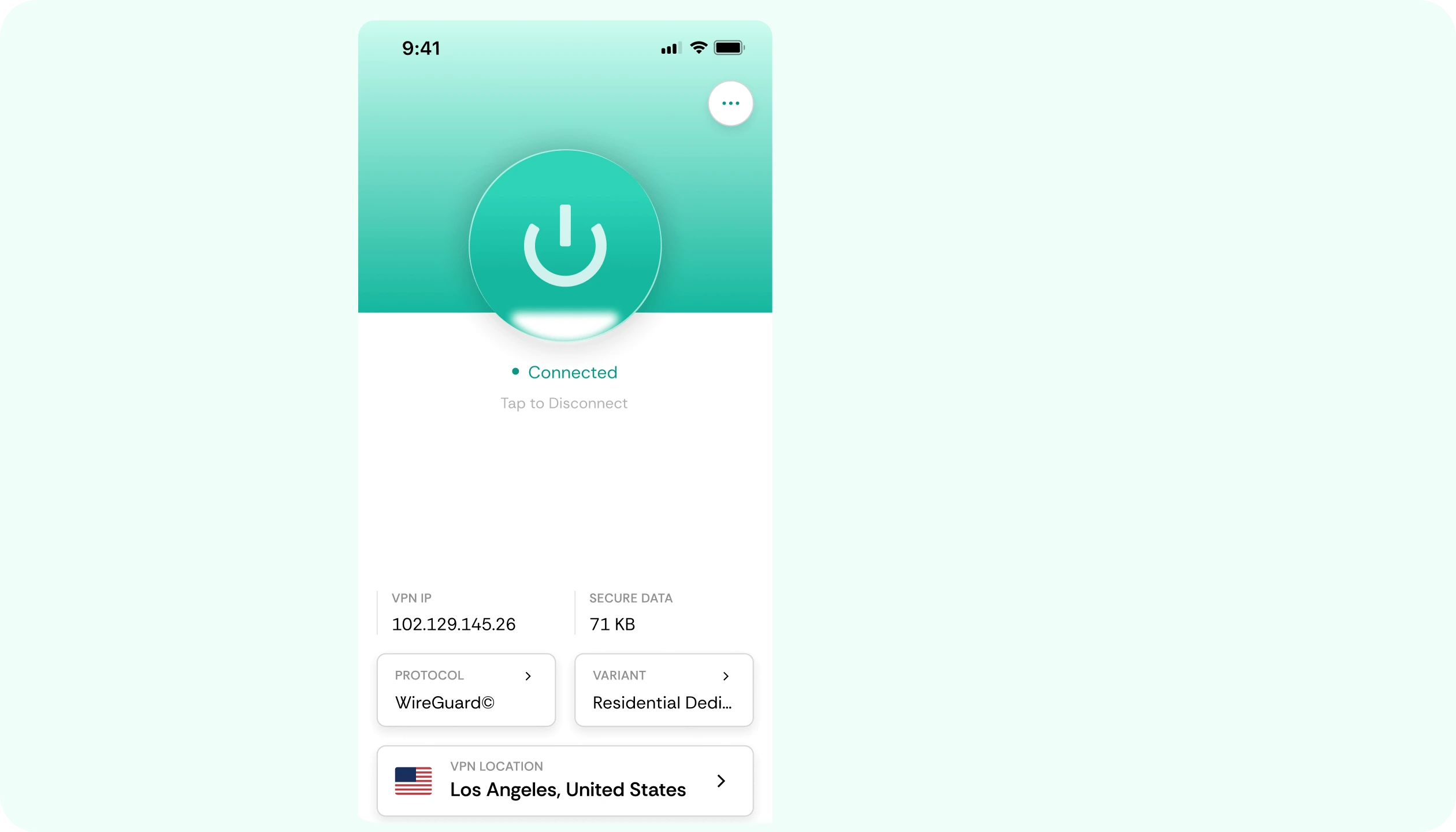
Set up CometVPN before browsing Creations, downloading mods, using platform services, or syncing cloud saves with protected traffic.
Private access for Creations
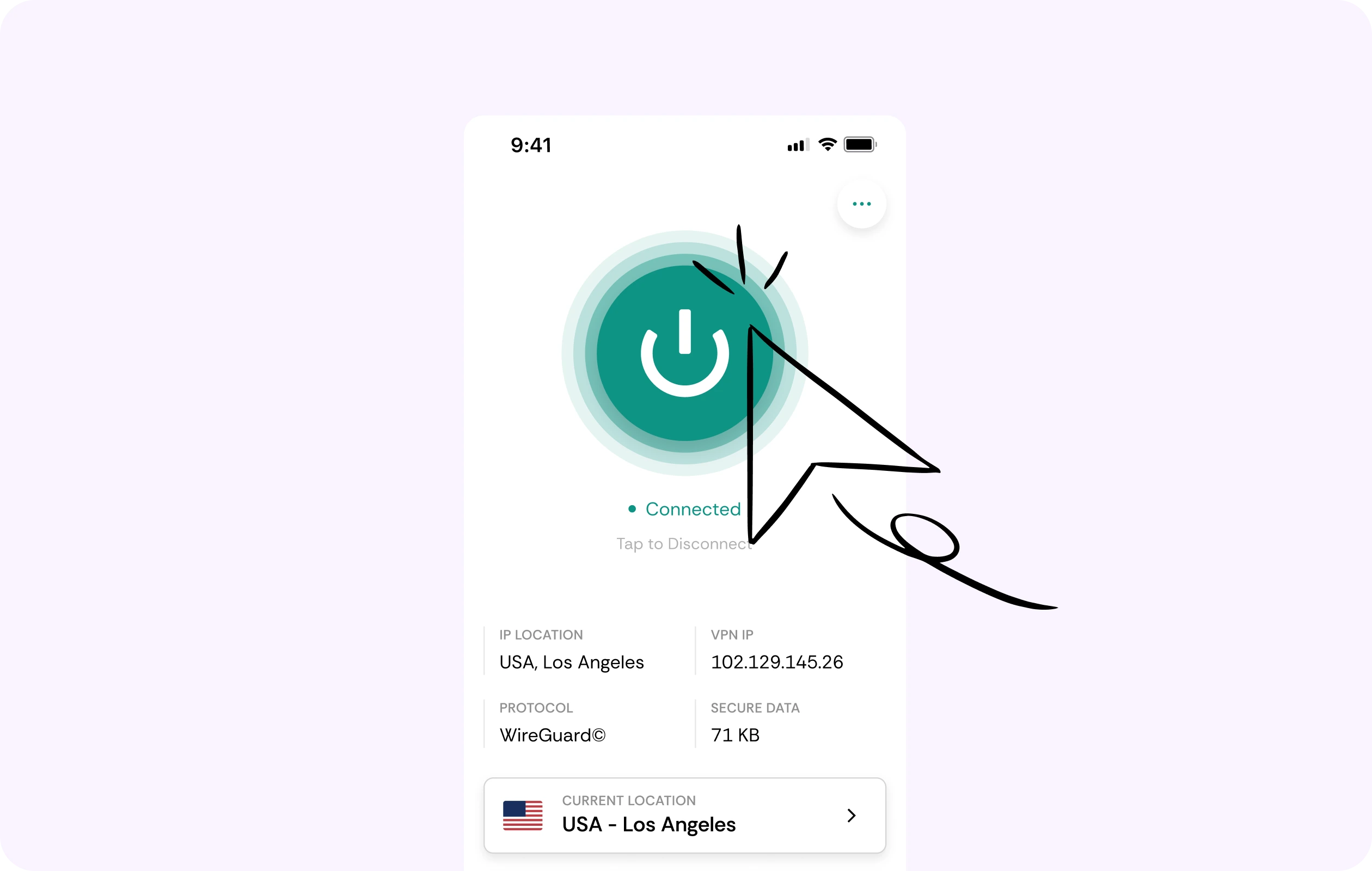
Fallout 4’s expanded console Creations storage makes mods more important for console players. CometVPN helps protect browsing, downloads, and account traffic.
Security for platform accounts
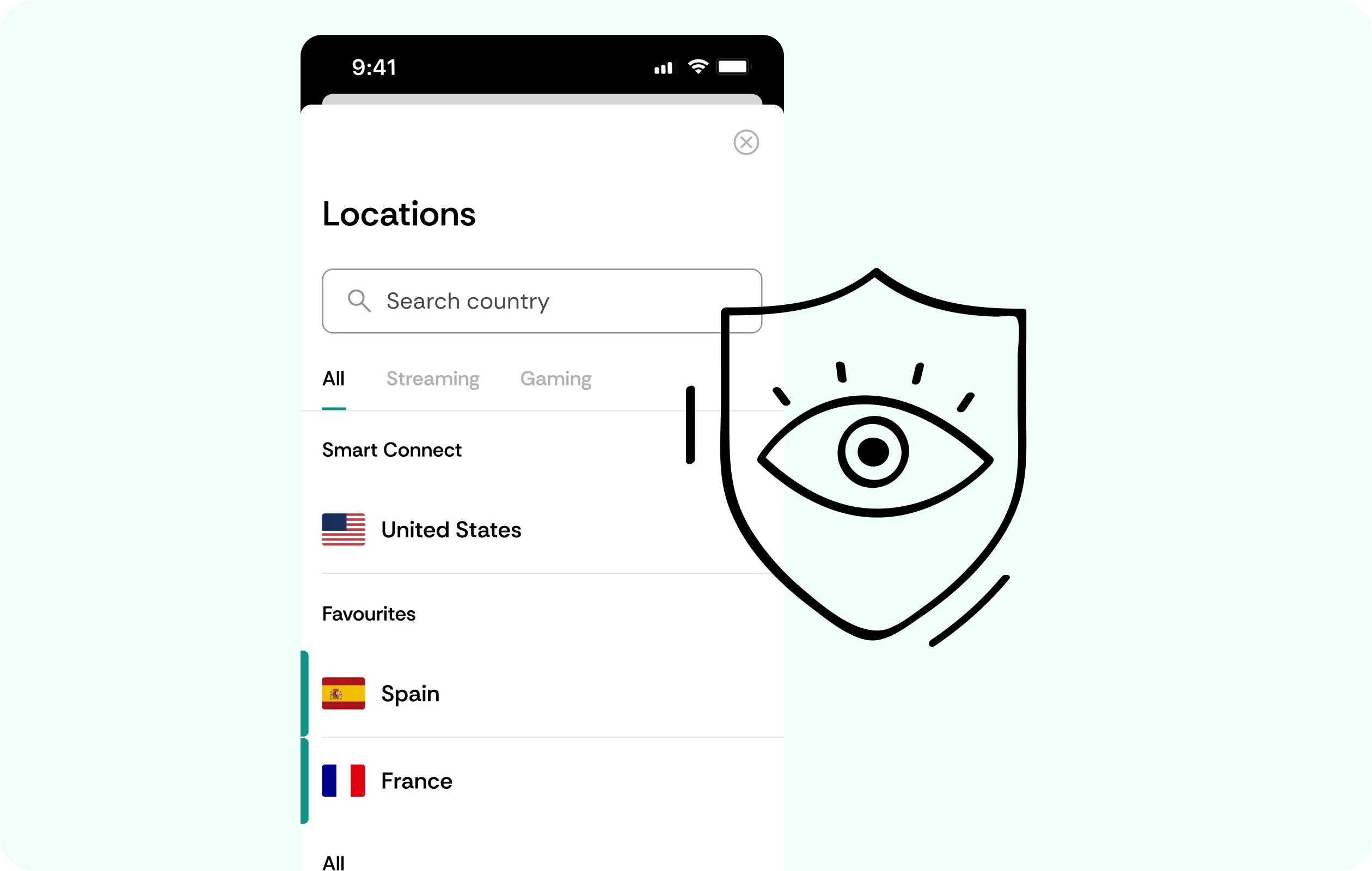
CometVPN encrypts your connection while using Steam, Xbox, PlayStation, Bethesda.net, cloud saves, achievements, or mod-related services.
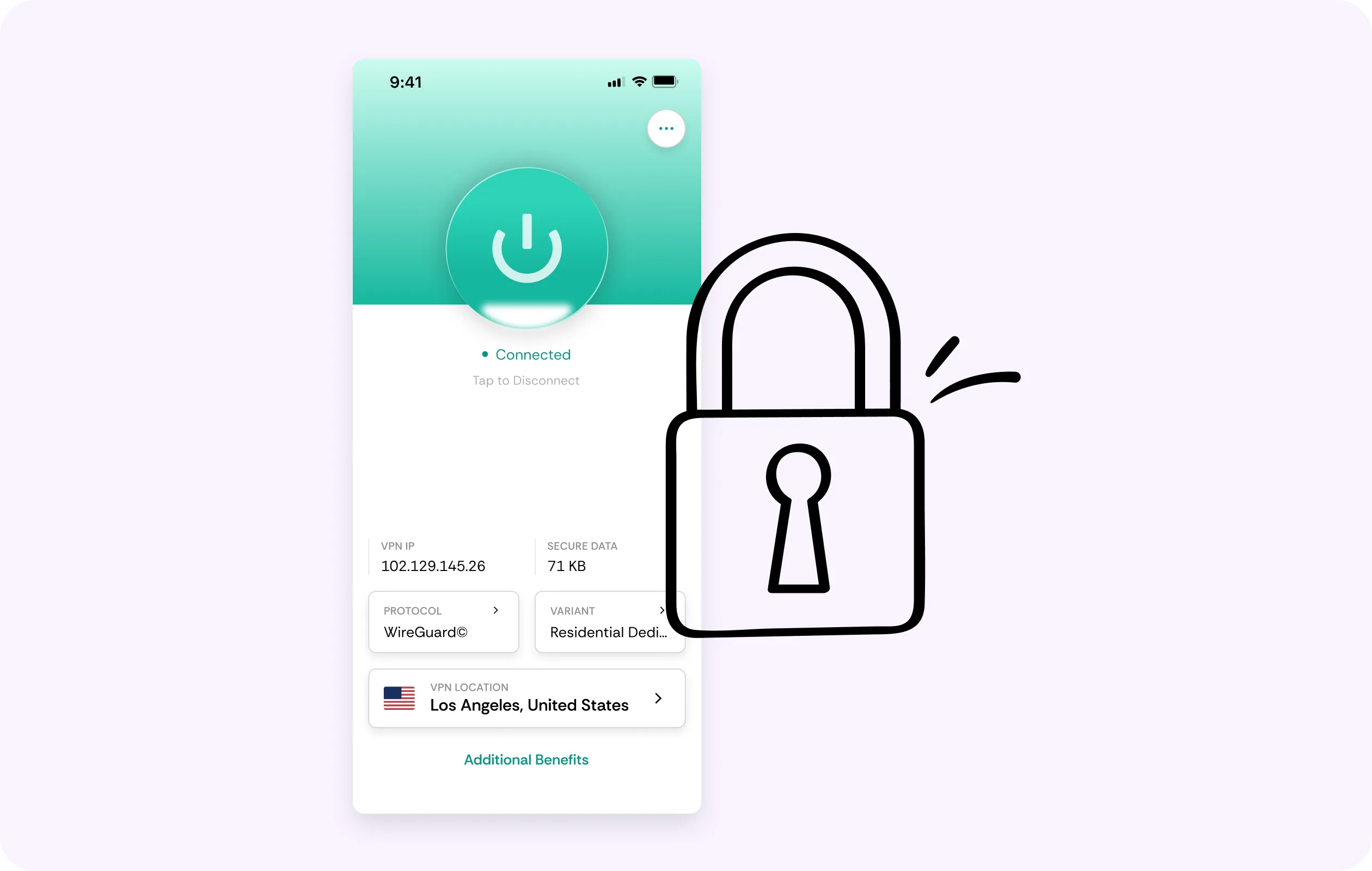
Global server coverage
Choose from VPN servers in 50+ countries to protect your Fallout 4-related traffic while traveling, downloading content, or using public Wi-Fi.
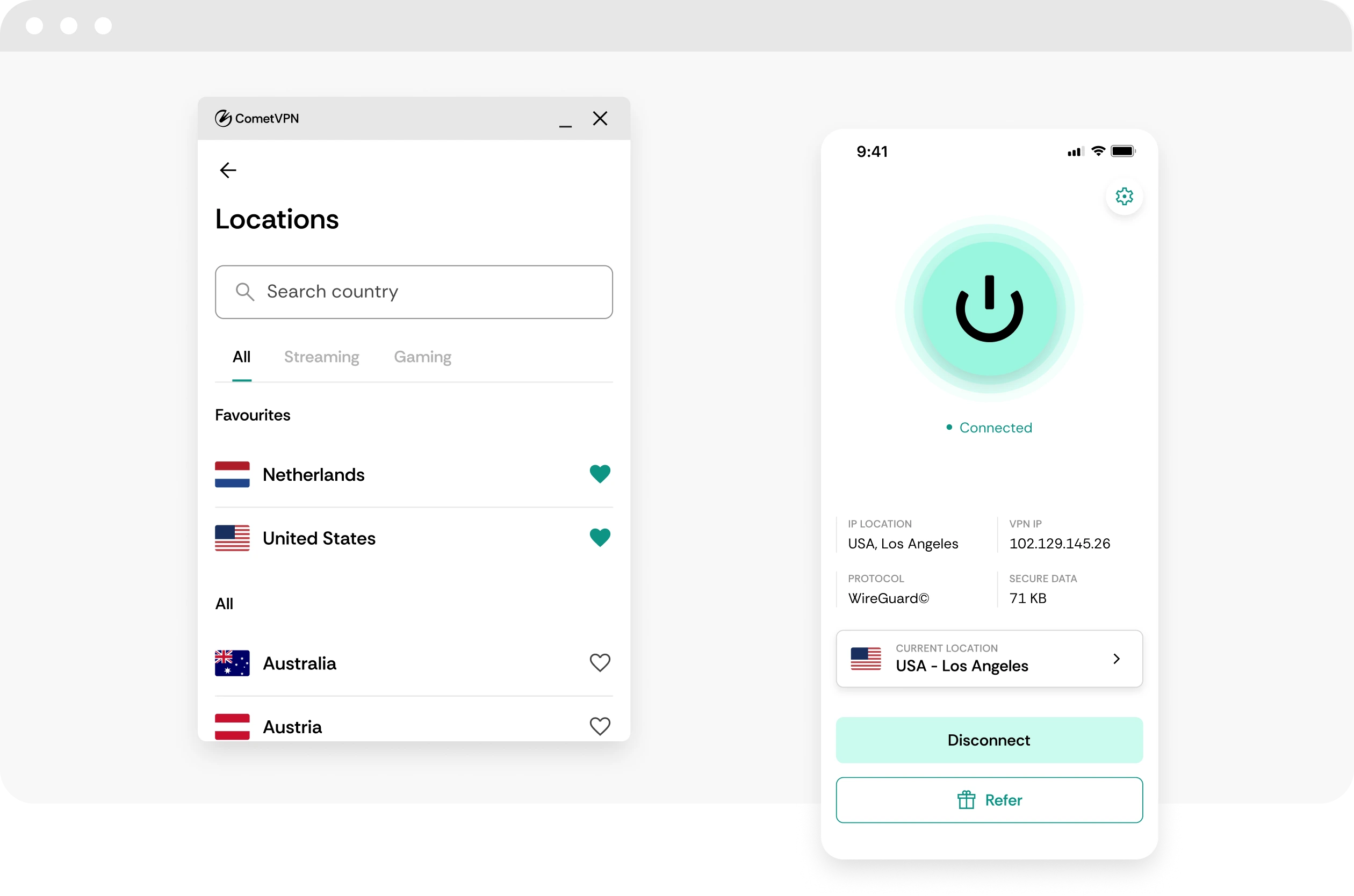
No-logs wasteland privacy
CometVPN does not track or store your activity, helping keep Fallout 4 downloads, platform access, and browsing private.
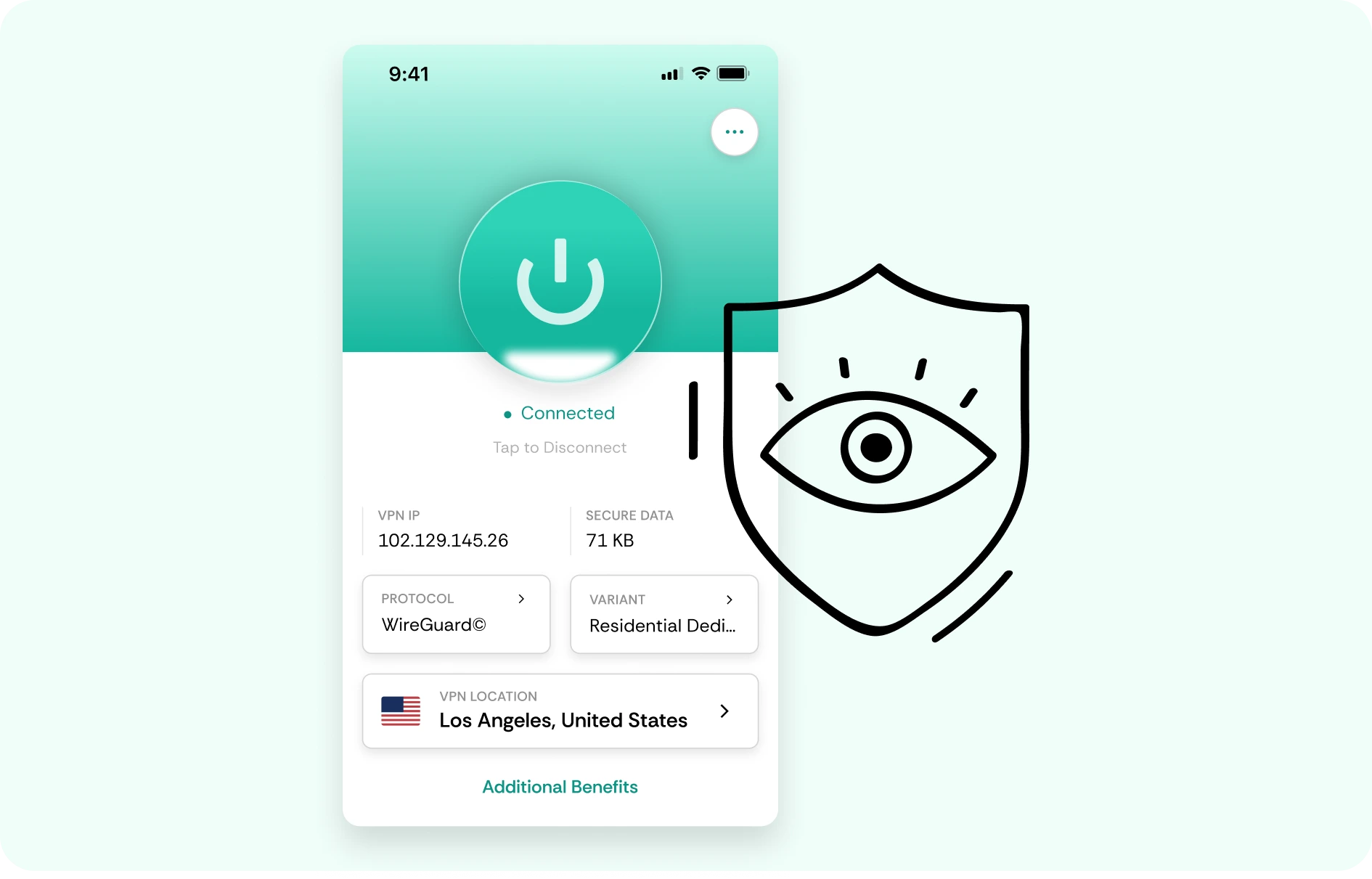
How to use CometVPN for Fallout 4
-
 Lauren Bennett
 Good VPN for bypassing social media censorship in Turkey.
-
 Amelia Cross
 I have been travelling a lot for the past few years, and as a rule - CometVPN is always on. It helps me to stay engaged with the news from my home country and I feel much safer knowing that my internet traffic is hidden.
-
 Marcus Holloway
 I just wanted privacy, so this was the perfect choice for me - I wasn’t forced to buy overpriced features, simple for everyday use. The only drawback is that sometimes the interface is not very intuitive, but their consultants have been very helpful for this.
-
 Samuel Whitaker
 CometVPN, although a bit limited in features, worked reliably. Truly a solid choice as I couldn’t find anything more affordable that also works for what VPN is supposed to do.
-
 Ethan Caldwell
 As a Canadian, I was frustrated by not being able to watch U.S. Netflix content, until I found CometVPN. I realized that with their servers, I could bypass restrictions easily and enjoy unlimited streaming.
What is Fallout 4?
Fallout 4 is Bethesda’s open-world post-apocalyptic RPG set in the Commonwealth, a ruined version of Boston and its surrounding areas. Players leave Vault 111, explore settlements, abandoned buildings, irradiated wastelands, and faction-controlled zones, while building a character through weapons, perks, companions, crafting, dialogue choices, and quests.
The game is known for its mix of story-driven exploration, settlement building, scavenging, power armor, factions, and modding. Even years after release, Fallout 4 remains active because of its huge mod scene and continued platform support. For many players, the game is less about finishing one main story and more about reshaping the wasteland with settlements, character builds, survival runs, visual upgrades, and new community-made content.

Frequently asked questions
Do I need a VPN for Fallout 4?
For regular single-player Fallout 4, you do not need a VPN for gameplay itself because the game can be played offline. A VPN becomes useful when you browse mod sites, download large mod files, use public Wi-Fi, sync cloud saves, access community content, or manage game-related accounts. CometVPN helps encrypt your traffic and hide your real IP address while you handle the online side of Fallout 4.
Can CometVPN help with Fallout 4 mods?
CometVPN can help protect your privacy while browsing modding communities, downloading files, or using shared networks. It will not fix load order issues, missing dependencies, script conflicts, or crashes caused by broken mods. What it can do is make your network traffic more private, especially if you download mods from a hotel, dorm, airport, school, or café Wi-Fi connection.
Will a VPN improve Fallout 4 performance?
A VPN will not improve FPS, graphics performance, loading times from your drive, or mod stability. Fallout 4 performance mostly depends on your device, settings, storage, and mod setup. CometVPN is useful for privacy, secure downloads, and safer browsing, not for fixing in-game stutter or frame drops.
Can I use CometVPN while downloading Fallout 4 updates?
Yes, you can use CometVPN while downloading Fallout 4 updates, Creation Club content, or mod files. If your ISP route is congested, a nearby VPN server may sometimes make downloads more stable. However, speed still depends on your internet plan, platform servers, local network, and the VPN server you choose.
Is using a VPN for Fallout 4 allowed?
Using a VPN for privacy, secure browsing, and safer downloads is generally fine. If you use community tools, mod platforms, or multiplayer-style projects, follow their rules. A VPN should not be used to evade bans, bypass restrictions, or abuse any platform. Use CometVPN to protect your connection - not to break community or account policies.
What VPN server should I use for Fallout 4?
For single-player Fallout 4, choose a nearby CometVPN server for the best balance of speed and privacy. If you are downloading from a specific platform or using a community service, test a few nearby locations and keep the one that gives stable downloads. You usually do not need a distant server for Fallout 4.
Can a VPN protect me while modding Fallout 4 on public Wi-Fi?
Yes. Public Wi-Fi can expose your browsing and download activity to unwanted snooping. CometVPN encrypts your traffic, helping protect your mod downloads, account logins, and community browsing while using networks you do not control.
Does a VPN slow down Fallout 4?
A VPN will not slow down offline Fallout 4 gameplay. It can affect downloads, cloud sync, or community browsing if you choose a distant or overloaded server. With CometVPN, use a nearby location to keep speed loss low while adding encryption and IP protection.
Can CometVPN help with Fallout 4 multiplayer mods?
If you use multiplayer-style community projects, a VPN can help with IP privacy and may help if your route to a host is unstable. It will not fix mod version mismatches, server crashes, desync, or bad host configuration. Always check the rules of the specific community or server before using a VPN.
What is the best VPN for Fallout 4?
The best VPN for Fallout 4 should be private, stable, easy to use, and reliable for downloads, modding, public Wi-Fi, and account browsing. CometVPN is a strong choice for players who want encrypted traffic, IP protection, safer mod browsing, and secure connections while managing the online parts of a mostly offline game.