










Why you need a VPN for Crusader Kings 3

Grand campaign privacy
Crusader Kings 3 multiplayer campaigns can run for long sessions, making encrypted traffic useful when playing dynastic strategy with friends or online groups.

Launcher and DLC access
Expansions like All Under Heaven, platform accounts, Paradox launcher services, and DLC downloads all benefit from safer network traffic.

Host connection stability
A VPN can help test a cleaner route to the host during multiplayer campaigns where one disconnect can interrupt wars, succession plans, and diplomacy.

Public Wi-Fi protection
Playing Crusader Kings 3 from hotels, cafés, dorms, airports, or schools can expose launcher activity, account traffic, and multiplayer connections without extra protection.
CometVPN features for Crusader Kings 3
Quick setup for Crusader Kings 3
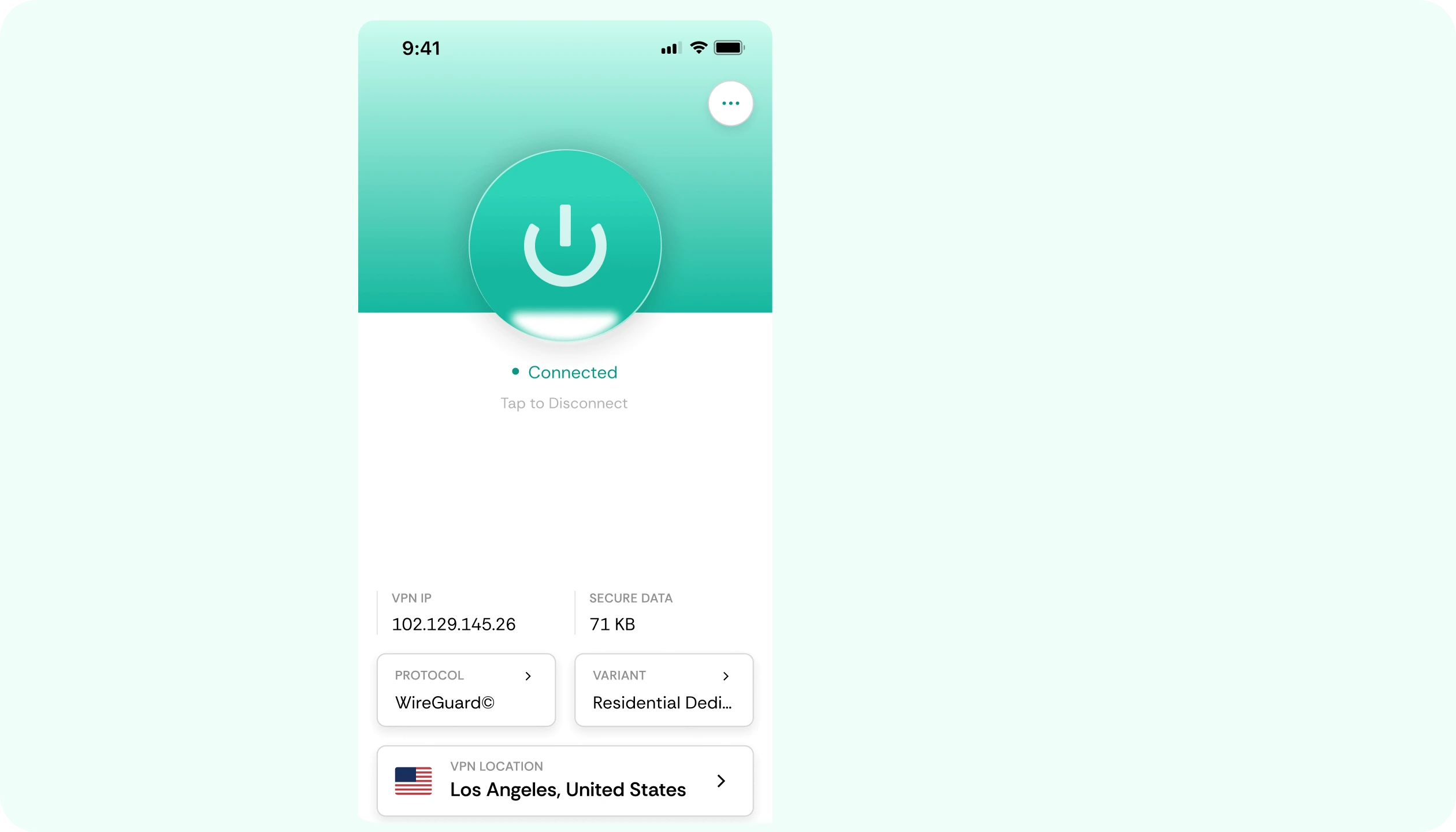
Install CometVPN before opening Crusader Kings 3 or the Paradox launcher, connect to a nearby server, and protect your grand strategy traffic.
Stable routes for dynasty campaigns
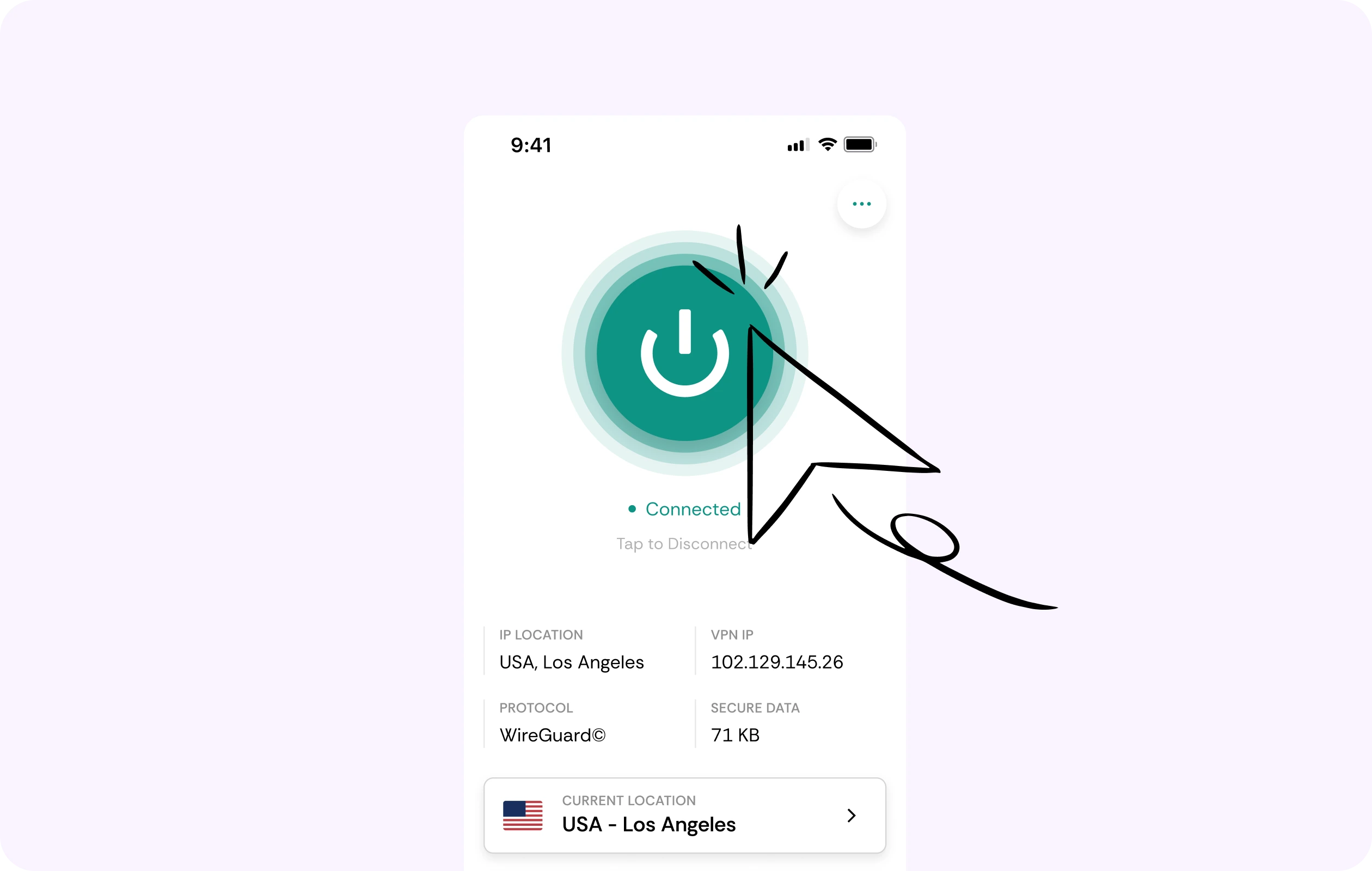
Crusader Kings 3 multiplayer campaigns can run for long sessions, especially with expansions like All Under Heaven. CometVPN helps you test steadier routes to your host.
Security for Paradox and platform access
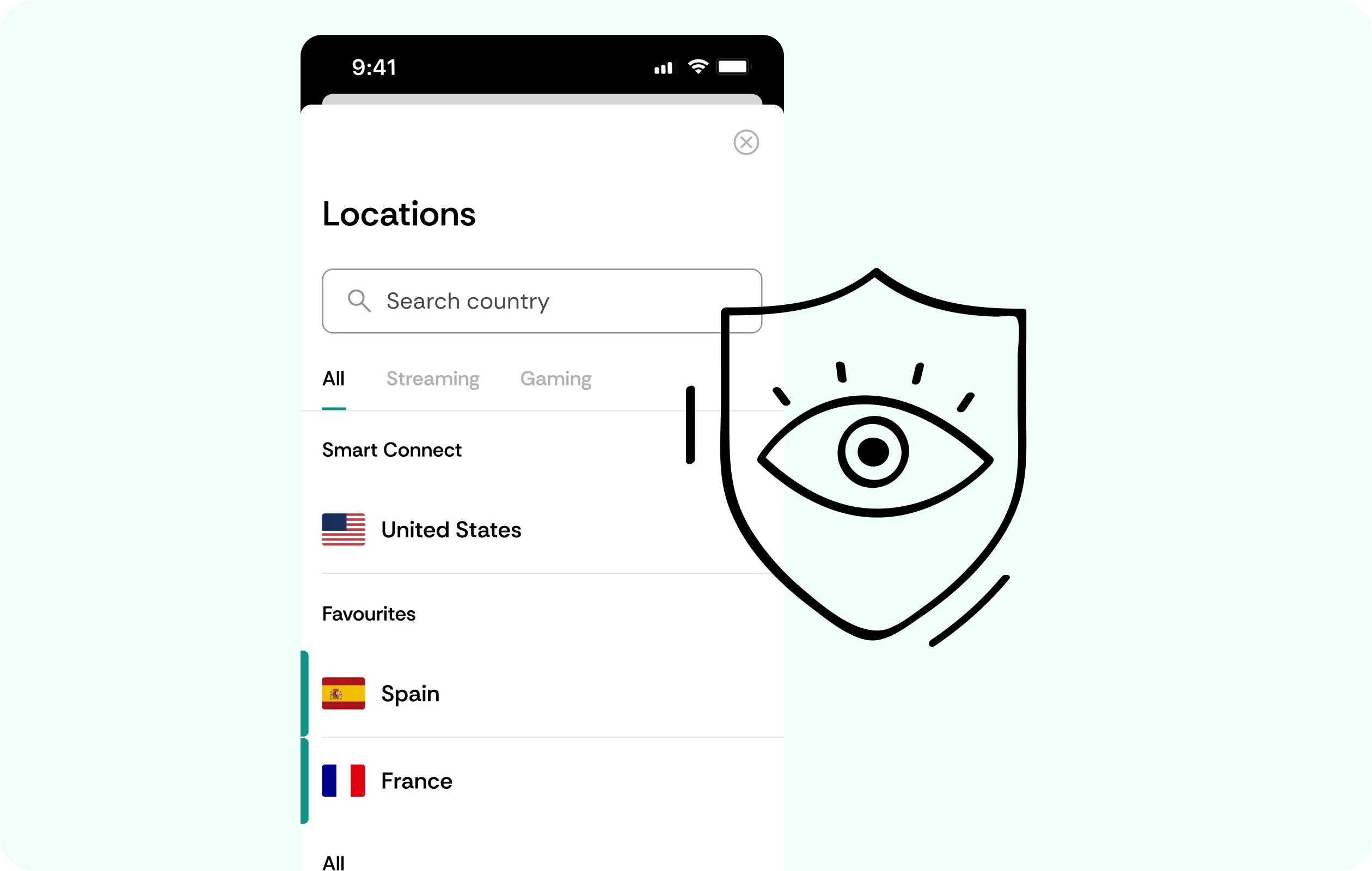
CometVPN encrypts your connection while you sign in, download DLC, use cloud saves, browse mods, or play from shared networks.
Global server coverage
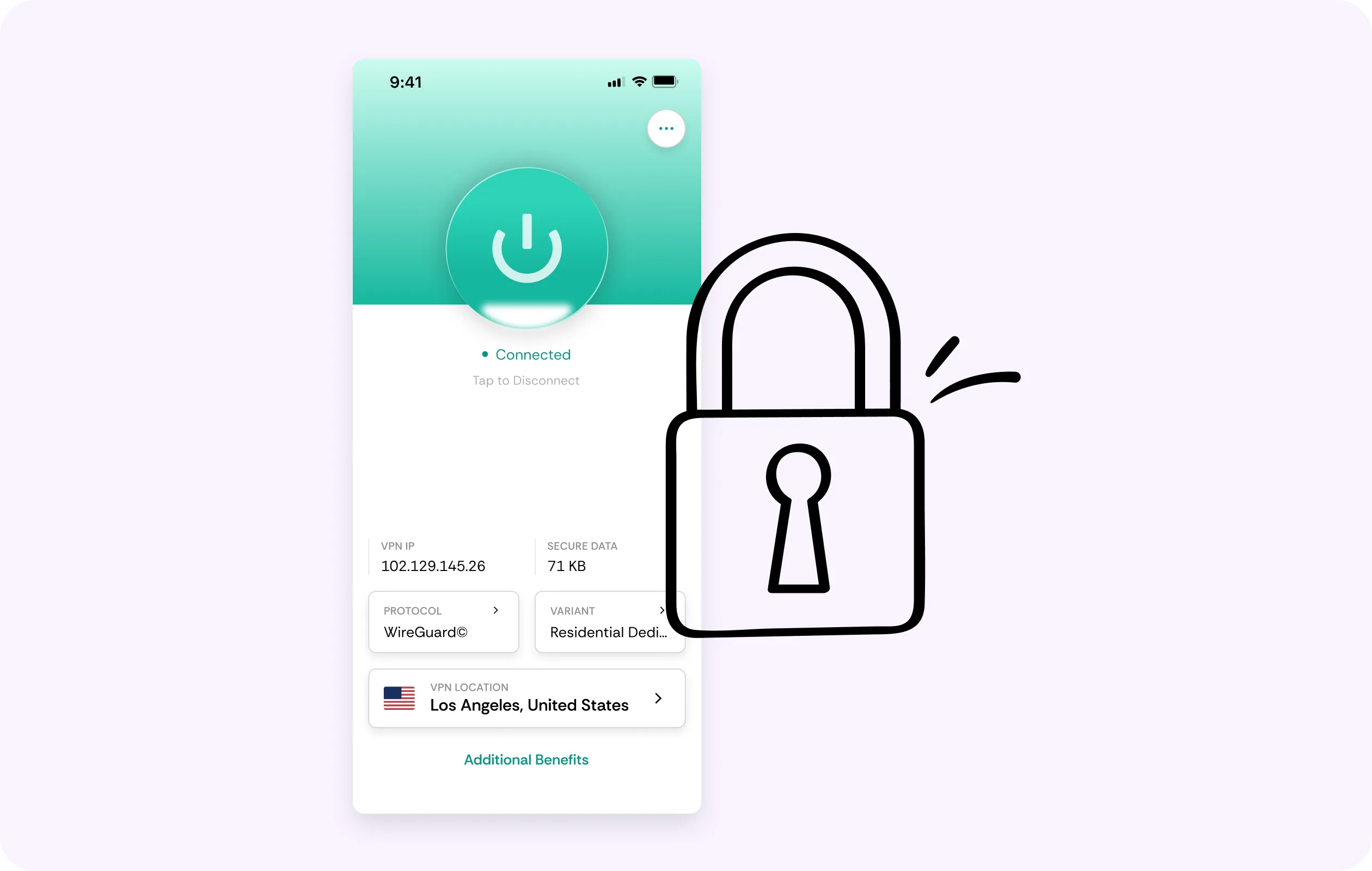
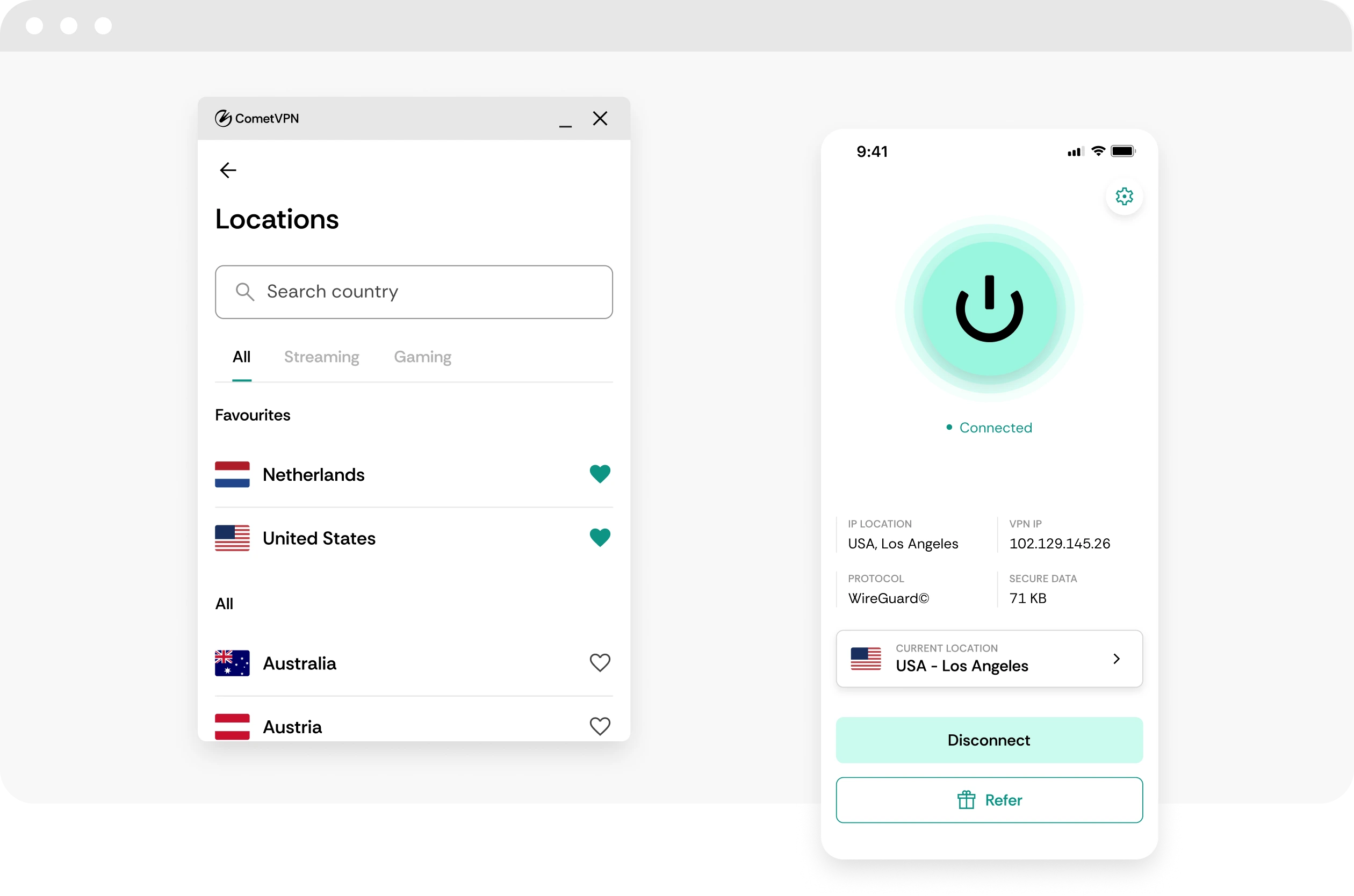
Choose from VPN servers in 50+ countries to protect your connection while traveling, joining friends, or playing from public Wi-Fi.
No-logs dynasty privacy
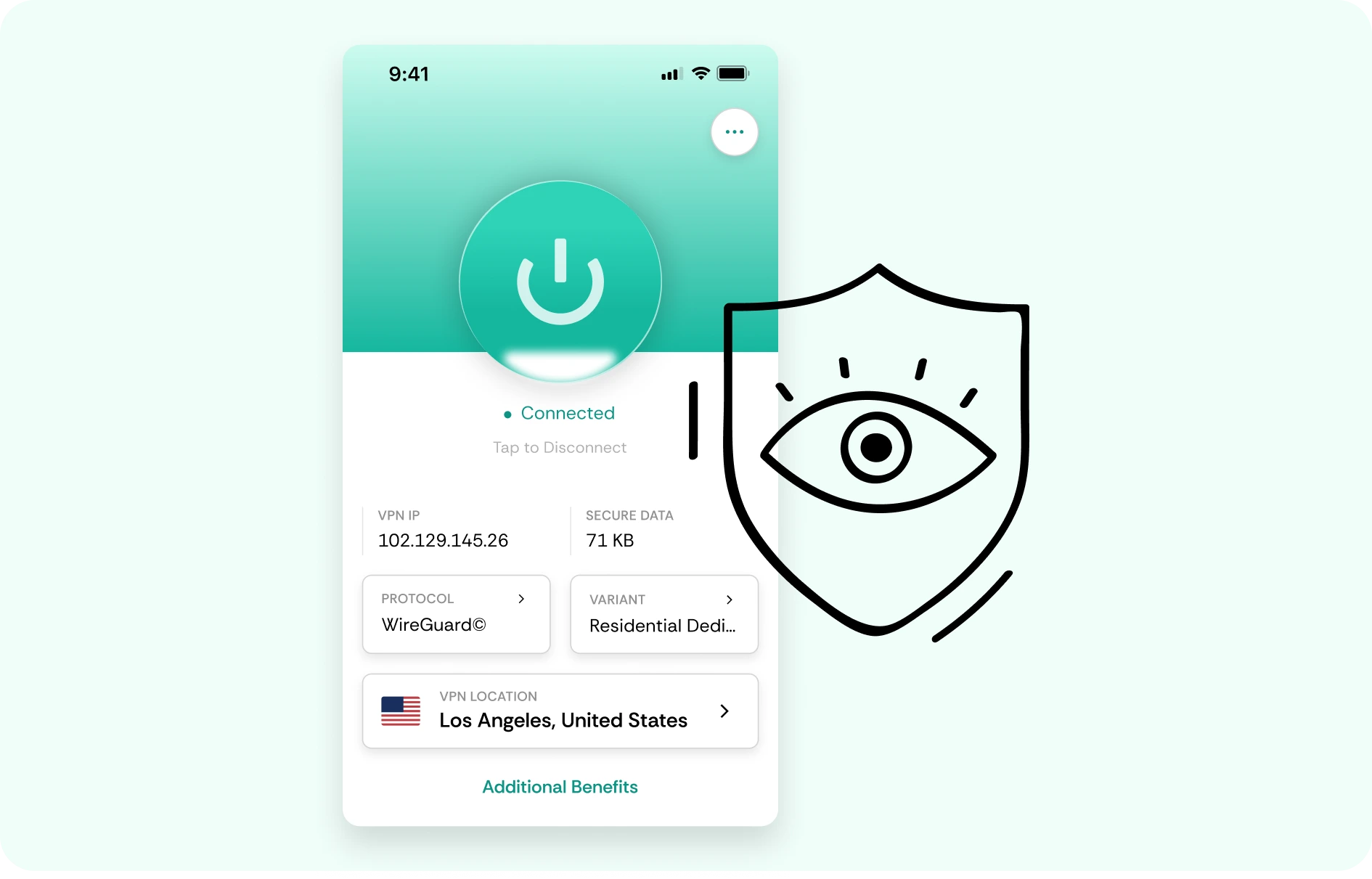
CometVPN does not track or store your activity, helping keep Crusader Kings 3 sessions, Paradox launcher traffic, and multiplayer connections private.
How to use CometVPN for Crusader Kings 3
-
 Lauren Bennett
 Good VPN for bypassing social media censorship in Turkey.
-
 Amelia Cross
 I have been travelling a lot for the past few years, and as a rule - CometVPN is always on. It helps me to stay engaged with the news from my home country and I feel much safer knowing that my internet traffic is hidden.
-
 Marcus Holloway
 I just wanted privacy, so this was the perfect choice for me - I wasn’t forced to buy overpriced features, simple for everyday use. The only drawback is that sometimes the interface is not very intuitive, but their consultants have been very helpful for this.
-
 Samuel Whitaker
 CometVPN, although a bit limited in features, worked reliably. Truly a solid choice as I couldn’t find anything more affordable that also works for what VPN is supposed to do.
-
 Ethan Caldwell
 As a Canadian, I was frustrated by not being able to watch U.S. Netflix content, until I found CometVPN. I realized that with their servers, I could bypass restrictions easily and enjoy unlimited streaming.
What is Crusader Kings 3?
Crusader Kings 3 is a grand strategy role-playing game where players control medieval dynasties rather than single nations. Instead of only moving armies and conquering land, the game focuses on marriages, heirs, inheritance, religion, culture, intrigue, personality traits, rivalries, scandals, succession crises, and the messy politics of family power.
The game keeps expanding through major DLC and flavor packs, with All Under Heaven becoming its largest expansion so far by adding China, Japan, and Southeast Asia to the map. That expansion brought new governments, dynastic systems, imperial politics, the Mandate of Heaven, Japanese court power struggles, and Southeast Asian temple kingdoms. Crusader Kings 3 stands out because every campaign can become a strange personal story about ambition, betrayal, faith, bloodlines, and historical chaos.

Frequently asked questions
Should I use a VPN for Crusader Kings 3?
A VPN can be useful for Crusader Kings 3 if you play multiplayer campaigns, download mods, use public Wi-Fi, or want more privacy while connected to platform services. CK3 is not about reaction speed, but long multiplayer campaigns can still be disrupted by disconnects or unstable routing. CometVPN helps encrypt your traffic and protect your real IP address during the online parts of the game.
Can CometVPN help with Crusader Kings 3 multiplayer?
CometVPN can help if multiplayer issues are caused by restrictive networks, ISP congestion, or unstable routing between players and services. If a grand campaign keeps dropping players or lobbies behave inconsistently, testing a nearby VPN server may help. It will not fix desync caused by mods, version differences, host issues, DLC mismatches, or platform outages.
Will a VPN reduce desync in Crusader Kings 3?
A VPN can help only if the desync or instability is related to network routing or connection drops. Many CK3 desync issues come from mods, game versions, save state problems, or host-side issues, which a VPN cannot fix. CometVPN is worth testing if your connection is unstable, but it should not be treated as a universal desync fix.
Can a VPN help with Crusader Kings 3 mods?
CometVPN can protect your privacy while browsing mod hubs, downloading community content, or using shared networks. It encrypts your traffic and hides your real IP address from the network you are using. It will not fix outdated mods, incompatible load orders, broken saves, or missing DLC requirements.
Is using a VPN for Crusader Kings 3 allowed?
Using a VPN for privacy, security, and connection stability is generally fine, but you should follow platform rules, community rules, and local laws. A VPN should not be used to evade bans, bypass restrictions, abuse accounts, or hide disruptive behavior. Use CometVPN to protect your connection - not to break multiplayer or platform policies.
What VPN server should I use for Crusader Kings 3?
For multiplayer campaigns, choose a CometVPN server close to your real location or close to the host. Since Crusader Kings 3 is grand strategy rather than real-time action, you do not need ultra-low latency, but you do want stability over long sessions. For mod downloads and cloud saves, nearby servers are usually best.
Can I use CometVPN for Crusader Kings 3 on public Wi-Fi?
Yes. If you play CK3 from a hotel, dorm, café, airport, school, or shared network, CometVPN can encrypt your traffic and help protect your platform login, cloud saves, multiplayer lobby, and mod browsing. This is useful when playing long campaigns away from home.
Does a VPN slow down Crusader Kings 3?
A VPN will not affect offline simulation speed, late-game performance, or frame rate. It can affect multiplayer stability, downloads, mod browsing, and cloud saves if the VPN server is distant or overloaded. With CometVPN, use a nearby server for the best balance of privacy and reliability.
Can CometVPN help with CK3 cloud saves and launcher access?
CometVPN can help if launcher access or cloud saves are affected by restrictive networks or unstable routing. By encrypting and rerouting traffic, it may make platform services more reliable in some situations. It will not fix account issues, platform outages, broken saves, or launcher bugs.
What is the best VPN for Crusader Kings 3?
The best VPN for Crusader Kings 3 should be private, stable, easy to use, and reliable for long multiplayer campaigns, mod browsing, cloud saves, and public Wi-Fi. CometVPN is a strong choice for players who want encrypted traffic, IP protection, safer shared-network gaming, and more private grand strategy sessions.