









Why you need a VPN for Consoles

Network-level privacy
Consoles often use router or shared connection setups for VPN protection, helping encrypt gaming traffic across Xbox, PlayStation, Nintendo, and handheld devices.

Multiplayer routing
A VPN can help test a steadier route for online matches, party chat, co-op sessions, downloads, and platform services.

Account protection
Console accounts can include purchases, saves, subscriptions, achievements, friends, and payment-related activity, making safer network access useful.

Public Wi-Fi protection
Using consoles on hotel Wi-Fi, dorm networks, travel routers, or shared apartments can expose platform activity and gameplay traffic without extra protection.
CometVPN features for Consoles
Quick setup for console gaming
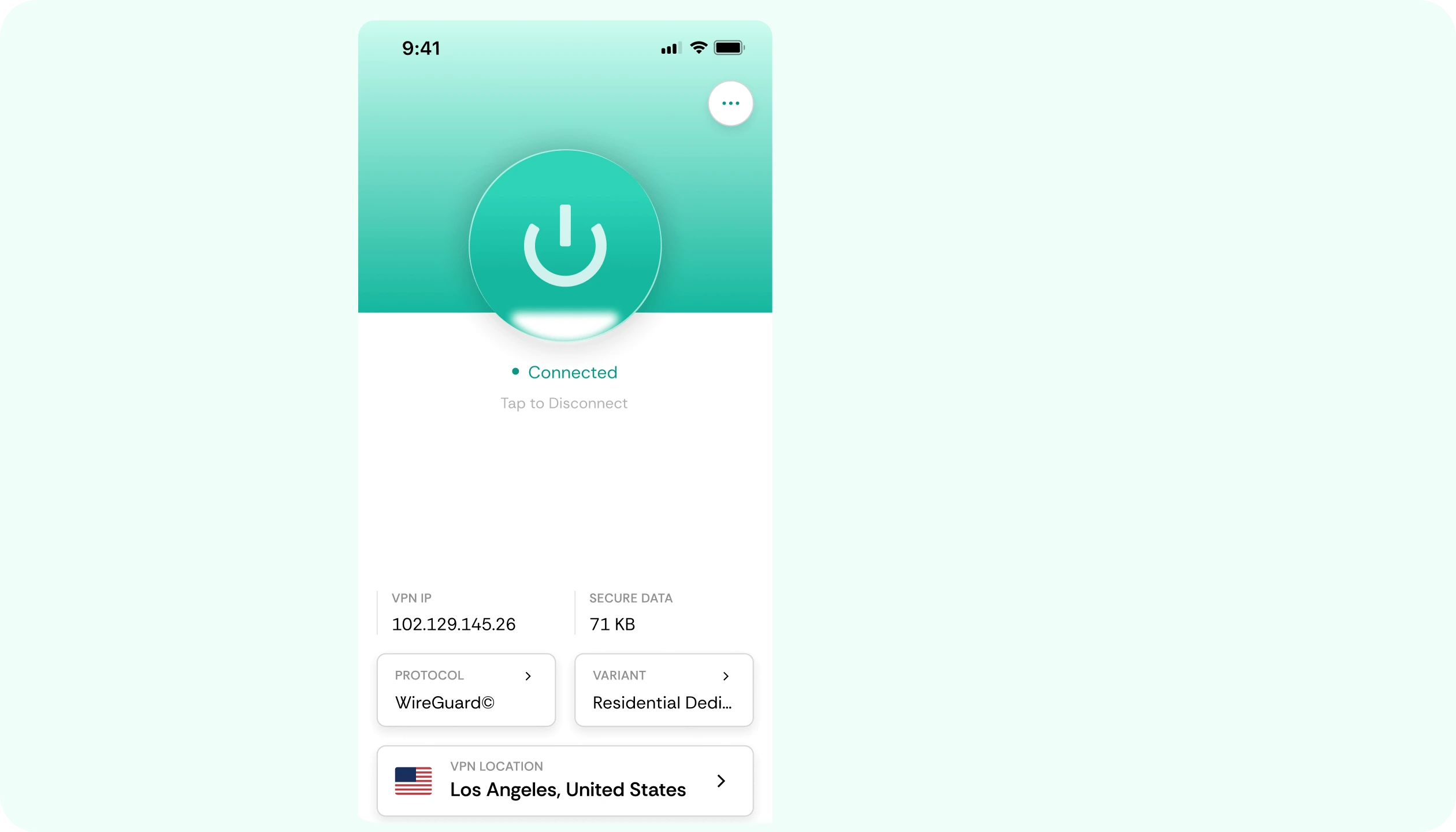
Set up CometVPN through a supported router or shared connection, then protect console traffic across Xbox, PlayStation, Nintendo, and handheld devices.
Stable routes for online multiplayer
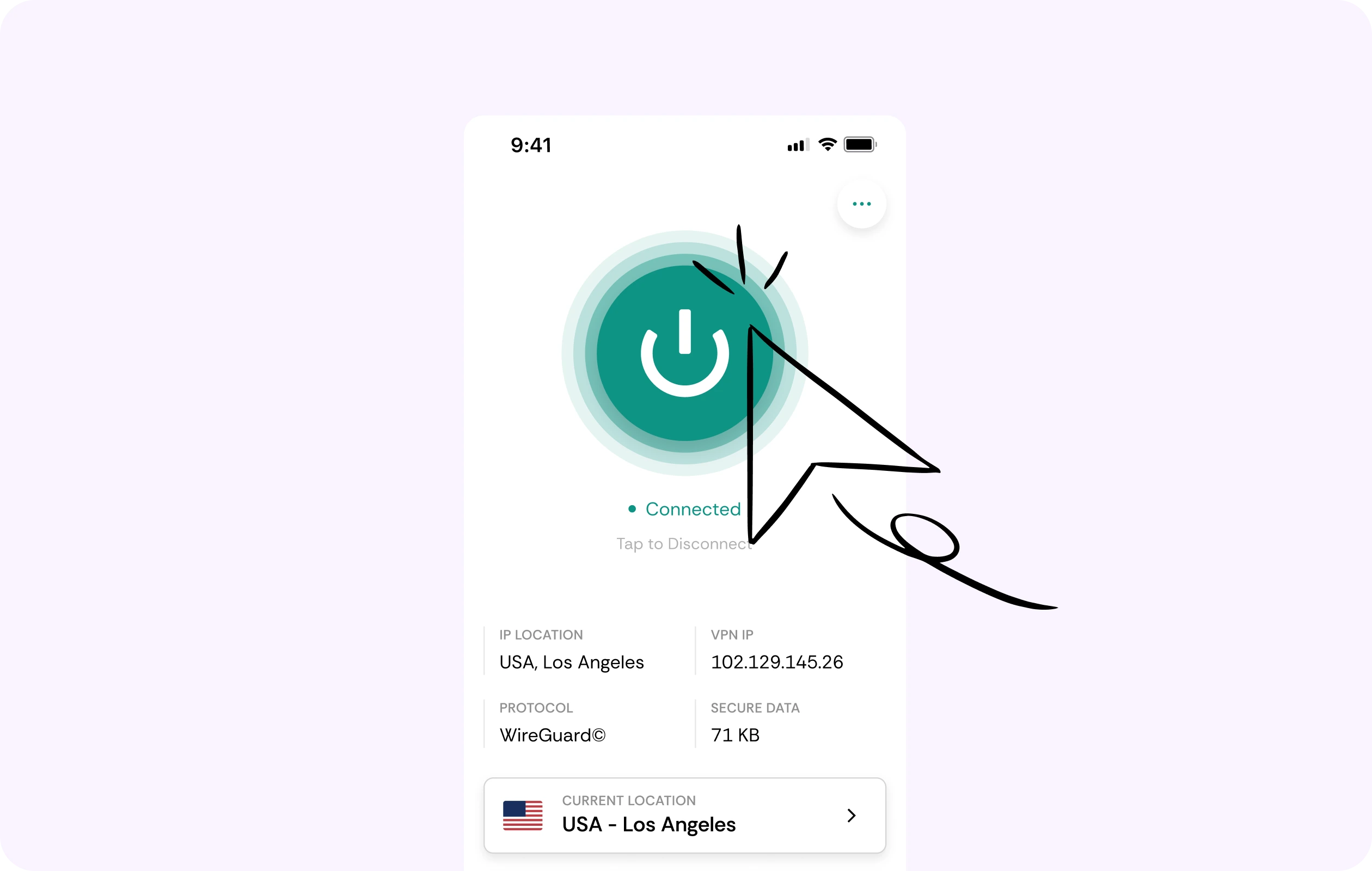
Console gaming includes matchmaking, party chat, downloads, co-op sessions, cloud saves, and streaming apps. CometVPN helps you test steadier routes for smoother connected play.
Security for platform accounts
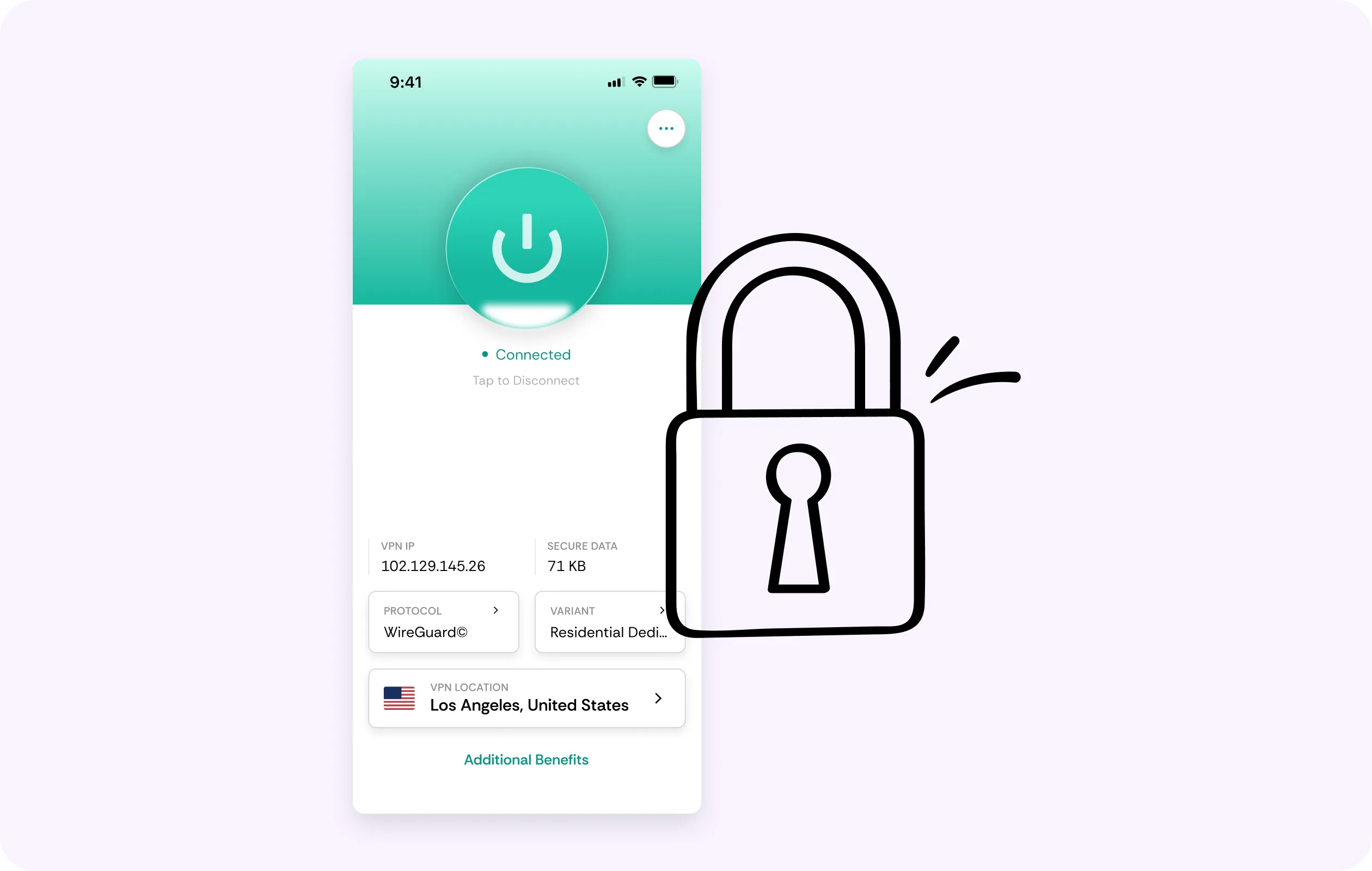
CometVPN encrypts your traffic while you access digital libraries, subscriptions, purchases, friends lists, cloud saves, and multiplayer services.
Global server coverage
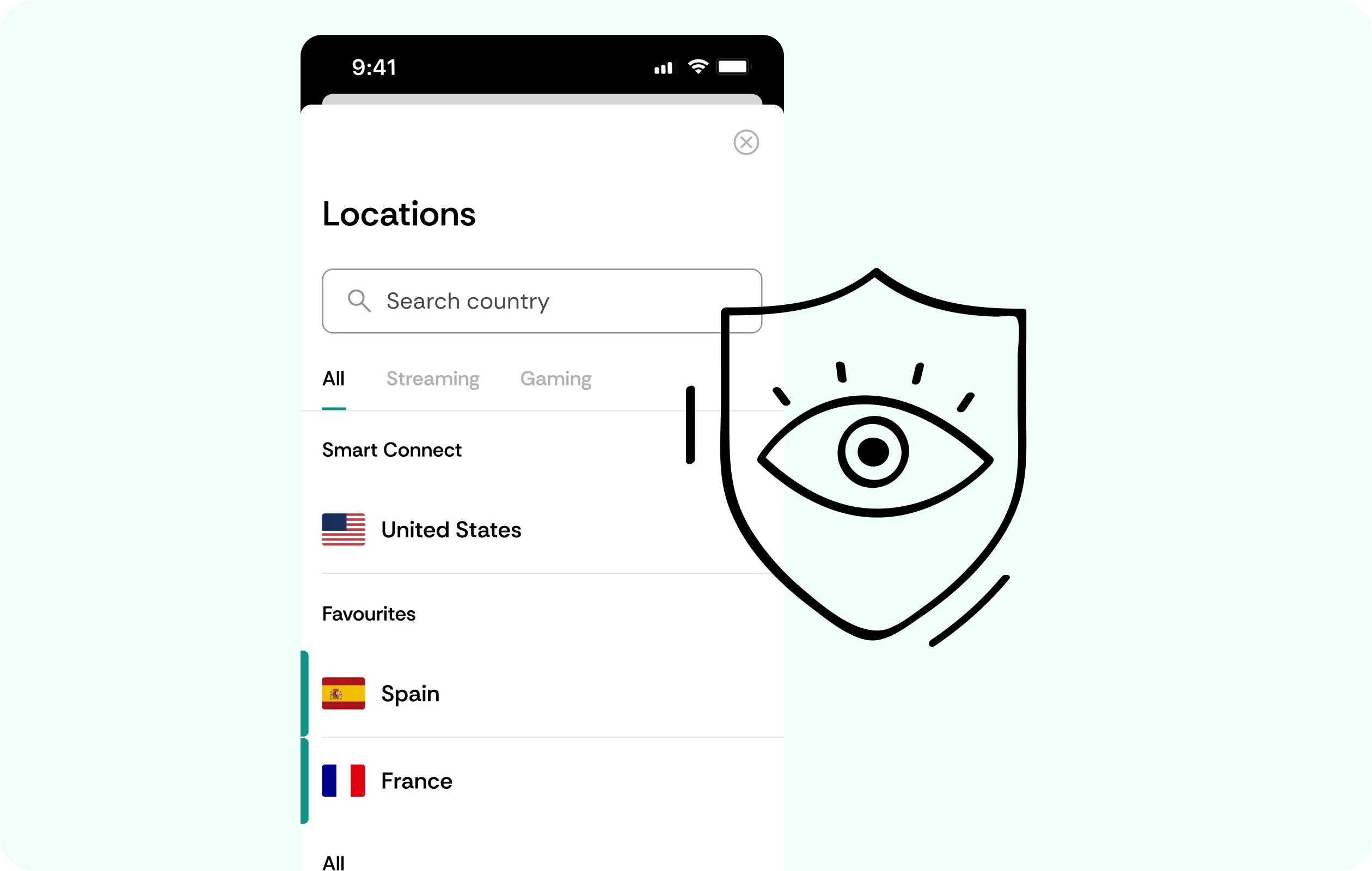
Use VPN servers in 50+ countries to protect your connection while traveling, using hotel Wi-Fi, dorm networks, or shared apartments.
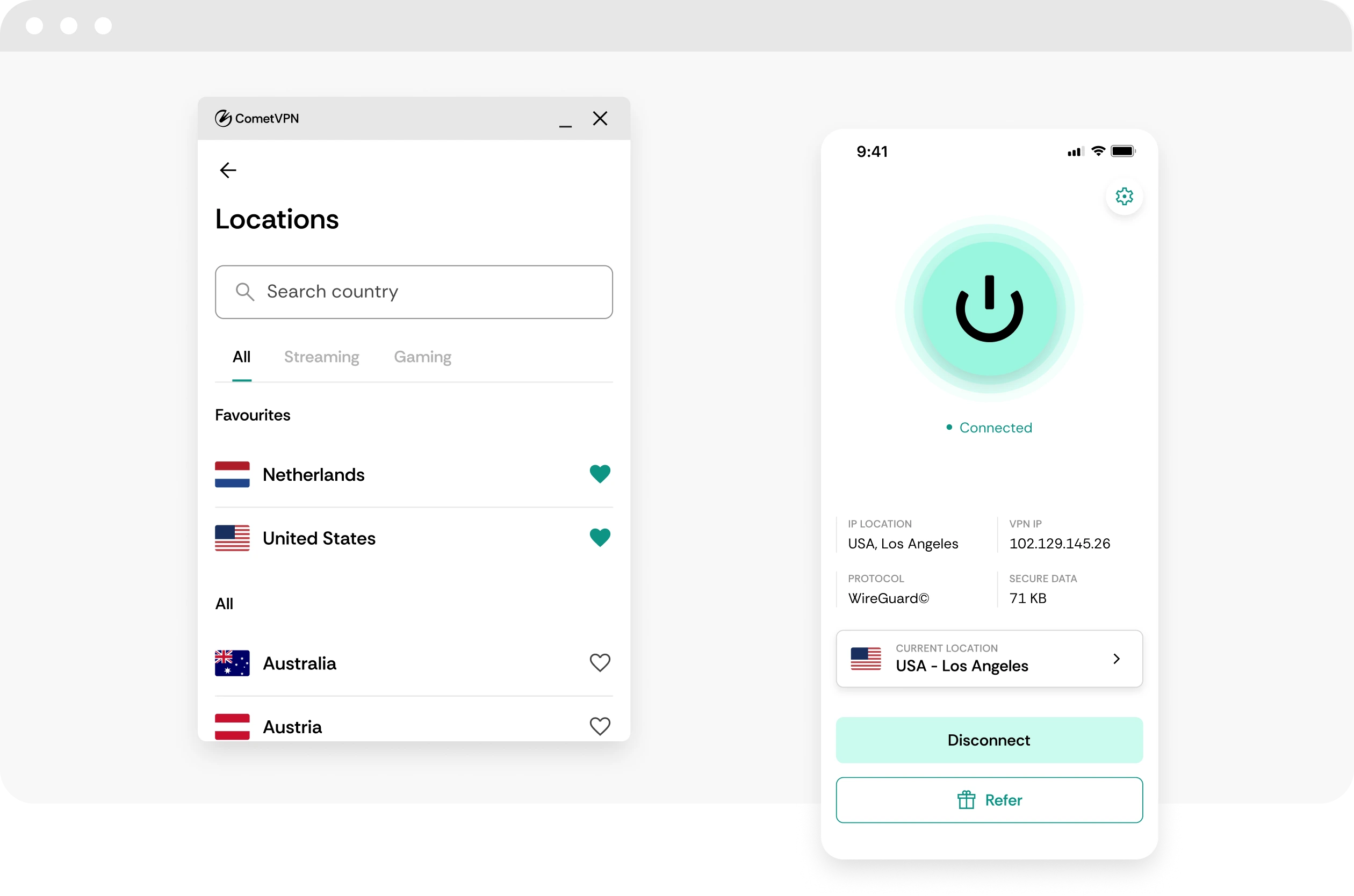
No-logs console privacy
CometVPN does not track or store your activity, helping keep console sessions, account access, and gameplay traffic private.
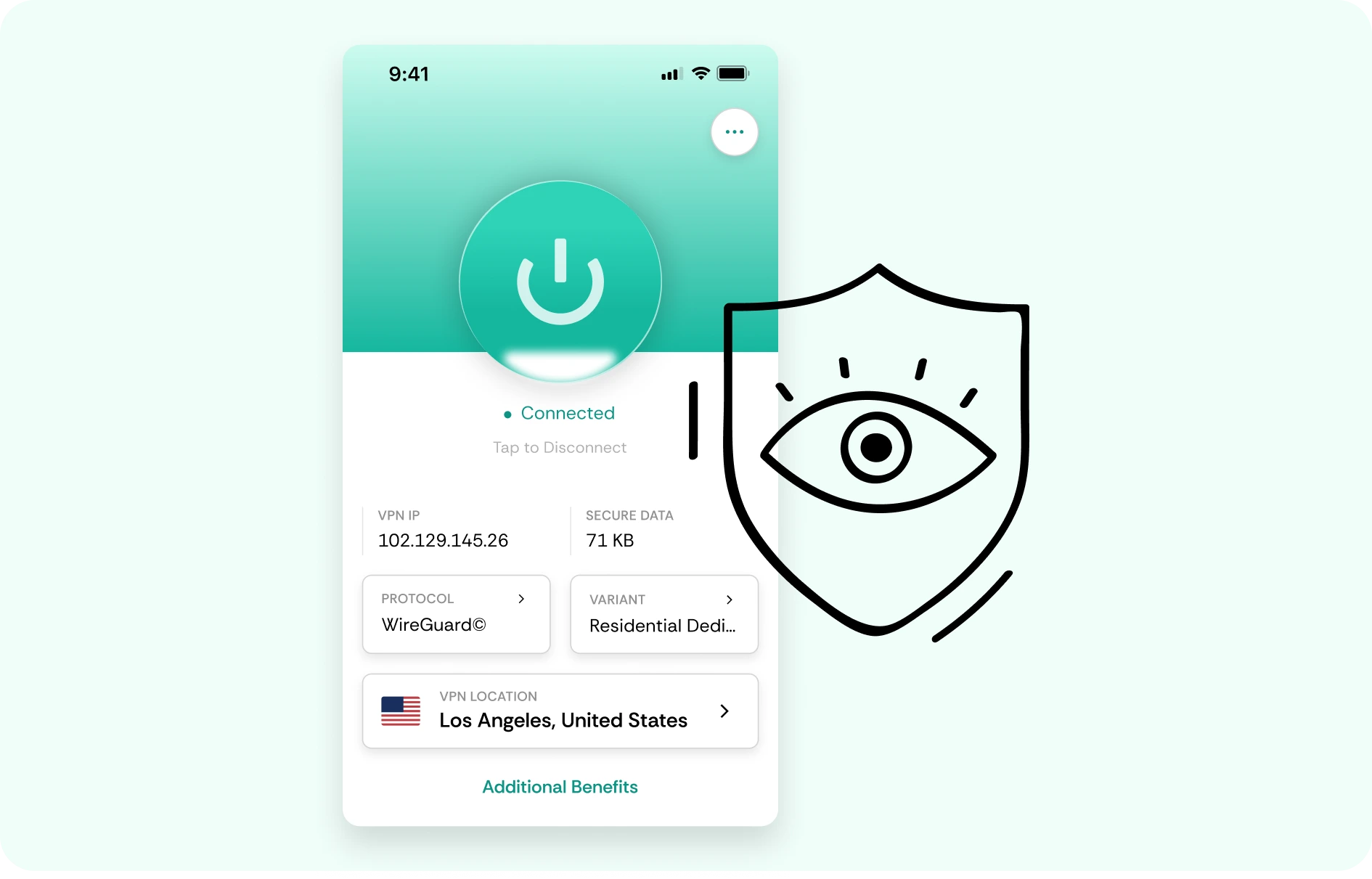
How to use CometVPN for Consoles
-
 Lauren Bennett
 Good VPN for bypassing social media censorship in Turkey.
-
 Amelia Cross
 I have been travelling a lot for the past few years, and as a rule - CometVPN is always on. It helps me to stay engaged with the news from my home country and I feel much safer knowing that my internet traffic is hidden.
-
 Marcus Holloway
 I just wanted privacy, so this was the perfect choice for me - I wasn’t forced to buy overpriced features, simple for everyday use. The only drawback is that sometimes the interface is not very intuitive, but their consultants have been very helpful for this.
-
 Samuel Whitaker
 CometVPN, although a bit limited in features, worked reliably. Truly a solid choice as I couldn’t find anything more affordable that also works for what VPN is supposed to do.
-
 Ethan Caldwell
 As a Canadian, I was frustrated by not being able to watch U.S. Netflix content, until I found CometVPN. I realized that with their servers, I could bypass restrictions easily and enjoy unlimited streaming.
What is Consoles?
None

Frequently asked questions
Can I use a VPN on game consoles?
Yes, you can use a VPN on game consoles, but usually not by installing a VPN app directly on the console. Most players use a VPN-enabled router or share a VPN-protected connection from a PC or laptop. With CometVPN, this lets you protect console traffic, hide your real IP address, and secure your connection while playing online.
Why do consoles need a different VPN setup?
Consoles are more locked down than PCs, so they usually do not let you install normal VPN apps directly. That is why router setup, shared hotspot setup, or network-level VPN protection is the usual route. Once the console connects through that protected network, CometVPN can encrypt traffic and route the connection through your chosen VPN server.
Can a VPN lower ping on consoles?
A VPN can lower ping on consoles if your ISP route to the game server is inefficient or congested. However, it can also increase ping if the VPN server is too far away. For console gaming, the safest approach is to choose a nearby CometVPN server and compare real gameplay, not just a speed test.
Is a VPN useful for console players on public Wi-Fi?
Yes. If you use a console or handheld console on hotel Wi-Fi, dorm Wi-Fi, school networks, shared apartments, or travel routers, a VPN can add a strong privacy layer. CometVPN encrypts your traffic and helps protect login activity, multiplayer sessions, voice chat, and downloads on networks you do not fully control.
Can a VPN protect consoles from DDoS attacks?
A VPN can help reduce DDoS exposure by hiding your real home IP address. This can be useful for players who stream, play ranked modes, join voice chats, or regularly play with strangers. CometVPN routes your console traffic through a VPN server, making your real connection harder to target directly.
What VPN server should I use for consoles?
Choose a CometVPN server close to your real location or close to the game server region you normally play on. For shooters, sports games, fighting games, and racing games, nearby servers are especially important because extra latency is noticeable. For downloads and streaming, stability and speed matter more than the absolute lowest ping.
Does a VPN slow down console gaming?
A VPN can slow down console gaming if the server is distant, crowded, or unstable. With CometVPN, use a nearby server, avoid background downloads, and test before ranked or competitive matches. The goal is stable latency, IP protection, and fewer route-related issues, not simply changing to a faraway country.
What is the best VPN for consoles?
The best VPN for consoles should be fast, stable, secure, and easy to use through a router or shared connection. CometVPN is a strong choice for players who want encrypted traffic, IP protection, safer public Wi-Fi gaming, and more control over routing across Xbox, PlayStation, Nintendo Switch, and handheld devices.