









Why you need a VPN for Baldur's Gate 3

Cross-play privacy
Baldur’s Gate 3 now supports cross-play, so a VPN can help protect traffic when joining friends across PC, Mac, PlayStation, and Xbox.

Co-op campaign stability
Long co-op sessions benefit from stable routing because disconnects can interrupt dialogue, combat, exploration, and shared story decisions.

Mod and platform access
Players often use mods, cloud saves, platform stores, community pages, and updates, making encrypted browsing and account traffic useful.

Public Wi-Fi protection
Playing Baldur’s Gate 3 from hotels, cafés, dorms, airports, or shared networks can expose platform activity, co-op traffic, and downloads without extra protection.
CometVPN features for Baldur's Gate 3
Quick setup for Baldur's Gate 3
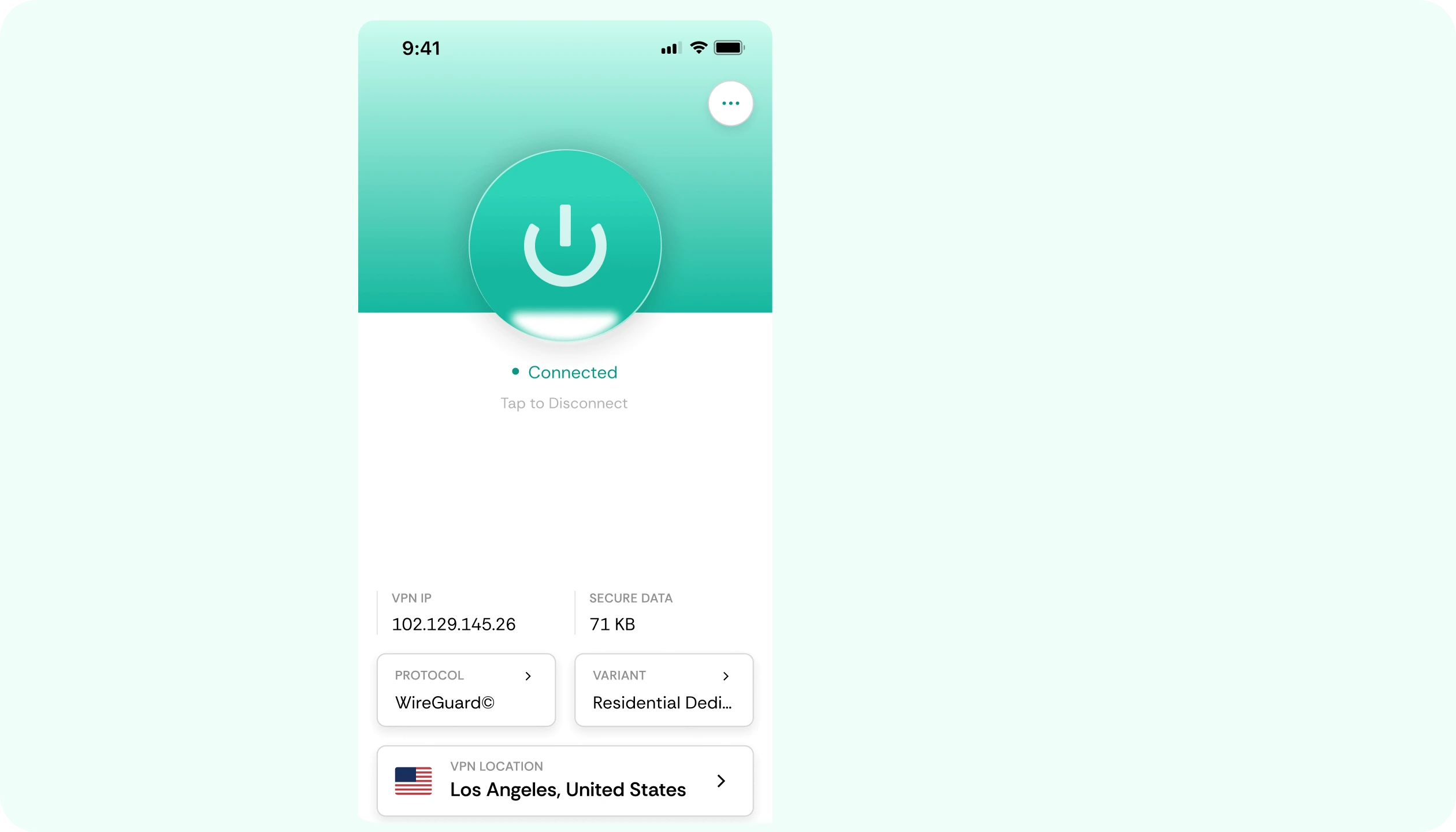
Set up CometVPN before launching Baldur's Gate 3, connect to a nearby server, and start co-op campaigns, cross-play sessions, or mod browsing with protected traffic.
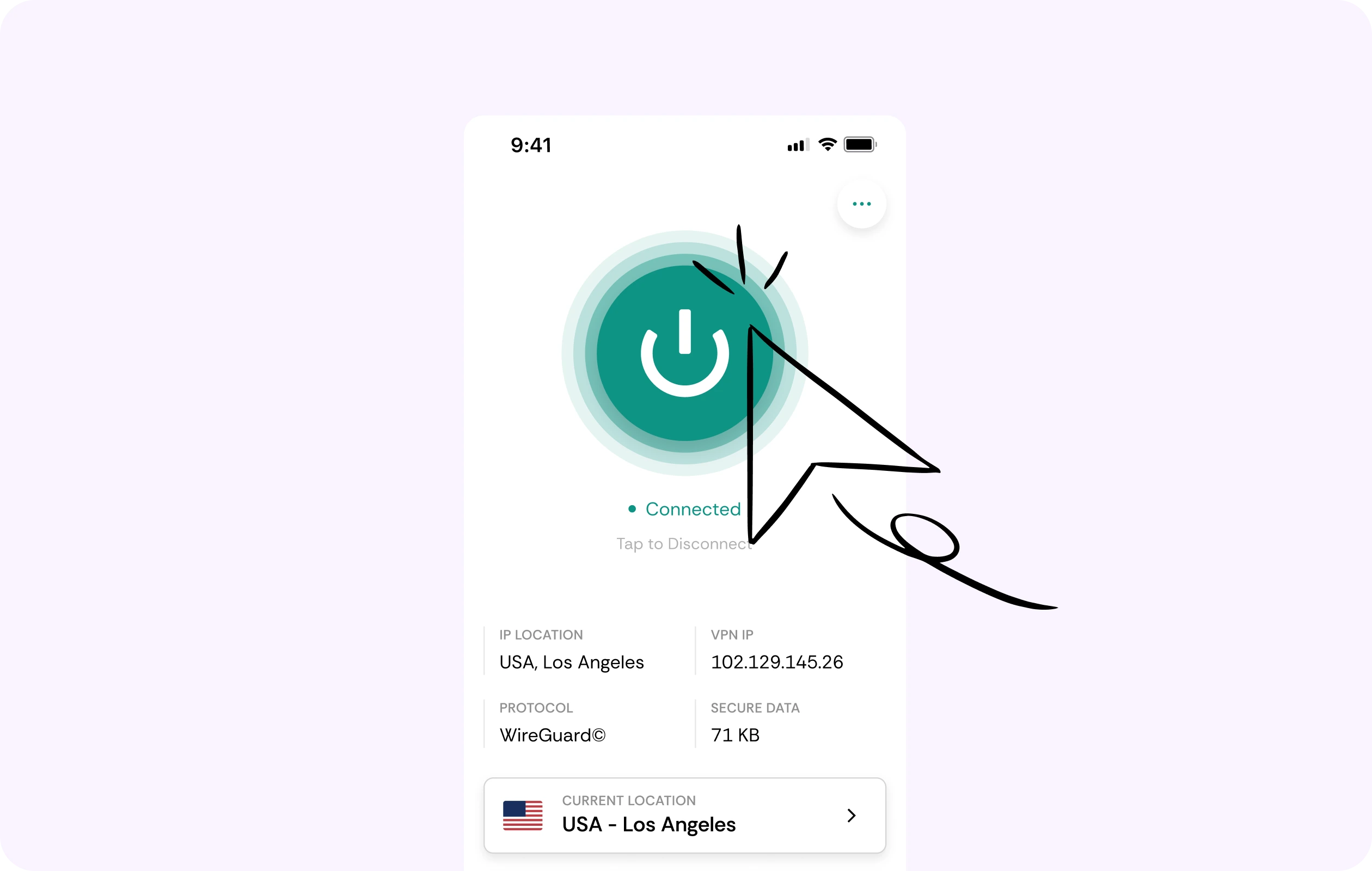
Stable routes for co-op adventures
Baldur's Gate 3 now supports cross-play, making stable routing useful for long campaigns across PC, Mac, PlayStation, and Xbox. CometVPN helps you test smoother routes to your party.
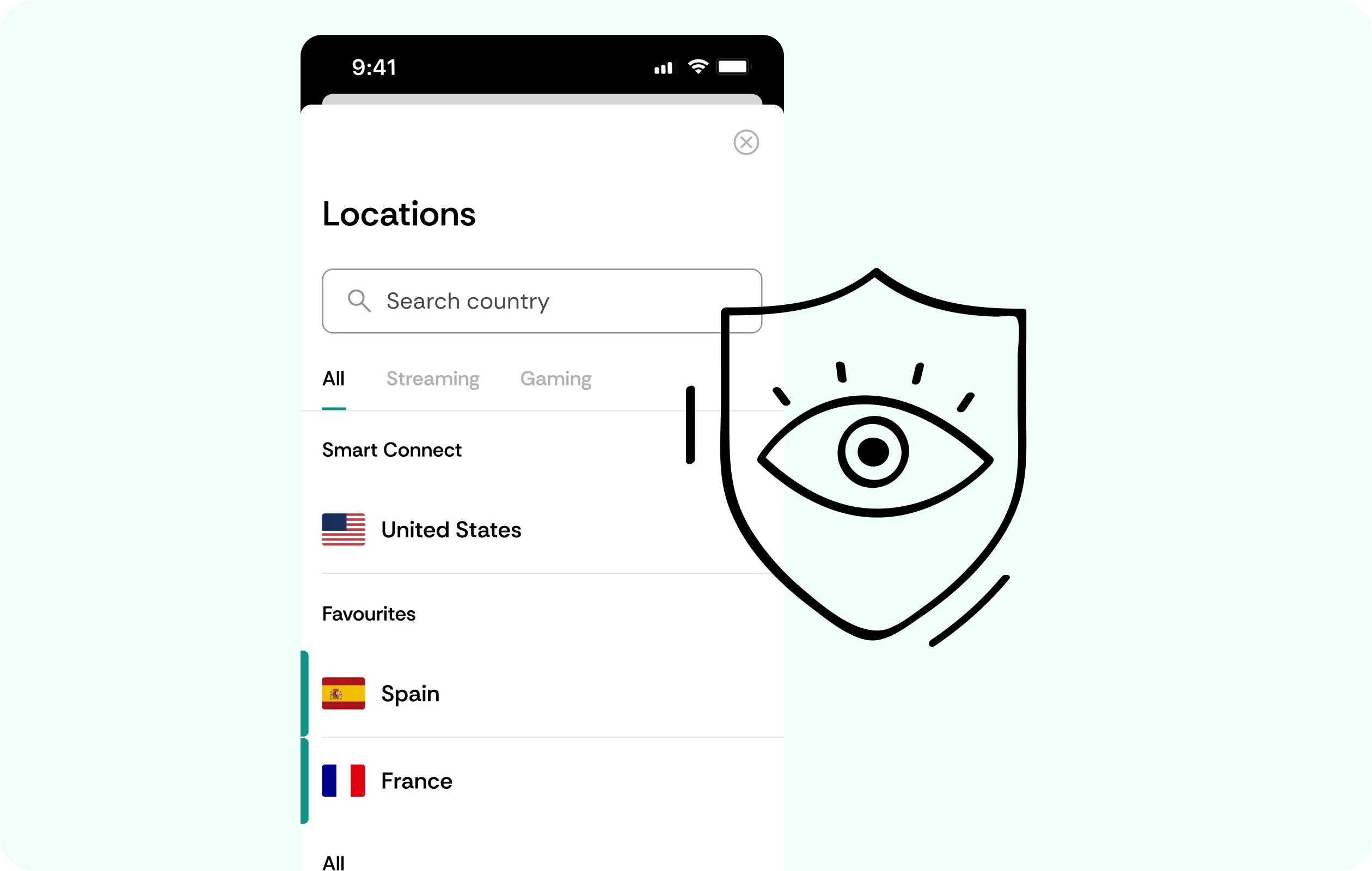
Security for platform and Larian traffic
CometVPN encrypts your traffic while you sign in, use Larian Network features, download updates, access mods, or manage cloud saves on shared networks.
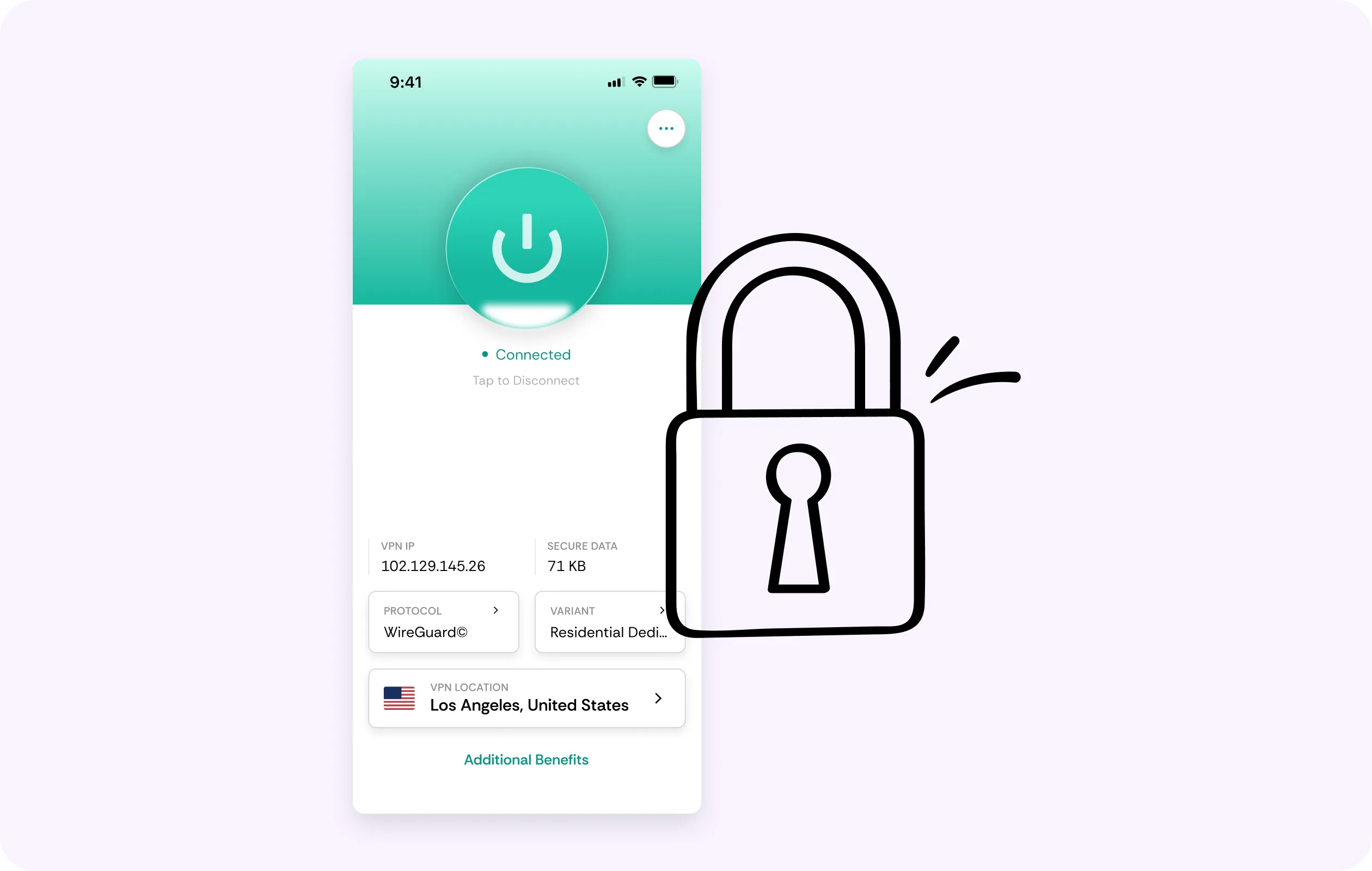
Global server coverage
Use VPN servers in 50+ countries to protect your connection while traveling, playing from public Wi-Fi, or joining friends in other locations.
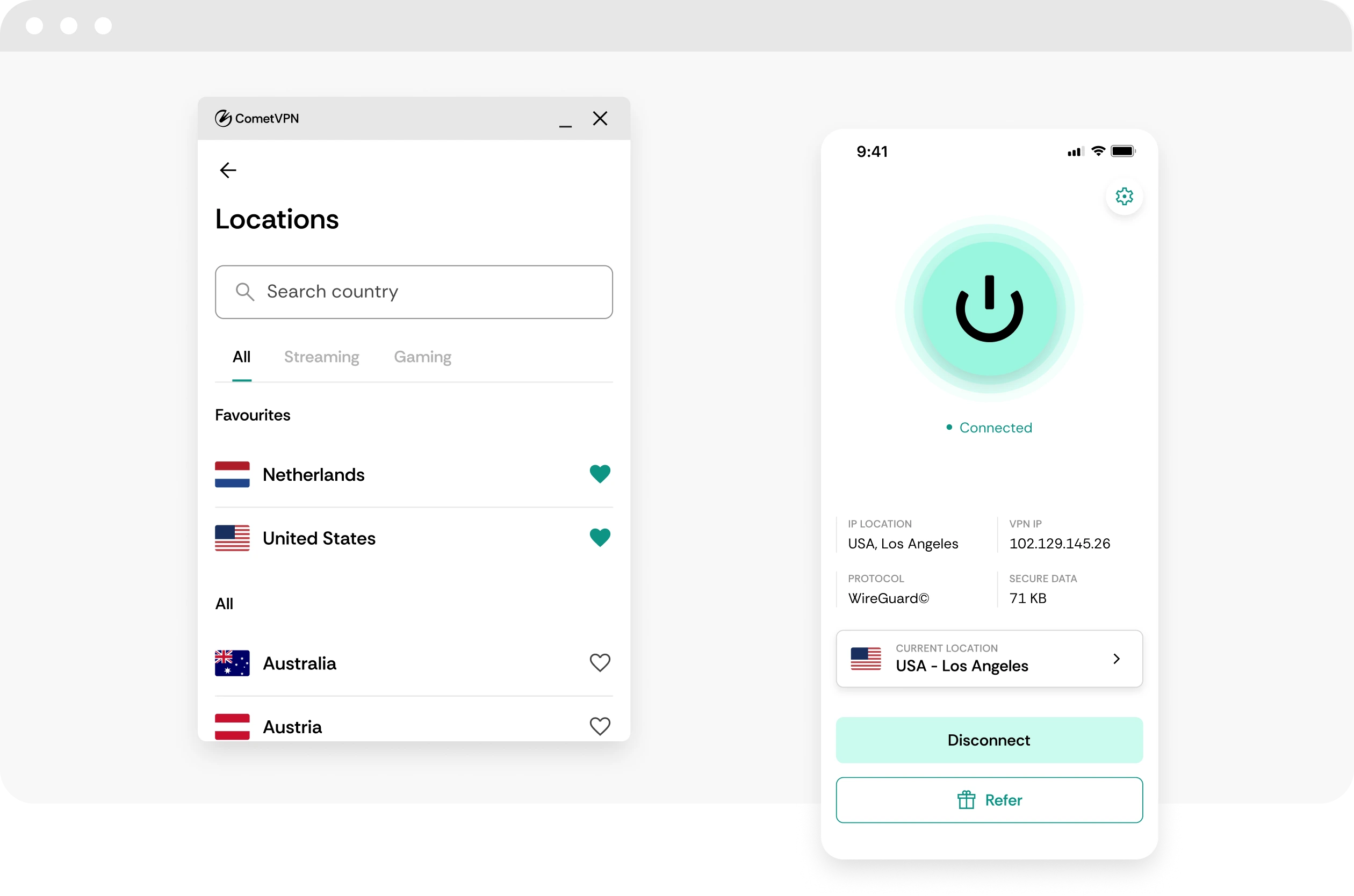
No-logs Faerun privacy
CometVPN does not track or store your activity, helping keep Baldur's Gate 3 sessions, platform access, and co-op traffic private.
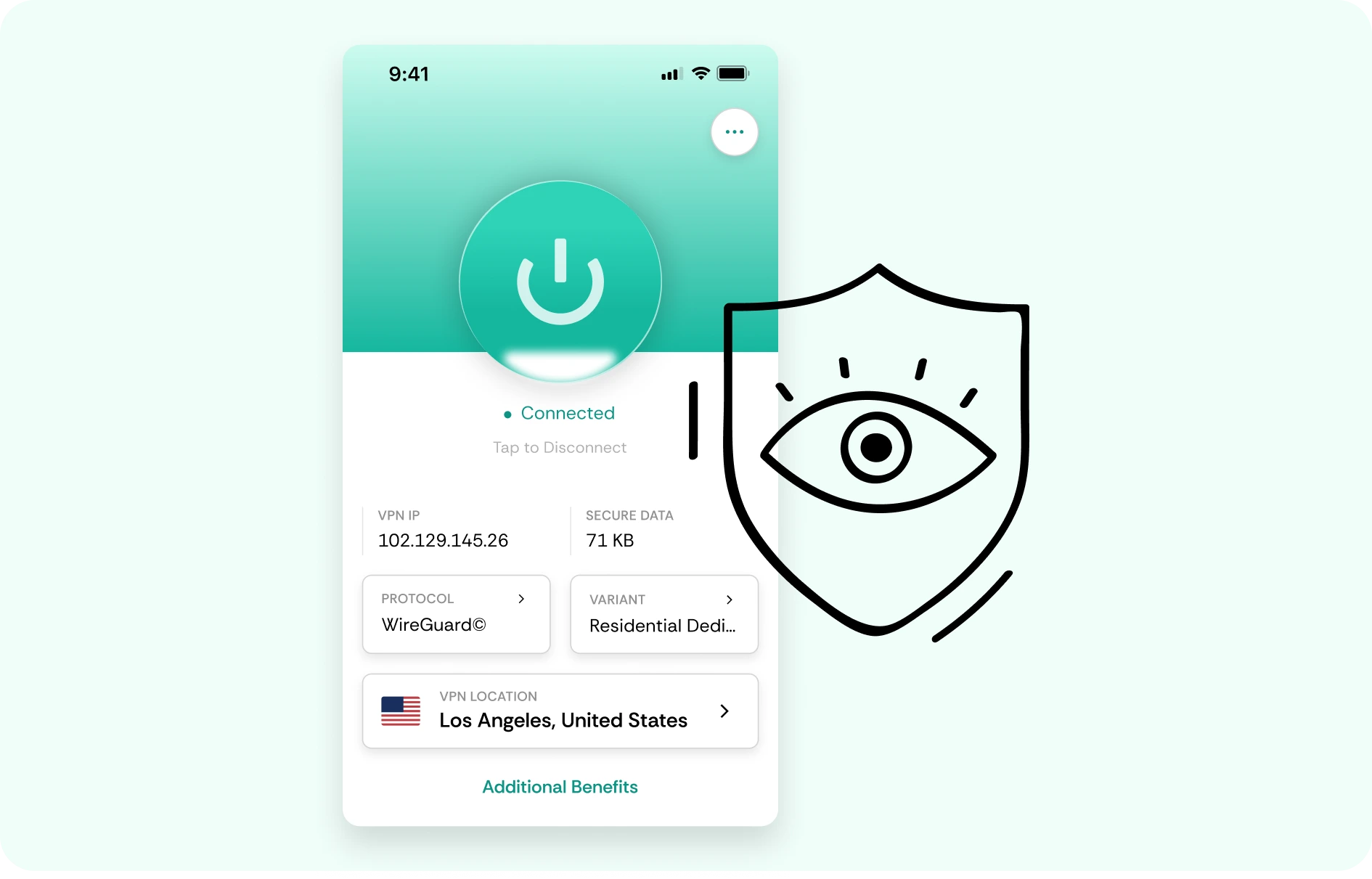
How to use CometVPN for Baldur's Gate 3
-
 Lauren Bennett
 Good VPN for bypassing social media censorship in Turkey.
-
 Amelia Cross
 I have been travelling a lot for the past few years, and as a rule - CometVPN is always on. It helps me to stay engaged with the news from my home country and I feel much safer knowing that my internet traffic is hidden.
-
 Marcus Holloway
 I just wanted privacy, so this was the perfect choice for me - I wasn’t forced to buy overpriced features, simple for everyday use. The only drawback is that sometimes the interface is not very intuitive, but their consultants have been very helpful for this.
-
 Samuel Whitaker
 CometVPN, although a bit limited in features, worked reliably. Truly a solid choice as I couldn’t find anything more affordable that also works for what VPN is supposed to do.
-
 Ethan Caldwell
 As a Canadian, I was frustrated by not being able to watch U.S. Netflix content, until I found CometVPN. I realized that with their servers, I could bypass restrictions easily and enjoy unlimited streaming.
What is Baldur's Gate 3?
Baldur’s Gate 3 is a story-rich fantasy RPG from Larian Studios, based on Dungeons & Dragons. Players create a character or choose an Origin hero, gather companions, make choices through dialogue and combat, explore the Forgotten Realms, and shape the story through decisions that can change relationships, quests, battles, and endings.
The game became a landmark RPG because of its freedom, writing, companion stories, tactical turn-based combat, co-op, romance, branching outcomes, and deep character builds. Patch 8, released in 2025 as the final major update, added cross-platform play, photo mode, and 12 new subclasses, making it easier for players across PC and consoles to adventure together. Even after its final major patch, Baldur’s Gate 3 remains a benchmark for modern role-playing games.

Frequently asked questions
Is a VPN useful for Baldur's Gate 3?
A VPN can be useful for Baldur's Gate 3 if you play online co-op, use public Wi-Fi, download large updates, or want more privacy while connecting through Steam, GOG, or console networks. Baldur's Gate 3 is not a twitch shooter, but co-op sessions can still suffer from unstable routing or disconnects. CometVPN helps encrypt your traffic, protect your IP address, and keep your connection more private during long campaigns.
Can CometVPN help with Baldur's Gate 3 co-op issues?
CometVPN can help if co-op problems are caused by restrictive networks, ISP congestion, or unstable routing between you and the host. If joining friends fails, sessions drop, or multiplayer feels inconsistent, testing a nearby VPN server may help. It will not fix version mismatches, mod conflicts, platform outages, host-side problems, or game bugs.
Will a VPN reduce lag in Baldur's Gate 3 multiplayer?
A VPN can reduce lag if your normal route to the host or game services is poor. Since Baldur's Gate 3 is turn-based, small latency differences are usually less painful than in shooters, but disconnects and unstable sessions can still interrupt a campaign. Use a nearby CometVPN server and compare stability. Avoid distant locations unless you are testing a specific route.
Can a VPN help with Baldur's Gate 3 mods?
A VPN can help protect your privacy while browsing modding sites, downloading files, or using shared networks. CometVPN encrypts your traffic and hides your real IP address, which is useful on public Wi-Fi. It will not fix broken mods, load order problems, missing dependencies, or save file conflicts, but it can make the online side of modding more private.
Is using a VPN for Baldur's Gate 3 allowed?
Using a VPN for privacy, security, and connection stability is generally fine, but you should follow platform rules and your local laws. If you join multiplayer sessions or modded communities, respect their policies too. Use CometVPN to protect your connection - not to bypass restrictions, evade bans, or abuse platform systems.
What VPN server should I use for Baldur's Gate 3?
For co-op, choose a CometVPN server close to your real location or close to the player hosting the session. For downloads, cloud saves, and account browsing, a nearby server is usually best. Baldur's Gate 3 does not require ultra-low latency, so stability and privacy matter more than picking a faraway region.
Can I use CometVPN for Baldur's Gate 3 on console?
Yes, but consoles usually need a VPN-enabled router or shared VPN connection from another device. If you play Baldur's Gate 3 on PlayStation or Xbox, routing console traffic through CometVPN can help protect your IP address and encrypt your connection. Use a nearby server to avoid adding unnecessary delay to co-op sessions.
Does a VPN slow down Baldur's Gate 3?
A VPN will not affect offline gameplay performance, but it can affect multiplayer, downloads, cloud saves, or platform services if the VPN server is far away or overloaded. With CometVPN, start with a nearby server and switch if downloads or co-op sessions feel unstable.
Can CometVPN protect me on public Wi-Fi while playing Baldur's Gate 3?
Yes. If you play from a hotel, dorm, airport, café, school, or shared network, CometVPN can encrypt your traffic and help protect your login activity, downloads, and multiplayer session. This is especially useful for laptop players who manage saves, mods, and long co-op campaigns while traveling.
What is the best VPN for Baldur's Gate 3?
The best VPN for Baldur's Gate 3 should be private, stable, easy to use, and reliable for co-op, downloads, mod browsing, and public Wi-Fi. CometVPN is a strong choice for players who want encrypted traffic, IP protection, safer shared-network gaming, and more control over their connection route during long RPG sessions.