









Why you need a VPN for Adopt Me

Roblox access limits
Some school, public, or shared networks may restrict Roblox, making it harder to log in, update, trade, or join Adopt Me servers.

Trading safety
Adopt Me is built around pets, eggs, trading, houses, and event rewards, so safer account access matters when using networks you do not control.

Account and inventory privacy
Roblox accounts can include Robux, rare pets, limited items, purchases, friends, and trading history, making private login traffic important.

Public Wi-Fi risks
Playing Adopt Me from hotels, cafés, schools, airports, or dorms can expose Roblox activity, chat, and account traffic without extra protection.
CometVPN features for Adopt Me
Quick setup for Adopt Me
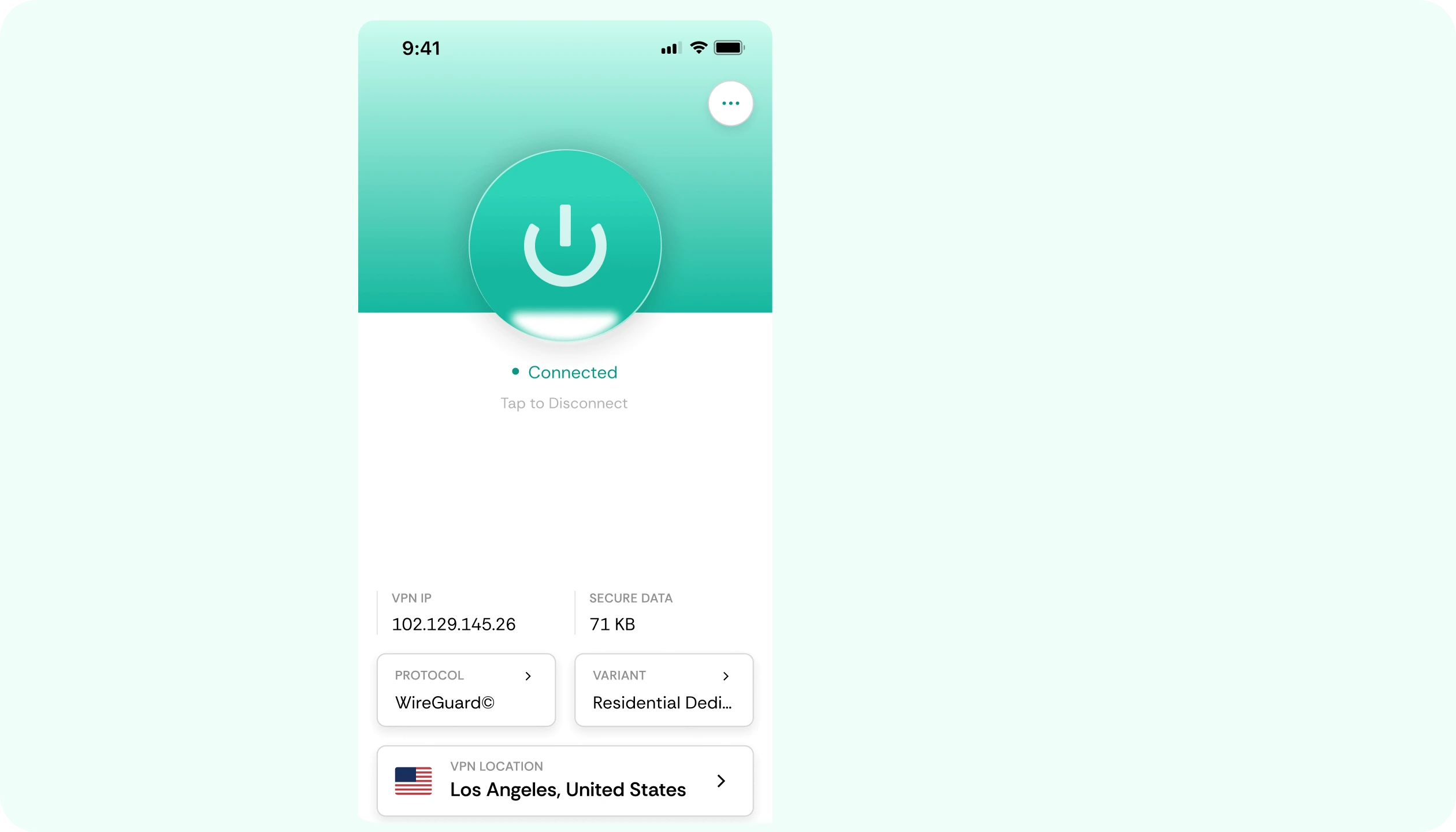
Install CometVPN on the device you use for Roblox, connect to a nearby server, and play Adopt Me with protected traffic.
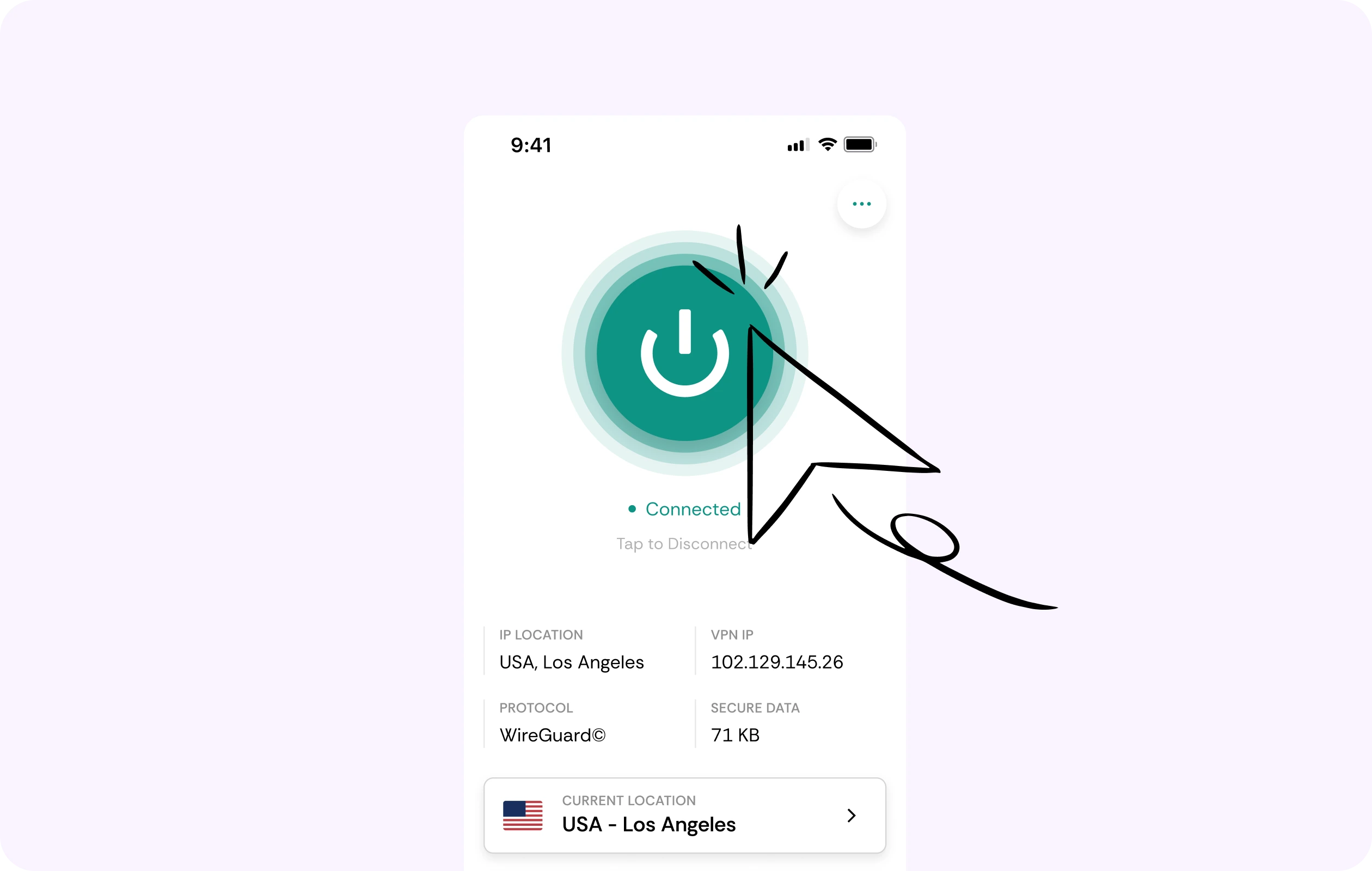
Safer trading and pet collecting
Adopt Me is built around pets, eggs, trading, houses, events, and social play. CometVPN helps protect your connection while you manage your Roblox activity.
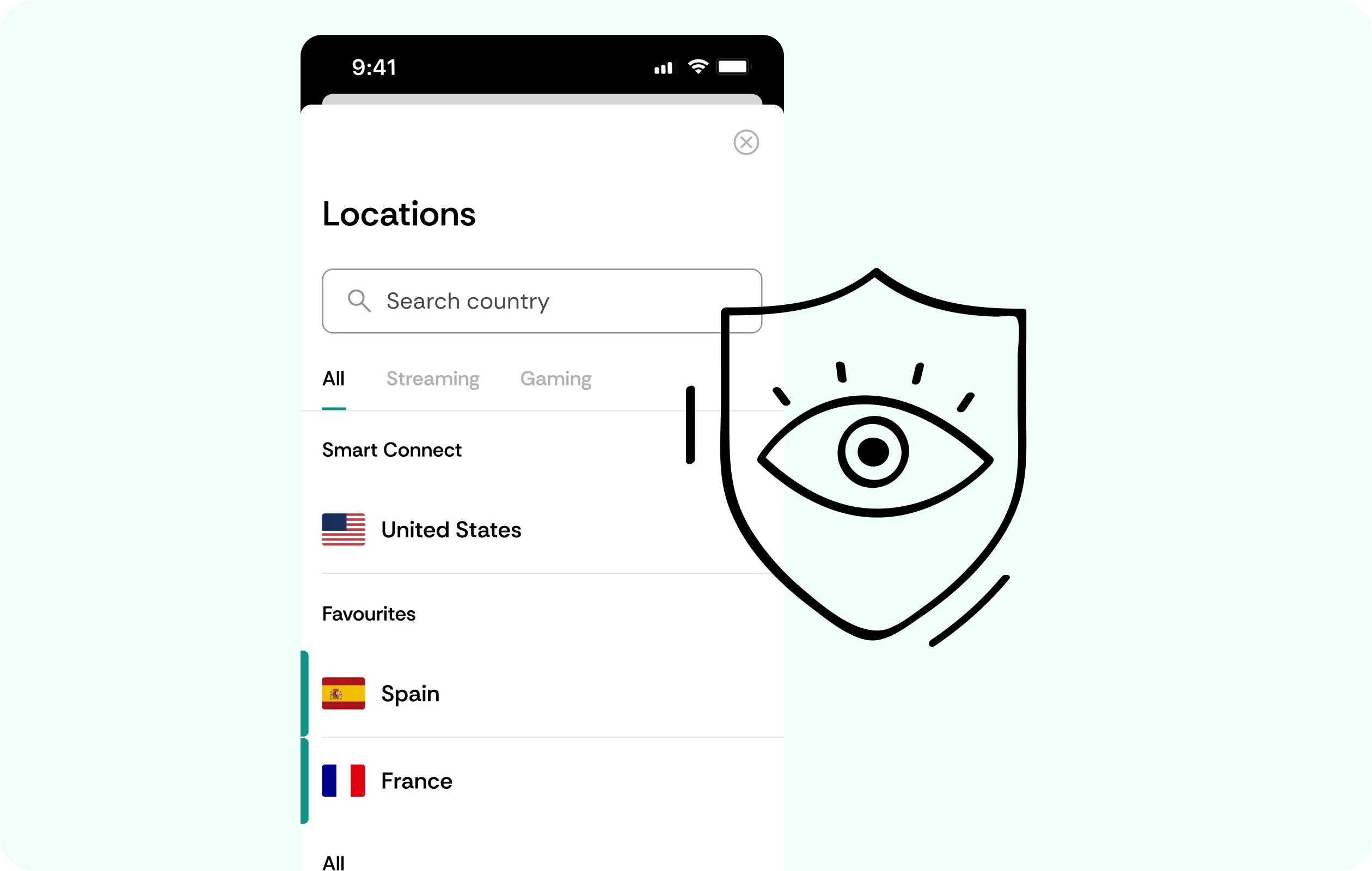
Security for Roblox accounts
CometVPN encrypts your traffic while you sign in, trade, chat, use Robux, access purchases, or play from networks you do not control.
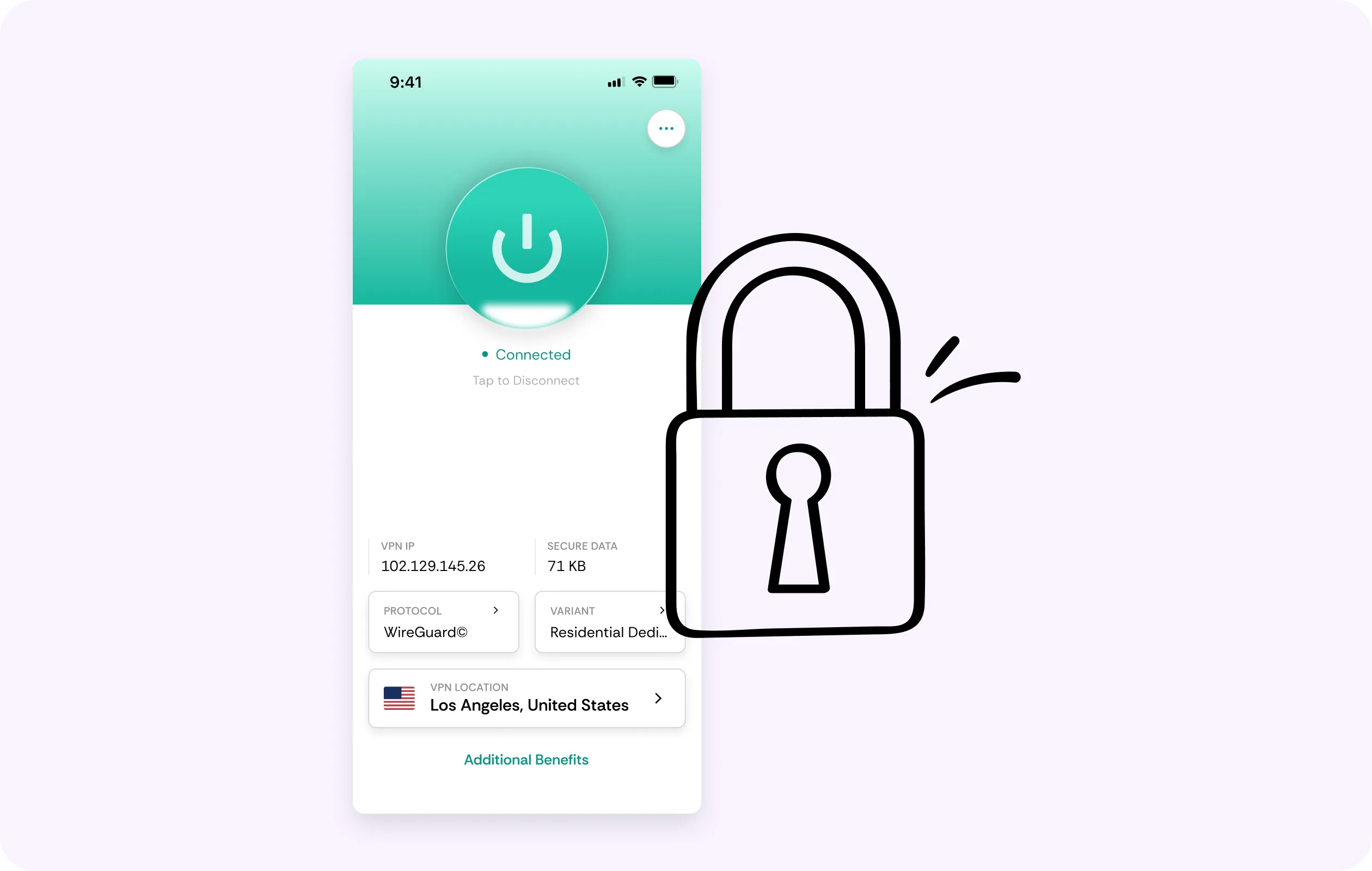
Global server coverage
Use VPN servers in 50+ countries to protect your connection while traveling, using school Wi-Fi, or playing from shared networks.
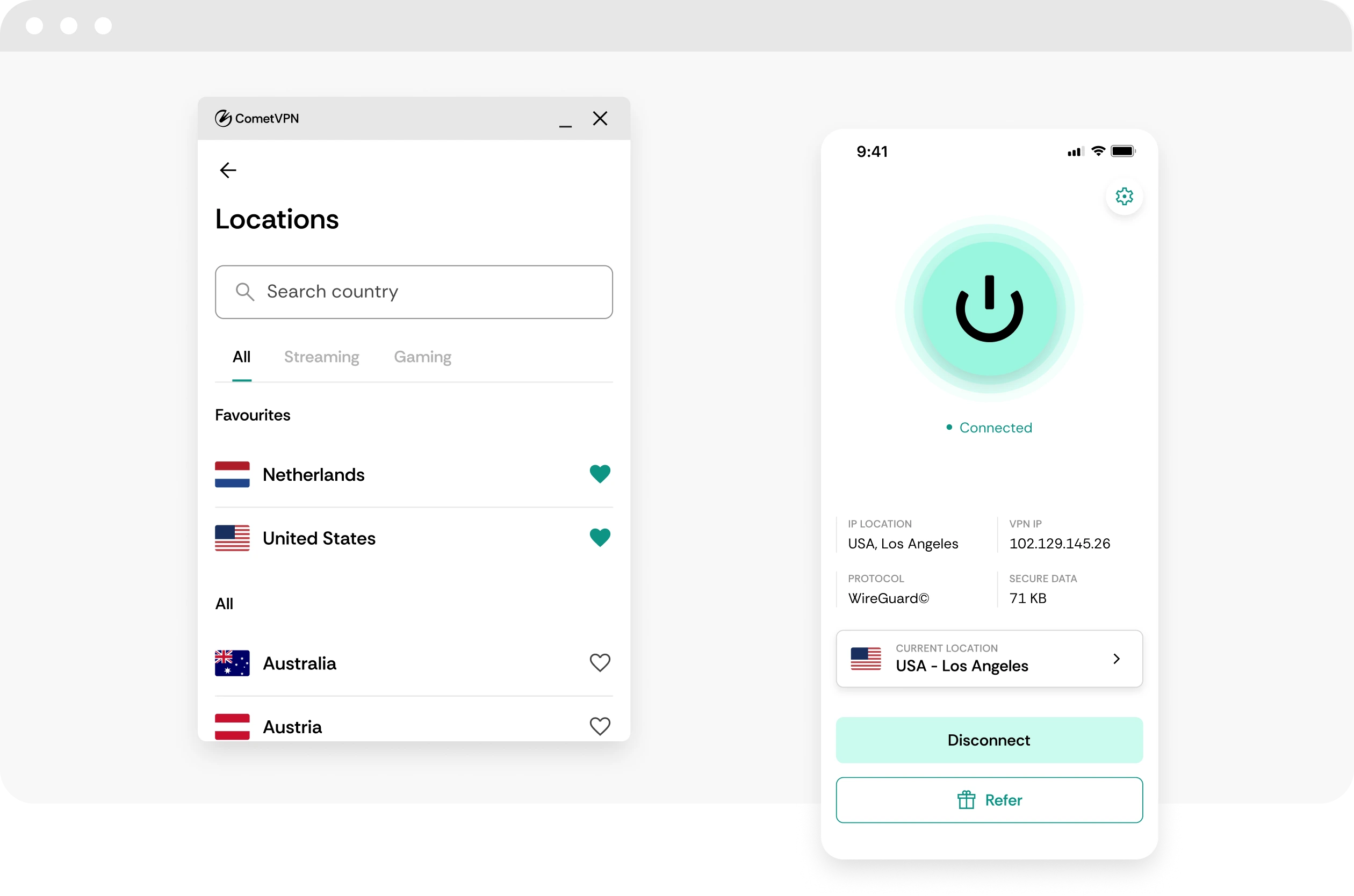
No-logs Roblox privacy
CometVPN does not track or store your activity, helping keep Adopt Me sessions, Roblox account access, and game traffic private.
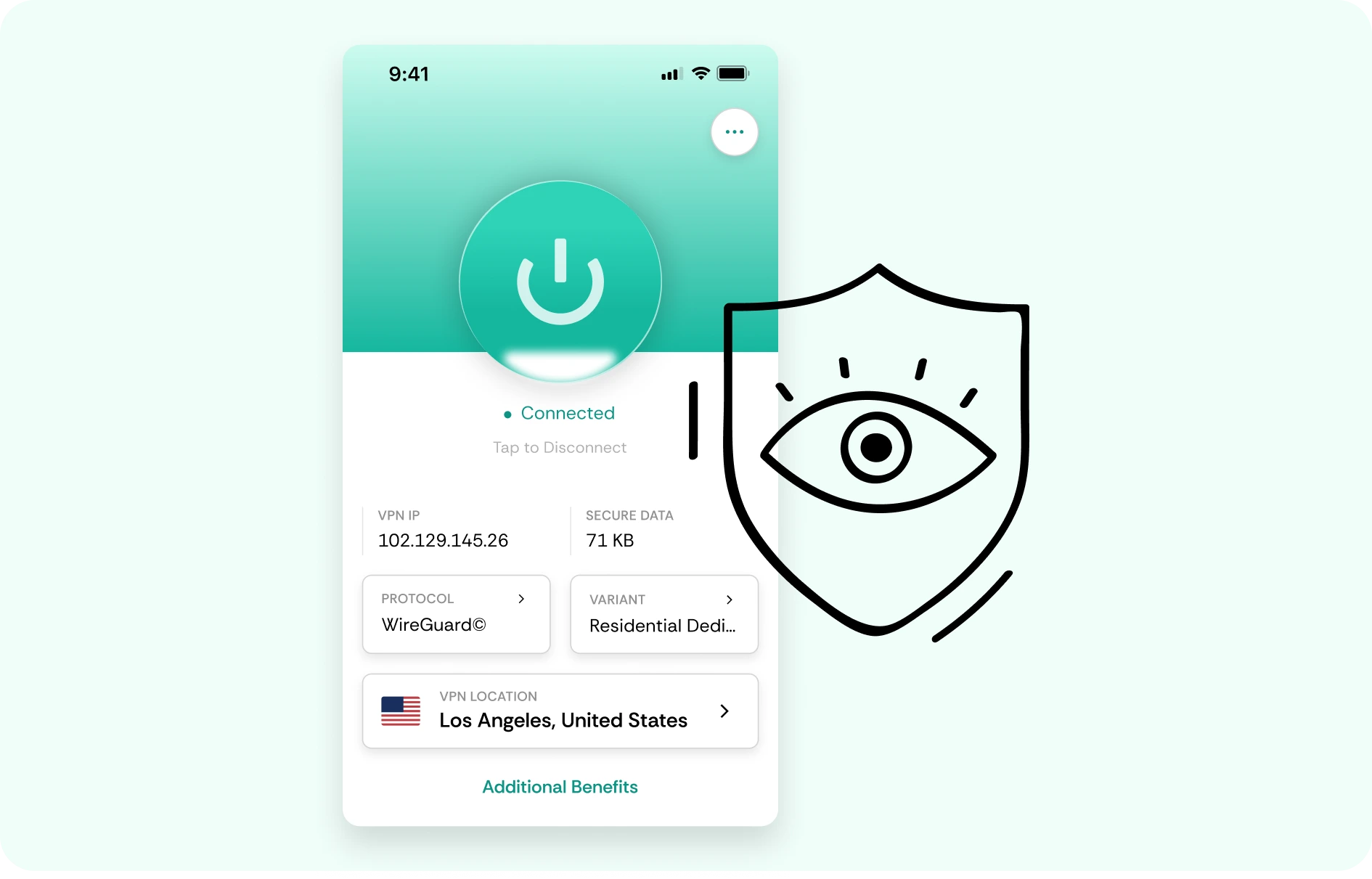
How to use CometVPN for Adopt Me
-
 Lauren Bennett
 Good VPN for bypassing social media censorship in Turkey.
-
 Amelia Cross
 I have been travelling a lot for the past few years, and as a rule - CometVPN is always on. It helps me to stay engaged with the news from my home country and I feel much safer knowing that my internet traffic is hidden.
-
 Marcus Holloway
 I just wanted privacy, so this was the perfect choice for me - I wasn’t forced to buy overpriced features, simple for everyday use. The only drawback is that sometimes the interface is not very intuitive, but their consultants have been very helpful for this.
-
 Samuel Whitaker
 CometVPN, although a bit limited in features, worked reliably. Truly a solid choice as I couldn’t find anything more affordable that also works for what VPN is supposed to do.
-
 Ethan Caldwell
 As a Canadian, I was frustrated by not being able to watch U.S. Netflix content, until I found CometVPN. I realized that with their servers, I could bypass restrictions easily and enjoy unlimited streaming.
What is Adopt Me?
Adopt Me is one of Roblox’s most popular social roleplay and pet-collecting games. Players adopt pets, hatch eggs, decorate homes, trade with other players, complete tasks, earn Bucks, and explore a colorful family-friendly world built around collecting, customization, and social play.
The game’s long-term appeal comes from its pet economy and constant update cycle. Players work toward rare pets, neon pets, mega neon pets, themed houses, vehicles, toys, and event rewards. Trading, building, roleplay, and limited-time updates keep the community active, making Adopt Me feel like a mix of pet simulator, social hangout, collection game, and Roblox economy hub.

Frequently asked questions
Should I use a VPN for Adopt Me?
A VPN can be useful for Adopt Me if you play Roblox on public Wi-Fi, shared family networks, school networks, hotels, or mobile data and want extra privacy. Adopt Me is not about competitive ping like a shooter, but stable access and account safety still matter. CometVPN encrypts your traffic and helps protect your real IP address while you play.
Can CometVPN help with Roblox or Adopt Me connection issues?
CometVPN can help if connection issues are caused by restrictive Wi-Fi, ISP congestion, or unstable routing. If Adopt Me keeps reconnecting or Roblox has trouble loading on a shared network, testing a nearby CometVPN server may help. It will not fix Roblox outages, device problems, weak signal, app bugs, or account restrictions.
Is a VPN useful for kids playing Adopt Me?
A VPN can add a privacy layer by encrypting network traffic and hiding the device’s real IP address from the network being used. This is helpful on public Wi-Fi or shared networks. It does not replace parental controls, Roblox privacy settings, safe chat habits, or adult supervision, but it can be one part of safer online play.
Will a VPN make Adopt Me faster?
Usually, a VPN will not make Adopt Me dramatically faster. The game is more dependent on Roblox servers, device performance, and local network quality than on raw speed. CometVPN can help if your network route is unstable or restricted, but the main benefits are privacy, safer public Wi-Fi access, and more secure traffic.
Is using a VPN for Adopt Me allowed?
Using a VPN for privacy and connection security is generally fine, but you should always follow Roblox rules and your local laws. A VPN should not be used to evade bans, bypass restrictions, create abusive accounts, or break platform policies. Use CometVPN to protect your connection - not to misuse Roblox or Adopt Me.
What VPN server should I use for Adopt Me?
Use a CometVPN server close to your real location. Adopt Me does not require ultra-low latency, so nearby servers usually give the best mix of stable loading, low delay, and privacy. If one location feels slow, switch to another nearby server rather than jumping to a faraway country.
Can CometVPN protect my Roblox login on public Wi-Fi?
Yes. If you log into Roblox or play Adopt Me from cafés, airports, hotels, dorms, schools, or other shared networks, CometVPN encrypts your connection and helps protect your login activity from unwanted snooping. You should still use a strong password and Roblox account protection settings.
Can a VPN help when Adopt Me is blocked on a network?
A VPN may help on some restrictive networks, but you should respect local rules, school policies, workplace policies, and Roblox terms. CometVPN can secure and reroute your traffic, but it should not be used to break rules or bypass restrictions where you are not allowed to play.
Does a VPN slow down Adopt Me?
A poor VPN can make Roblox or Adopt Me load more slowly if the server is far away or overloaded. With CometVPN, use a nearby server to keep the experience smooth while adding encryption and IP protection. If the game feels slow, test another nearby location and check your device or Wi-Fi quality.
What is the best VPN for Adopt Me?
The best VPN for Adopt Me should be simple, secure, stable, and easy to use across family devices. CometVPN is a strong choice for players and parents who want encrypted traffic, safer public Wi-Fi access, IP protection, and private Roblox sessions without making the game harder to play.