






Why You Need a VPN for Edge

Built-In Limits
Edge’s proprietary Secure Network offers basic protection with about 5GB a 5GB-a-month cap. There’s also no country choice, and streaming services are deliberately left on the sidelines. Our VPN for Edge lifts all three ceilings at once, so one subscription covers what the built-in feature lacks.

Locked-Down PCs
If you’re using a managed Windows machine, Edge can be the only browser IT allows. This rules out installing a separate Microsoft Edge VPN. Luckily, there’s Comet’s VPN extension for Edge, available in Microsoft’s own store, filling the gap for locked-down PCs.

No Location Choice
Secure Network routes you through a server it picks. A site that depends on a particular location can stay out of reach because of this. With CometVPN’s VPN for Microsoft Edge, users can hand-pick the server directly, which the built-in feature can’t offer.

Beyond One Browser
The built-in feature stops when a phone call comes in, a call opens in another app, or you switch browsers. Your CometVPN account isn’t locked to just one browser app. The same subscription can cover your connections to Edge and different platforms on all personal devices.
CometVPN Features for Edge Users
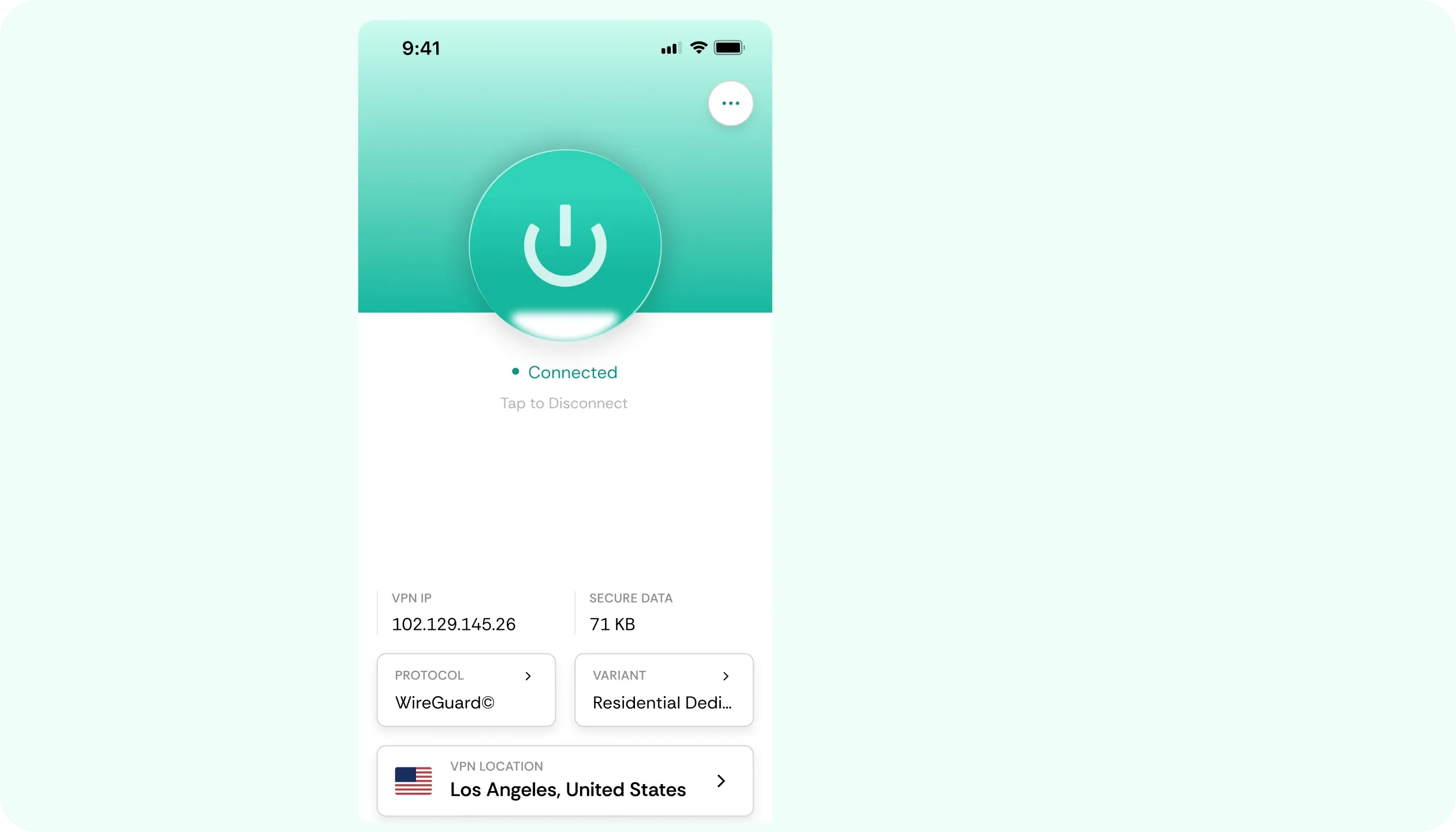
Residential IP
A lot of websites treat data center addresses as suspicious. When flagged, such IPs prompt CAPTCHAs or outright blocks. This is why our VPN for Edge provides a residential IP, which looks like someone’s home line.
Speed Without a Cap
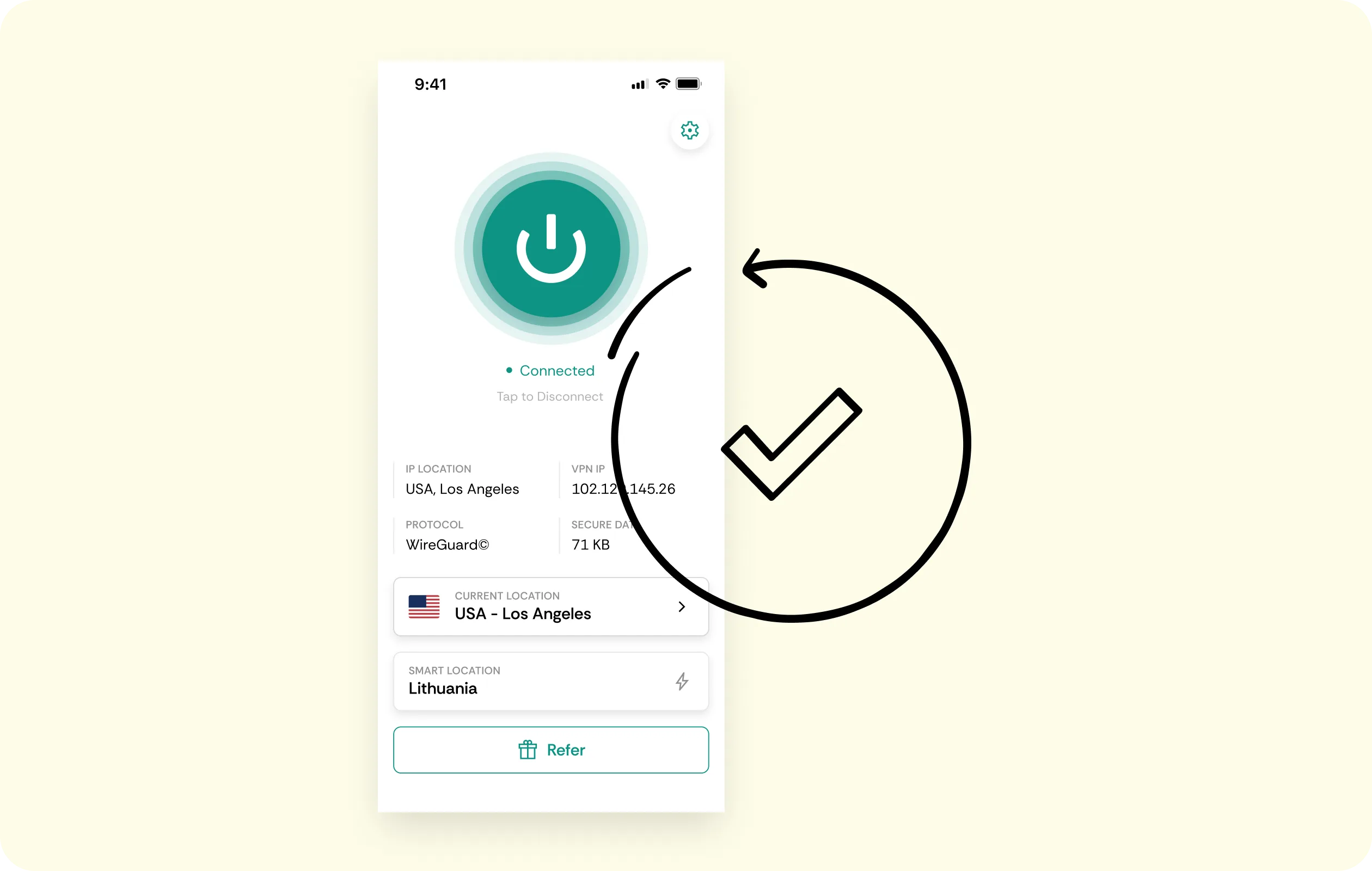
The built-in feature is quite limited because it runs out at 5GB a month. CometVPN sessions have no monthly data caps, so an evening, a week, or a month of binge-watching won’t hit any ceilings.
No-Logs Policy
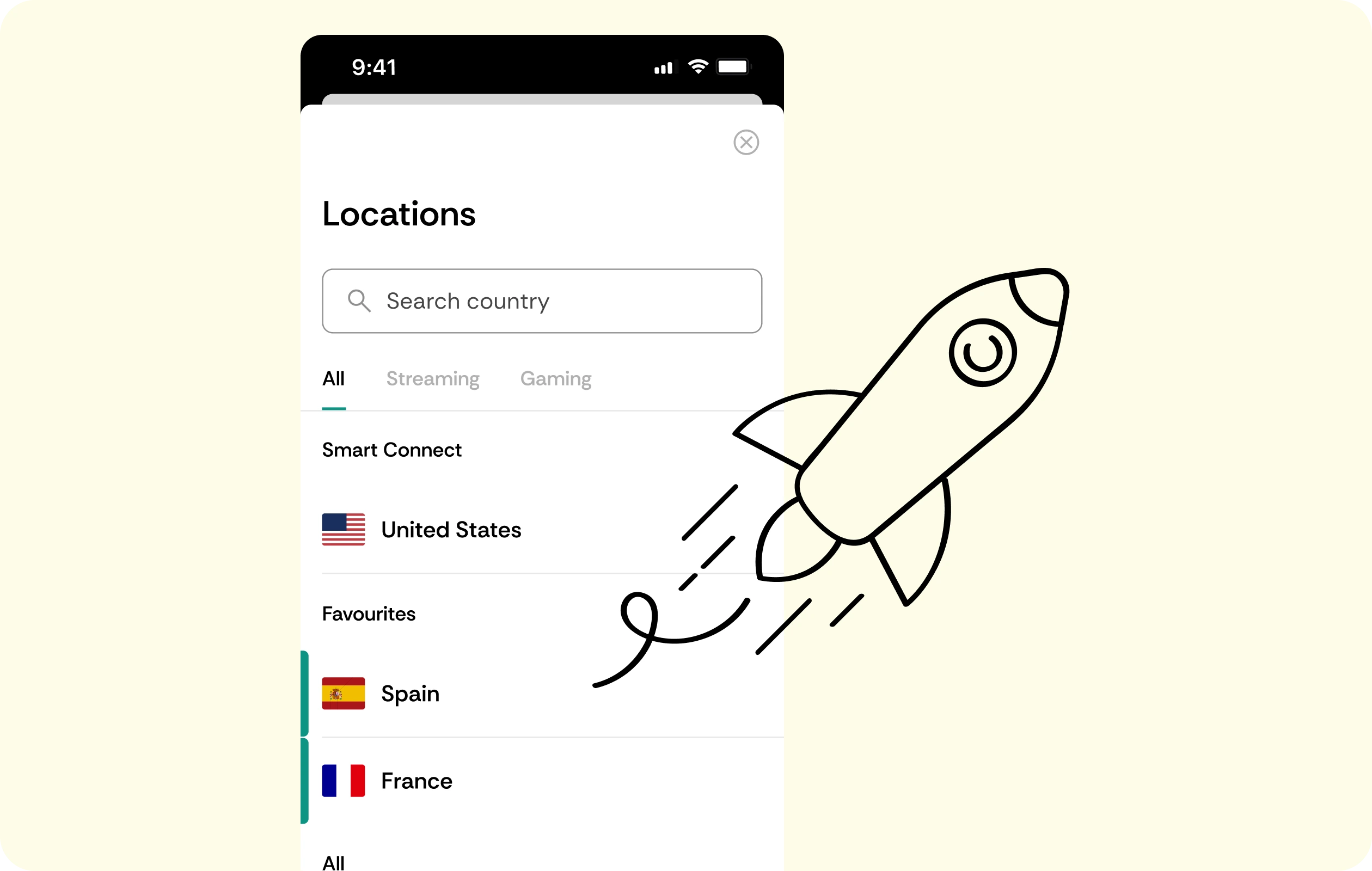
Our Edge VPN for PC and other devices works the same way by employing a no-logs policy. It means that your browsing history stays off the record, from the first tab to the last.
Browser Encryption
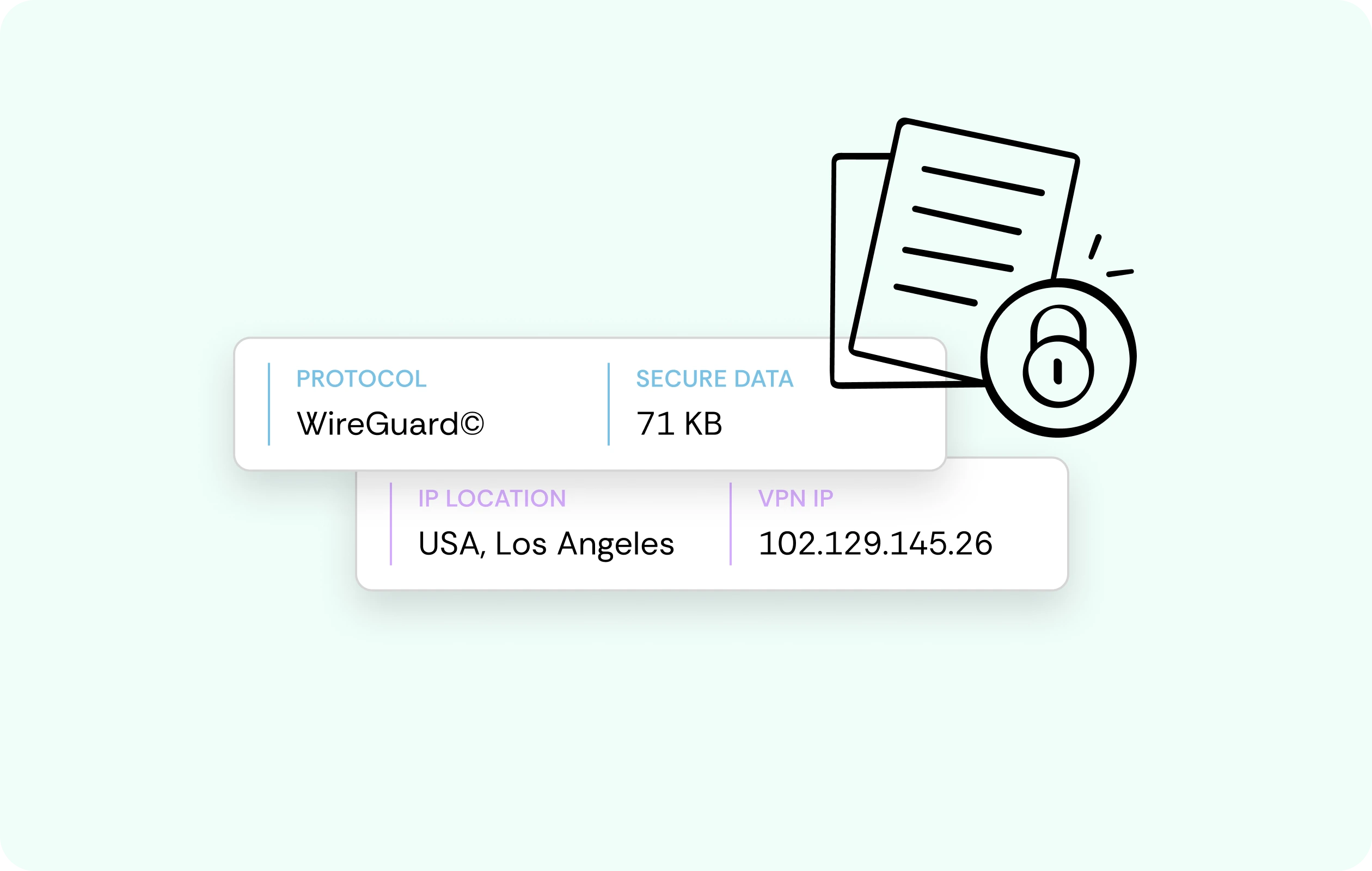
Type in your login on a page, run a search, or submit a form, and someone can expose it. Fortunately, CometVPN encrypts all of it between the browser and our server, so others see scrambled data.
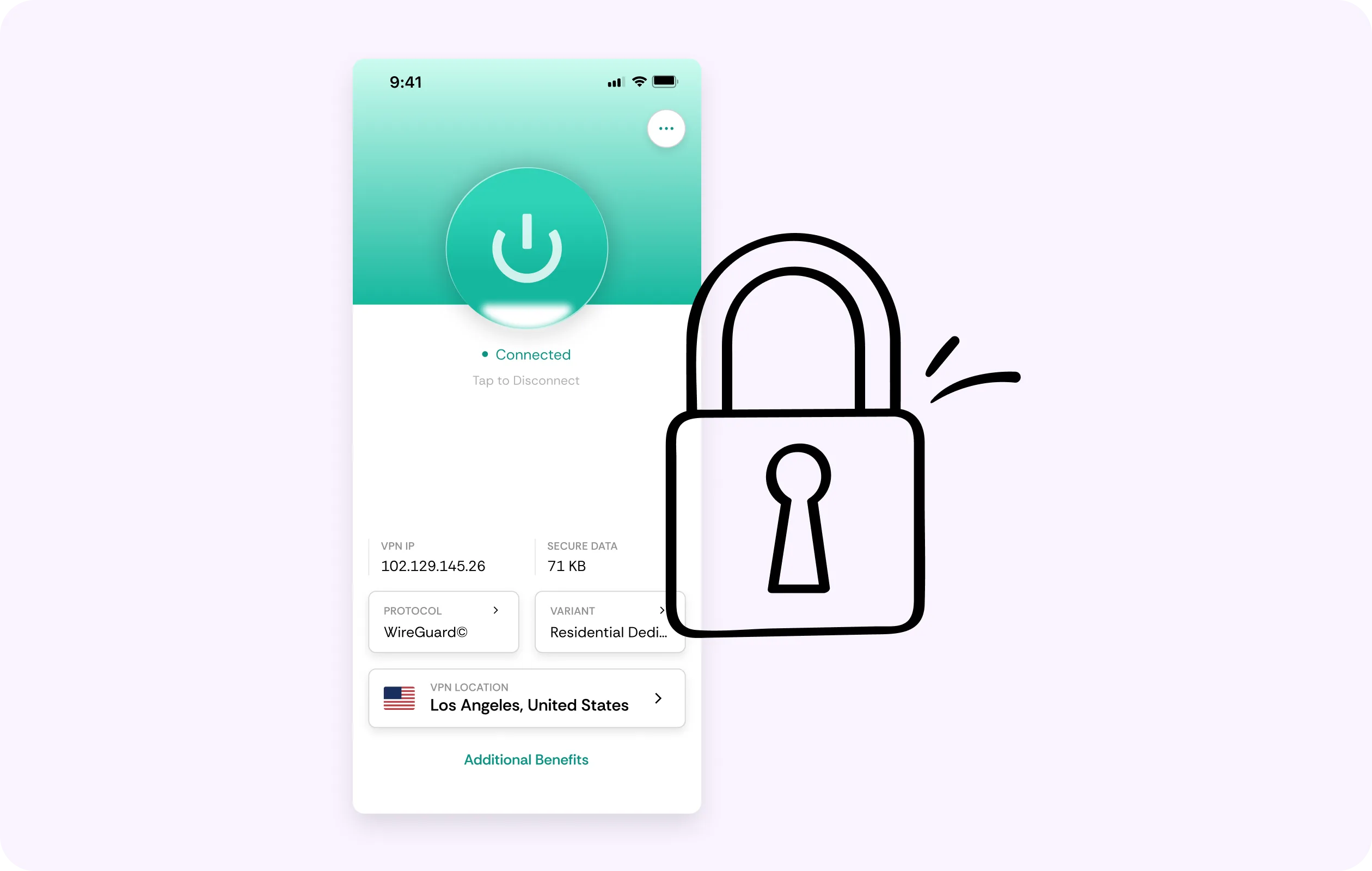
Multi-Device Coverage
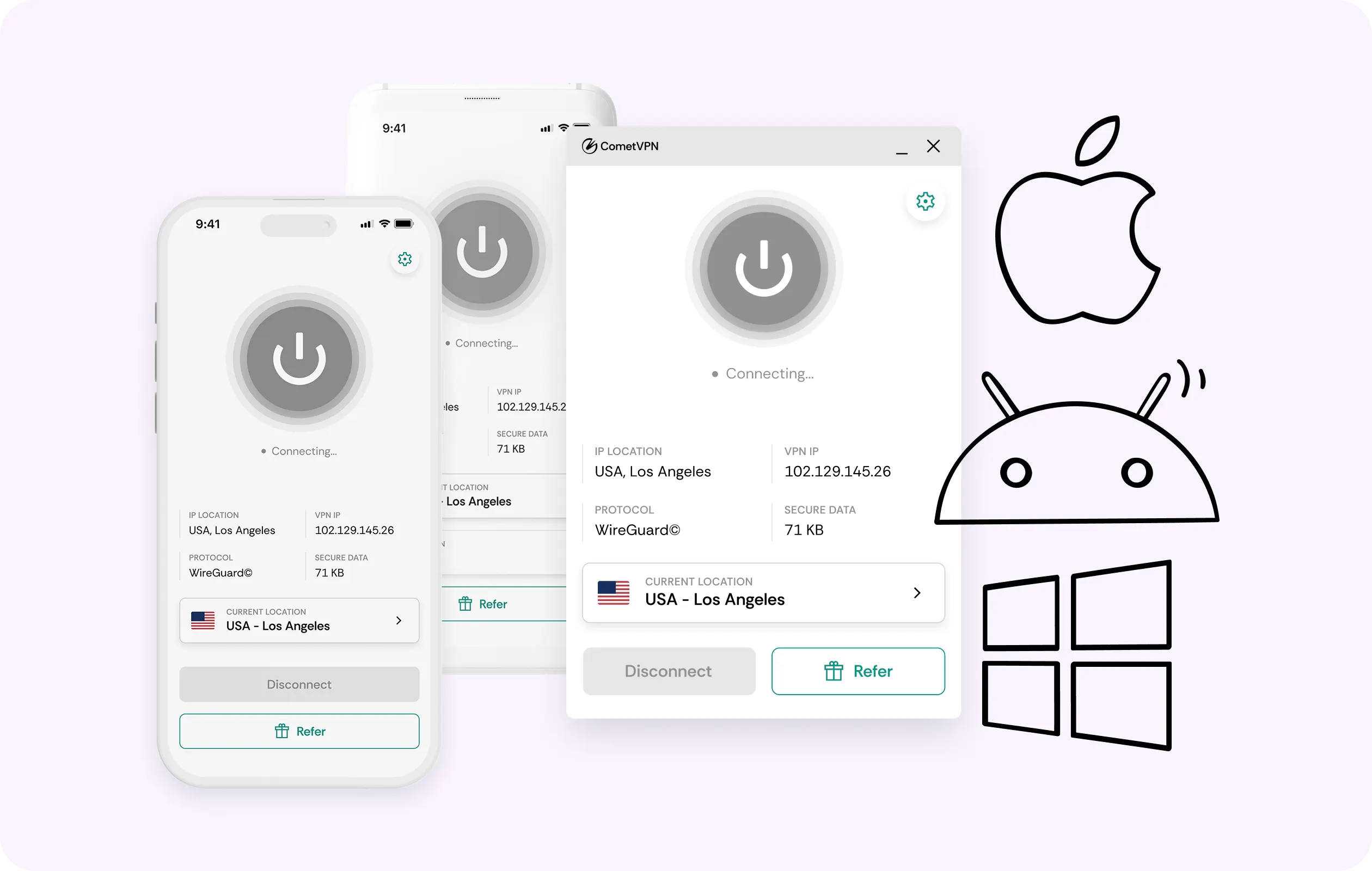
One CometVPN account reaches your phone and other devices too, not just Edge on PC. One subscription is enough for all devices without limits. Use the Microsoft Edge VPN app where the extension can’t reach.
Why Edge Users Trust CometVPN
-
 Lauren Bennett
Good VPN for bypassing social media censorship in Turkey.
-
 Amelia Cross
I have been travelling a lot for the past few years, and as a rule - CometVPN is always on. It helps me to stay engaged with the news from my home country and I feel much safer knowing that my internet traffic is hidden.
-
 Marcus Holloway
I just wanted privacy, so this was the perfect choice for me - I wasn’t forced to buy overpriced features, simple for everyday use. The only drawback is that sometimes the interface is not very intuitive, but their consultants have been very helpful for this.
-
 Samuel Whitaker
CometVPN, although a bit limited in features, worked reliably. Truly a solid choice as I couldn’t find anything more affordable that also works for what VPN is supposed to do.
-
 Ethan Caldwell
As a Canadian, I was frustrated by not being able to watch U.S. Netflix content, until I found CometVPN. I realized that with their servers, I could bypass restrictions easily and enjoy unlimited streaming.
How to Use CometVPN with Edge
Get CometVPN subscription
Join our VPN service by choosing any of the plans available on our pricing page
Download our VPN software
Get our CometVPN app for Apple, Android, or Windows and install it on your device
Enable VPN protection
Install the extension from Edge Add-ons, sign in nearby, then pick a server.
Frequently Asked Questions
Why Isn't Edge's Built-In VPN Enough for Me?
Because basic protection has data limits of only 5GB per month. Plus, it offers no location options, and streaming is excluded altogether. The best VPN extension for Edge removes all limits.
Does the Edge Extension Protect My Whole Computer?
The extension only covers the browser’s traffic. If you want to protect other apps and background traffic, use the full CometVPN app. It protects the whole device and includes the kill switch.
Is Using a VPN Extension with Edge Legal?
It depends on the jurisdiction. Using VPNs is legal in most countries, but check local law and workplace rules, since we can’t give any legal guarantees.
Can I Use It Alongside Edge's Secure Network?
We recommend turning Edge’s built-in feature off while our VPN extension for Edge is active. Running both makes them overlap, and the extension already covers Secure Network’s capabilities, only better.
Why Not Just Use Edge's Free Built-In VPN?
It suits occasional use. However, if you reach the 5GB cap, with no location choice, a free VPN for Edge will immediately fall short, while CometVPN adds obfuscated servers for filtered networks.