









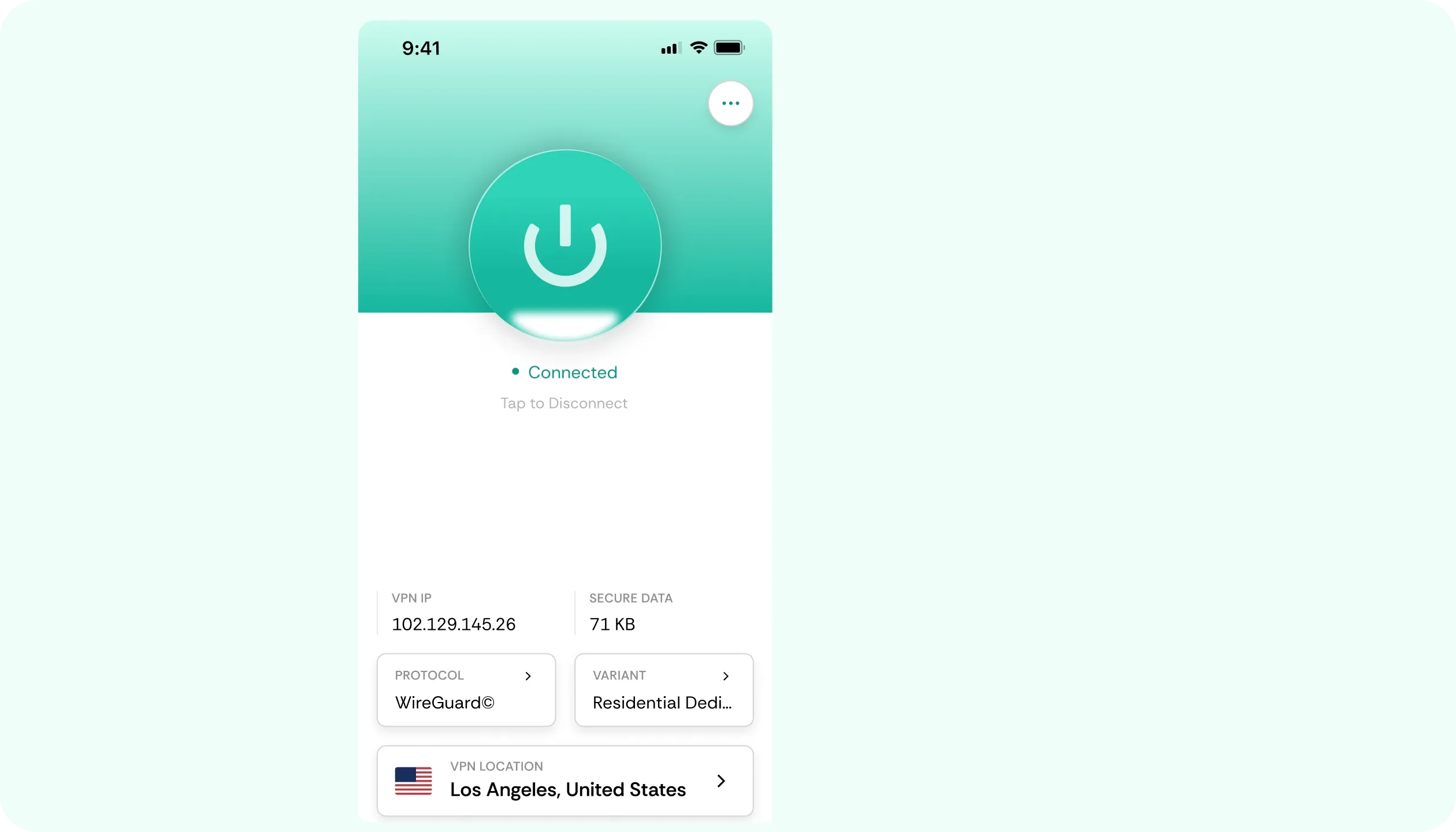

Why You Need a VPN for Chrome

No Built-In VPN
Google bundled a VPN into its Google One plans from 2020, but shut down the product in June 2024, citing low usage. Chrome, the browser itself, has never had a built-in VPN. The CometVPN extension is a Google One VPN alternative that lives right in the browser.

Managed Chromebooks
Schools and offices often run Chromebooks under managed accounts, which can block standalone apps. The best solution is an approved Chrome VPN extension, which can sit within those policies, where a separate app can’t. This is what the CometVPN extension was built for.

Site-Level Blocks
There are plenty of reasons why websites or platforms become unreachable: workplace policies, regional restrictions, or wide blanket filters. Routing that traffic through a VPN for Chrome sends traffic somewhere else, and pages, apps, or platforms load normally once again.

Airport Wi-Fi Logins
If you’re logged into a public network, your passwords, browsing patterns, and possibly even payment info all cross whatever Wi-Fi you happen to use. Our VPN extension for Chrome will encrypt browser traffic before it leaves your laptop or tablet, so hotspot owners see nothing.
CometVPN Features for Chrome Users
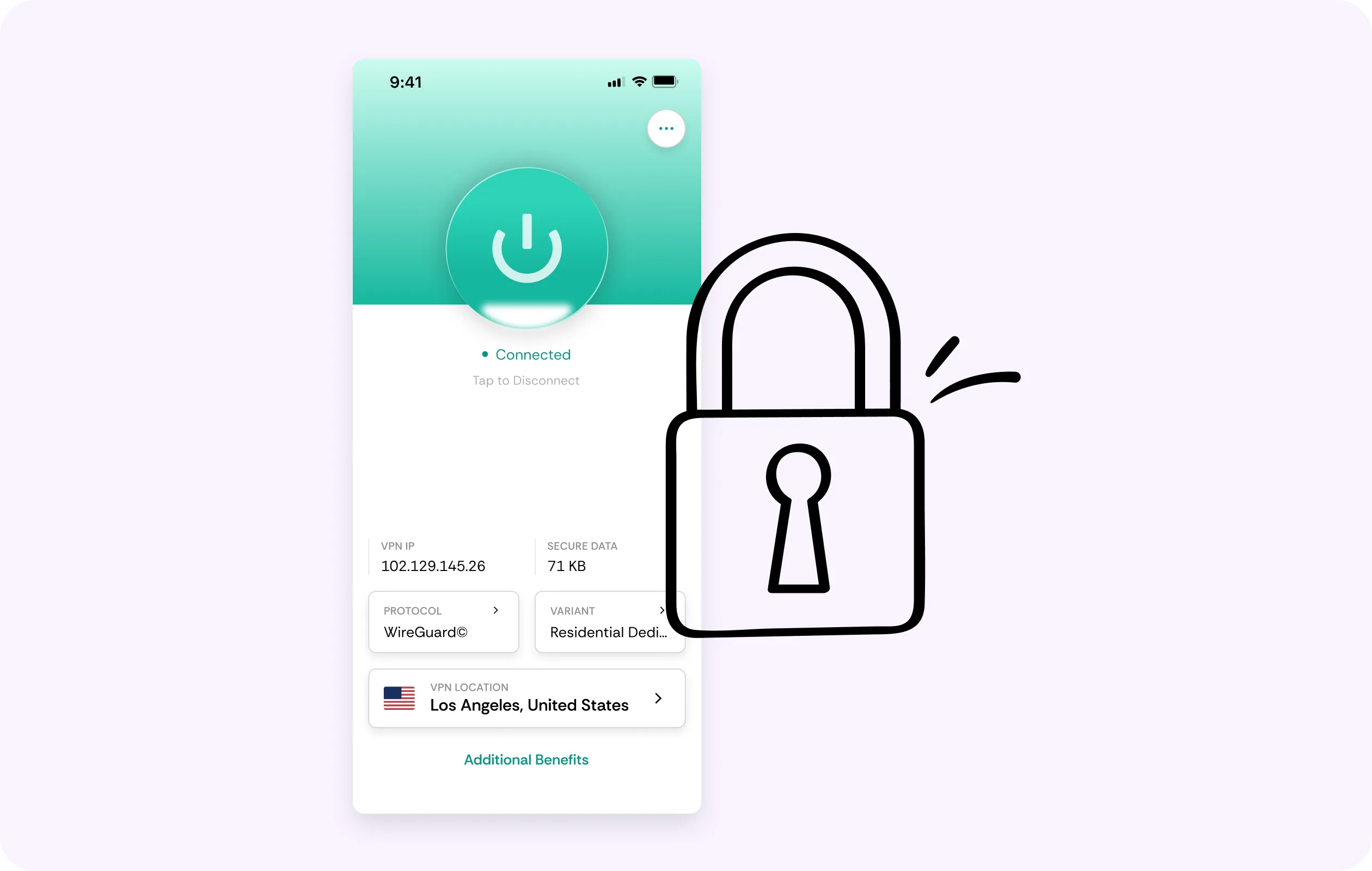
Residential IP
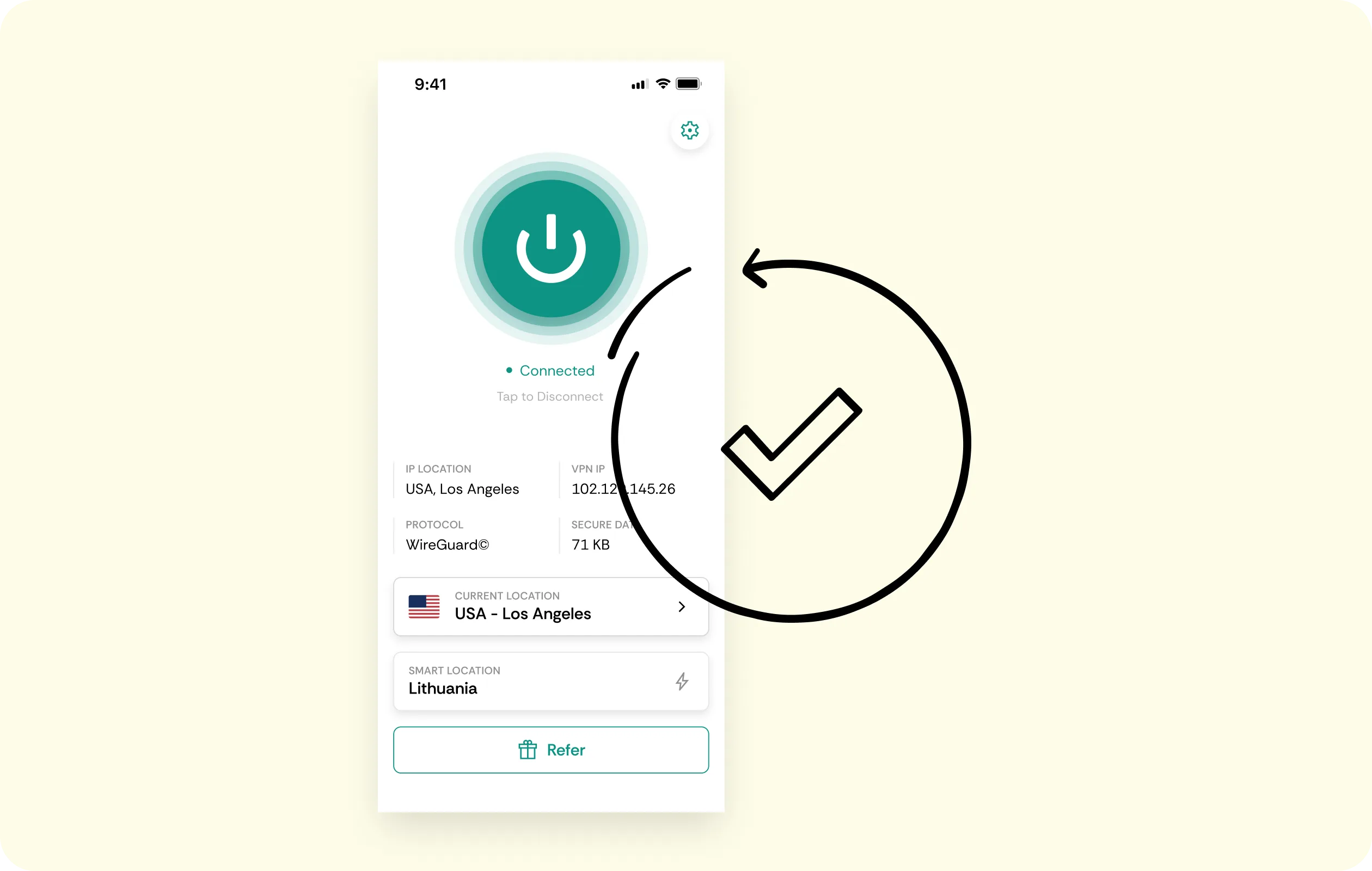
Chrome users hit CAPTCHAs and blocks the moment a website or platform spots an IP from a data center range. The extension's residential IP option will look like a normal home connection, allowing normal logins and usage.
Low-Overhead Browsing
Users expect pages and media to load without any needless pauses or endless buffering. CometVPN tries to be the best VPN for Chrome and runs on lightweight WireGuard to keep overhead minimal, so Chrome feels like Chrome.
No-Logs Policy
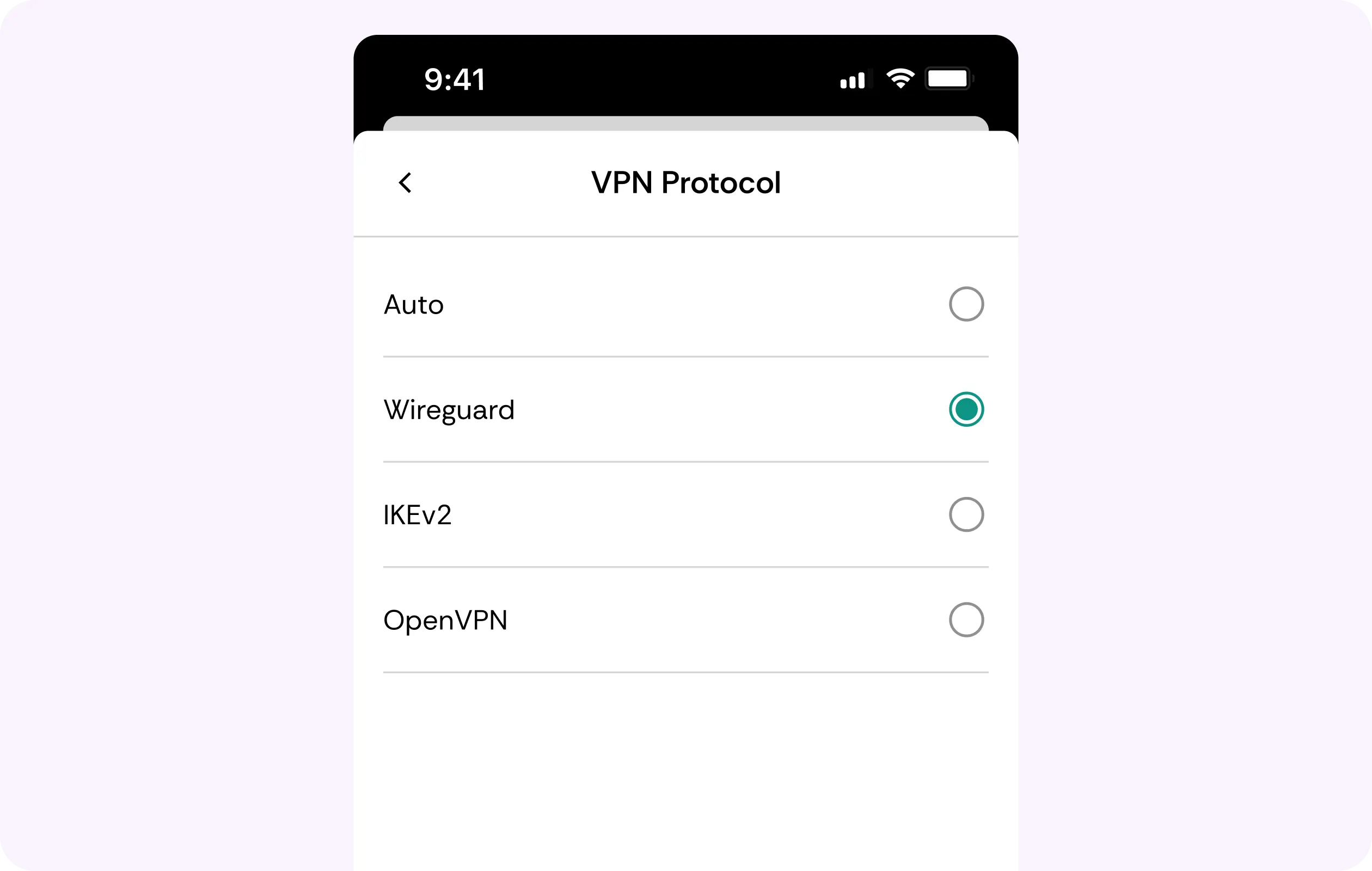
We don’t record which tabs you open and what searches you type in. CometVPN will keep no activity logs from its users, so your browsing history remains your private business, not an entry on our servers.
AES-256 Encryption
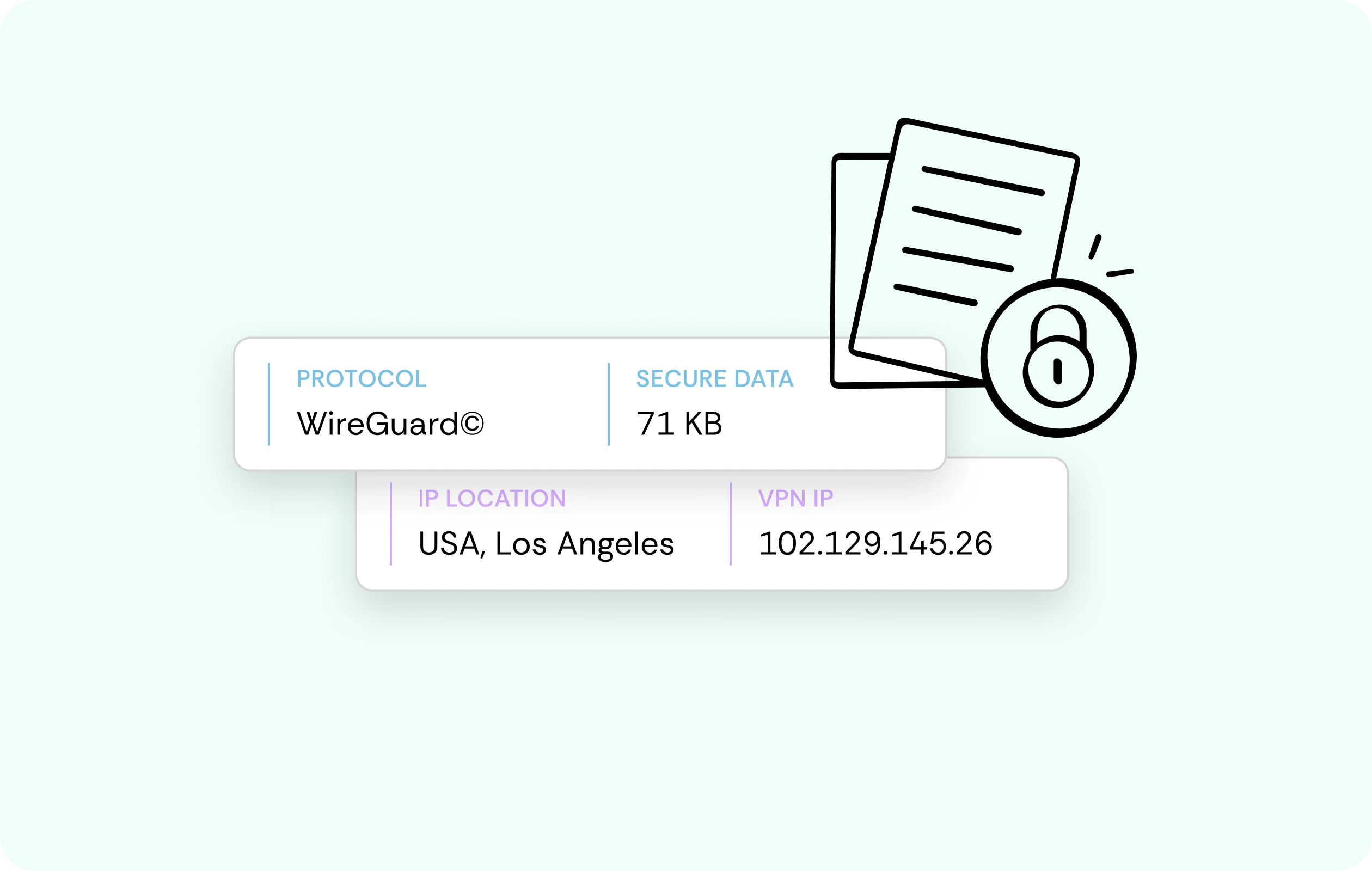
Logins, searches, and form submissions travel from Chrome to our server inside an AES-256 encrypted tunnel. This way, café, campus, airport, or any other public network admins or snoopers see scrambled data – nothing more.
Works Across Devices
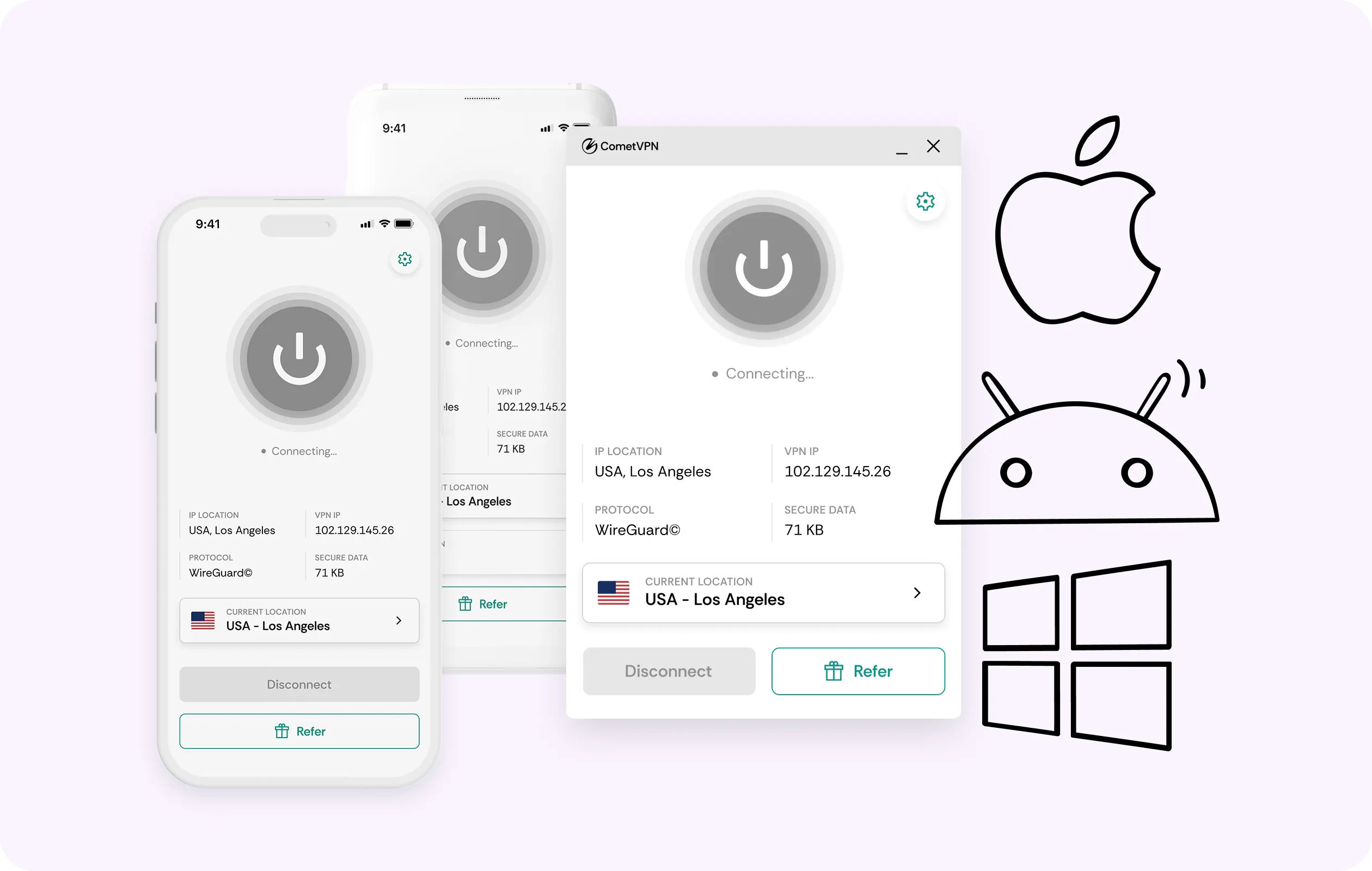
Use Chrome on your work laptop, your home desktop, or even your personal smartphone and tablet. One CometVPN account covers the Chrome VPN extension on every single device you have, without the need to juggle logins.
Why Chrome Users Trust CometVPN
-
 Lauren Bennett
 Good VPN for bypassing social media censorship in Turkey.
-
 Amelia Cross
 I have been travelling a lot for the past few years, and as a rule - CometVPN is always on. It helps me to stay engaged with the news from my home country and I feel much safer knowing that my internet traffic is hidden.
-
 Marcus Holloway
 I just wanted privacy, so this was the perfect choice for me - I wasn’t forced to buy overpriced features, simple for everyday use. The only drawback is that sometimes the interface is not very intuitive, but their consultants have been very helpful for this.
-
 Samuel Whitaker
 CometVPN, although a bit limited in features, worked reliably. Truly a solid choice as I couldn’t find anything more affordable that also works for what VPN is supposed to do.
-
 Ethan Caldwell
 As a Canadian, I was frustrated by not being able to watch U.S. Netflix content, until I found CometVPN. I realized that with their servers, I could bypass restrictions easily and enjoy unlimited streaming.
How to Use CometVPN with Chrome
Get CometVPN subscription
Join our VPN service by choosing any of the plans available on our pricing page
Download our VPN software
Get our CometVPN app for Apple, Android, or Windows and install it on your device
Enable VPN protection
Install the extension from the Chrome Web Store, sign in, choose a server.
Frequently Asked Questions
Does Chrome Have a Built-In VPN?
No, and the closest thing that was ever on offer – Google One VPN shut down in June 2024. A VPN extension for Chrome like CometVPN fills that gap directly inside the browser app.
Does the Chrome Extension Protect My Whole Computer?
No, it can only protect Chrome traffic. Other apps and background traffic need the full app for Windows, Mac, or Linux, which protects everything and includes a kill switch. Compare plans.
Is a VPN Extension for Chrome Legal?
In most jurisdictions, yes. However, local laws and specific terms of sites and platforms still apply, so check both if you’re unsure. We can’t offer legal guarantees.
Will the Extension Work on My School Chromebook?
Often, but it’s not 100% guaranteed. Managed Chromebooks have set policies from employers or schools, and some also restrict extensions. Check with your device’s administrator settings to confirm.
Why Not Use a Free VPN Extension for Chrome?
Almost every free VPN for Chrome still has bills to pay and manages it by selling browsing data, the very thing you want to protect. CometVPN keeps that data yours.