









Stripchat Age Verification Bypass Problems: Safe Fixes Without Risky Tools
Age verification on adult platforms should be simple: confirm that you are an adult, continue, and move on.

Laura Valskytė
10 min read
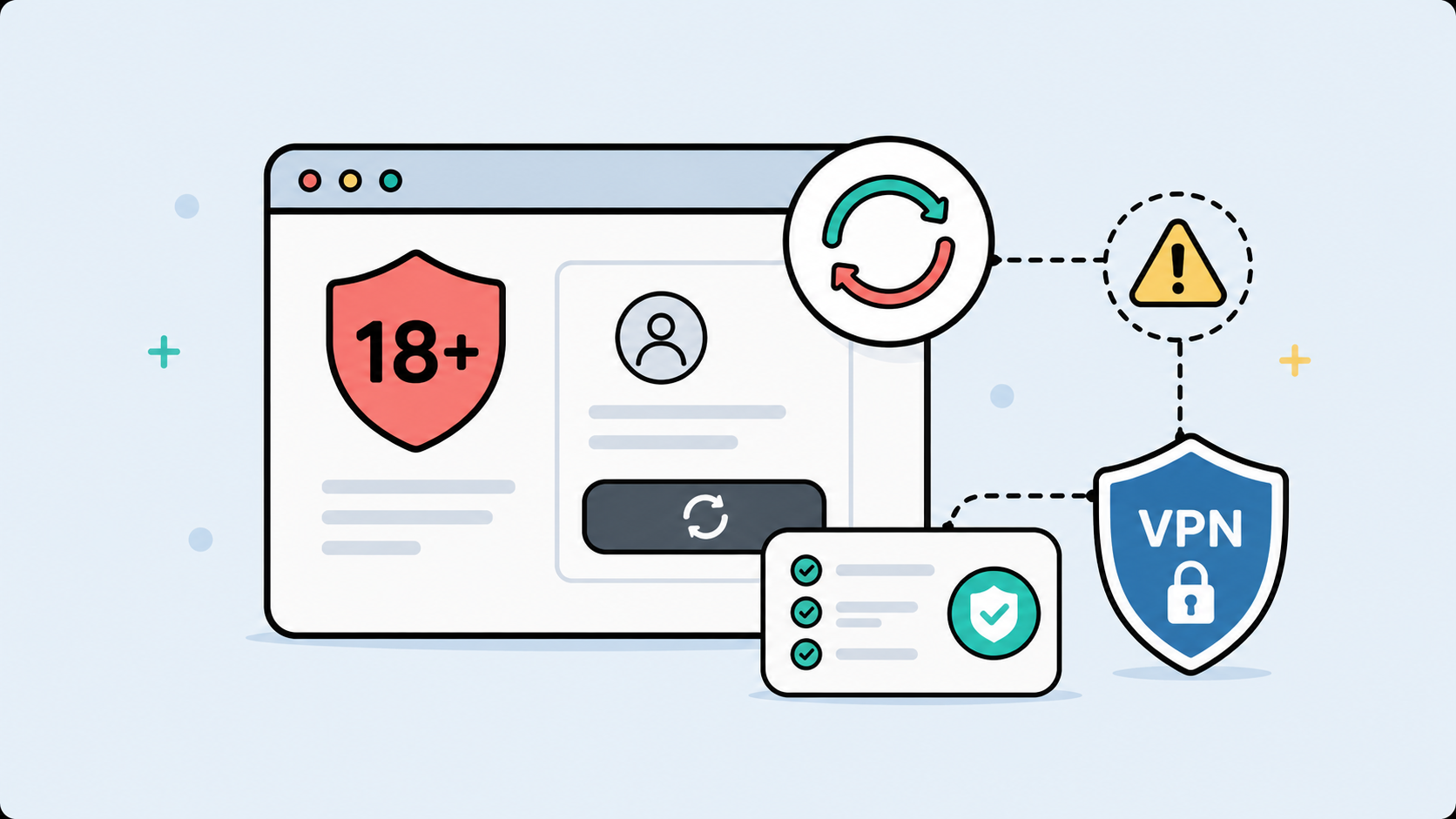
Age verification on adult platforms should be simple: confirm that you are an adult, continue, and move on.
In reality, it does not always work that smoothly.
Sometimes the age prompt keeps coming back. Sometimes the button does not respond. Sometimes the page reloads and asks again. Sometimes Stripchat works on mobile data but not on Wi-Fi. And sometimes the issue only appears when a VPN, private browser window, cookie blocker, or public network is involved.
That is where the phrase “Stripchat age verification bypass” usually enters the picture.
But let’s be clear about the safe version of that question.
If you are under 18, you should not try to access adult content or bypass age checks. Age verification exists to keep adult platforms away from minors.
If you are an adult and the verification prompt is broken, looping, or failing because of browser settings, cookies, region signals, VPN switching, or network filters, then the real problem is not age. The problem is the setup.
This guide is about fixing that setup safely, without fake bypass tools, suspicious mirror sites, shady browser extensions, or anything that puts your privacy at risk.
What “Bypass” Should Mean Here
The word “bypass” is messy when adult websites are involved.
For some people, it sounds like tricking the system. That is not what this guide is about.
A safer way to understand it is this: you are not bypassing age rules. You are bypassing the technical problems that make the age verification prompt fail when you are already an adult.
That can mean fixing a broken cookie session. It can mean using a more stable VPN connection. It can mean turning off an extension that blocks the verification script. It can mean avoiding public Wi-Fi that filters adult sites. It can mean clearing corrupted site data and starting with a clean browser session.
That is very different from using fake age tools or third-party “verification bypass” pages.
A legitimate age check should be completed through the official site flow. A broken age gate should be fixed by cleaning up the browser and connection environment around it.
Why Stripchat Age Verification May Fail
Adult platforms often rely on a few small technical signals to remember whether you already passed an age prompt.
That can include cookies, session storage, local browser data, region information, and sometimes scripts that load inside the page. When one of those pieces is blocked or unstable, the whole age gate can act broken.
If cookies are blocked too aggressively, Stripchat may not remember that you already confirmed your age. If you use private browsing, the site may forget the session as soon as you close the window. If a privacy extension blocks the age verification script, the button may not work at all.
VPN behavior can also matter. A VPN is useful for privacy, but switching servers mid-session can confuse websites. If you open Stripchat from one IP location, verify, then reload from another location, the site may treat you like a new visitor.
Public Wi-Fi can make the problem worse. Hotels, airports, cafés, workplaces, and schools often filter adult websites. Sometimes they block the whole domain. Sometimes they only block scripts, images, or verification components, which creates a half-working page that never fully completes.
So if Stripchat age verification keeps appearing, it is usually not one single problem. It is the site failing to trust or save the current session.
The Safe Setup Before Opening Stripchat
The cleanest fix is to set up your privacy and connection before opening the site.
Do not open Stripchat first, see that it fails, then start changing VPN servers, clearing cookies, switching browsers, and reloading the same broken session over and over. That usually makes the problem harder to diagnose.
Start fresh.
Close the site. Open CometVPN. Choose one stable VPN location. Connect before reopening the browser. Then open Stripchat in a clean browser session or a separate browser profile.
That order matters because websites read your connection early. If you open the site before turning on your VPN, the first session may already be tied to your regular IP address or local network. If you then switch to a VPN mid-session, you may create the kind of mismatch that causes age prompts to repeat.
A good setup looks like this:
Connect to CometVPN first. Keep one VPN location active. Open a clean browser session. Allow the site’s required first-party cookies if the age gate needs them. Complete the official age prompt if it appears. Do not switch VPN servers while the site is open.
Simple, but it removes a lot of the chaos.
How CometVPN Helps With Stripchat Access and Privacy
CometVPN is not an age bypass tool.
It does not change your real age. It does not remove legal age requirements. It does not make adult content appropriate for minors. It does not replace any official age verification process that may be required in your region.
What it does help with is the connection layer.
That matters because adult browsing is sensitive. You may not want your real IP address exposed to adult websites. You may not want public Wi-Fi owners, hotel networks, workplace filters, or local network administrators to have a clear view of adult domains your device opens.
CometVPN helps by hiding your real IP address from the sites you visit, protecting your traffic on shared networks, and giving your browsing session a more stable location signal. It can also help if a public Wi-Fi network or ISP-level filter is interfering with Stripchat where access is legal.
Think of it as cleaning up the road between your device and the site.
The age gate still belongs to the site. CometVPN simply gives you a more private and consistent connection before that gate loads.
Browser Settings That Commonly Break Age Verification
A lot of age verification problems are browser problems wearing a different mask.
Strict cookie blocking is a common one. If your browser refuses to save the basic cookie that says you passed the age prompt, the site has no memory. You can confirm your age ten times and still get asked again.
Private browsing is another common cause. Private mode is useful for adult browsing because it reduces local history, but it also deletes session data when closed. If you want the site to remember your choice next time, private mode may work against you.
Extensions can be even more unpredictable. Ad blockers, script blockers, anti-tracking tools, privacy hardening extensions, and pop-up blockers can all interfere with verification prompts. Some are useful. Some break the page. The trick is not to disable all privacy protection forever, but to test what is actually causing the issue.
A separate browser profile can be a good middle ground. It keeps adult browsing away from your daily browser, work accounts, personal logins, and shopping sessions, while still allowing the site to save the small amount of data it needs to function.
That is often better than mixing adult sites into your main browser or relying only on private mode.
What Not to Use
This part matters.
Do not use random “Stripchat age verification bypass” websites. Do not download unknown APK files. Do not install browser extensions that promise to unlock adult platforms. Do not use mirror sites that ask for login details. Do not enter payment information into pages claiming they can remove age verification. Do not upload documents to third-party pages that are not part of the official site flow.
Those tools are not privacy tools. They are risk multipliers.
Many of them exist to collect data, push malware, steal credentials, redirect traffic, or trick people into paying for fake access. Adult browsing already carries privacy risk. Adding a shady bypass tool makes it worse.
A simple rule works well here: if a tool promises instant adult-site access and asks for your data, your browser permissions, your payment details, or your login, close it.
Safe Troubleshooting Flow
If Stripchat age verification keeps looping, use a clean sequence instead of random fixes.
Close Stripchat completely. Connect to CometVPN before reopening the site. Choose one stable location and keep it active. Open a clean browser profile or private window. Allow required first-party cookies if the prompt needs them. Complete the official age prompt if shown. Avoid switching VPN servers mid-session.
If it still fails, test another browser before changing everything else. If it works in one browser but not another, the issue is probably extensions, cookies, scripts, or corrupted site data.
If it works on mobile data but not on Wi-Fi, the network is probably filtering adult content. In that case, CometVPN may help create a more private and consistent connection where access is legal.
If it works with CometVPN off but not on one VPN server, try one different server, clear the site’s cookies, and test again. Do not keep jumping across countries every few minutes. That only creates more inconsistent signals.
When CometVPN Helps and When It Does Not
CometVPN helps when the problem is privacy, IP exposure, network filtering, unstable connection, public Wi-Fi, travel, or region mismatch.
It is especially useful if you are on a network you do not control. Public Wi-Fi can log, filter, or interfere with adult browsing. A VPN gives you a private tunnel before the site loads and keeps your real IP address away from the adult platform.
CometVPN also helps if your browsing session needs a stable location. Pick one server and stay with it during the session.
But CometVPN will not fix everything.
It will not make an underage user eligible for adult content. It will not remove official age requirements. It will not repair a broken browser extension. It will not make a fake verification page safe. It will not guarantee access in places where local rules restrict adult platforms.
The honest version is simple: CometVPN is a privacy and connection tool. Use it for that. Do not treat it as a fake age tool.
A Better Privacy Routine for Adult Sites
For adult browsing, the best setup is usually boring. That is a good thing.
Turn on CometVPN before opening the site. Use one stable location. Keep adult browsing in a separate browser profile or private window. Avoid logging in on shared devices. Do not use work laptops or school networks. Keep your browser updated. Block obvious third-party trackers where possible, but allow the required first-party cookies if the site needs them to remember the age prompt.
When finished, close the tab. If privacy matters more than convenience, clear site data after the session. If convenience matters more, keep only the minimum data needed for the site to work.
This is not about becoming invisible online. That is not realistic.
It is about reducing unnecessary exposure. Your ISP, public Wi-Fi owner, workplace network, browser extensions, and random third-party sites do not need more information than necessary.
FAQ
What is Stripchat age verification bypass?
In a safe context, it usually means fixing age verification problems when the prompt loops, fails, or does not save properly for an adult user. It should not mean helping minors access adult content or using fake verification tools.
Can CometVPN bypass Stripchat age verification?
CometVPN can help with privacy, IP address protection, public Wi-Fi issues, region mismatch, and unstable connections. It does not change your age, remove legal age requirements, or replace official age verification.
Why does Stripchat age verification keep appearing?
It may keep appearing because cookies are blocked, private mode deletes the session, a browser extension blocks the age gate, your VPN location changes, public Wi-Fi filters the site, or the browser has corrupted site data.
Is it safe to use Stripchat bypass tools?
Usually, no. Random bypass tools, mirror sites, APKs, and browser extensions can steal data, install malware, collect browsing history, or trick you into sharing login or payment information.
Should I use a VPN for Stripchat?
If you are an adult, using a VPN for Stripchat can be a smart privacy step. CometVPN hides your real IP address, protects your connection on public Wi-Fi, and helps keep your browsing session more private and stable.
Why does Stripchat work in one browser but not another?
Different browsers handle cookies, scripts, privacy settings, extensions, and storage differently. If it works in one browser but not another, the problem is probably browser-related, not account-related.
Final Thoughts
Stripchat age verification problems are usually not solved by risky bypass tools.
They are solved by cleaning up the environment around the prompt.
Use CometVPN before opening the site. Keep one VPN location active. Use a clean browser session. Allow the basic cookies the age gate needs. Avoid random extensions, fake verification tools, mirror sites, and anything asking for unnecessary personal data.
If you are an adult and the prompt is broken, fix the browser and connection problem. If you are under 18, do not try to access adult content.
That is the safer line: protect your privacy, respect age rules, and do not turn a small verification issue into a much bigger security problem.
Author
Laura Valskytė
Digital Marketing Specialist at CometVPN
Laura is a digital marketing specialist with a passion for online privacy and cybersecurity. At CometVPN, she focuses on content strategy, SEO, and helping users understand the tools that keep them safe online.
Related articles

4 min read
Ethernet vs Wi-Fi: Which One is Better?
Ethernet and Wi-Fi are the two main ways to connect your computer to the internet. While Wi-Fi has received significantly more attention in recent years, especially among consumers, due to its simplicity and flexibility, ethernet is still widely used in various other applications.
Even if Wi-Fi is significantly more popular, it isn’t strictly better. Both methods have their benefits and drawbacks. Wi-Fi’s popularity comes from its ease-of-use and flexibility, but an ethernet connection can be much more useful in certain scenarios.

Adomas Šulcas

5 min read
How to Change Chrome Proxy Settings: The Ultimate Guide
A proxy server is an easy alternative to a VPN that can perform most of the functions of the latter. It’s a server that stands between your device and the destination server, taking your connection requests and forwarding them in your name.
Destination servers in almost all cases see the proxy server as the originator of the request. As such, proxies are widely used in various, mostly business-related applications whenever privacy, security, location changing, and several other factors are at play.

Guoda Šulcaitė