









CometVPN Blog
If you want to stay safe, choose an anonymous VPN with a reliable no-logs policy that doesn’t store your data logs. These VPN providers often have the tools and reputation that allow you to reach a high level of anonymity.
6 min read
 Rasa Sosnovskytė
Choose Category

7 min read
Safari vs Chrome: Which Browser Is Better in 2026?
Compare Safari vs Chrome in terms of performance, user privacy, extension choice, and ecosystem compatibility to decide which one is better for your daily use.

Adomas Šulcas
8 min read
How to Check Your ISP (Internet Service Provider): 2026 Guide
Today, the internet is available almost anywhere we go. It is such a big and constant part of our lives that we no longer think about its source. Internet connectivity, however, does not spring from nowhere.
Your internet connection is provided by your internet service provider (ISP). Your online privacy, security, internet stability, bandwidth, and other factors depend on your ISP – and they can see a lot of your data. Thus, it is worthwhile to know how to check your ISP and what you can do to improve your data privacy.
6 min read
Double NAT: What It Is and How to Fix It
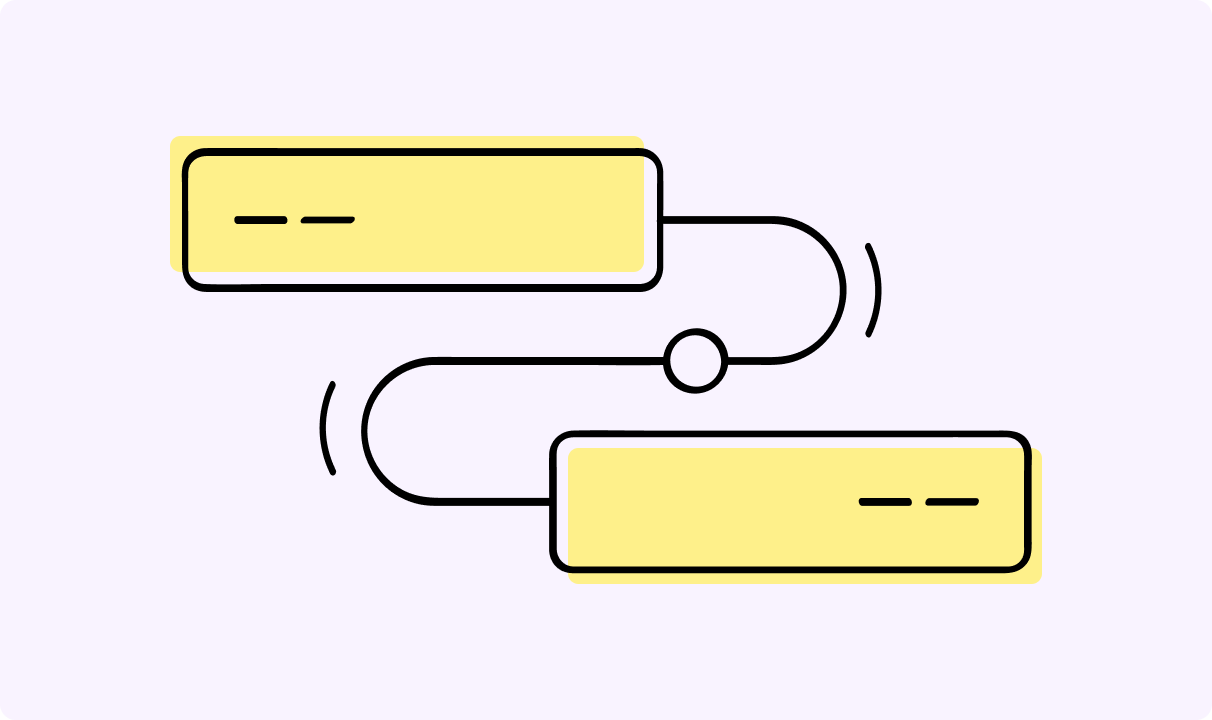
Double NAT happens when you have two routers connected in a chain, and both are trying to manage network traffic and assign private IP addresses. It usually pops up when you plug a new Wi-Fi router into the ISP-provided modem that already has its own routing smarts.

Guoda Šulcaitė

5 min read
How to Watch Live Sports on Hulu (Step-by-Step Guide)
In 2019, Disney acquired the majority stake in Hulu and, according to reports, Hulu + Live TV will eventually be integrated into Disney+. Yet, Hulu is still the most popular and arguably the most convenient way to watch live sports.
It's worth setting up and figuring out Hulu Live Sports now before it's fully integrated, as we do not know how the service might change later. The ways to resolve regional policies, rights holder agreement conflicts (blackouts), and other issues will likely remain the same, so you’ll be able to reuse the skills learned here.
Adomas Šulcas

5 min read
What is a Residential Proxy? How It Works & Use Cases
Key takeaways:
A residential proxy is a type of intermediary server that uses household IP addresses to mask your identity online. Unlike other similar servers that use cloud-hosted IPs, this proxy employs IP addresses that are assigned to physical devices in different residential areas by Internet Service Providers (ISPs).
When you send a request online while using this proxy, your request comes from one of the residential IP addresses assigned to a particular device owned by an actual person.
It seems like the request was sent from that device because your traffic is routed through a residential proxy as a middleman that uses this IP address.
Traffic becomes significantly less susceptible to tracking or figuring out your identity, which makes your web activities not linked to your physical location or other private data.
Guoda Šulcaitė
6 min read
Why Use a VPN? Essential Tips for Protecting Your Privacy
There were 1802 total data compromises in 2022 which translates into ~422M total victims. 1774 of those compromises were data breaches that could’ve been prevented at some level.
One of the most effective ways to enhance your online security, privacy, and accessibility is a virtual private network, better known as a VPN.
In this article you will understand what is a VPN, why use a VPN, and how it works to protect your online privacy.
Guoda Šulcaitė