









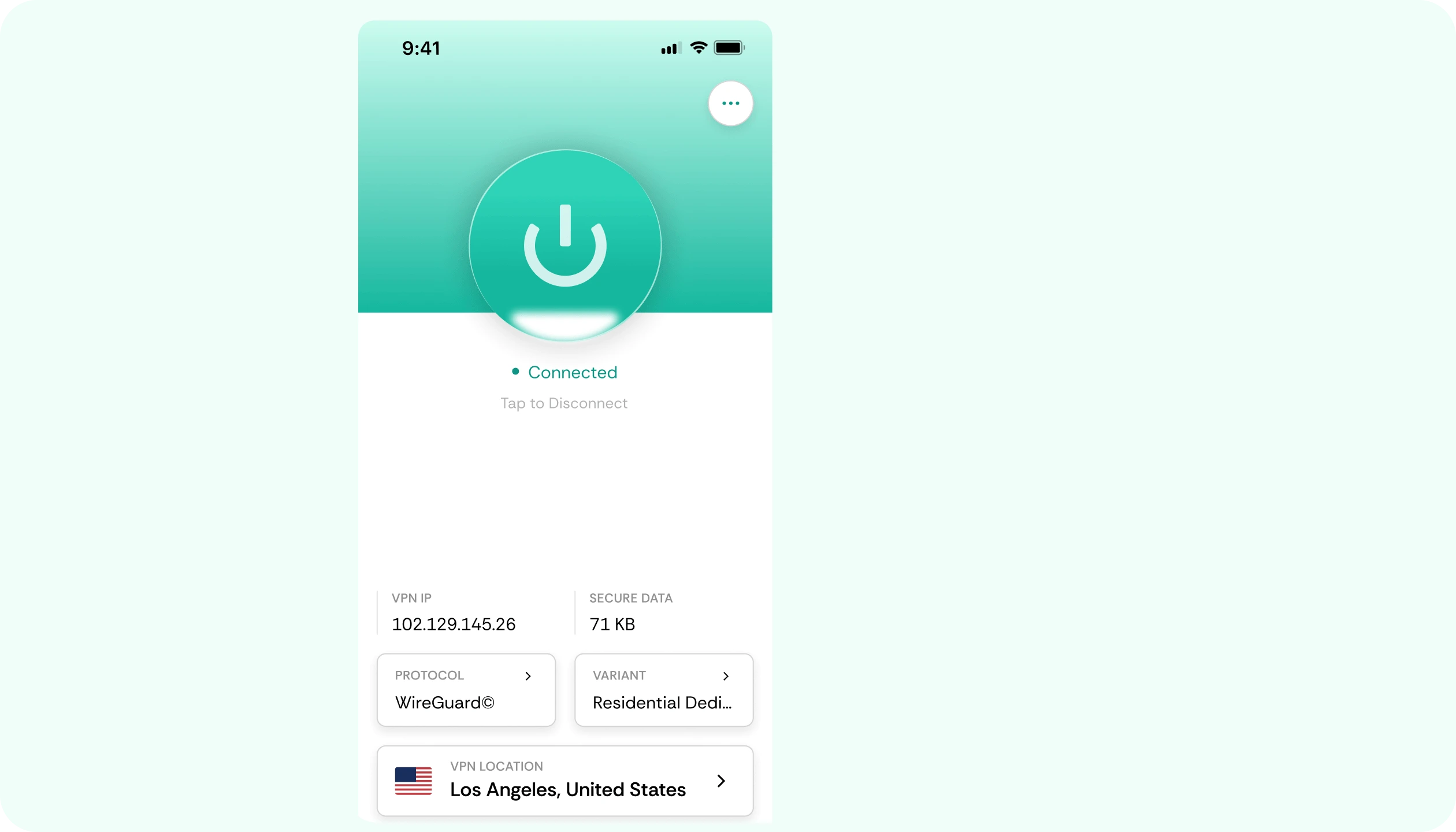

Why use CometVPN?

Lock down your Samsung Galaxy Z Flip 4 with strong encryption
Modern VPN protocols use strong encryption to scramble your traffic. That means data sent from your Samsung Galaxy Z Flip 4 stays unreadable to anyone trying to intercept it.

Hide your IP and your real location
Your IP can reveal a lot about you, including your approximate location and your provider. A VPN replaces it with a server IP, so your Samsung Galaxy Z Flip 4 stays anonymous.

Use banking and shopping apps with peace of mind
When you log in to banking or shopping apps, you do not want anyone watching. A VPN adds a strong layer of security to every action on your Samsung Galaxy Z Flip 4.

Stay safe from common Wi-Fi attacks
Open networks can be used for man-in-the-middle attacks. CometVPN protects your Samsung Galaxy Z Flip 4 by encrypting traffic before it leaves the device.

Get smooth performance on Android
CometVPN is built to run efficiently on Android, so your Samsung Galaxy Z Flip 4 keeps fast speeds for streaming, browsing, and everyday apps.
Testimonials
-
 Lauren Bennett
 Good VPN for bypassing social media censorship in Turkey.
-
 Amelia Cross
 I have been travelling a lot for the past few years, and as a rule - CometVPN is always on. It helps me to stay engaged with the news from my home country and I feel much safer knowing that my internet traffic is hidden.
-
 Marcus Holloway
 I just wanted privacy, so this was the perfect choice for me - I wasn’t forced to buy overpriced features, simple for everyday use. The only drawback is that sometimes the interface is not very intuitive, but their consultants have been very helpful for this.
-
 Samuel Whitaker
 CometVPN, although a bit limited in features, worked reliably. Truly a solid choice as I couldn’t find anything more affordable that also works for what VPN is supposed to do.
-
 Ethan Caldwell
 As a Canadian, I was frustrated by not being able to watch U.S. Netflix content, until I found CometVPN. I realized that with their servers, I could bypass restrictions easily and enjoy unlimited streaming.
How to use CometVPN in Samsung Galaxy Z Flip 4
Create your CometVPN account
Visit cometvpn.com on your Samsung Galaxy Z Flip 4 or any device, choose a plan, and finish a quick signup.
Get the Android app
Open the Play Store on your Samsung Galaxy Z Flip 4, find CometVPN, and install it with one tap.
Pick a server and connect
Choose any country from the server list and tap connect. Your Samsung Galaxy Z Flip 4 is now browsing through a secure tunnel.
Frequently asked questions
What does a VPN actually do on Samsung Galaxy Z Flip 4?
A VPN routes your Samsung Galaxy Z Flip 4 traffic through an encrypted tunnel and replaces your IP. That means your activity is private and your real location is hidden.
Will CometVPN protect all apps on my Samsung Galaxy Z Flip 4?
Yes, when CometVPN is connected, traffic from all apps on your Samsung Galaxy Z Flip 4 is routed through the encrypted tunnel, not just the browser.
Does a VPN hide my activity from my internet provider?
Yes, your provider can still see that you are connected to a VPN, but they cannot see what sites or apps you use on Samsung Galaxy Z Flip 4.
Can I use CometVPN while traveling?
Yes, CometVPN works in most countries. It is helpful when you travel because public networks abroad can be less secure for your Samsung Galaxy Z Flip 4.
How fast is CometVPN on Android?
CometVPN is built for speed on Android. On a typical Samsung Galaxy Z Flip 4, you can stream, browse, and download with very little speed loss.
Is the app easy to use on Samsung Galaxy Z Flip 4?
Yes, the Android app is designed to be simple. Open it, tap connect, and your Samsung Galaxy Z Flip 4 is protected. There are no complex settings to configure.
Can I share my CometVPN account with family?
You can use CometVPN on multiple devices, which makes it easy to protect family phones and tablets along with your Samsung Galaxy Z Flip 4.
How do I cancel or change my plan?
You can manage your subscription from your CometVPN account on any device. Changes apply quickly and your Samsung Galaxy Z Flip 4 keeps working as expected.