












Why You Need a VPN for Privacy and Torrenting

ISP Visibility
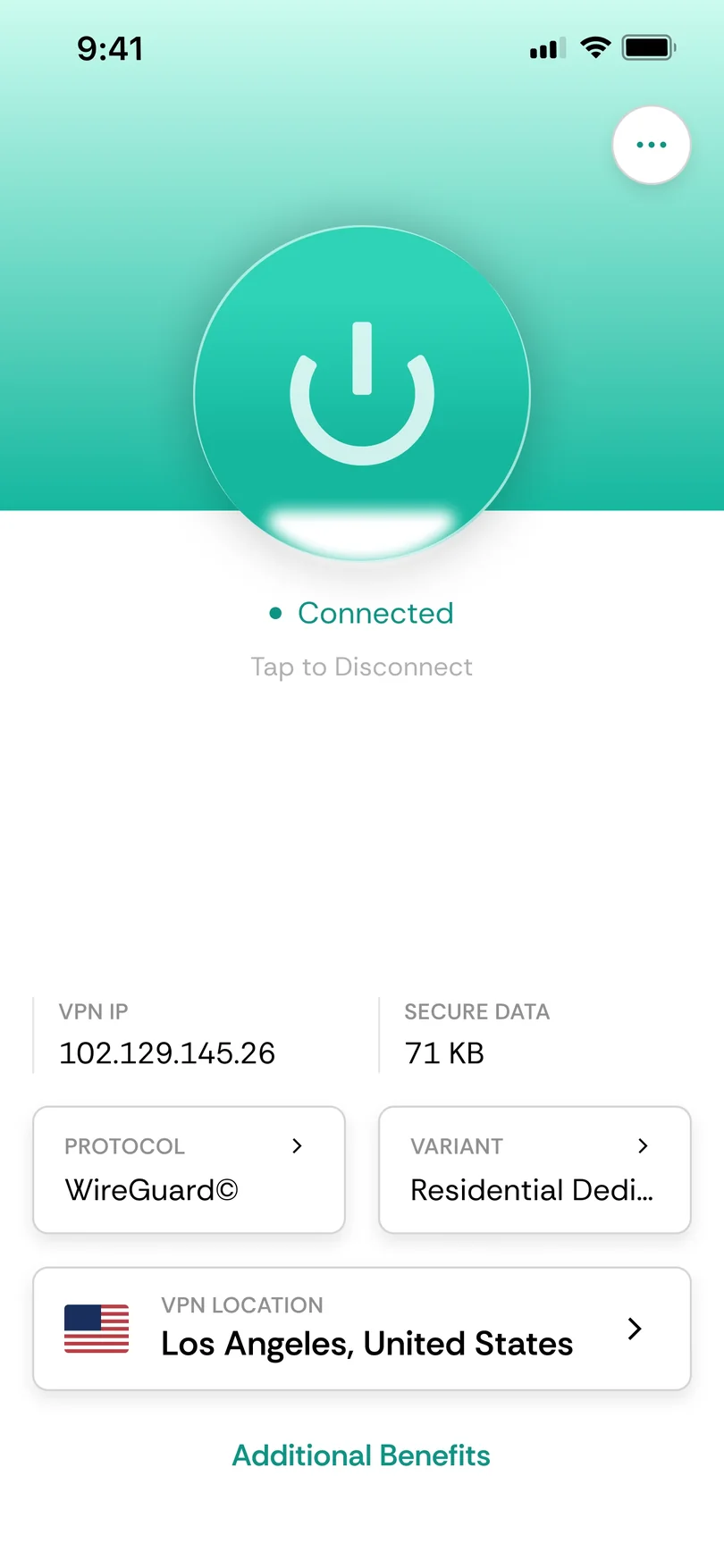
Your everyday internet traffic passes through your ISP's infrastructure before reaching the wider internet. That can reveal which destinations you connect to and roughly when. CometVPN encrypts the connection, reducing how much of that browsing activity remains visible to the network carrying it.

Peer IP Exposure
Peer-to-peer sharing works differently from ordinary browsing because participants connect directly to one another. That means other peers can see the IP addresses taking part in the transfer. CometVPN routes legitimate P2P traffic through another address instead of exposing your real one.

P2P Throttling
Some ISPs may manage traffic differently when they recognise it as peer-to-peer sharing, regardless of what files are actually being transferred. Encryption makes that traffic harder to identify by type, reducing the chance of it being singled out in the same way.

Shared Networks
A browsing session or legitimate download over dorm, café or library Wi-Fi travels through a network you do not control. CometVPN encrypts that connection before the traffic leaves your device, reducing your dependence on whoever happens to operate the local network.

Lawful Sharing Only
This page covers everyday privacy and legitimate peer-to-peer sharing, including open-source software and files you have the rights to distribute. CometVPN is not presented here as a tool for downloading or sharing copyrighted material without permission.
CometVPN Features for Privacy and Torrenting
Kill Switch
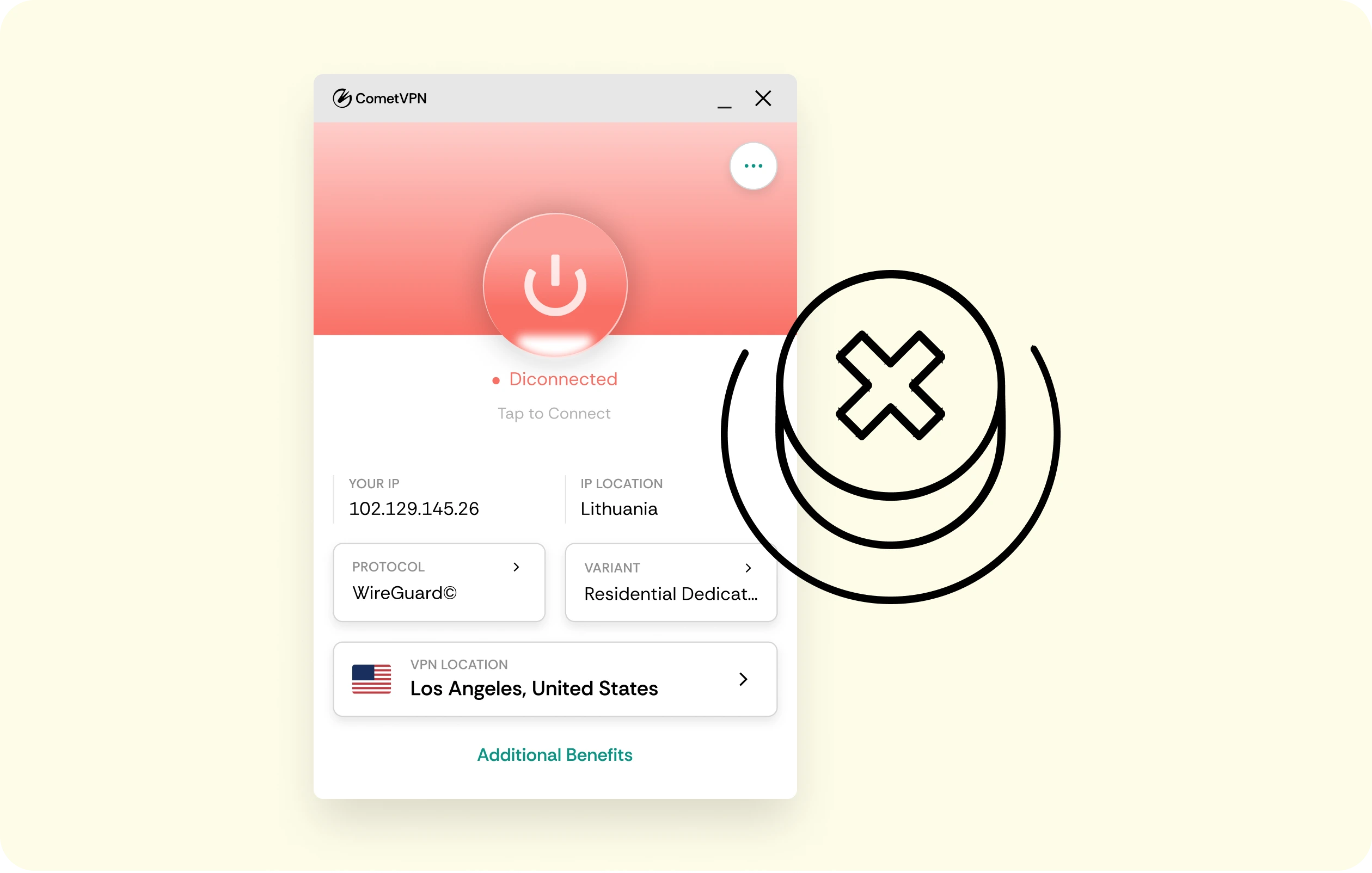
A long download can continue while you are away from the device. If the VPN tunnel drops, CometVPN's kill switch holds traffic instead of letting the connection fall back to your exposed IP.
No-Logs Policy
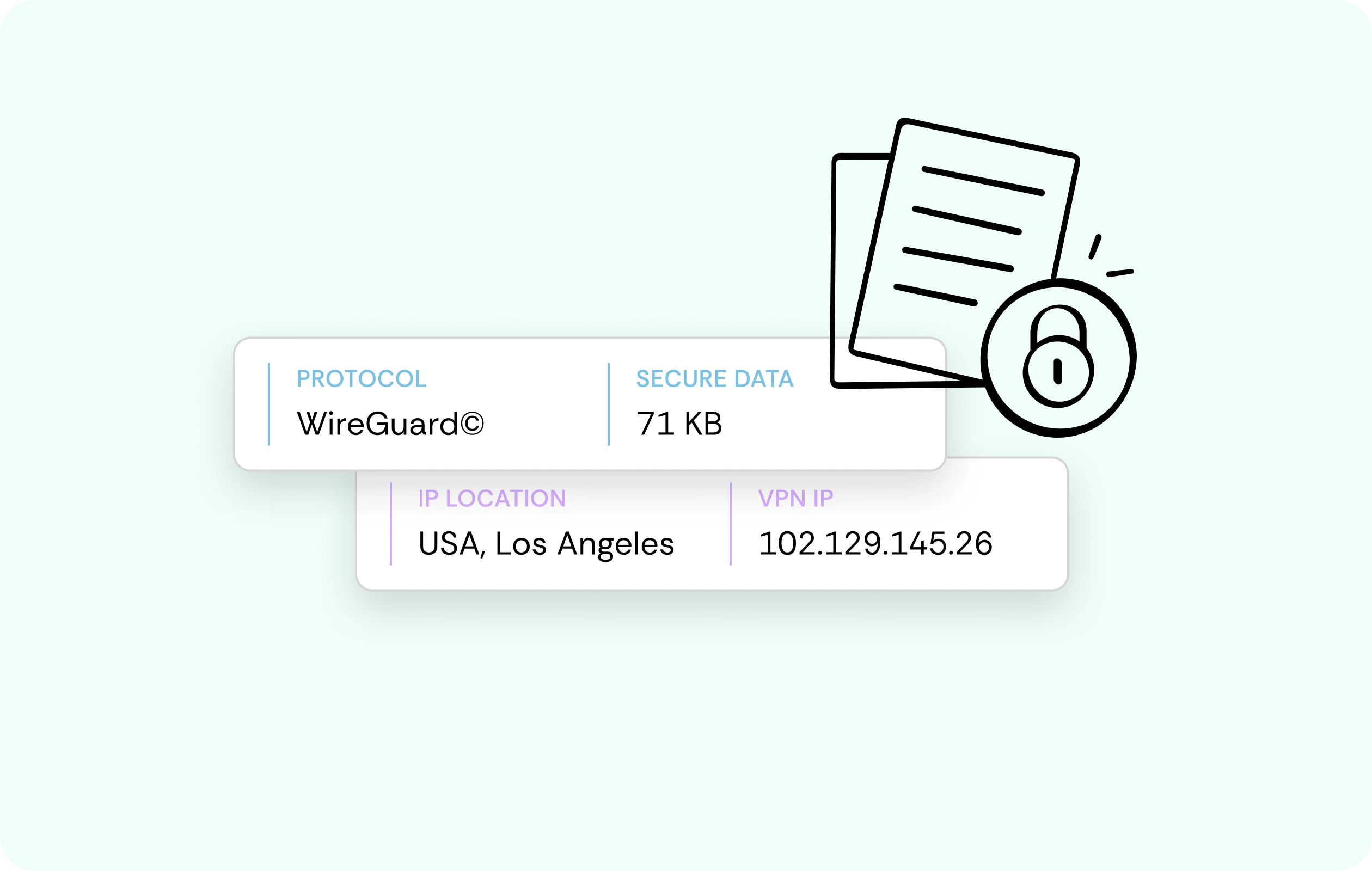
Privacy matters whether you are browsing normally or sharing files lawfully. CometVPN does not keep activity logs of the sites you visit or traffic passing through the VPN while you are connected.
AES-256 Encryption
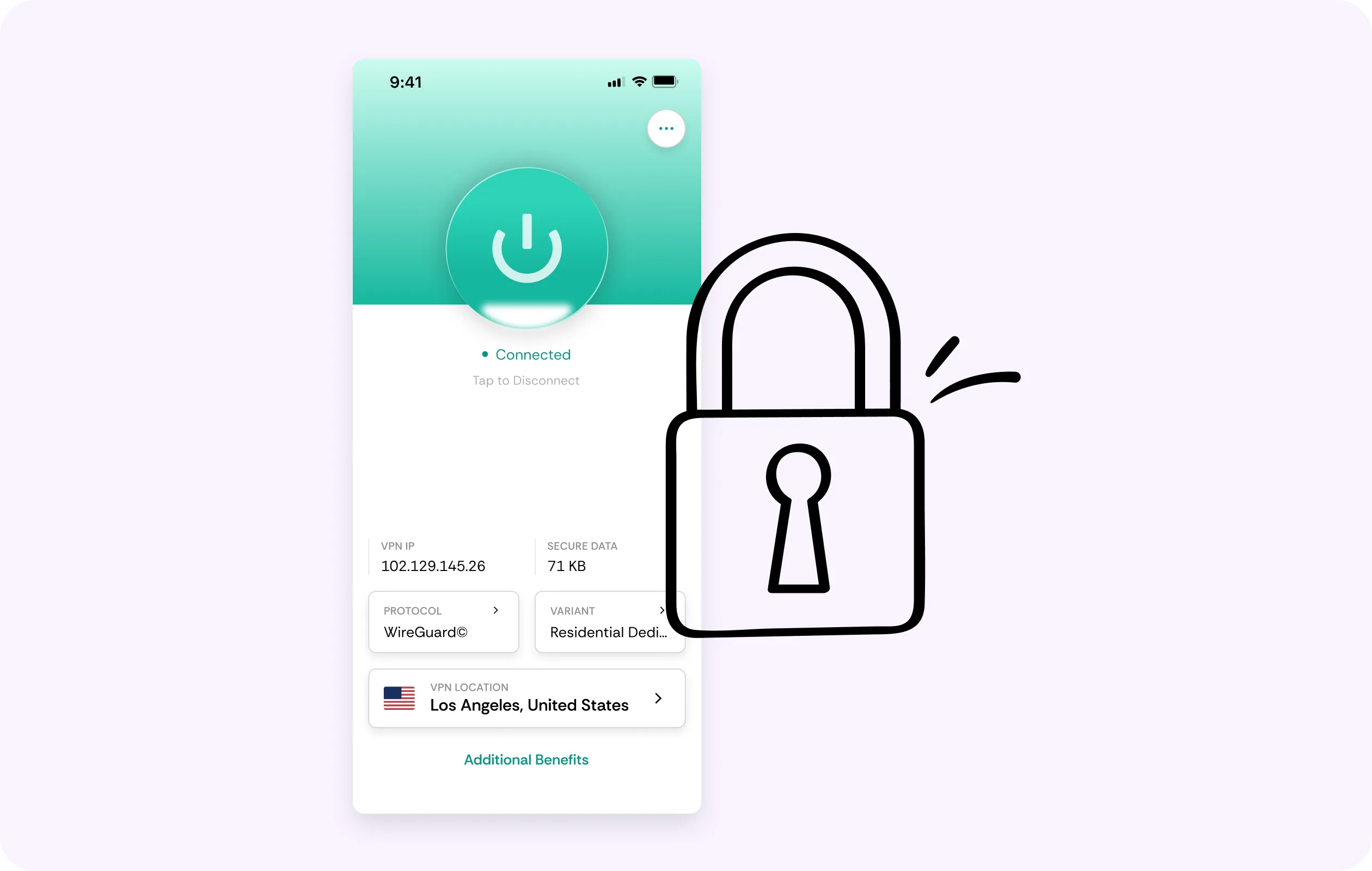
Browsing sessions and legitimate file transfers both travel over the same underlying connection. CometVPN places that traffic inside an encrypted tunnel, keeping it less visible to the ISP or local network carrying it.
Fast Connections
Large legitimate downloads can place sustained demand on a connection. CometVPN is designed to keep its own overhead low, while encrypted traffic may also avoid traffic-specific throttling aimed at identifiable P2P activity.
Obfuscated Servers
Some networks may restrict or identify ordinary VPN traffic. CometVPN's obfuscated servers make the VPN connection harder to recognise, helping it blend more closely with regular encrypted traffic.
Why Privacy-Conscious Users Trust CometVPN
-
 Lauren Bennett
 Good VPN for bypassing social media censorship in Turkey.
-
 Amelia Cross
 I have been travelling a lot for the past few years, and as a rule - CometVPN is always on. It helps me to stay engaged with the news from my home country and I feel much safer knowing that my internet traffic is hidden.
-
 Marcus Holloway
 I just wanted privacy, so this was the perfect choice for me - I wasn’t forced to buy overpriced features, simple for everyday use. The only drawback is that sometimes the interface is not very intuitive, but their consultants have been very helpful for this.
-
 Samuel Whitaker
 CometVPN, although a bit limited in features, worked reliably. Truly a solid choice as I couldn’t find anything more affordable that also works for what VPN is supposed to do.
-
 Ethan Caldwell
 As a Canadian, I was frustrated by not being able to watch U.S. Netflix content, until I found CometVPN. I realized that with their servers, I could bypass restrictions easily and enjoy unlimited streaming.
How to Use CometVPN for Privacy and Torrenting
Get CometVPN subscription
Join our VPN service by choosing any of the plans available on our pricing page
Download our VPN software
Get our CometVPN app for Apple, Android, or Windows and install it on your device
Enable VPN protection
Connect to a suitable server, confirm the kill switch is on, then browse or use legitimate P2P sharing as usual.
Frequently Asked Questions
What Can My ISP See About My Browsing?
Your ISP can generally see the destinations and timing of your connections. VPN encryption reduces that visibility by carrying your traffic through an encrypted tunnel.
Why Can Other Peers See My IP When Sharing Files?
Peer-to-peer sharing connects participants directly, so IP addresses are part of how the protocol works. A VPN places its server address between your connection and other peers.
Is It Legal to Use a VPN for File Sharing?
VPN use is legal in most countries, but the legality of the files being shared is separate. This page covers lawful file sharing only, subject to local rules.
Will a VPN Slow Down Large Downloads?
It can add some overhead depending on server distance and protocol. A nearby, well-optimised server keeps that cost smaller and may also prevent traffic-specific P2P throttling.
Why Not Use a Free VPN for File Sharing?
Free VPNs may restrict P2P traffic, impose tighter bandwidth limits or collect more connection data. Those trade-offs work against the privacy and reliability this use case depends on.