






How to Bypass Roblox Verification Age Problems Without Risking Your Account
Roblox age verification is one of those things people usually do not think about until it blocks a feature they want to use.

Laura Valskytė
13 min read
Roblox age verification is one of those things people usually do not think about until it blocks a feature they want to use.
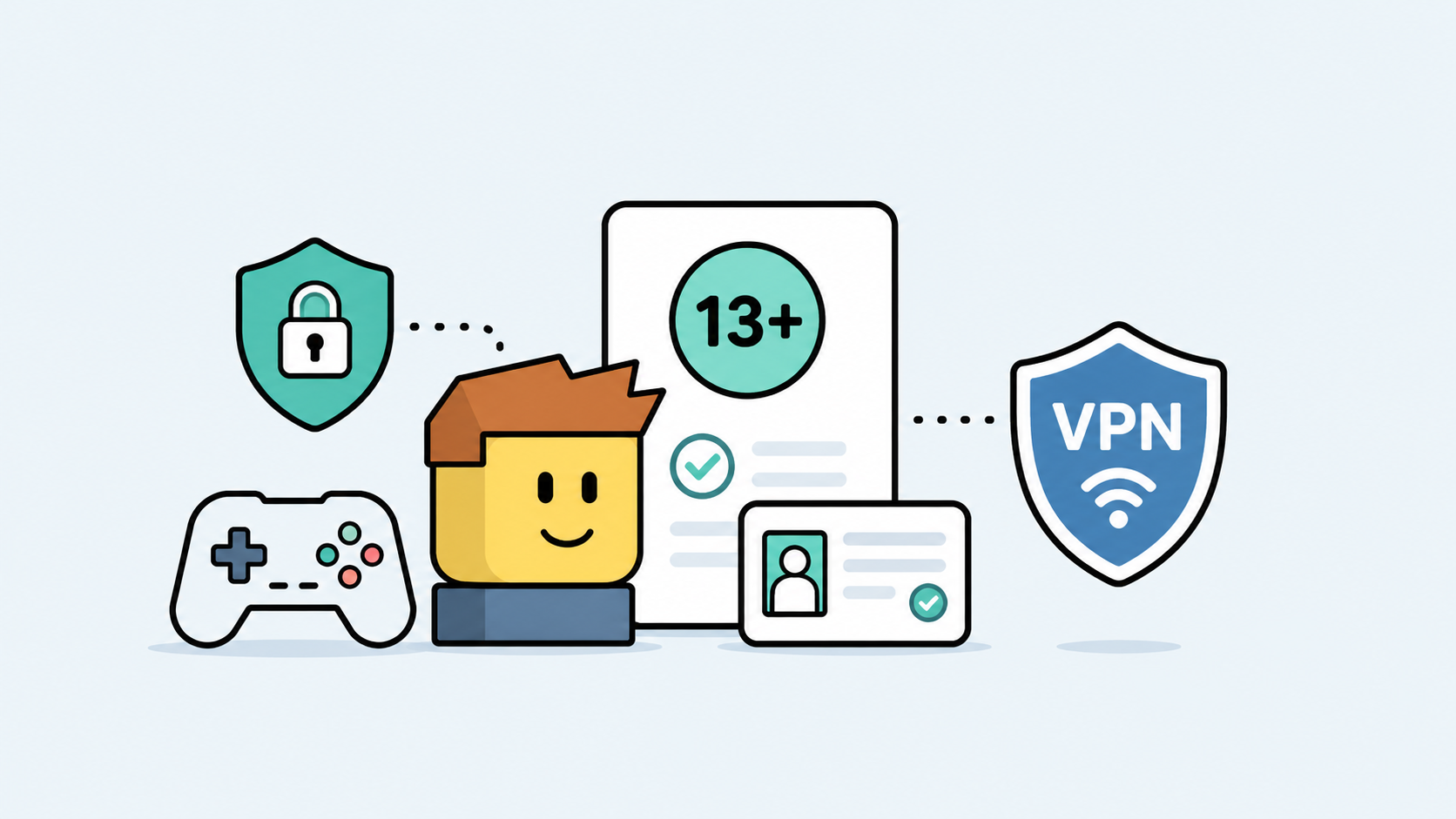
Maybe voice chat is not available. Maybe an age-gated feature does not show up. Maybe Roblox asks for an age check, but the verification keeps failing. So you search for how to bypass Roblox verification age, hoping there is a quick fix.
There is a safer way to look at it.
If you are too young for a Roblox feature, you should not try to bypass the age rule. Roblox uses age checks to protect younger players and keep certain features age-appropriate. But if you are old enough and Roblox verification is failing because of your account, ID, camera, region, or network connection, then the problem is not your age. The problem is the verification process.
That is what this guide is about.
I will explain why Roblox age verification exists, why it fails, what not to do, and how to fix Roblox verification age problems without risking your account. I will also show where CometVPN fits in - not as a fake age tool, but as a way to make your connection more stable, private, and consistent when Roblox verification keeps failing on public Wi-Fi, school networks, hotel networks, or while traveling.
What Roblox Age Verification Is Actually For
Roblox is used by children, teens, and adults, so the platform has to treat age seriously.
Age verification is not just a random extra step. It helps Roblox decide which features, communication options, and experiences are appropriate for an account.
Roblox says age checks are used to help create a safer and more age-appropriate experience across the platform. Depending on the situation, Roblox may use different types of age checks, including account birthday, ID verification, facial age estimation, or parental consent in some cases.
This can affect things like:
- Voice chat access
- Social features
- Age-appropriate content
- Trusted friends or communication features
- Parental controls
- Account safety settings
- Feature eligibility in certain regions
So when Roblox asks for verification, it is usually trying to answer one question: does this account belong in the age group required for this feature?
That is also why “bypass” is the wrong mindset. If you try to trick the system, you may end up with a restricted account, failed verification, privacy risk, or even a compromised login.
“Bypass” Is the Wrong Word Here
People search for how to bypass Roblox verification age because they are frustrated. I understand that. Verification flows are annoying when they do not work.
But the better question is:
Why is Roblox unable to verify me correctly?
That question leads to safer fixes.
There are legitimate reasons Roblox age verification may fail:
- Your account birthday is wrong
- Your ID does not match the account information
- Your camera permission is blocked
- Your document photo is blurry
- Your browser blocks the verification window
- Your public Wi-Fi or school network interferes with the process
- Your connection drops during verification
- Your IP region looks unusual compared with your normal account use
- Parental consent is required
Those are fixable problems.
What you should not do is use fake IDs, someone else’s documents, shady “Roblox verification bypass” websites, modified apps, or Discord sellers promising to unlock features. That is how people lose accounts.
If you are eligible for the feature, fix the verification issue properly. If you are not eligible, wait until the account qualifies.
How Roblox Age Verification Works
Roblox ID verification is completed through the official Roblox account settings flow.
Roblox’s ID verification help page says users can go to Settings, open Account Info, and choose Continue with ID under birthday and age group. From there, Roblox prompts the user to begin the age verification flow, allow camera access, and scan an ID document.
Roblox also states that ID verification uses a government-issued photo ID. In its age checks documentation, Roblox says users must be at least 13 years old to use ID verification, and users should use their own official document during the process.
The basic flow looks like this:
- Log in to your Roblox account.
- Open Settings.
- Go to Account Info.
- Find your birthday and age group.
- Select Continue with ID, if available.
- Allow camera access.
- Scan your official ID document.
- Follow the instructions until the process is complete.
That is the official path. If another website claims it can verify your Roblox account outside Roblox, treat it as suspicious.
The 5 Things That Usually Break Roblox Verification
When Roblox verification fails, it usually comes down to one of five areas: account information, document quality, camera access, connection stability, or account eligibility.
1. Your Account Birthday Does Not Match
Your Roblox birthday matters.
If the age on your account does not match the document or age check result, Roblox may reject or adjust the verification. Roblox’s ID Verification FAQ says that if the birthday on your ID is different from the one on your Roblox account, a successful age verification may correct the birthday on the account using the date on the ID document.
So before blaming your browser or VPN, check your account information.
Go to:
- Roblox Settings
- Account Info
- Birthday
If the birthday is wrong, follow Roblox’s official process. Do not keep retrying with mismatched details.
2. Camera or Browser Permission Is Blocked
Age verification often needs camera access.
If your browser, phone, or desktop blocks camera permission, Roblox may not be able to complete the check.
Check:
- Browser camera permissions
- Phone camera permissions
- Pop-up blockers
- Privacy extensions
- System-level camera settings
- Whether another app is already using the camera
If you are using a browser with heavy privacy extensions, try a clean browser session. Sometimes the problem is not Roblox. It is the browser blocking the verification tool.
3. The ID Photo Is Blurry or Unsupported
ID verification can fail if the document image is hard to read.
Use bright lighting, avoid glare, and make sure the full document is visible. Do not crop the edges. Do not use a damaged, expired, or unreadable document.
Also, use your own official document. Do not use a parent’s ID, a sibling’s ID, a friend’s ID, or an edited image.
That may sound obvious, but it is one of the fastest ways to create account problems.
4. Your Network Is Unstable or Filtered
Verification is more sensitive than normal gameplay.
If your network drops, blocks camera upload, filters Roblox traffic, or changes IP location mid-process, verification may fail.
This is common on:
- School Wi-Fi
- Work networks
- Public Wi-Fi
- Hotel Wi-Fi
- Airport Wi-Fi
- Shared apartment networks
- Networks with strict firewalls
This is where CometVPN can help. It can give you a cleaner, more private, and more consistent connection path before you start the official Roblox verification flow.
5. Roblox Needs Parental Consent or Official Review
Some accounts may need parental consent or additional checks depending on age, region, or account status.
If Roblox asks for parental consent, do not try to bypass it. Follow the official process.
For younger users, parents or guardians should be involved. Roblox also offers parental controls that allow parents and caregivers to manage a child’s Roblox experience.
Where CometVPN Fits In
CometVPN is not an age bypass tool.
It will not change your birthday. It will not replace ID verification. It will not remove parental consent. It will not unlock features for an account that is too young.
What CometVPN can do is help with the network side of Roblox verification.
That matters because verification needs a stable connection. If your network is filtered, unstable, or showing a strange region, Roblox may have trouble completing the process.
CometVPN can help when:
- You are verifying on public Wi-Fi
- You are traveling and your IP region changed
- Your school or work network blocks parts of Roblox
- Your hotel or airport Wi-Fi interrupts verification
- Your connection keeps dropping during the check
- Your IP location does not match where you normally use the account
- You want more privacy while using Roblox on shared networks
Think of it as cleaning up the road between your device and Roblox.
The age check still happens through Roblox. CometVPN simply helps you avoid network problems that can make the official process fail.
Safe CometVPN Setup Before Trying Roblox Verification Again
If Roblox age verification keeps failing and you suspect the network is part of the problem, set up CometVPN before starting the verification flow.
Step 1: Close Roblox Completely
Close the Roblox app, website, or browser tab.
If Roblox is still running in the background, it may keep using the old network session.
Step 2: Open CometVPN
Launch CometVPN on your device.
If you are using a phone, make sure the VPN connection is active before reopening Roblox. If you are on desktop, connect before opening the browser again.
Step 3: Choose a Stable Location
Pick a region that makes sense for your normal account use.
If you normally use Roblox from the United States, choose a US server. If you normally use it from the UK, choose a UK server. The goal is consistency, not random location switching.
Do not jump between countries while verifying your age.
Step 4: Connect Before Opening Roblox
Wait until CometVPN confirms that the connection is active.
Then open Roblox again.
Step 5: Use a Clean Browser Session
If you are verifying in a browser, try a clean session.
You can:
- Clear Roblox cookies
- Use a private window
- Disable aggressive privacy extensions temporarily
- Allow camera access
- Allow pop-ups only for Roblox verification if needed
Step 6: Start the Official Roblox Verification Flow
Go to Roblox settings and start verification through the official flow only.
Use:
- Settings
- Account Info
- Continue with ID, if available
Keep CometVPN connected until the process is complete.
Step 7: If It Fails, Change Device Before Changing Everything Else
If verification fails again, try another device or browser before making ten changes at once.
A phone camera may work better than a laptop webcam. A different browser may handle permissions better. A private home network may work better than school or hotel Wi-Fi.
Make Roblox Verification Less Fragile
If Roblox verification keeps failing on public Wi-Fi, school networks, hotel connections, or while traveling, make the connection more stable first. Connect through CometVPN, reopen Roblox, and complete the official verification flow from a cleaner network environment.
What Not to Do
This is the section I would not skip.
When people are blocked from Roblox features, they often look for shortcuts. Most of those shortcuts are either unsafe, against the rules, or scams.
Do not use:
- Fake IDs
- Someone else’s ID
- A parent’s ID as if it were yours
- AI-generated documents
- Edited screenshots
- Third-party Roblox verification websites
- Discord or Telegram “verification services”
- Modified Roblox apps
- Unknown APK files
- Account sellers that promise verified accounts
If a website says it can bypass Roblox age verification in two clicks, assume it is a scam until proven otherwise.
Roblox verification should happen inside the official Roblox flow. Do not send your documents, login details, or camera scans to random websites.
Why Roblox Says Your Age Verification Failed
If Roblox age verification failed, the reason may be technical or account-related.
Common causes include:
- The birthday on the account does not match the ID
- The ID is blurry or unreadable
- The document is unsupported
- The camera permission is blocked
- The browser blocked the verification window
- The network disconnected during verification
- The VPN or network changed mid-flow
- The account is not eligible for ID verification
- Parental consent is required
- Roblox needs more time to process the age check
Roblox’s age checks documentation notes that customer support cannot manually verify IDs, remove existing verifications, or update some account settings manually.
That means you should focus on getting the official flow right instead of trying to force support to override it.
Privacy Tips Before Verifying Your Age on Roblox
Age verification can involve sensitive information, so privacy matters.
Use only official Roblox verification pages. Do not upload documents to random websites. Do not send ID photos through Discord, Telegram, email, or chat.
Roblox says it has partnered with Persona as a third-party service provider for ID verification, and one Roblox support page states that information uploaded to Persona is retained for 30 days and then removed, while Roblox does not receive raw identification information.
Before verifying, check:
- You are on the official Roblox website or app
- The page uses HTTPS
- You are not using a fake verification link
- Your camera permission is granted only to the official flow
- You are not on a suspicious public network
- Your VPN connection is stable if using CometVPN
- You are using your own official document
A VPN protects the connection. It does not make unsafe websites safe.
So use CometVPN for privacy and network consistency, but still treat your ID and account details carefully.
Can a VPN Bypass Roblox Age Verification?
No, not in the way people usually mean.
A VPN can help with network, IP, privacy, and region-related problems. It cannot change your real age, replace Roblox ID verification, or remove Roblox safety rules.
CometVPN can help if:
- Your network blocks or interrupts Roblox verification
- You are using public Wi-Fi
- You are traveling
- Your IP region is inconsistent
- You want a more private connection
- You want to avoid school, hotel, or workplace network filtering
CometVPN cannot:
- Change your Roblox birthday
- Make an underage account eligible for restricted features
- Replace a required ID check
- Bypass parental consent
- Turn a fake ID into a valid verification
- Guarantee feature access if the account does not qualify
That is the honest version.
If the issue is connection-related, CometVPN may help. If the issue is age eligibility, you need to follow Roblox’s rules.
Roblox Age Verification Checklist
Before retrying Roblox verification, go through this checklist.
- Check your Roblox birthday in Account Info.
- Use your own official ID if ID verification is required.
- Make sure the ID is clear and readable.
- Use good lighting.
- Allow camera access.
- Disable browser blockers that interrupt the verification window.
- Close Roblox completely before retrying.
- Connect to CometVPN if your network is unstable or filtered.
- Choose one stable VPN location.
- Do not switch VPN servers during verification.
- Try another browser or device if the process fails.
- Use Roblox Support only if the official flow keeps failing.
FAQ
How to bypass Roblox verification age?
If you are too young for a Roblox feature, you should not bypass Roblox age verification. If you are old enough and verification is failing, fix the real issue: account birthday, ID quality, camera permission, browser settings, parental consent, region, or network connection.
Can CometVPN bypass Roblox age verification?
CometVPN cannot bypass Roblox age rules or change your account age. It can help with network, IP, privacy, and region-related problems that may interrupt the official verification flow.
Why is Roblox age verification not working?
Roblox age verification may fail because your birthday does not match, your ID is blurry, your camera permission is blocked, your network is unstable, your browser blocks the verification window, parental consent is required, or your account is not eligible for the feature.
Can I use someone else’s ID for Roblox verification?
No. Use your own official document only. Using someone else’s ID can create account problems and may violate platform rules.
Can I change my Roblox birthday?
Roblox says users can change birthday information through Account Info, but depending on the age change, ID verification or parental consent may be required. Roblox also says the account should reflect the user’s actual birthday.
Why does Roblox need age verification?
Roblox uses age checks to help provide safer, age-appropriate experiences, features, communication settings, and content access across the platform.
Is Roblox age verification safe?
Use only the official Roblox verification flow. Roblox says ID verification uses Persona as a third-party service provider, and one Roblox support page states that Roblox does not receive raw identification information. Do not upload ID documents to third-party “verification bypass” websites.
Can a VPN help if Roblox verification fails on school Wi-Fi?
Yes, a VPN can help if the school Wi-Fi blocks or interrupts Roblox traffic. Connect to CometVPN before opening Roblox, use one stable location, and complete the official verification flow without switching servers.
Should I turn off CometVPN during Roblox verification?
If the VPN connection is stable, keep it on during the process. Do not switch servers mid-verification. If verification fails, try another browser, device, or trusted private network.
What should I do if Roblox verification keeps failing?
Check your birthday, ID quality, camera permissions, browser blockers, and network stability. Then retry through the official Roblox flow. If it still fails, contact Roblox Support instead of using third-party bypass tools.
Author
Laura Valskytė
Digital Marketing Specialist at CometVPN
Laura is a digital marketing specialist with a passion for online privacy and cybersecurity. At CometVPN, she focuses on content strategy, SEO, and helping users understand the tools that keep them safe online.
Related articles
4 min read
Ethernet vs Wi-Fi: Which One is Better?
Ethernet and Wi-Fi are the two main ways to connect your computer to the internet. While Wi-Fi has received significantly more attention in recent years, especially among consumers, due to its simplicity and flexibility, ethernet is still widely used in various other applications.
Even if Wi-Fi is significantly more popular, it isn’t strictly better. Both methods have their benefits and drawbacks. Wi-Fi’s popularity comes from its ease-of-use and flexibility, but an ethernet connection can be much more useful in certain scenarios.

Adomas Šulcas
5 min read
How to Change Chrome Proxy Settings: The Ultimate Guide
A proxy server is an easy alternative to a VPN that can perform most of the functions of the latter. It’s a server that stands between your device and the destination server, taking your connection requests and forwarding them in your name.
Destination servers in almost all cases see the proxy server as the originator of the request. As such, proxies are widely used in various, mostly business-related applications whenever privacy, security, location changing, and several other factors are at play.

Guoda Šulcaitė