









CometVPN Blog
If you want to stay safe, choose an anonymous VPN with a reliable no-logs policy that doesn’t store your data logs. These VPN providers often have the tools and reputation that allow you to reach a high level of anonymity.
6 min read
 Rasa Sosnovskytė
Choose Category
14 min read
15 Best Unbiased News Sources to Trust in 2026
Learn how to tell if a source is unbiased, what it means for news outlets, and find a list of unbiased news sources and tools.
Rasa Sosnovskytė
6 min read
12 Best SportSurge Alternatives That Actually Work (2026)
An article on SportSurge Alternatives, answering the questions of whether to choose free or paid alternatives, and providing a list of the top paid and free SportSurge Alternatives.

Guoda Šulcaitė
7 min read
10 Best Methstream Alternatives to Stream Sports in 2026
Discover the best free and paid Methstream alternatives in 2026 for live sports streaming of various genres and leagues, including NFL, NBA, UFC, and more.

Adomas Šulcas
7 min read
10 Best FootyBite Alternatives to Stream Live Football in 2026
Explore the best FootyBite alternatives for 2026. Watch live football online with free and paid options: secure, legal, and high-quality streaming.
Rasa Sosnovskytė
9 min read
10 Best VIPBox Alternatives in 2026: Safe Sports Streaming Sites
Looking for VIPBox alternatives? Discover the best safe, legal, and free sports streaming sites in 2026 to watch live sports online.
Guoda Šulcaitė
8 min read
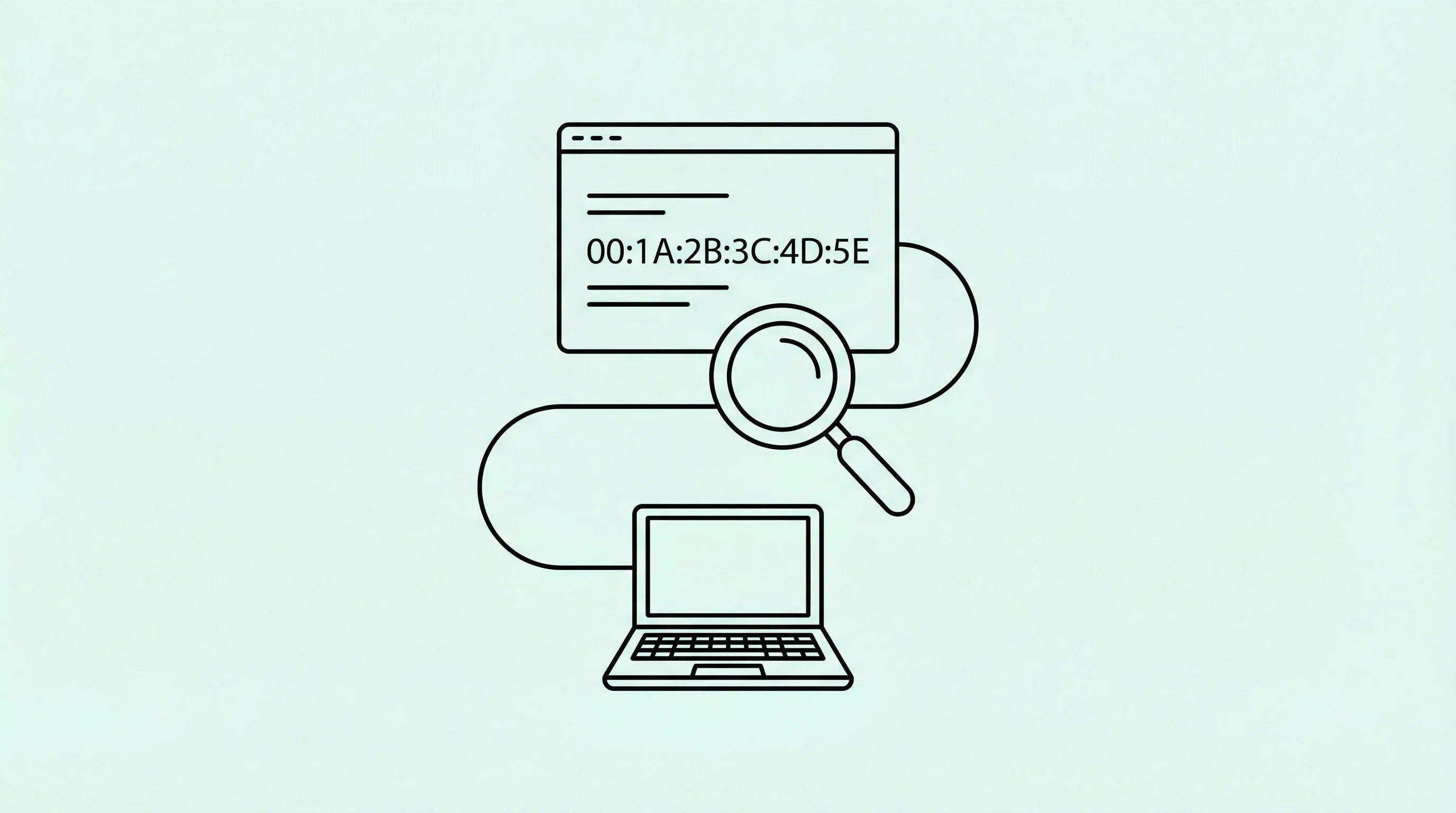
How to Find a Device Name by MAC Address: Tools and Tips
You don't need to be a systems administrator to look after your home network. Many issues can be resolved by understanding a couple of concepts and using the right tools. Media Access Control address, or simply MAC address, is one of the most important.
Each device has its own MAC address, a 12-digit hexadecimal number assigned as a unique identifier. Finding the device's MAC address is useful for various cybersecurity and troubleshooting purposes.
You can identify the device - its maker and sometimes model, without having the device on hand or knowing its IP address. It's also useful for discovering unknown or unauthorized devices on your network. Whatever your reason, we'll help you find device name by MAC address in your network.
Adomas Šulcas