










Why You Need a VPN for Teams?

Congested Routing
A national network can leave Teams technically reachable but unstable in practice. Video and voice are routed through gateways so congested that calls drop and meetings stall. That's just like an outright block. CometVPN's obfuscated servers bypass that bottleneck and restore normal performance.

Blocked Call Ports
Sometimes, chats and file access work fine while the ports needed for video and voice comms stay blocked. That's a narrower, but nonetheless an irritating restriction, often there to protect local phone carriers' revenue. If Teams are not connecting, route around and fix it.

Outside Network Visibility
Your company's own IT policy already knows what an employee is doing, so it's not about that. It's more about a hotel network or a foreign ISP tracking connections heading to corporate systems without reading what's inside. Eliminate that outside visibility gap with Microsoft Teams VPN.

Unsecured Call Data
If you're on airport lounge Wi-Fi or at a co-working desk between meetings, every login, shared screen, or file share is only as protected as the network. And that's often a problem. CometVPN's encryption removes that dependency completely, wherever the meeting happens.
CometVPN Features for Teams Users
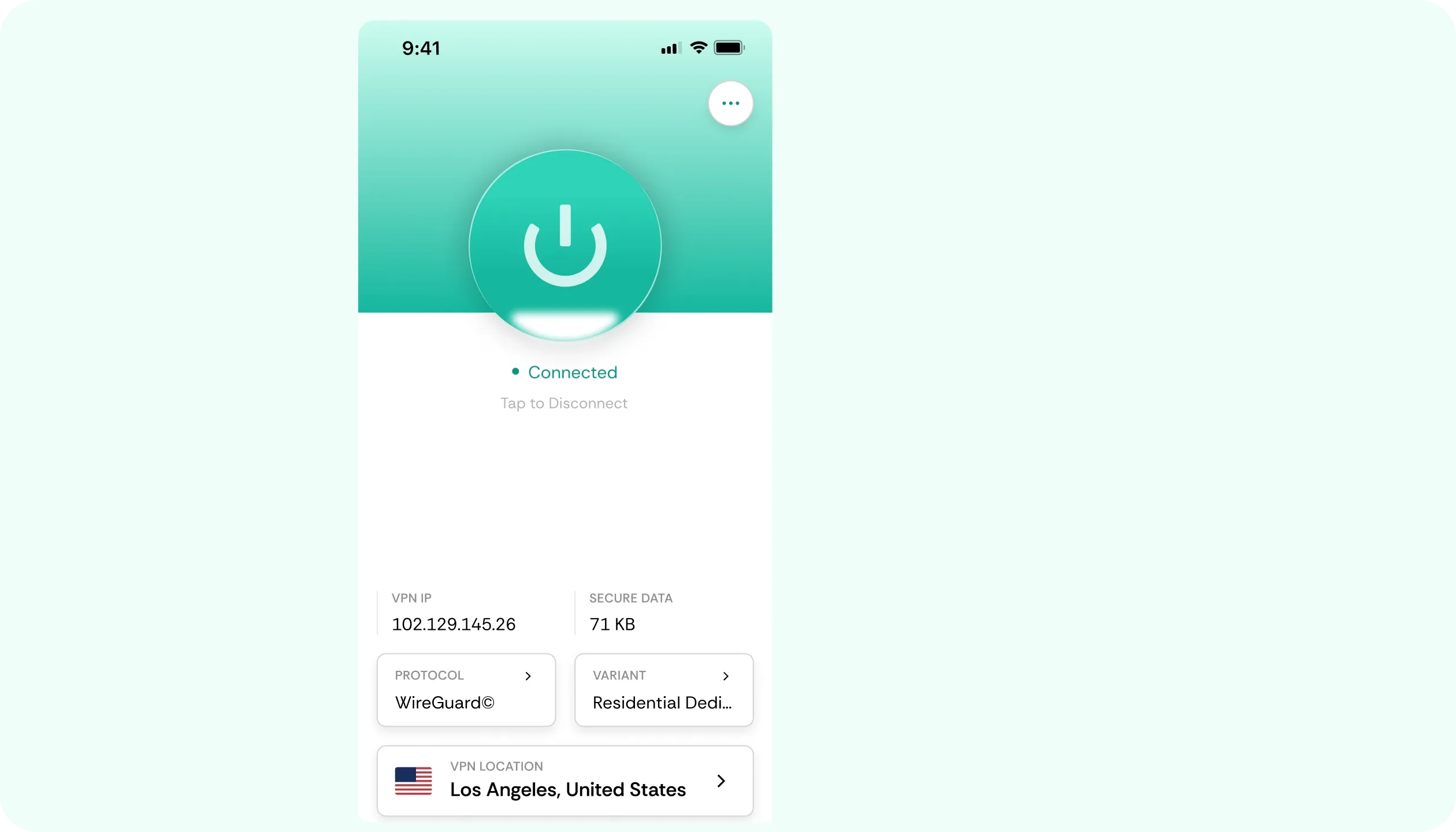
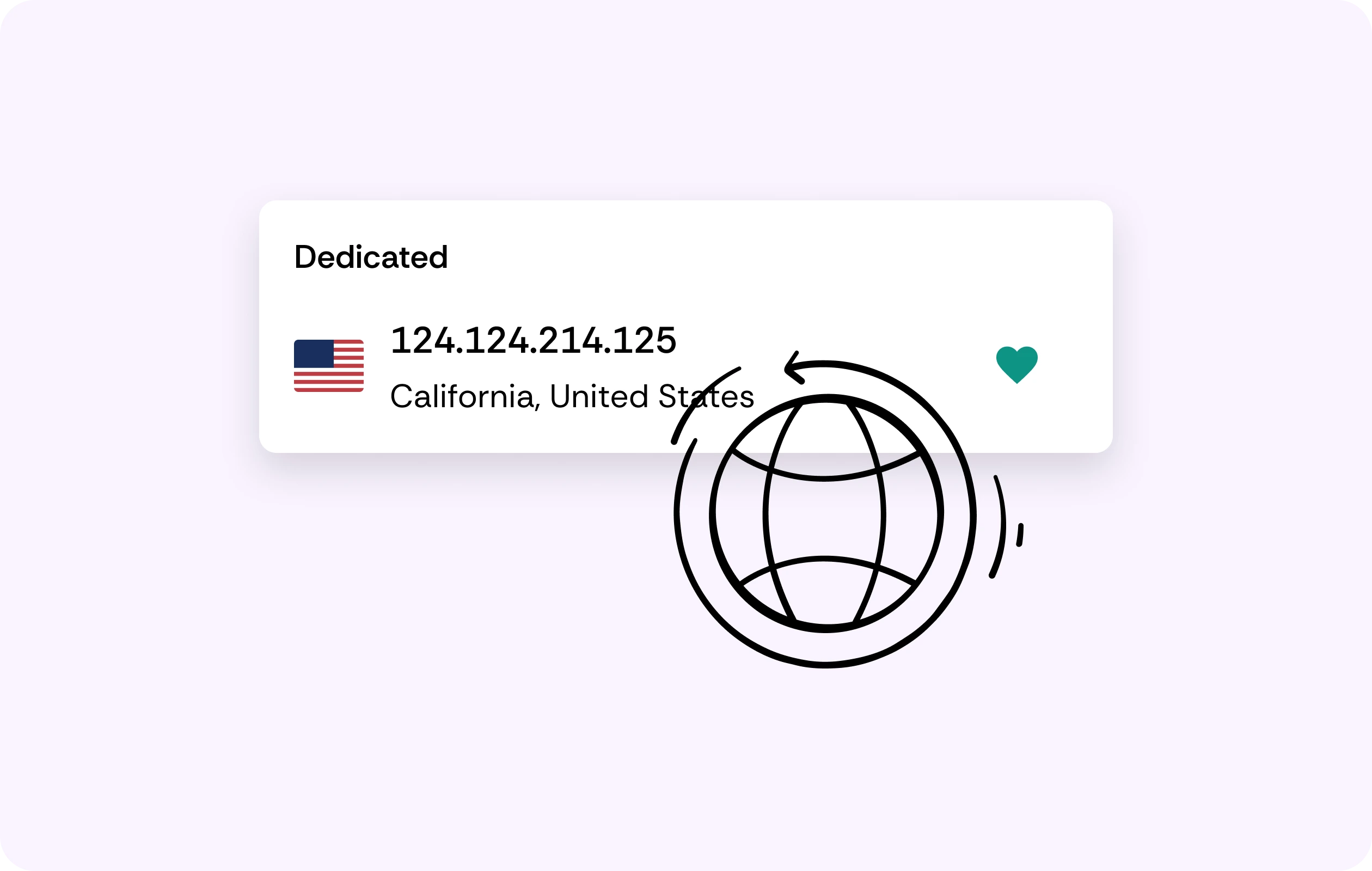
Residential IPs
Sign-ins from public datacenter or unfamiliar IPs often trigger extra verification on a work account. CometVPN's residential IPs mimic ordinary home connections, so sign-ins clear without the extra step. Read more on residential IPs.
No Throttling
You can unblock Teams and remove video meeting, shared screen, or large-file restrictions that the ISP throttles under bandwidth policies. CometVPN's encryption can remove the bottleneck, though the underlying routing can still set the ceiling.

No-Logs Policy
What moves through the chat and which meetings get joined stays off the record on our side. Your VPN can not only unblock Teams but also reduce footprint by keeping no connection and activity logs.
AES-256 Encryption
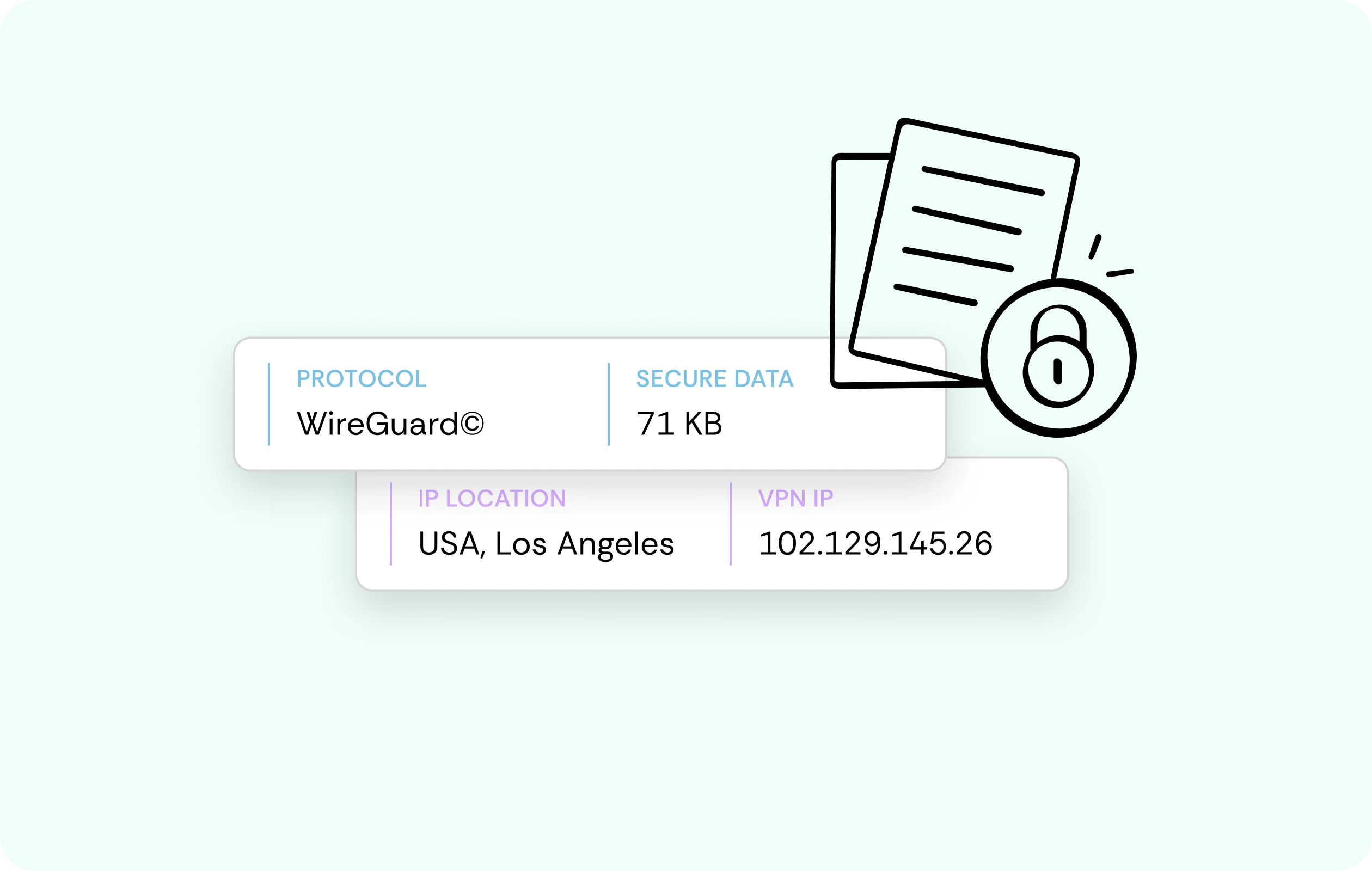
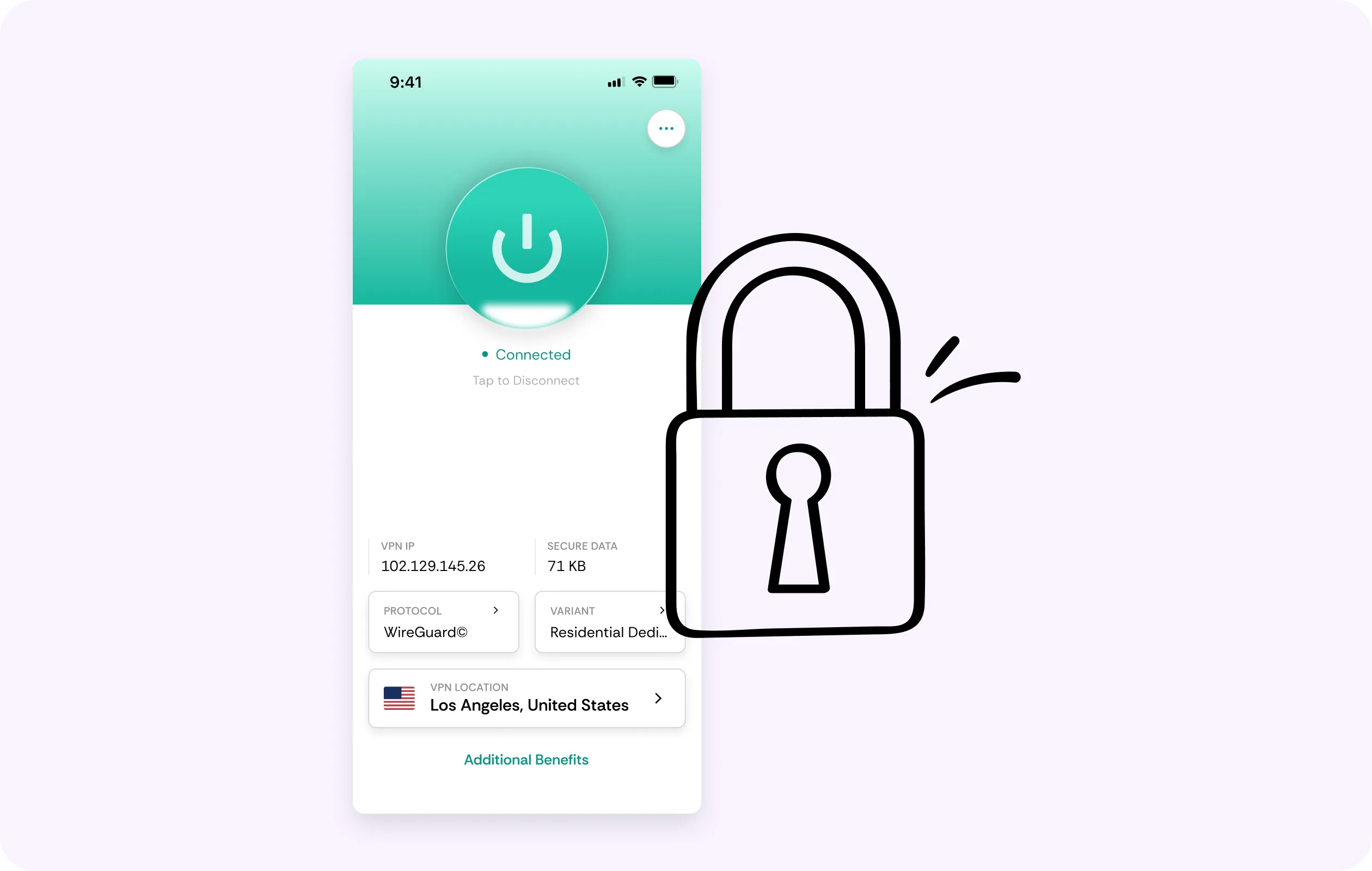
Your data – logins, and whatever's shared mid-call travel inside an encrypted tunnel. It's the connection layer, not a claim about Microsoft's handling of data. Between your device and the server, what travels is noise to attackers.
Multi-Device Coverage
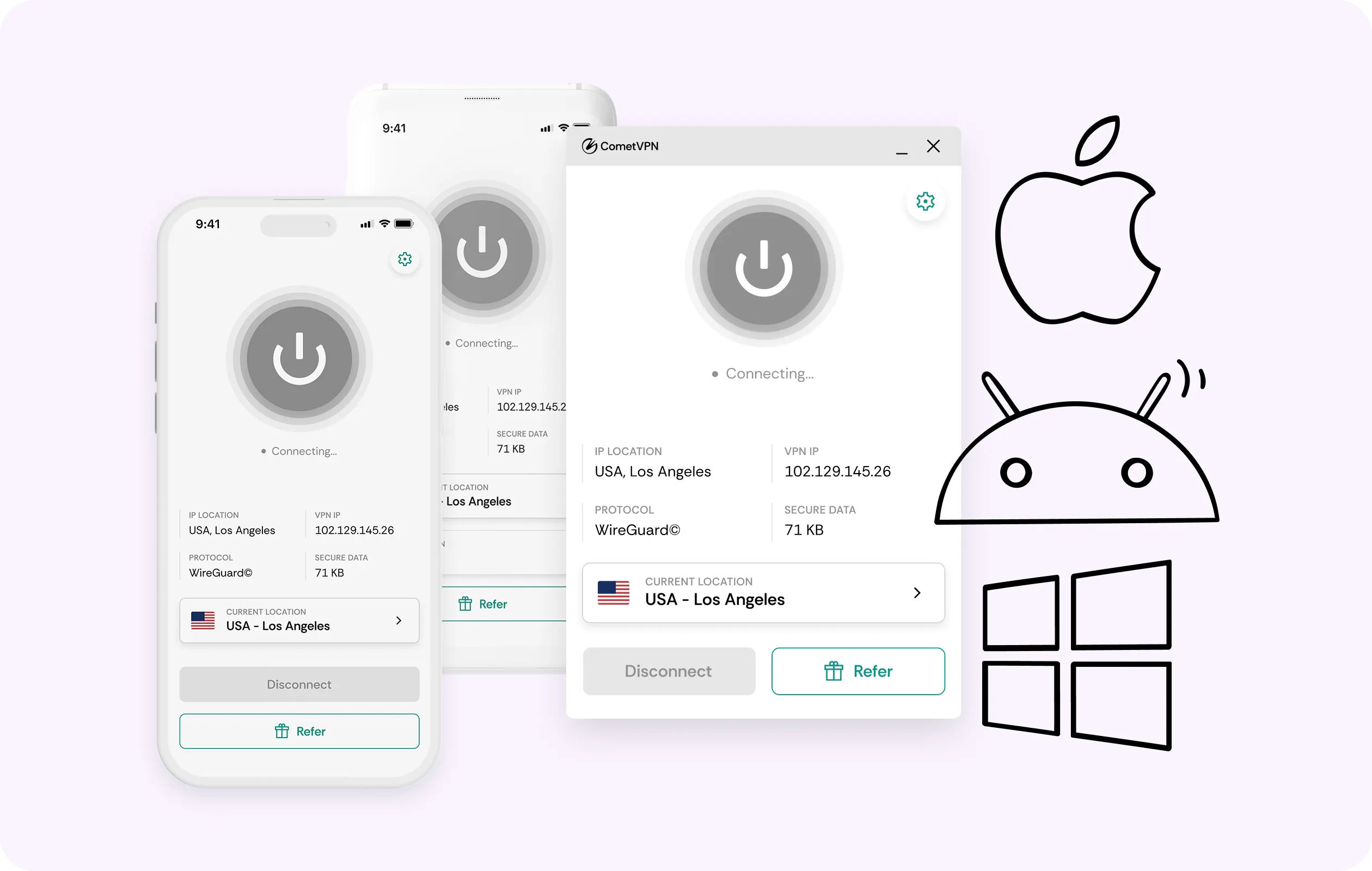
Join from a phone between meetings, switch to a laptop from your desk and keep other devices signed in for later. One CometVPN account covers every device you use, so no need to juggle separate logins.
Why Teams Users Trust CometVPN?
-
 Lauren Bennett
 Good VPN for bypassing social media censorship in Turkey.
-
 Amelia Cross
 I have been travelling a lot for the past few years, and as a rule - CometVPN is always on. It helps me to stay engaged with the news from my home country and I feel much safer knowing that my internet traffic is hidden.
-
 Marcus Holloway
 I just wanted privacy, so this was the perfect choice for me - I wasn’t forced to buy overpriced features, simple for everyday use. The only drawback is that sometimes the interface is not very intuitive, but their consultants have been very helpful for this.
-
 Samuel Whitaker
 CometVPN, although a bit limited in features, worked reliably. Truly a solid choice as I couldn’t find anything more affordable that also works for what VPN is supposed to do.
-
 Ethan Caldwell
 As a Canadian, I was frustrated by not being able to watch U.S. Netflix content, until I found CometVPN. I realized that with their servers, I could bypass restrictions easily and enjoy unlimited streaming.
How to Use CometVPN With Teams
Enable VPN protection
Sign in, pick a server, then open Teams in your browser or via app.
Frequently Asked Questions
Why Won't Teams Connect on My Network?
This is often due to routing congestion or a targeted port block, not because the platform is at fault. A VPN for Teams presents a cleaner route, allowing normal connections.
Is it Legal to Use a VPN With Teams?
Check local law, since some places do restrict VPN use and we can't make legal guarantees. However, it's legal for personal use in many jurisdictions. Still, VPNs can't override company-level IT requirements.
Can Microsoft Restrict My Account for Using a VPN?
No, Microsoft's consumer terms don't prohibit VPN use. In fact, our Microsoft Teams VPN makes extra sign-in verification flags much less likely, since it reads like a home connection.
Does a VPN Make Teams Calls Better or Worse?
The answer depends on routing, to be honest. CometVPN can help you reach the platform and avoid local throttling. Everything's backed by a kill switch, but it can't guarantee better quality.
Why Not Just Use a Free Teams VPN?
A free Teams VPN is likely to earn its keep by selling your traffic data. That is the exact kind of exposure our service is meant to close in the first place.