









Why You Need a VPN for Pinterest?

Government Firewalls
Some governments block major image and social platforms outright. This website is included, even though most of it is recipes, outfit and renovation ideas. The ban sits at the network level. Route your connection through CometVPN's obfuscated server in a supported location to unblock Pinterest.

Restrictive Bandwidth Policies
Schools and offices may also block Pinterest because images and videos use far more bandwidth than text, distractions aside. Encrypt your connection and send it through a different route to sidestep that policy entirely, regardless of the reason the network mostly cares about.

Local Network Gap
A private board hides a pin from other users, not from the network watching your connection. An ISP or office router manager can still see Pinterest opened daily, session length, etc. IP masking with no logs from our Pinterest VPN closes that particular gap.

Unsecured Networks
Cafes, airports, co-working spaces. The login and whatever board is open — a wedding registry, a house hunt, a gift list – it's all left exposed on a network that's out of your control. CometVPN's encrypted tunnels handle this by protecting all data leaving your device.
CometVPN Features for Pinterest Users
Clean Residential IP
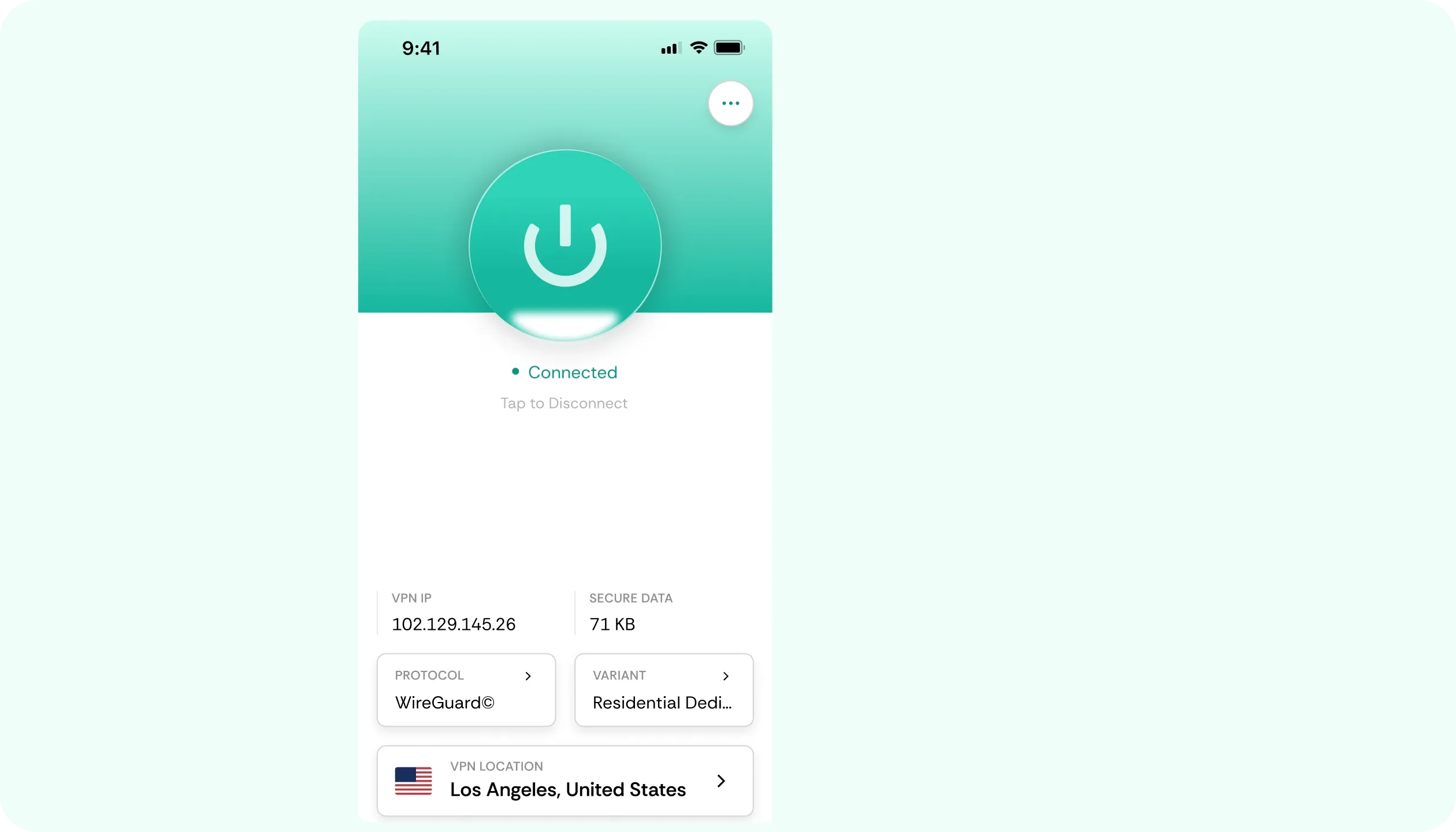
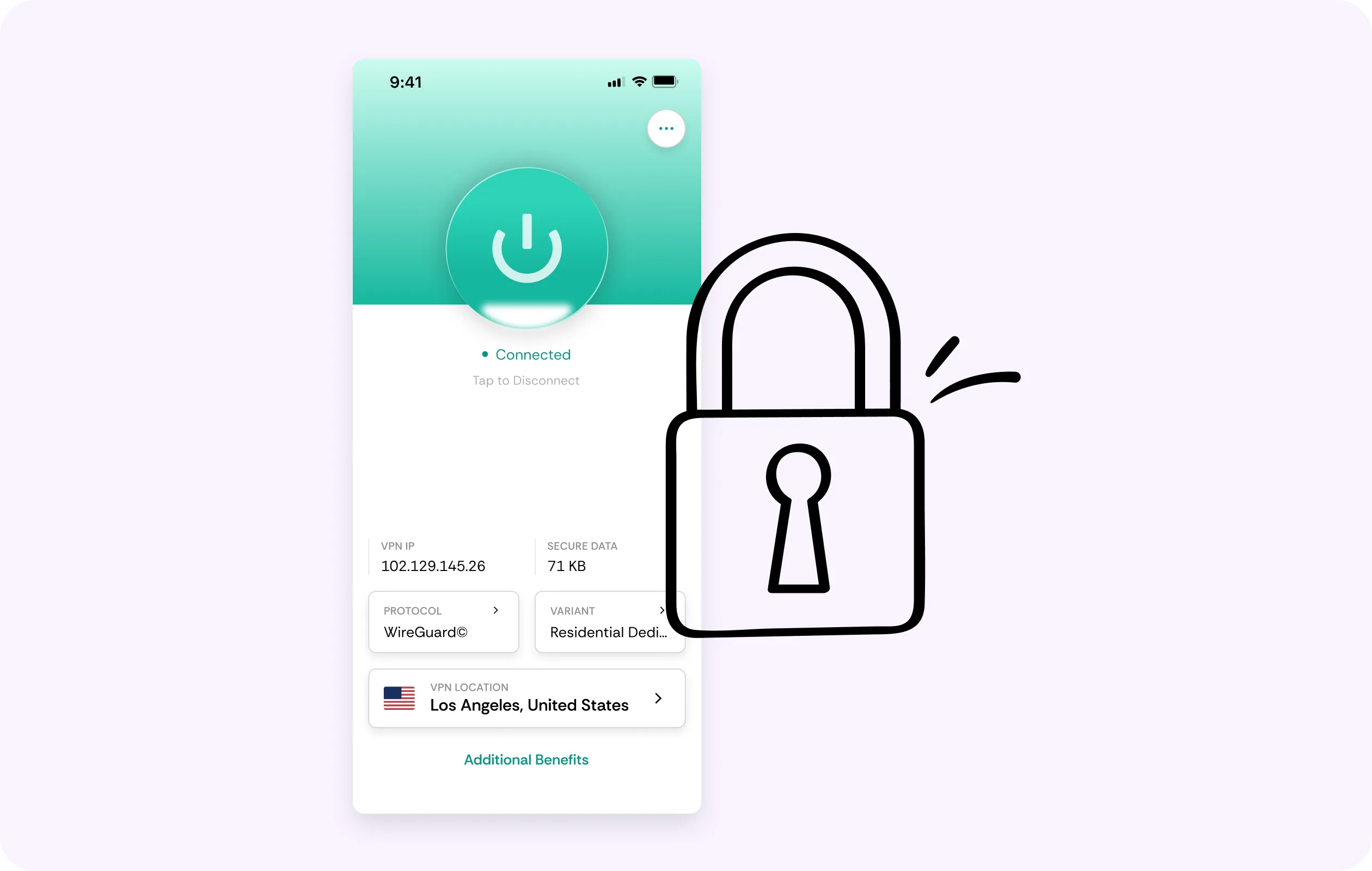
Image-heavy platforms flag data center IPs fast. CAPTCHAs and extra verification steps can pop up quickly. A CometVPN residential IP reads like an ordinary home line, so a new sign-in clears. Residential IP functionality.
Stops Throttling
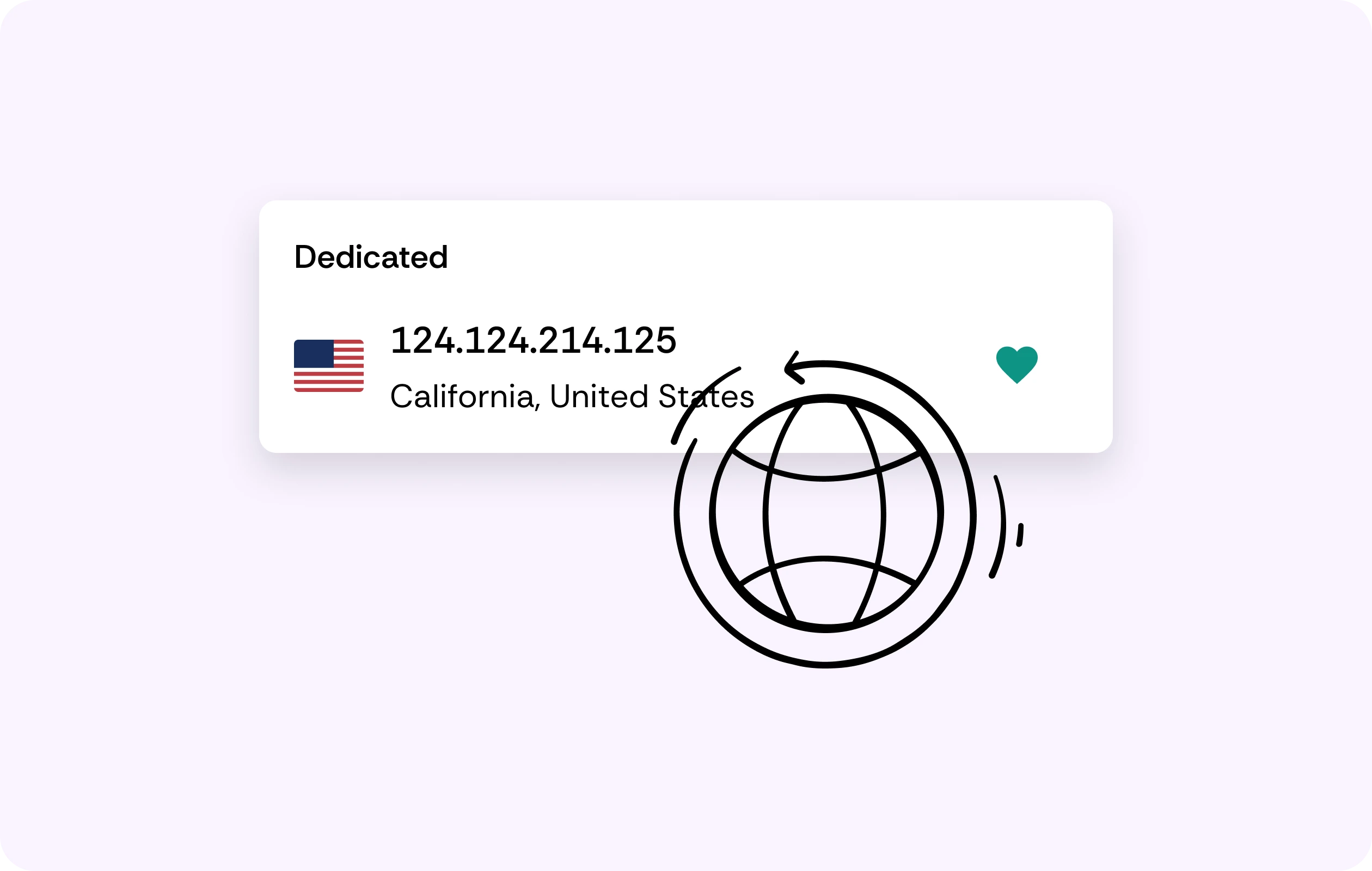
High-res pins, videos and an endless board for scrolling. All of that drags when your ISP starts throttling connections. CometVPN's encryption hides the traffic type, and a kill switch prevents a dropped tunnel from exposing anything.
No-Logs Policy
Even if you know how to access Pinterest at school or work, it can still be recorded. Not with CometVPN, however. We have a zero-logs policy, meaning there's nothing to sell, lose or hand over.
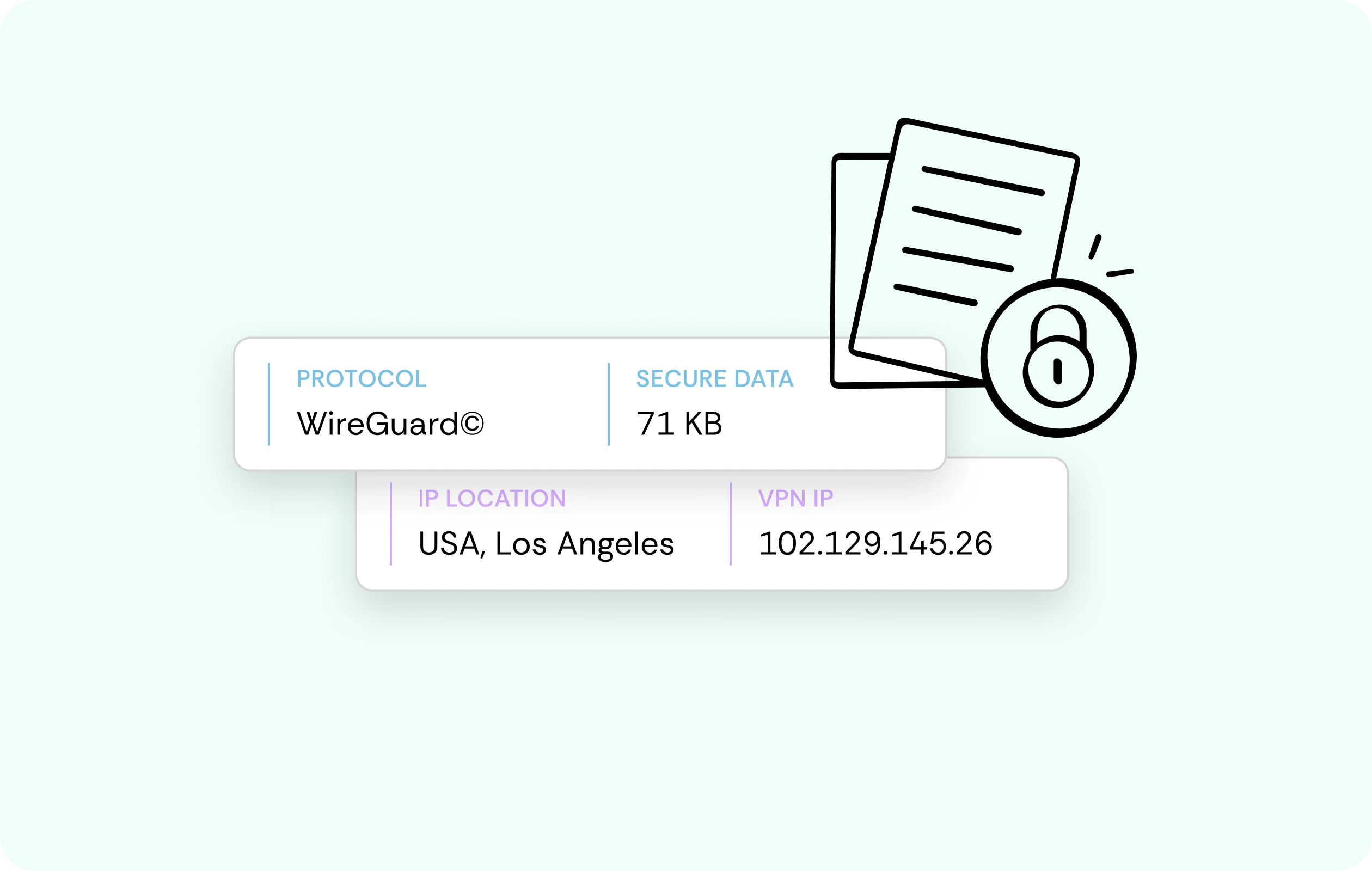
Secure AES-256 Encryption
Every input you make, like a login or whichever board is open, always travels inside an encrypted tunnel from the moment they leave your device. Thus, anyone prying can only see scrambled, unreadable noise.
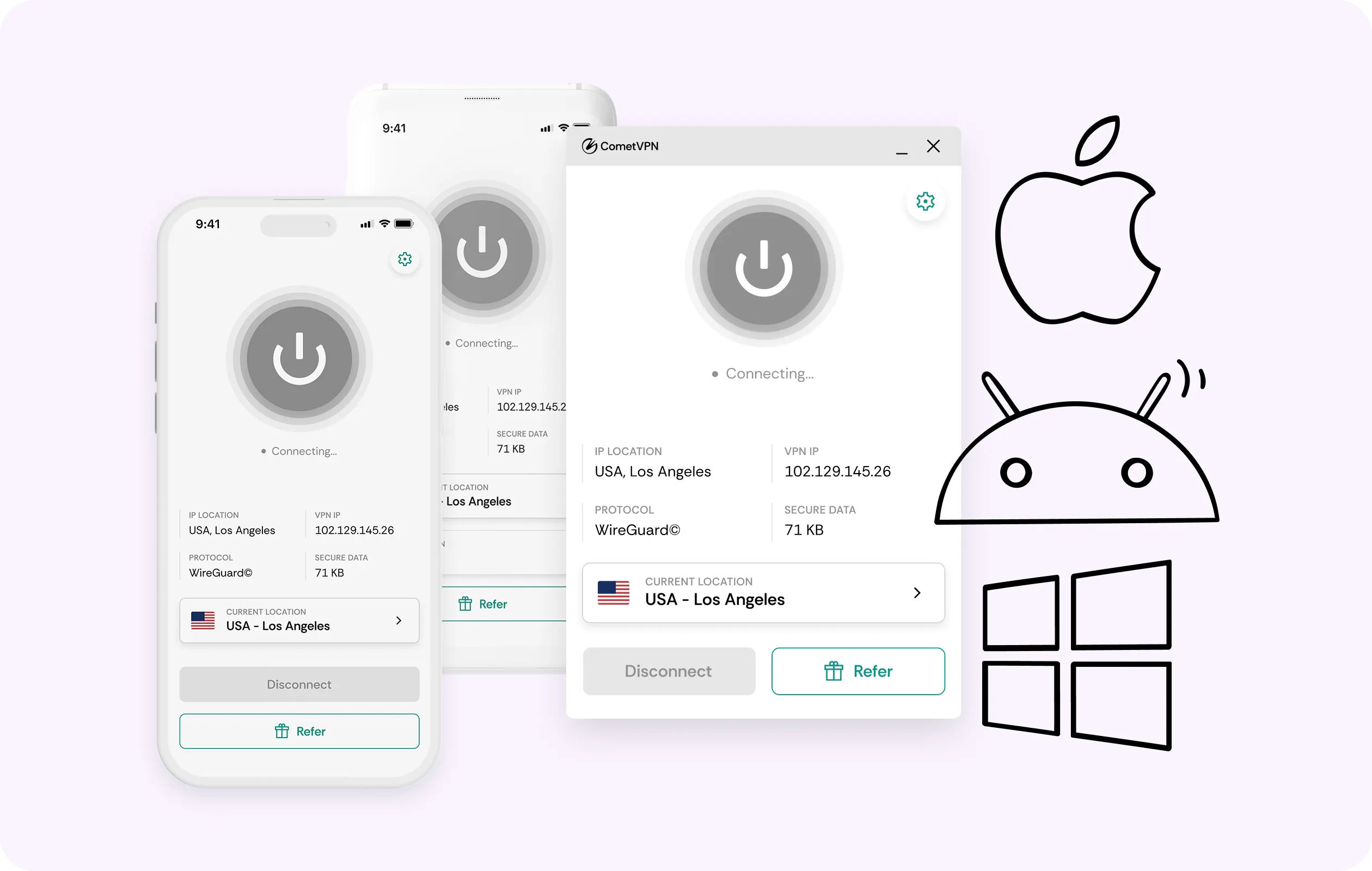
Multi-Device Coverage
Plan on your phone on the go, add pins on your laptop and keep a tablet signed in for later. One CometVPN account covers every device you use, no sign-outs to switch required.
Why Pinterest Users Trust CometVPN
-
 Lauren Bennett
 Good VPN for bypassing social media censorship in Turkey.
-
 Amelia Cross
 I have been travelling a lot for the past few years, and as a rule - CometVPN is always on. It helps me to stay engaged with the news from my home country and I feel much safer knowing that my internet traffic is hidden.
-
 Marcus Holloway
 I just wanted privacy, so this was the perfect choice for me - I wasn’t forced to buy overpriced features, simple for everyday use. The only drawback is that sometimes the interface is not very intuitive, but their consultants have been very helpful for this.
-
 Samuel Whitaker
 CometVPN, although a bit limited in features, worked reliably. Truly a solid choice as I couldn’t find anything more affordable that also works for what VPN is supposed to do.
-
 Ethan Caldwell
 As a Canadian, I was frustrated by not being able to watch U.S. Netflix content, until I found CometVPN. I realized that with their servers, I could bypass restrictions easily and enjoy unlimited streaming.
How to Use CometVPN With Pinterest?
Enable VPN protection
Sign in to Comet, pick a server, and open Pinterest on your device as usual.
Frequently Asked Questions
Why Won't Pinterest Load on School or Office Wi-Fi?
Most likely, the network is blocking it for bandwidth reasons, not any fault on Pinterest's end. A VPN for Pinterest routes you through a different connection, so boards load normally.
Is it Legal to Use Pinterest With a VPN?
Yes, in most countries, using a VPN with it is legal. A handful of jurisdictions do restrict VPNs, so check local law. Pinterest's own terms don't prohibit VPNs either.
Can Pinterest Restrict My Account for Using a VPN?
Nope, since their own terms don't prohibit VPN use. What's more, a residential IP adds convenience, since extra verification flags become much less likely thanks to residential IPs.
Will a VPN Make Pinterest Slower?
It shouldn't. CometVPN keeps overheads minimal thanks to WireGuard. Plus, encryption stops an ISP from any throttling to image-heavy boards.
Why Not Just Use a Free Pinterest VPN?
Almost every free Pinterest VPN keeps the lights on by selling your traffic and data. That's the same browsing privacy we're all about protecting, so free tools can't ensure total privacy.