









Double NAT: What It Is and How to Fix It
Key takeaways:
- If your router's WAN IP is private (like 192.168.x.x), you likely have a double-NAT issue. While it doesn't affect basic browsing, it’ll need fixing if you plan to game online or access your home network remotely.
- If the issue is caused by your hardware, the most reliable fix is to enable bridge mode on the modem provided by your ISP.
- For the best performance, only one device in your home should be performing Network Address Translation at any given time.

Guoda Šulcaitė
6 min read
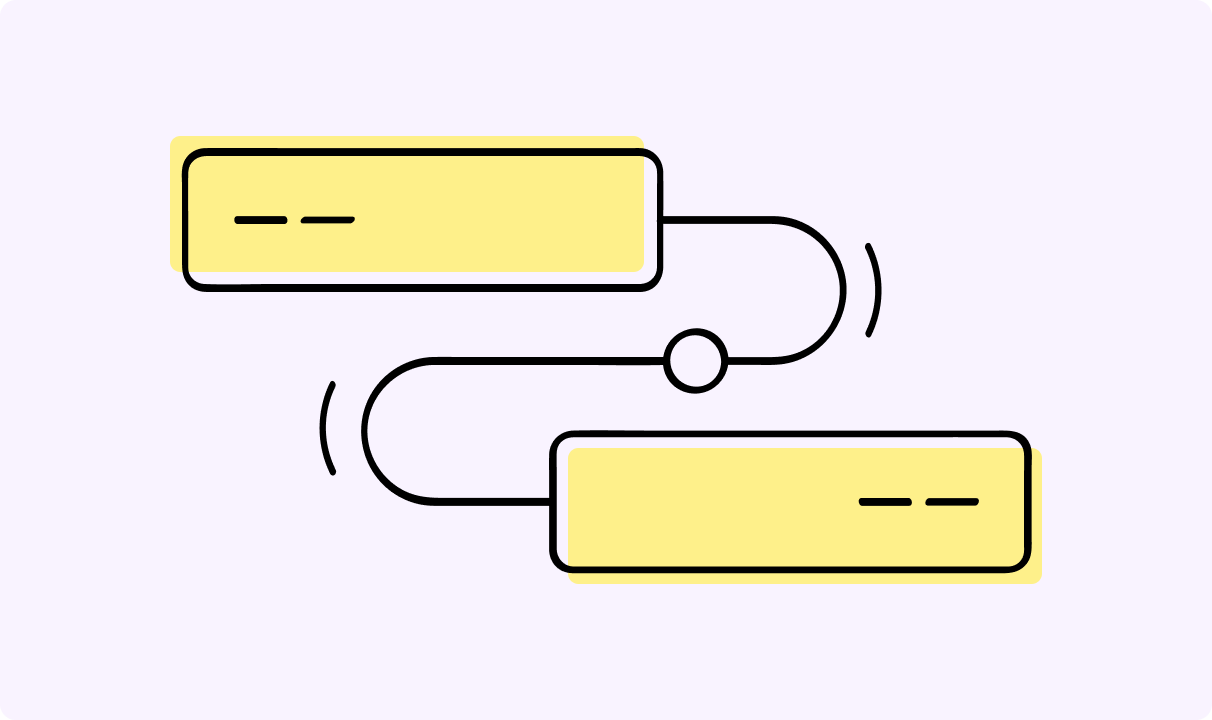
Double NAT happens when you have two routers connected in a chain, and both are trying to manage network traffic and assign private IP addresses. It usually pops up when you plug a new Wi-Fi router into the ISP-provided modem that already has its own routing smarts.
While your internet might still work for basic browsing, double NAT setup creates a wall that stops outside data from reaching your devices correctly. It's a massive headache for gamers who can't join lobbies or anyone trying to host a home server.
Fortunately, you don't need to be a tech expert to fix it; you can usually resolve double NAT by changing just one or two settings. We'll show you how to find the problem, choose the right fix, and get your network running perfectly in less than ten minutes.
What Is Double NAT?
To understand double NAT, you first need to know about Network Address Translation. It’s the technology your router uses to take a single public IP address from your provider and share it with all your phones, laptops, and consoles.
Each device gets its own private IP address inside your home, but they all appear as a single connection to the outside world. Double Network Address Translation happens when your data has to go through the translation process twice before it even hits the open internet.
Usually, double NAT occurs because you have a gateway (modem/router combo) from your internet provider and a second personal router or mesh system connected to it. Both devices are trying to manage the traffic, which means your data has to jump through two separate hoops.
It creates a confusing map for incoming data packets because the first router blocks them, not knowing they are meant for a device connected to the second router.
Why Double NAT Causes Problems
The biggest issue with double NAT is that it breaks the path for incoming connections. If you're into gaming, you'll likely see “Strict NAT” errors or find that matchmaking takes forever because other players can't connect to you. Furthermore, port forwarding won't work correctly because the first router doesn't know which device on the second router should get the data.
You might also run into trouble if you try to host a VPN server at home, or with specific smart home gadgets that rely on Universal Plug and Play (UPnP) to function. Whenever your console or router app flashes a “Double NAT Detected” warning, it's telling you that your network has two barriers impeding incoming connections, creating a communication breakdown.
These multiple routers aren't coordinating, so the first router drops incoming data simply because it doesn't know where to send it.
How to Tell If You Have Double NAT
Check 1: Look at Your Router’s WAN / Internet IP
The fastest way to check is to log into your personal router's settings and look for the Internet or WAN status page. Check the IP address assigned to your WAN port to see if it looks like a local address.
If that number starts with 192.168.x.x, 10.x.x.x, 172.16.x.x, or the carrier range 100.64.x.x, you have a private IP coming from another device. It’s a dead giveaway that double NAT occurs because your router is getting its internet from an upstream router/gateway instead of directly from the web.
Check 2: Compare WAN IP vs “What’s My IP”
Open a browser and search for “What is my IP” to see your public IP address on the web. Now, compare that number to the IP address listed in your router's WAN port settings.
If those two numbers are different, your router is sitting behind another layer of Network Address Translation. When they match, it means your router is talking directly to the internet provider, which is exactly what you want.
Check 3: Device or App Warnings
Many modern mesh systems and gaming consoles have built-in tests that specifically look for double NAT. If your PlayStation or Xbox network test shows “Double NAT detected,” you have a configuration issue that prevents you from hosting lobbies or joining friends, causing matchmaking failures.
Similarly, if your router's mobile app sends you an alert about your network configuration, don't ignore it because it's a sign that your multiple routers are fighting for control.
Best Ways to Fix Double NAT
Fix 1 (Best): Enable Bridge Mode on the ISP Gateway
The cleanest way to resolve double NAT is to enable bridge mode on your ISP gateway. This setting tells your provider's modem to stop acting like a router and just pass the raw signal through to your own equipment.
Once you do that, your personal router will get the public IP address directly, and all those connection errors should vanish.
Fix 2: Put Your Router or Mesh System in Access Point (AP) Mode
If you can't change the settings on the modem, you can set your personal router to Access Point (AP) mode instead. With it, your ISP-provided modem handles all the routing, and your second router just acts as a Wi-Fi broadcaster.
While it stops the double NAT issue, it forces you to rely on the ISP's potentially weaker hardware for routing, and disables features on your personal router like Quality of Service, VPNs, and parental controls.
Fix 3: Use DMZ on the ISP Gateway
If you can't enable bridge mode, you can use a feature called DMZ on the ISP gateway. You tell the first router to send all incoming traffic to the second router's IP address.
Note that you must assign a static IP to your second router first; the DMZ rule will break if the IP changes after a reboot. Make sure you only put your second router in the DMZ and never a single PC or console, as that would leave them unprotected.
How to Fix Common Home Network Setups
ISP Gateway + Personal Router
When you have conflicting routers, your best bet is to use bridge mode on the ISP gateway so it stops trying to do Network Address Translation. If your provider won't let you do that, then switching your personal router to AP mode is the next best thing to eliminate the double NAT conflict.
ISP Gateway + Mesh Wi-Fi System
Mesh systems are notorious for causing a double NAT problem because they're designed to be the primary router for your whole house. Since these systems work best when they're in charge, you should try to bridge the ISP gateway.
If that's not an option, switch your mesh system to Access Point (AP) Mode (sometimes called “Bridge” on eero devices), so it relies on the modem for routing.
Console Warning: “Double NAT Detected”
Consoles struggle with double NAT because it breaks peer-to-peer (P2P) connections, where consoles connect directly to each other rather than a central server. When you have multiple routers, your NAT type will usually show up as “Strict” or “Moderate”, which limits who you can play with.
To get an “Open” NAT type, you need to ensure only one device is performing Network Address Translation.
The best fix order is always to try to enable bridge mode first, followed by AP mode, and finally, using a DMZ if nothing else works.
Once the double Network Address Translation is gone, your console will have a much easier time finding matches and keeping you in the game without dropping out.
How to Confirm Double NAT Is Fixed
After you've made your changes, you need to verify that everything is working as it should. If you used the Bridge Mode fix, check your personal router to ensure the WAN IP now matches your public IP. If you used the AP Mode fix, simply verify that you no longer see “Double NAT” warnings on your devices.
You should also check that only one device on your network is handling DHCP, which is the system that hands out a private IP to your gadgets.
Run another connection test on your gaming console or use a port forwarding tester online to see if your ports are finally open. If the “Double NAT Detected” message is gone, and your NAT type is now “Open”, you've successfully cleared the hurdle. Your ISP gateway and your own router are finally working together instead of against each other.
Frequently Asked Questions
What does double NAT mean?
It means your internet traffic is being translated twice by two routers before it reaches your devices or the web.
How do I know if I have double NAT?
Look for a private IP on your router’s WAN port or check for “Double NAT” warnings in your console's network settings.
Is double NAT bad for gaming or online services?
Yes, because it blocks incoming connections, causes matchmaking failures in games, and makes port forwarding almost impossible to set up.
How do I fix double NAT on my home network?
The most effective way is to use bridge mode on your ISP-provided modem so your own router can take over.
What’s the difference between double NAT and CGNAT?
Double NAT happens inside your house with multiple routers, while CGNAT is a similar process done by your internet provider before the signal even reaches your door.
Author
Guoda Šulcaitė
Growth Manager at CometVPN
Guoda is an all-round marketing professional with deep knowledge in the tech SaaS industry, particularly VPNs and proxies. She has worked on numerous projects and helped achieve impressive results through project management, content production, and SEO.
Related articles

4 min read
Ethernet vs Wi-Fi: Which One is Better?
Ethernet and Wi-Fi are the two main ways to connect your computer to the internet. While Wi-Fi has received significantly more attention in recent years, especially among consumers, due to its simplicity and flexibility, ethernet is still widely used in various other applications.
Even if Wi-Fi is significantly more popular, it isn’t strictly better. Both methods have their benefits and drawbacks. Wi-Fi’s popularity comes from its ease-of-use and flexibility, but an ethernet connection can be much more useful in certain scenarios.

Adomas Šulcas

5 min read
How to Change Chrome Proxy Settings: The Ultimate Guide
A proxy server is an easy alternative to a VPN that can perform most of the functions of the latter. It’s a server that stands between your device and the destination server, taking your connection requests and forwarding them in your name.
Destination servers in almost all cases see the proxy server as the originator of the request. As such, proxies are widely used in various, mostly business-related applications whenever privacy, security, location changing, and several other factors are at play.
Guoda Šulcaitė