










What Is a VPN Kill Switch?
A kill switch is a security feature built into CometVPN. It cuts off your internet connection if your VPN connection drops, and keeps your data secure

Instant detection of VPN drop
The kill switch detects when your VPN connection weakens or ends, reacting right away to stop leaks

Automatic internet block
The kill switch blocks your internet connection before any data escapes. You won’t notice a gap

Reconnection logic
Once it’s safe, the kill switch helps your device auto-connect to the VPN again. You’re back online with no risk
How CometVPN’s Kill Switch Works
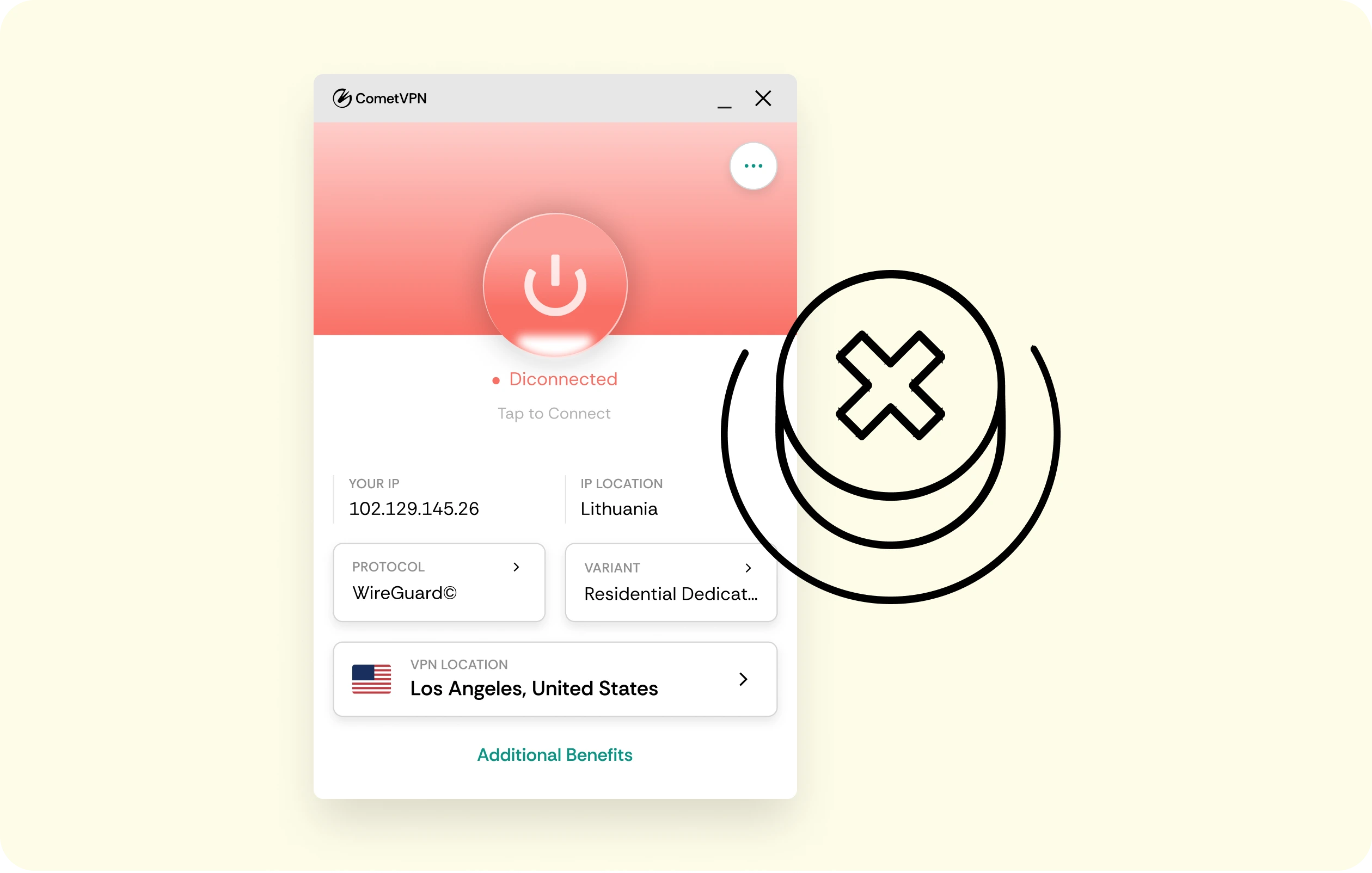
CometVPN’s kill switch runs in the background all the time. When your VPN connection drops, it cuts your internet connection instantly to stop any data leaks, such as your IP, DNS, and any personal info.
The kill switch activates the moment it senses trouble. It then waits for a safe VPN connection to come back before letting you go online again. The kill switch guarantees your privacy stays locked
Supported VPN protocols

OpenVPN
A highly secure, open-source protocol known for strong encryption, flexibility, and accessibility across multiple devices and networks

WireGuard
It's a newer, faster, and more efficient protocol that offers advanced cryptography while maintaining strong security
Benefits of Using a Kill Switch

No IP or DNS leaks
The kill switch blocks all leaks if your VPN connection drops

Essential for public Wi-Fi
Stay hidden on any unsecured networks, like airports or coffee shops

Peace of mind for remote workers
The kill switch guarantees that your job data stays private
How to enable VPN kill switch on CometVPN

Step 1
Open the CometVPN app and log in

Step 2
Go to Settings and find the kill switch tab
Step 3
Select the system-level kill switch feature

Step 4
Turn on the kill switch and hit save
Choose a plan that works for you:
most popular
24 Months
+3 Months Free
12 Months
+1 Month Free

Residential VPN
Uses IP addresses derived from household devices, making detecting your VPN usage nearly impossible

Dedicated Residential IP
Get an IP address that’s reserved just for you.

Obfuscated VPN
Hide your traces even further, making it difficult to detect that you’re using a VPN service
30-day money-back guarantee.
Payment methods:





Questions & answers
What happens when a kill switch is activated?
When the kill switch activates, it instantly cuts off your internet connection if the VPN connection drops. It stops any chance of IP, DNS, or data leaks.
Should I always enable the kill switch?
Yes, you should. A kill switch ensures that your private information won’t slip out during a VPN connection failure. Even a short drop on an unsecured network can expose your location or data without a kill switch.
What are the disadvantages of using a VPN kill switch?
The main downside is that your internet connection will stop briefly if the VPN connection fails and the kill switch activates. It can be annoying if you’re in the middle of something. But it's better to lose the internet for a second than leak and risk your data.
Can I use a kill switch on mobile?
Yes, CometVPN’s system-level kill switch disables the internet connection on mobile devices, too. It keeps your VPN connection protected and shuts off network traffic when needed.